
Rendering hub
Architectural rendering techniques, from first image to final output
Architectural rendering techniques decide whether an image reads as a real building or as a model. This hub collects our guides in a practical order: what rendering is, how light and materials work, which views to render, how the main engines compare, and how to finish and speed up the result.
Updated November 2026
Most read
Most read rendering guides
The guides readers open most often from Google search, based on the last 90 days.
- 1
 Best Free 3D Rendering Software for Architects in 20269 min read
- 2
 Render Denoising Explained: How to Reduce Render Noise and Get Clean Images Faster9 min read
- 3
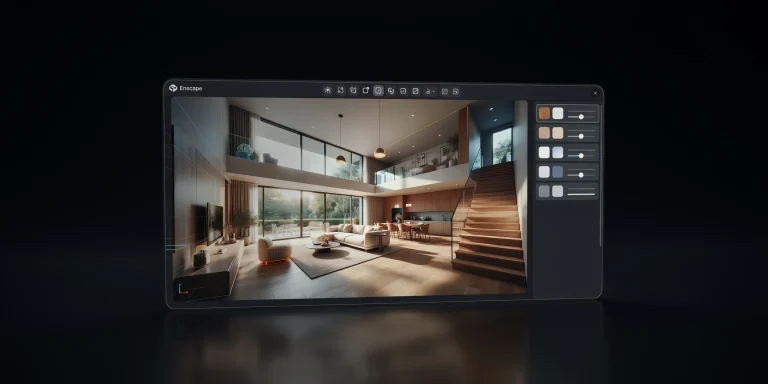 Enscape for SketchUp: A Practical Guide to Real-Time Rendering9 min read
- 4
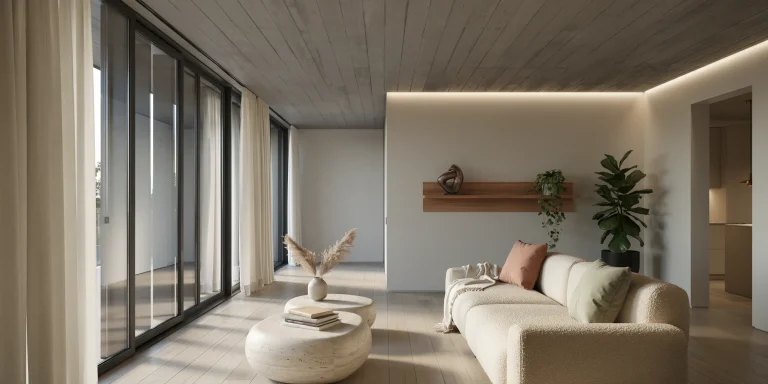 Enscape for Revit: Setup and Workflow Guide for Real-Time Rendering9 min read
- 5
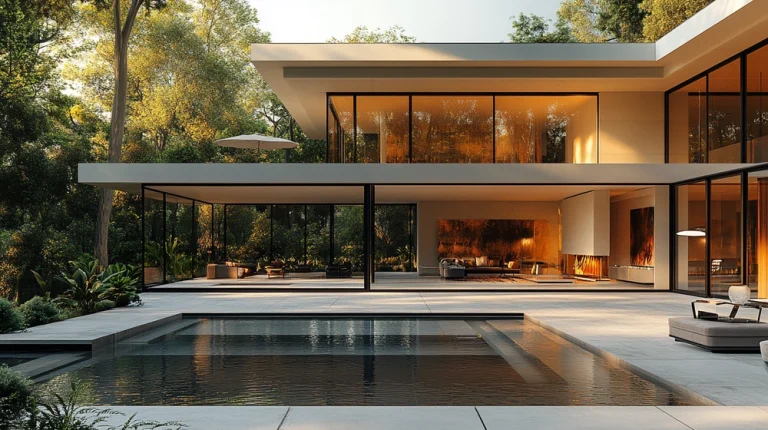 What Makes a Great Architectural Render? 7 Key Elements Explained13 min read
Skip the render queue
Try an AI render on your own file
Archfine works with exports from SketchUp, Revit, Rhino, AutoCAD, Blender, 3ds Max and more. Pick a starting point and see examples before you upload.
Learning route
A learning route through architectural rendering
New to rendering? Read these nine guides in order. They go from what a render is, to choosing software and lighting a scene, to cleaning up and finishing the image.
What archviz is, how a 3D render is made and what makes an image convincing.
Pick free or paid software, link a real-time engine to your model and light the scene.
Remove noise, work through post production in Photoshop and push the result toward photoreal.
01 · Basics
What architectural rendering is
What archviz covers, how a 3D render is made, what makes a strong image, how visualization has changed, photoreal or stylized, and real-time or offline.
 Basics
What Is Architectural Visualization? A Complete Guide to Archviz
Discover architectural visualization, a crucial tool in design that transforms 3D models into realistic images and experiences, enhancing…
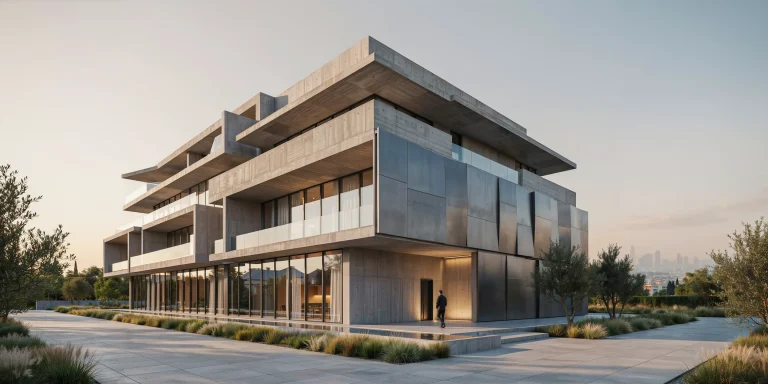 Basics
3D Architectural Rendering Explained: Process, Types, and Software
Discover the essentials of 3D architectural rendering, from its process and types to the software used.
BasicsWhat Makes a Great Architectural Render? 7 Key Elements Explained
What turns an ordinary 3D image into a convincing architectural render? This guide breaks down seven essential elements that define render quality…
 Basics
From Hand Sketch to Hero Image: The Evolution of Architectural Visualization
Explore the 4,000-year evolution of architectural visualization, from hand-drawn sketches and Renaissance perspective to CAD, 3D rendering, BIM, and…
 Basics
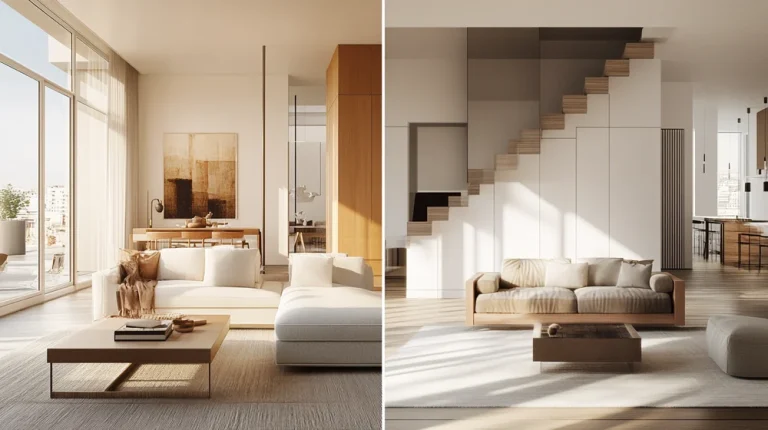
Photorealistic vs Stylized Renders: Which One Wins Clients Faster?
Choosing between photorealistic and stylized architectural renders is not just an aesthetic decision.
 Basics
Real-Time vs Offline Rendering for Architecture: A Comparison
Real-time rendering vs offline for architecture: how GPU speed, light accuracy, and cost compare, plus when to use Enscape, Twinmotion, V-Ray, and…
02 · Light and materials
Light, materials and realism
Set up daylight and night scenes, build PBR materials, understand ambient occlusion and subsurface scattering, and find free HDRIs and textures.
 Lighting
Architectural Rendering Lighting: A Complete Setup Guide
Architectural rendering lighting explained: set up exterior, interior, day, night and HDRI lighting with a step-by-step workflow for realistic…
 Lighting
Night Render Techniques for Architecture: Lighting and Mood Guide
Master the night render for architecture with twilight sky, warm interior light spill, color temperature, IES fixtures, reflections, and exposure…
 Lighting
PBR Materials for Architectural Rendering: A Practical Guide
A practical guide to PBR materials in architecture, covering texture map types, glass, aluminum and wall panel surfaces, Revit setup, and texture…
 Lighting
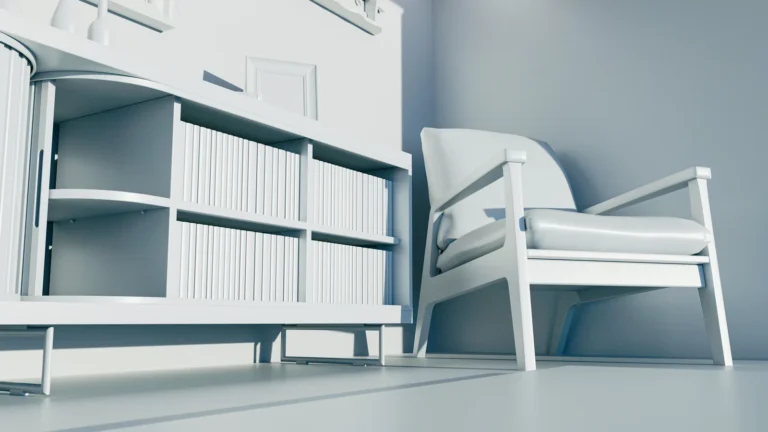
Ambient Occlusion Explained for Architectural Renders
Ambient occlusion is what stops furniture floating above the floor in a render, and it is also one of the most overused controls in archviz.
 Lighting
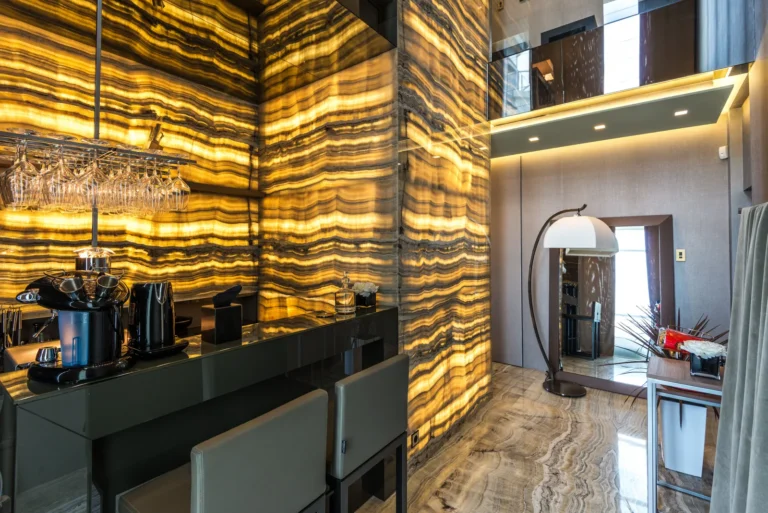
What Is Subsurface Scattering in 3D Rendering?
Subsurface scattering makes backlit marble glow and curtains look soft instead of painted.
 Lighting
Free HDRI and Texture Resources for Architectural Visualization
A practical guide to the best free HDRI and texture resources for archviz, with licensing notes, where to download CC0 PBR materials, and how to use…
03 · Finishing
Photoreal finish and post production
Techniques for photoreal images, people and trees for scale, clean denoising and a Photoshop workflow for the final pass.
 Finishing
How to Make Photorealistic Renders: A Technique Guide
Learn how photorealistic rendering works in architecture, with a practical realism checklist covering lighting, PBR materials, composition, and…
 Finishing
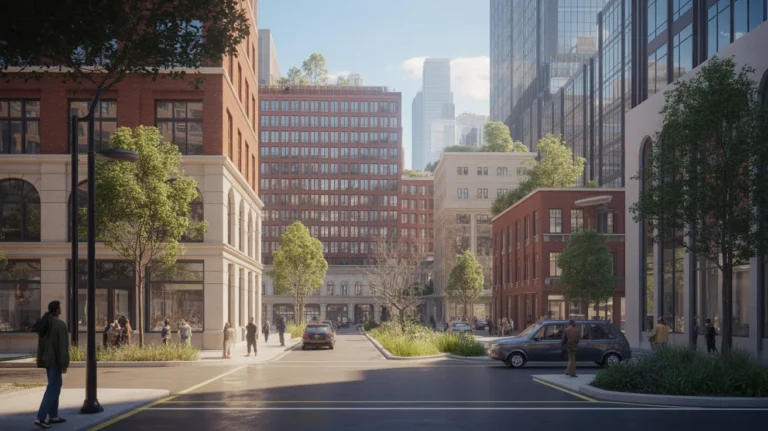
Entourage Architecture: People, Trees and Scale
Entourage architecture covers everything in an image that is not the building, and it is where many competent renders fall apart.
FinishingRender Denoising Explained: How to Reduce Render Noise and Get Clean Images Faster
Render denoising removes grain from path-traced images so you can render at lower samples.
 Finishing
Render Post Production in Photoshop: A Step-by-Step Workflow
Render post production in Photoshop made simple: composite passes, fix exposure, color grade interiors and exteriors, and add depth with the Z-Depth…
04 · Render types
Render types and views
Section perspectives, aerial views, clay renders, rendered floor plans, site plan renders and animated walkthroughs.
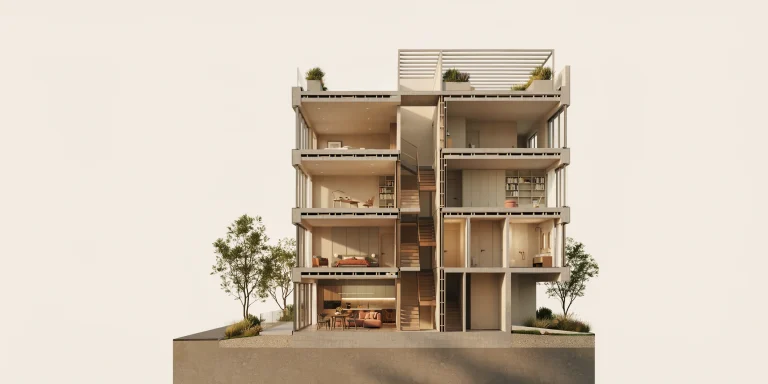 Render types
Section Perspective Renders: A Complete Guide to Cutaway Visualization
A section perspective render cuts a building open in 3D to show interior space, structure, and circulation.
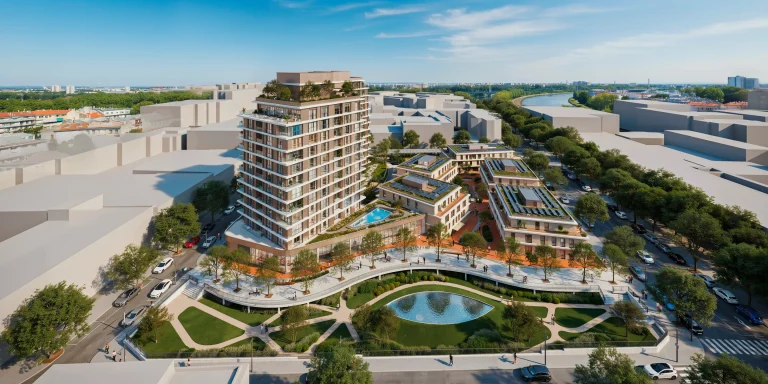 Render types
Aerial Rendering for Architecture: A Guide to Bird’s-Eye and Drone Perspectives
Aerial rendering shows buildings from a bird’s-eye or drone view.
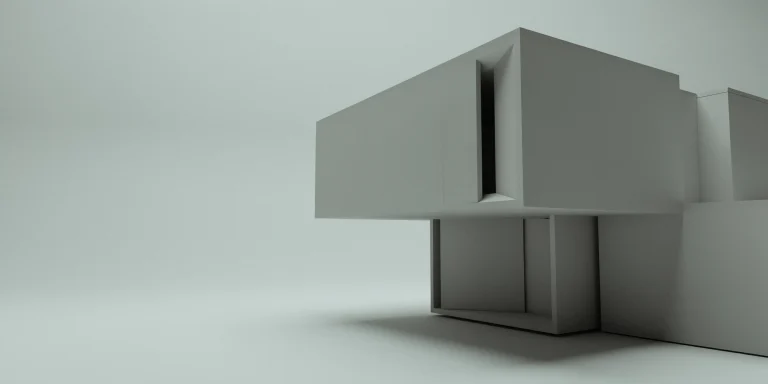 Render types
White Model Render: When and How to Use Clay Renders in Architecture
A white model render strips a design to pure form. Learn when to use clay renders for massing and reviews, plus how to set one up in any rendering…
 Render types
Rendered Floor Plan: How to Make One in 2D and 3D
A rendered floor plan replaces drawing convention with recognition, which is why listings and client presentations use them.
 Render types
Site Plan Rendering: A Complete Guide for Architects
Site plan rendering turns flat 2D layouts into clear 2D and 3D visuals.
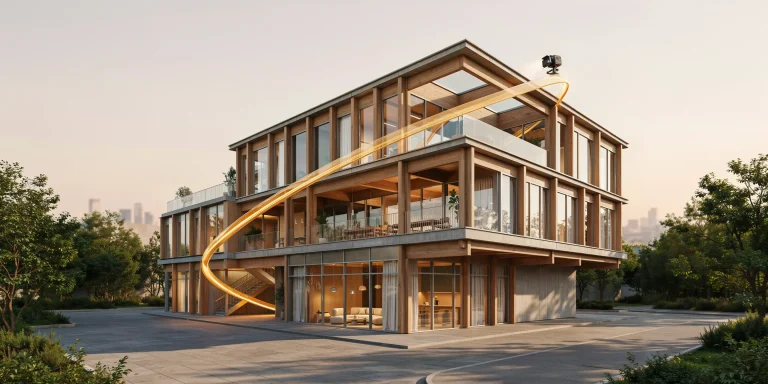 Render types
Architectural Animation: How to Plan, Render, and Polish Walkthroughs and Flythroughs
Architectural animation explained: plan camera paths, compare walkthrough and flythrough software, estimate render time, and polish cinematic…
05 · Real-time
Real-time render engines
Setup and workflow guides for Enscape in SketchUp and Revit, Enscape settings, Twinmotion, Lumion and D5 Render.
Real-timeEnscape for SketchUp: A Practical Guide to Real-Time Rendering
Discover how Enscape for SketchUp enhances real-time rendering, allowing instant updates and photorealistic results.
Real-timeEnscape for Revit: Setup and Workflow Guide for Real-Time Rendering
Discover how to set up and use Enscape for Revit for real-time rendering.
 Real-time
Enscape Settings and Render Setup by Engine
Enscape settings and the equivalent controls in Lumion, V-Ray and Corona all do the same four jobs under different names.
 Real-time
Twinmotion for Revit: A Real-Time Rendering Workflow Guide
Discover how to use Twinmotion with Revit for real-time rendering.
 Real-time
Lumion Tutorial: A Complete Beginner to Pro Guide
This Lumion tutorial covers model import, materials, lighting, real-time rendering, and the render settings that take you from beginner to polished…
 Real-time
D5 Render for Architecture: Complete Guide to Settings and Workflow
D5 render guide for architects covering system requirements, key quality settings, interior and exterior workflow, and how it compares to Lumion in…
06 · Offline engines
Offline engines for final images
V-Ray, Corona, Octane and 3ds Max workflows for final stills and animation.
 Offline
V-Ray for Architecture: Settings, Materials and Workflow Guide
V-Ray for architecture explained: render settings, materials, lighting and workflow tips for 3ds Max and SketchUp to produce clean, photorealistic…
 Offline
Corona Renderer for Architecture: A Complete Workflow Guide
Corona renderer for architecture covers settings, materials, lighting and interior render workflows in 3ds Max, plus how it compares to V-Ray for…
 Offline
Octane Render for Architecture: A GPU Rendering Guide for Archviz
Octane render for architecture explained: GPU settings, materials, Cinema 4D, Blender and 3ds Max workflows, plus how it compares to V-Ray for…
 Offline
3ds Max Rendering for Architecture: Workflow, Settings, and Engine Setup
3ds Max rendering for architecture: workflow, V-Ray vs Corona setup, render settings, lighting, and tips to cut render times on interior and exterior…
07 · Choose software
Choosing rendering software
Free and paid options, engine comparisons, V-Ray or Corona, Blender, 3ds Max or SketchUp, alternatives to Lumion and how to render in each modelling program.
SoftwareBest Free 3D Rendering Software for Architects in 2026
Discover the best free 3D rendering software for architects in 2026, including Blender, Twinmotion, and D5 Render.
 Software
Architectural Rendering Software Compared: A Practical 2026 Guide
Discover the key differences between real-time and offline architectural rendering software in our 2026 guide.
 Software
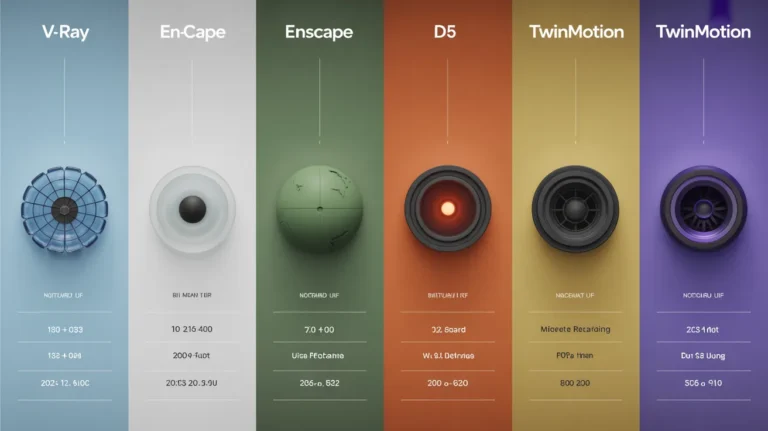
Render Engine Comparison: Which One Fits Your Work
Render engine comparison usually starts with image quality and should start with workflow, because the major engines converged on output years ago.
 Software
V-Ray vs Corona for Architecture: Which Render Engine Fits Your Workflow
V-Ray vs Corona for architecture compared on speed, ease of use, quality, materials, and cost, so you can match the right render engine to your…
 Software
Blender vs 3ds Max vs SketchUp for Architecture
Blender vs 3ds Max is a workflow question rather than a capability one, and adding SketchUp makes that clearer.
 Software
Lumion Alternative and Render Engine Switching Guide
A Lumion alternative is usually sought for cost or hardware, and the same applies to Enscape, V-Ray and Twinmotion.
 Software
3D Modeling Software for Architecture: The Four Families and How to Choose
Architects use four families of 3D modeling software, and each one treats a building differently.
 Software
How to Render in SketchUp, Rhino, AutoCAD and More
Learning how to render in SketchUp, Rhino, AutoCAD or ArchiCAD comes down to the same four decisions in each: engine, materials, lighting and camera.
08 · Speed and cost
Speed, hardware and outsourcing
Cloud rendering, render farms and the laptop you need, plus what rendering costs and how to choose a studio or service.
 Production
Cloud Rendering for Architects: How It Works
Discover how cloud rendering transforms architectural workflows by processing 3D scenes on powerful remote servers, speeding up project timelines.
 Production
What Is a Render Farm and How It Speeds Up Your Renders
Discover how a render farm accelerates rendering tasks by utilizing multiple computers, transforming hours of work into minutes.
 Production
Best Laptop for Architects in 2026
The best laptop for architects has to model, render, drive a monitor and travel, and those pull in opposite directions.
 Production
Architectural Rendering Cost in 2026: A Complete Pricing Breakdown
In 2026, architectural rendering costs range significantly from under $1 using AI platforms to over $8,000 for premium studio images, influenced by…
 Production
Architectural Rendering Services: A Complete Guide
Explore the world of architectural rendering services, transforming designs into stunning visuals.
 Production
3D Rendering Company: How to Choose One
Choosing a 3D rendering company comes down to portfolio fit, revisions, what you supply and total cost, with price per image the least useful…
At a glance
Which render engine fits which job
The main engines now reach similar image quality. What separates them is how they work with your model and how fast you can iterate. Use this table to narrow the choice, then open the guide for settings.
| Engine | Type | Works with | Good for | Guide |
|---|---|---|---|---|
| Enscape | Real-time, GPU | Plugin linked to SketchUp or Revit | Live visuals without leaving the model | Read → |
| Twinmotion | Real-time | Revit through Datasmith Direct Link | Stills, animations and panoramas synced to Revit | Read → |
| Lumion | Real-time, GPU | Standalone, imports SketchUp, Revit or Rhino models | Fast feedback on sun, shadows and planting | Read → |
| D5 Render | Real-time, GPU ray tracing | Standalone application | Interiors and exteriors, with a free Community tier | Read → |
| V-Ray | Offline production engine | 3ds Max, SketchUp, Rhino and Revit | Final images clients study up close | Read → |
| Corona | Offline, CPU | 3ds Max or Cinema 4D | Natural light with near-default settings | Read → |
| Octane | GPU, unbiased | Cinema 4D, Blender and 3ds Max | Fast iteration and final client imagery | Read → |
Archfine features
Render concepts in seconds, then refine them
Archfine is trained specifically on architectural imagery, so it understands spatial proportions, materials and lighting. Use it next to your render engine for quick concept views and option studies, then keep editing the result without starting over.
- Selective editing: mask a wall, roof or garden bed and change it
- 4K upscaling for presentation boards and competition panels
- Batch variations of materials, palettes and atmospheres
- Sketch, photo, 3D model, site plan and blueprint inputs
- Style transfer from a written prompt
- Results in seconds, not hours
Start creating renders today
- Upload a sketch, photo or model view
- Get a photorealistic render in seconds
- Refine, upscale and export
Get started freeFree with 3 renders, no credit card required
Frequently asked questions
What is architectural rendering?
It is the process of turning a 3D model or a drawing into an image that shows how a building will look before it is built. Renders support design reviews, competitions, planning and marketing.
What is the difference between real-time and offline rendering?
Real-time engines approximate light so you can move through the model and see changes at once. Offline engines trace light paths for physically accurate images, which takes longer per frame. Many studios use both.
Which rendering software should I learn first?
Start with an engine that works with the program you model in, such as Enscape inside SketchUp or Revit, or a standalone tool like Lumion or D5 Render. Our comparison guides set out the options, including free ones.
How do I make a render look photorealistic?
Get the light right first, then use physically based materials, add people and planting for scale and finish the image in post production. The guides in this hub cover each step.
How can I render faster?
Use a GPU or real-time engine while you iterate, denoise the image instead of raising samples, and send heavy jobs to a render farm or a cloud service.

Render your next view in seconds
Upload a model view, sketch or plan and get a render without setting up lights and materials.