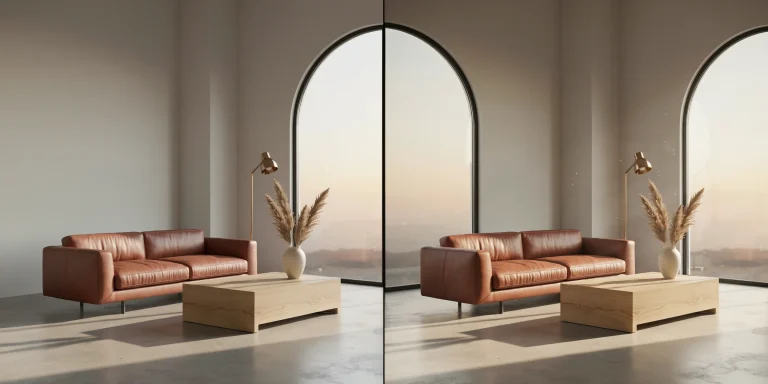
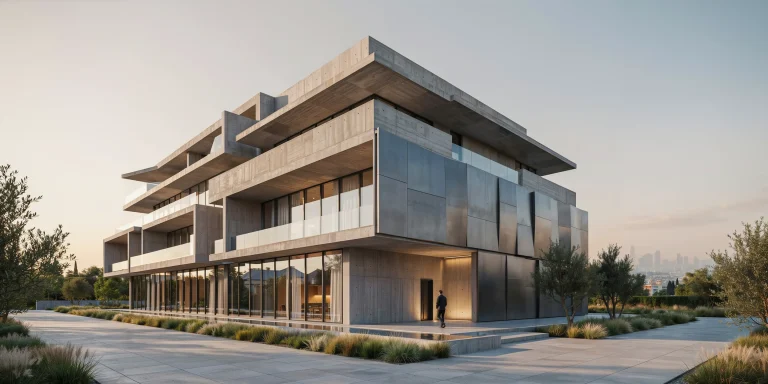
Architectural animation is the process of moving a virtual camera through a 3D model to produce a video walkthrough or flythrough of a building or site. It turns static design models into motion sequences, letting clients experience scale, circulation, and light over time before a single brick is laid.
A still render captures one frame of a great idea. An architectural animation captures the experience of moving through it. For design teams pitching a competition scheme or a developer selling unbuilt apartments, motion communicates spatial flow in a way no single image can. This guide covers the full pipeline: the difference between a walkthrough and a flythrough, how to plan a camera path, which software fits which budget, how long rendering really takes, and the production habits that separate a convincing sequence from a dizzy one.
What Is the Difference Between a Walkthrough and a Flythrough?

A walkthrough keeps the camera at human eye level, roughly 1.5 to 1.7 meters, moving as a person would through doorways, corridors, and rooms. A flythrough lifts the camera off the ground so it can orbit a tower, sweep across a masterplan, or descend from a rooftop into a courtyard. Walkthroughs sell the lived experience of interior space; flythroughs sell context, massing, and the relationship between a building and its surroundings.
Most project animations blend both. A typical real estate sequence might open with a flythrough establishing the neighborhood, cut to a slow walkthrough of the lobby and a model unit, then pull back out for a final hero shot at dusk. Deciding the mix early shapes everything downstream, from how much of the site you model to where you place detailed furniture and vegetation.
📐 Technical Note
Most architectural animation is delivered at 24 or 30 frames per second. A one-minute clip at 30 fps is 1,800 individual frames, each rendered separately. This frame count, not the clip length alone, is what drives render time and storage planning, so confirm your target frame rate before you set the timeline length.
How Do You Plan a Camera Path?
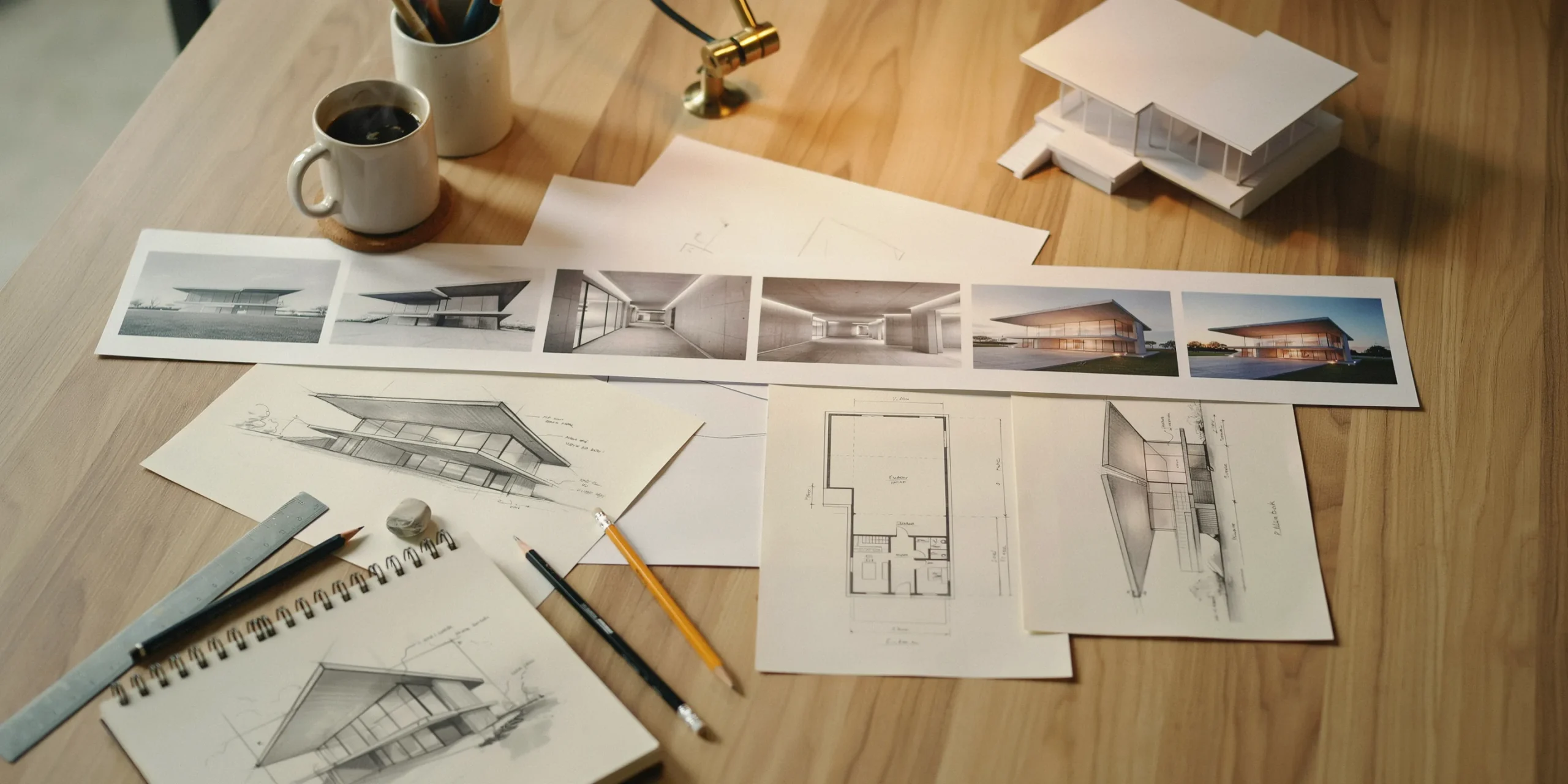
The camera path is the spine of any architectural animation. Plan it before you touch lighting or materials, because a confused path cannot be saved by a beautiful render. Start with a storyboard: a handful of rough frames that fix the key moments you want to hit and the order they appear in. This is the cheapest place to make changes.
From the storyboard, build a low-quality preview pass, sometimes called a campath or blockout, that shows the full movement through the space at draft resolution. Watch it on loop and check pacing, transitions, and whether the camera ever clips through a wall. Only after the motion reads cleanly should you commit hours to final rendering.
Choreographing Camera Movement

Good camera work feels intentional. A few principles carry most of the weight:
- Ease in and ease out: Have the camera accelerate gently at the start of a clip and decelerate before it stops, rather than jerking into a constant speed. Lumion exposes this directly as an ease in/out control on each movie clip.
- Slow down at hero moments. Let the camera linger on a double-height atrium or a material detail instead of gliding past at the same pace as a corridor.
- Keep heights consistent within a walkthrough so the viewer never feels they have shrunk or grown between rooms.
- Avoid sharp 90-degree turns at speed. Curve the path so changes of direction feel like a person turning, not a drone snapping around a corner.
💡 Pro Tip
When a flythrough feels too smooth and clinical, add a subtle handheld or drone shake to the camera. A small amount of irregular motion reads as a real operator and makes the footage feel grounded. Lumion and most game engines include a handheld camera effect for exactly this reason, so dial it in lightly rather than turning the scene into a shaky-cam sequence.
Which Software Is Best for Architectural Animation?

The right tool depends on whether you prioritize speed, photorealism, or interactivity. Real-time engines render frames in seconds and update the scene as you edit, while traditional CPU and GPU path tracers such as V-Ray chase the highest possible photoreal quality at the cost of render time. The table below compares the tools architects reach for most often.
Architectural Animation Software Compared

| Software | Type | Camera Path Approach | Best For |
|---|---|---|---|
| Lumion | Real-time | Preset and custom paths, ease in/out per clip | Fast, atmospheric exterior animations |
| D5 Render | Real-time (ray tracing) | Keyframe timeline with editable paths | Photoreal interiors on a GPU budget |
| Twinmotion | Real-time (Unreal) | Keyframed cameras on a video track | Live design reviews and quick edits |
| 3ds Max + V-Ray or Corona | Offline path tracer | Full keyframe and spline animation | Highest-end broadcast quality |
| Unreal Engine | Real-time game engine | Sequencer cinematic timeline | Interactive and cinematic hybrids |
For a wider look at how these engines stack up on still images and pricing, see our breakdown of photorealistic versus stylized rendering approaches, which applies directly to the look you choose for animation. If you are weighing AI tools alongside traditional engines, our guide on how to use AI to render architecture covers where automated tools fit into a motion pipeline.
⚖️ Pros & Cons at a Glance
✔️ Real-time engines: render in minutes not days, instant feedback while editing, lower hardware barrier
✖️ Offline path tracers: longer render times, steeper learning curve, heavier hardware demand, though they still lead on the most demanding photoreal close-ups
How Long Does Rendering an Architectural Animation Take?
Render time depends on three things: the number of frames, the complexity of each frame, and the hardware doing the work. A real-time engine like D5 Render or Lumion might output a one-minute clip in a few hours on a single modern GPU. The same minute pushed through an offline path tracer such as V-Ray at broadcast quality can take a day or more on one machine, which is why studios spread the work across a render farm or cloud nodes.
Because each frame is rendered independently, animation is easy to parallelize. Twenty machines rendering 1,800 frames finish roughly twenty times faster than one. This is also why a single slow frame, often a shot heavy with reflective glass and foliage, can quietly dominate your schedule. Identify those frames in the preview pass and budget for them.
⚠️ Common Mistake to Avoid
Rendering the full final-quality animation before locking the camera path and lighting is the most expensive error in the pipeline. A single revision request after a two-day render means redoing those two days. Always sign off on a low-resolution preview pass with the client first, then commit the render farm to final frames.
Costs follow render time. Industry surveys of visualization studios put a fully produced animated walkthrough or flythrough at roughly 2,500 US dollars per minute of finished footage, with a typical turnaround of about two weeks from approved storyboard to delivery. In-house teams trade that fee for software licenses, hardware, and artist hours, but the planning discipline stays the same.
What Steps Make Up the Animation Workflow?
A reliable architectural animation pipeline moves through clear stages. Skipping any of them tends to surface as rework later.
- Brief and storyboard: Agree the story, audience, key moments, runtime, and frame rate. Sketch the shots.
- Prepare the model: clean geometry, apply PBR materials, and add the surrounding context the camera will actually see.
- Set lighting and time of day: lock the sun position, sky, and any artificial lights before animating, since changing them later means re-rendering.
- Build the camera path: place keyframes or path presets, then refine speed, easing, and height.
- Preview pass: render a fast draft, review pacing, and get client sign-off.
- Final render: send frames to your render farm or cloud nodes.
- Post-production: edit clips, add color grading, sound, titles, and any motion graphics, then export the master.
Lighting deserves particular care in motion. The qualities that define a strong still, balanced exposure and believable shadow, matter even more across a moving sequence, where any flicker or sudden shift is obvious. The same fundamentals we cover in what makes a great architectural render apply frame by frame here.
📌 Did You Know?
Lumion 2023 introduced support for importing animated camera paths created in external 3D applications, so a complex move choreographed in a tool like 3ds Max can be carried into the real-time engine along with the model rather than rebuilt by hand. This bridges the gap between offline animation control and real-time render speed.
How Can You Make an Animation Feel Cinematic?
Technical accuracy gets you a clean clip. A few craft choices make it memorable. Treat the animation like a short film rather than a fly-by of a model.
- Vary shot length: mix slow establishing moves with shorter, punchier interior cuts so the pacing breathes.
- Use depth of field sparingly to draw the eye to a focal point, but keep it subtle so the architecture stays legible.
- Animate the environment, not just the camera. Moving people, gentle foliage, drifting clouds, and traffic give scale and life.
- Light for time of day. A golden-hour pass over a facade reads warmer and more aspirational than flat midday sun.
- Score and grade in post. A coherent color grade and a fitting soundtrack lift footage from technical to emotional.
For interior-heavy sequences, the material and lighting realism you would chase in a single frame still governs the whole clip, so the principles in our photorealistic versus stylized render comparison are worth revisiting before you commit to a look.
Frequently Asked Questions
How long should an architectural animation be?
Most marketing and competition animations run between 60 and 120 seconds. That length is long enough to establish context, move through key spaces, and close on a hero shot, while staying short enough to hold attention on social platforms and in presentations.
Do I need a render farm for architectural animation?
Not always. Real-time engines like D5 Render, Lumion, and Twinmotion can finish short clips on a single capable GPU in hours. A render farm or cloud rendering becomes worthwhile when you use offline path tracers, work at 4K, or face tight deadlines with many frames.
Can AI tools speed up architectural animation?
AI rendering tools currently excel at accelerating still images and styling, and emerging tools can generate short camera moves from a single image. For full project animations with precise, repeatable camera paths, dedicated animation software still gives you the control clients expect.
Where to Go From Here
Bottom Line: Strong architectural animation is won in planning, not in rendering. Lock your story, camera path, and lighting in a fast preview pass before you ever commit hours to final frames, and choose an engine that matches your deadline and quality target. The smoothest, most cinematic clips come from teams who treat the camera as a storyteller rather than a tripod on rails.