In the V-Ray vs Corona debate, Corona wins on speed of setup and ease of use for interior archviz, while V-Ray wins on control, GPU rendering, and scalability for large exterior and animation projects. Both are made by Chaos, share an image quality ceiling, and exchange materials, so the right pick depends on your host app and project type.
Choosing between V-Ray and Corona is one of the first real decisions an architecture studio faces when moving past viewport screenshots into client-ready visualization. Both engines now sit under the same roof at Chaos, which removed the old rivalry but did not erase the practical differences in how each one renders, what software it plugs into, and how steep the climb is for a new artist. This guide breaks down speed, ease of use, quality, materials, and the interior versus exterior question so you can match the engine to the work you actually do.
What is the difference between V-Ray and Corona?
V-Ray is a hybrid CPU and GPU renderer built for maximum control across architecture, product design, VFX, and games. Corona is a CPU-focused renderer built for fast, intuitive archviz with minimal setup. Chaos acquired Corona’s developer in 2017 and now develops both, which is why they share an asset library and a similar realism ceiling while taking different routes to get there.
The cleanest way to think about it: V-Ray hands you a deep toolbox and expects you to know which tool to reach for. Corona hands you a smaller set of well-tuned defaults and gets you to a believable image faster. Neither approach is wrong. A 200-unit residential tower with animated flythroughs and a tight render-farm budget asks for V-Ray’s per-object control. A boutique interior firm shipping still renders to design-literate clients usually moves faster with Corona.
⚖️ Pros & Cons at a Glance
✔️ Corona Pros: faster setup, gentler learning curve, excellent interior lighting out of the box, predictable noise behavior
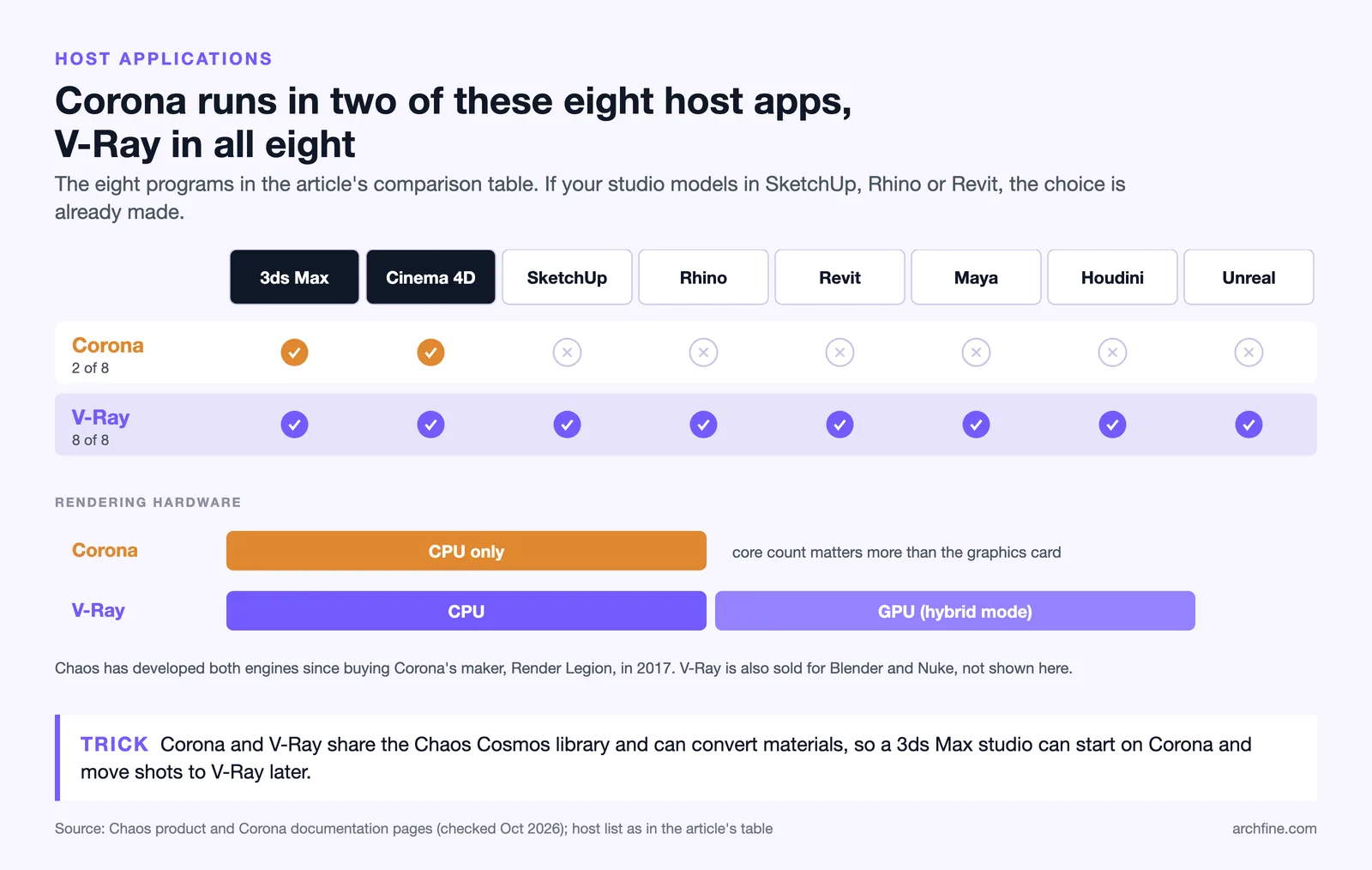
✖️ Corona Cons: CPU only, limited host apps (3ds Max and Cinema 4D), less per-object control for huge scenes
✔️ V-Ray Pros: GPU and CPU rendering, plugs into most major software, deep control, strong for animation and large exteriors
✖️ V-Ray Cons: steeper learning curve, more parameters to manage, easier to misconfigure for new artists
Which render engine is faster?
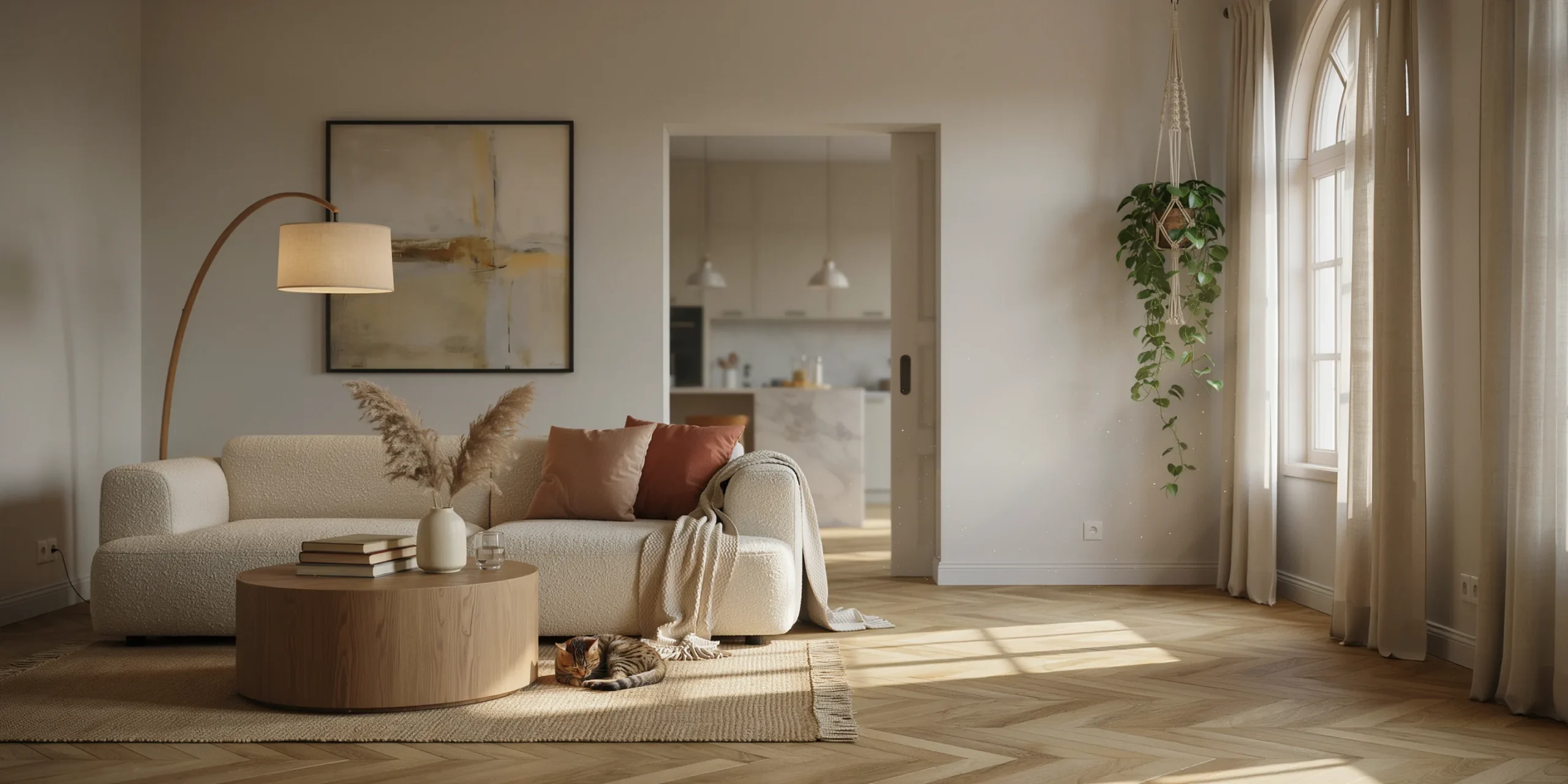
Speed has two meanings, and they point in different directions. There is time-to-first-good-image, where you set up a scene and reach a result you would show a client, and there is raw render time per frame once everything is dialed in. Corona usually wins the first; V-Ray often wins the second on the right hardware.
Corona is the faster out-of-the-box option for interior mood renders. Its defaults are tuned so that a basic scene with a few lights and a CoronaSky reads convincingly within minutes, with noise that cleans up in a progressive, predictable way. You spend less time hunting for the setting that fixes a problem. According to the official Chaos guidance on choosing a renderer, Corona tends to load scenes slightly faster, while V-Ray favors larger scenes more heavily once they scale up.
V-Ray’s speed advantage shows up when you can run V-Ray GPU on capable graphics cards or when a scene is large enough that per-object quality control matters. For animation, V-Ray gives you finer command over render settings and per-object sampling, which keeps frame times down without dropping quality where the camera actually looks. On a render farm with dozens of nodes, that granularity translates directly into hours saved.
💡 Pro Tip
When benchmarking the two on your own hardware, render the same scene with matched output resolution and a fixed noise threshold rather than a fixed pass count. Comparing at equal noise level tells you the real time-to-deliverable, which is the number that affects your deadlines, not the raw samples per second.
Which is easier to learn?

Corona is the easier engine to learn, and this is its defining selling point. Chaos positions it as intuitive enough for beginners yet capable enough for professional studios. The materials are straightforward, the lighting model is forgiving, and there are fewer dials to misread. An architect with no prior rendering background can produce a presentable interior in a weekend of practice.
V-Ray carries a steeper learning curve because its flexibility comes with more decisions. You can disable shadow-casting per object, control visibility in reflections, exclude geometry from environment lighting, and choose how the engine treats each object’s quality. That power is exactly why large studios standardize on it, but a new artist can spend real time learning which of those controls to leave alone. If your team is small and rendering is one of many hats people wear, Corona’s lower floor matters more than V-Ray’s higher ceiling.
How do they compare on quality and materials?
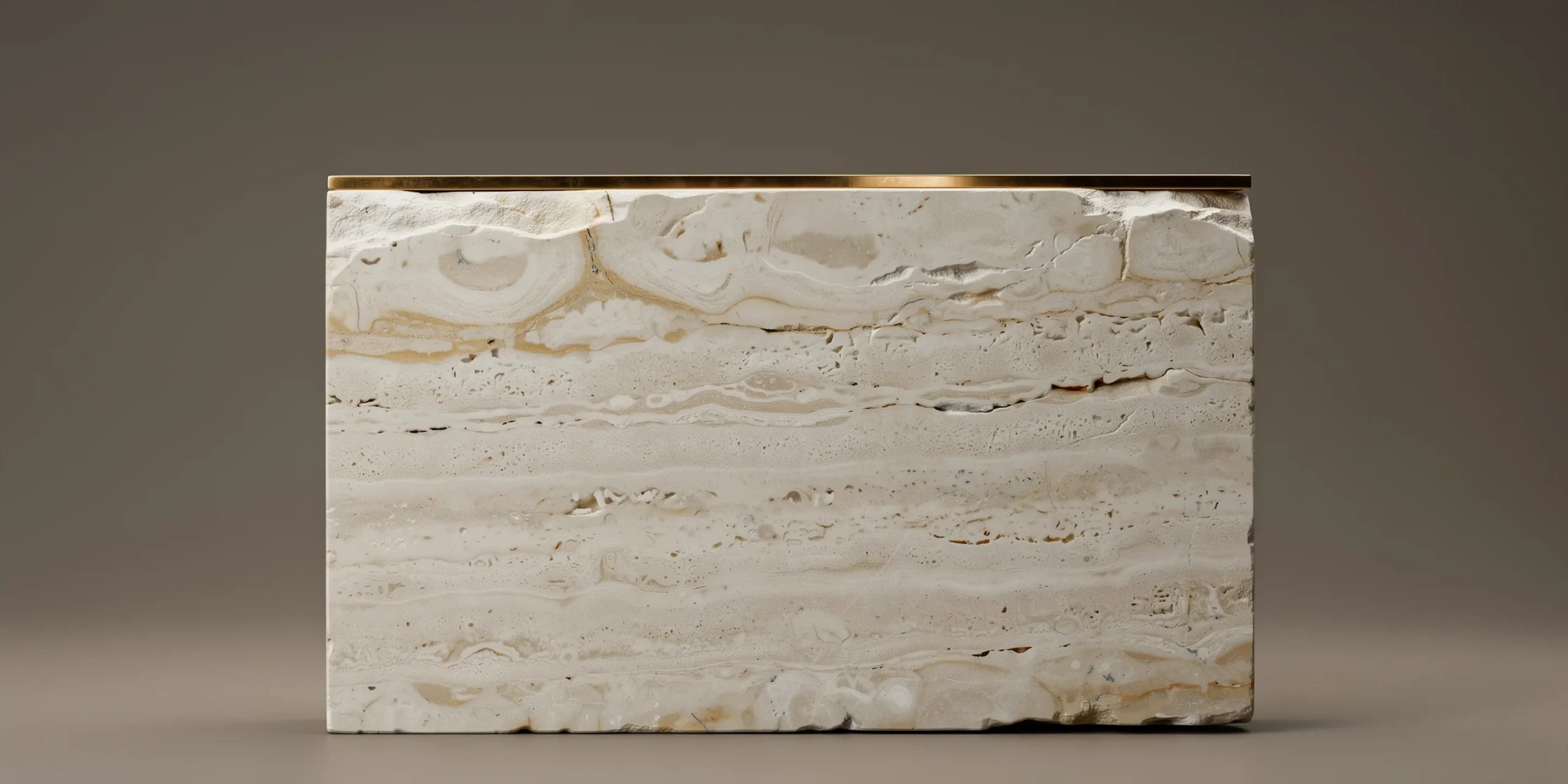
At the top end, the quality gap is narrow. Both engines are physically based, both produce photorealistic results, and a skilled artist can hit the same target with either. The difference is how much effort each takes to reach that target and how much headroom you have to push past it. V-Ray gives you photorealism with more granular control, which helps on demanding shots like glass-heavy facades, complex caustics, or automotive-grade reflections. Corona gives you natural realism with less fuss, which is often all an interior render needs.
Materials are where the shared ownership pays off. Both engines connect to Chaos Cosmos, a built-in library of models and materials, and both now include scanned real-world materials from Chaos Scans in their subscription tiers. You can convert Corona materials to V-Ray and back, so a studio is not permanently locked into one library. Strong material work, alongside lighting and composition, is one of the key elements that make a great architectural render regardless of which engine produces the pixels.
🏗️ Real-World Example
Chaos Cosmos shared library: Because Corona Solo and V-Ray Solo both ship with the same Cosmos assets and scanned materials, a studio running 3ds Max can drag the identical walnut floor or curtain fabric into a Corona scene for a quick interior, then reuse that same material in a V-Ray scene for an animated exterior, with no rebuilding of the shading.
Which is better for interiors vs exteriors?
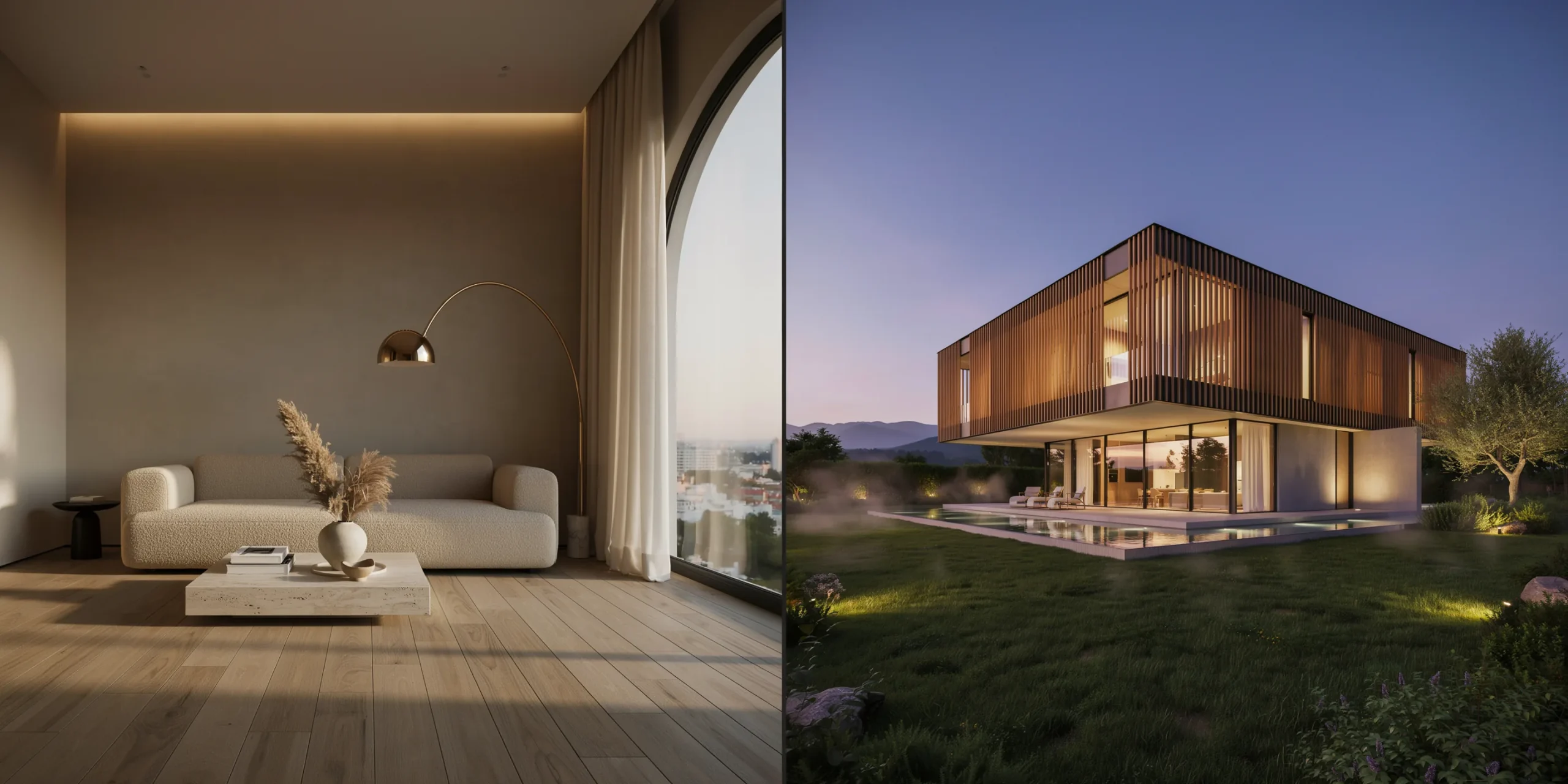
Corona has a reputation for interiors, and it is earned. Its lighting handles the bounced, indirect light of an enclosed room with very little setup, which is the hardest lighting scenario in archviz. For a furnished apartment, a restaurant, or a hotel suite, Corona tends to reach a believable mood faster than V-Ray.
V-Ray pulls ahead on large exteriors and any project involving animation. A masterplan, a campus, or a tower surrounded by context geometry benefits from V-Ray’s per-object control and its ability to scale across a render farm. When the camera moves, V-Ray’s finer settings keep frame times manageable. This split is not a hard wall, plenty of artists do gorgeous exteriors in Corona and slick interiors in V-Ray, but it reflects where each engine demands the least fight.
📌 Did You Know?
Corona is CPU-only by design. Unlike V-Ray, it does not offer a GPU rendering mode, so a high-core-count processor matters far more than the graphics card when you build a workstation around Corona. Studios sometimes keep both engines specifically so they can push GPU-heavy V-Ray jobs onto their fastest cards.
V-Ray vs Corona comparison table
The table below summarizes the practical differences that affect an architecture studio’s daily work.
| Feature | Corona | V-Ray |
|---|---|---|
| Rendering hardware | CPU only | Hybrid CPU and GPU |
| Host applications | 3ds Max, Cinema 4D | 3ds Max, SketchUp, Rhino, Revit, Maya, Cinema 4D, Houdini, Unreal, Blender, Nuke |
| Learning curve | Gentle, beginner friendly | Steeper, more parameters |
| Setup speed | Fast out of the box | Slower, highly configurable |
| Strongest at | Interior stills, mood lighting | Large exteriors, animation, VFX |
| Asset library | Chaos Cosmos and Scans | Chaos Cosmos and Scans |
| Solo annual price | About $394.80/year | About $514.80/year |
How much do V-Ray and Corona cost?
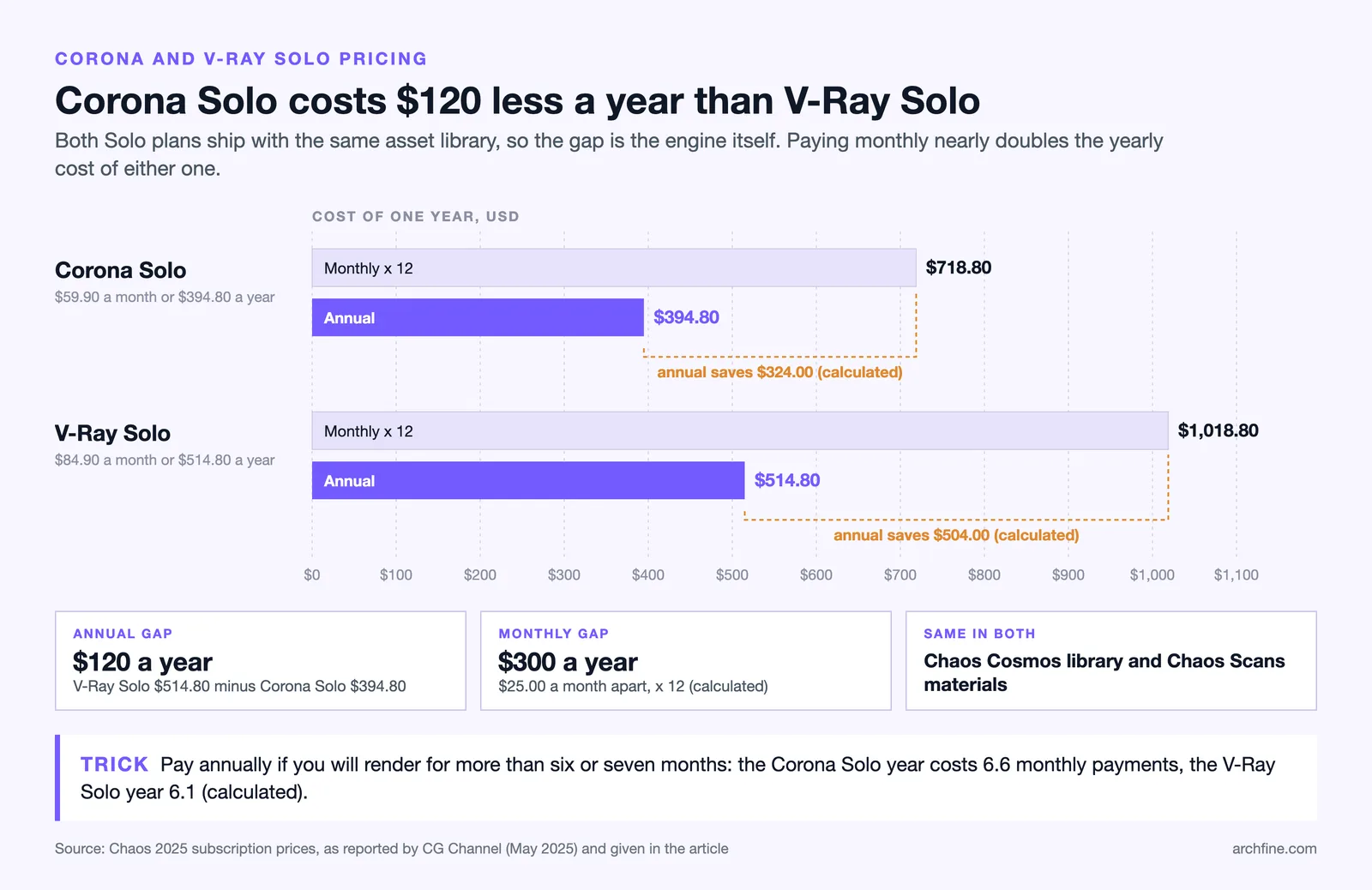
Pricing is one of the clearer reasons to start with Corona if your host app supports it. As of the 2025 Chaos subscription update, Corona Solo runs about $59.90 per month or $394.80 per year, while V-Ray Solo runs about $84.90 per month or $514.80 per year, with current Corona pricing published by Chaos. Both Solo tiers now include the Cosmos asset library and scanned materials from Chaos Scans, so the lower Corona price does not mean a stripped library.
The Premium tiers add tools like the Phoenix fire and fluid simulator, Chaos Player, and full Chaos Scans editing, with V-Ray Premium also bundling render credits for the Chaos Cloud online service, as detailed in the 2025 Chaos subscription plan update reported by CG Channel. For a studio weighing both, the math often favors V-Ray Premium as a single license that covers nearly every host app and adds GPU rendering, while Corona Solo is the lean choice for a 3ds Max interior shop watching its budget.
🔢 Quick Numbers
- Corona Solo: about $394.80/year, per Chaos 2025 pricing
- V-Ray Solo: about $514.80/year, per Chaos 2025 pricing
- Still images remain the most valued visualization format among architects and clients, per the Chaos and Architizer 2024 to 2025 archviz report
Which render engine should you learn first?
If you are new to rendering and work mostly on interiors in 3ds Max or Cinema 4D, start with Corona. You will produce client-ready images sooner, build confidence faster, and the skills transfer because the underlying physics are shared. If you work across many programs, expect to do animation, or want GPU rendering, learn V-Ray first, since it is the engine that scales with you and covers the widest set of host apps.
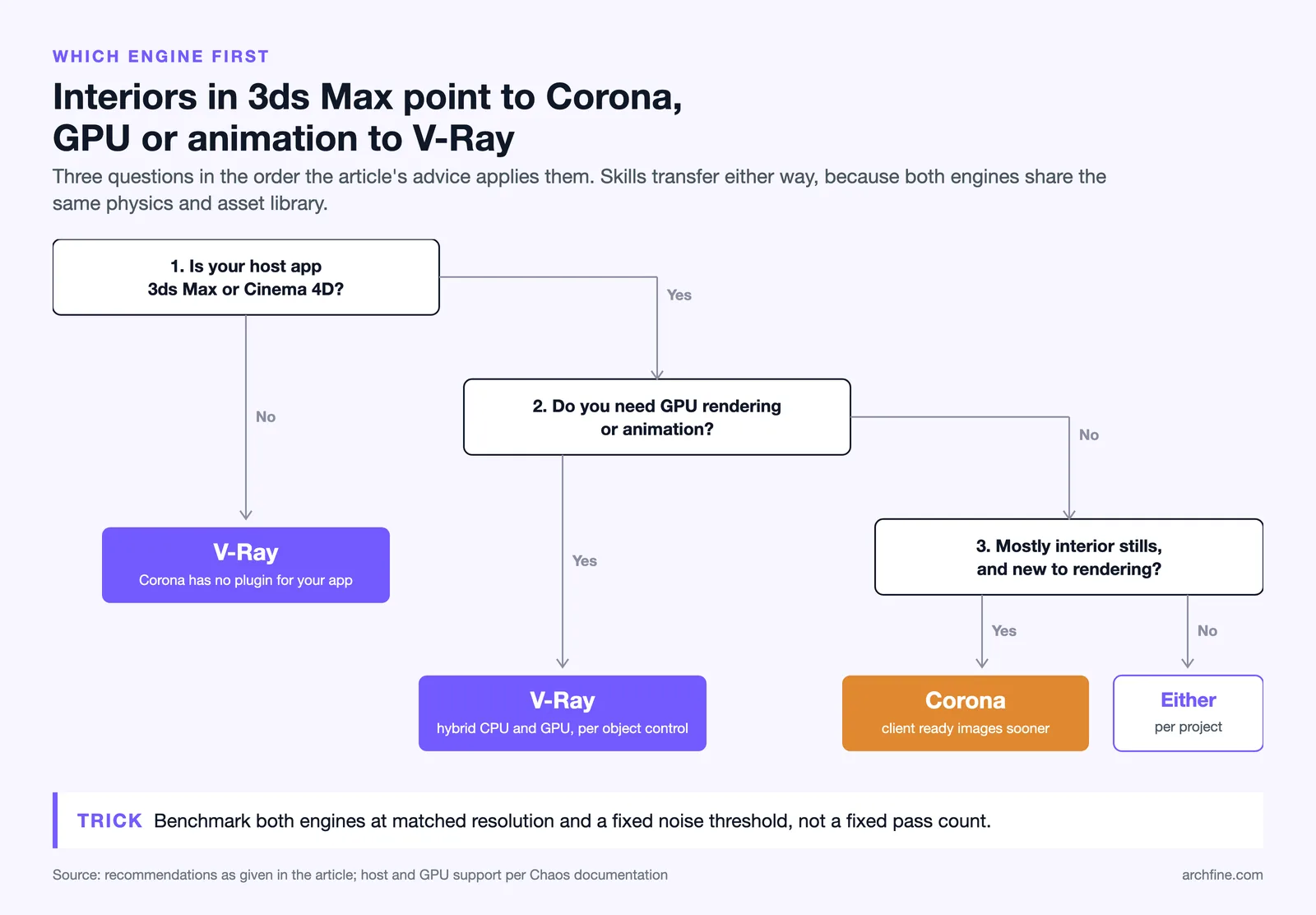
Many studios run both and treat the choice as per-project rather than permanent. Increasingly, teams also fold AI rendering into the early stages, since browser-based tools can iterate concepts far faster than either ray tracer, then hand off to V-Ray or Corona for final deliverables. If that hybrid path interests you, our guide on how to use AI to render architecture covers where AI fits and where physically based engines still win, and the photorealistic versus stylized renders breakdown helps you decide which output each project phase actually needs.
A practical sequence for a small firm: prototype the look with an AI tool, model and light in your chosen engine, and reserve the heavy V-Ray or Corona render for the shots clients will scrutinize. The same staged thinking applies whether you render from SketchUp or a full 3ds Max pipeline.
Frequently Asked Questions
Is Corona owned by the same company as V-Ray?
Yes. Chaos, the developer of V-Ray, acquired Corona’s original developer Render Legion in 2017 and now develops both engines. They share the Chaos Cosmos asset library and Chaos Scans materials, and you can convert materials between them.
Does Corona support GPU rendering?
No. Corona renders on the CPU only. If GPU rendering is a requirement for your hardware or deadlines, V-Ray is the engine to choose, since it offers both CPU and hybrid GPU modes.
Can I use Corona with SketchUp or Revit?
Not directly. Corona ships as a plugin for 3ds Max and Cinema 4D only. V-Ray covers a much wider range, including SketchUp, Rhino, Revit, Maya, Houdini, and Unreal Engine, so studios on those platforms typically standardize on V-Ray.
The Bigger Picture
Bottom Line: V-Ray and Corona are not really competitors anymore, they are two tools from the same maker tuned for different temperaments of work. Pick Corona for fast, intuitive interiors in 3ds Max or Cinema 4D, and pick V-Ray when you need GPU power, broad software support, or animation at scale. Since they share assets and a quality ceiling, the safest long-term answer for a growing studio is to learn the one your projects demand today and keep the door open to the other.