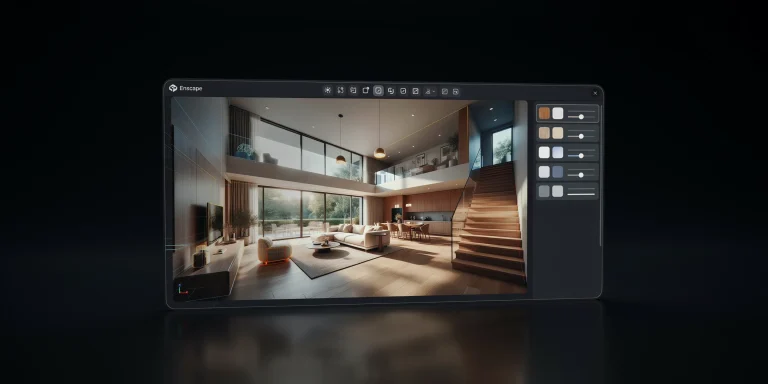
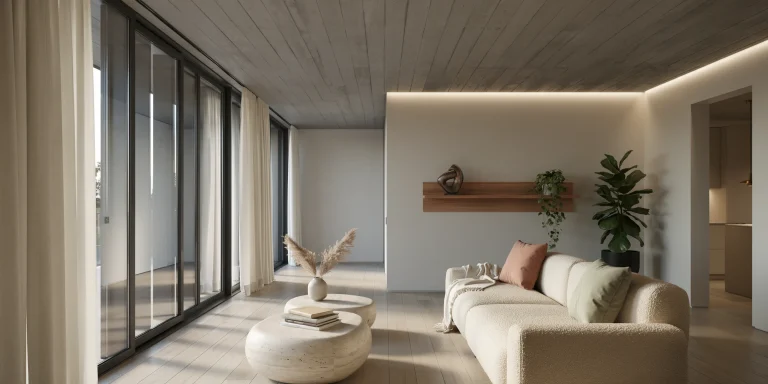
3ds Max rendering for architecture is the process of producing photorealistic exterior and interior visuals from a 3ds Max scene using engines like V-Ray or Corona. A solid workflow combines clean scene setup, physically based materials, controlled lighting, and tuned global illumination settings to balance image quality against render time.
For architectural studios, 3ds Max rendering remains the backbone of high-end still imagery and animation. Autodesk 3ds Max ships with native support for V-Ray, Corona, Arnold, and other engines, but the results depend far less on which renderer you pick and far more on how you structure the scene, light it, and dial in render settings. This guide walks through the complete architectural visualization workflow, from organizing geometry to choosing between V-Ray and Corona, configuring render settings, and avoiding the bottlenecks that quietly inflate render times.
How does the 3ds Max rendering workflow for architecture work?
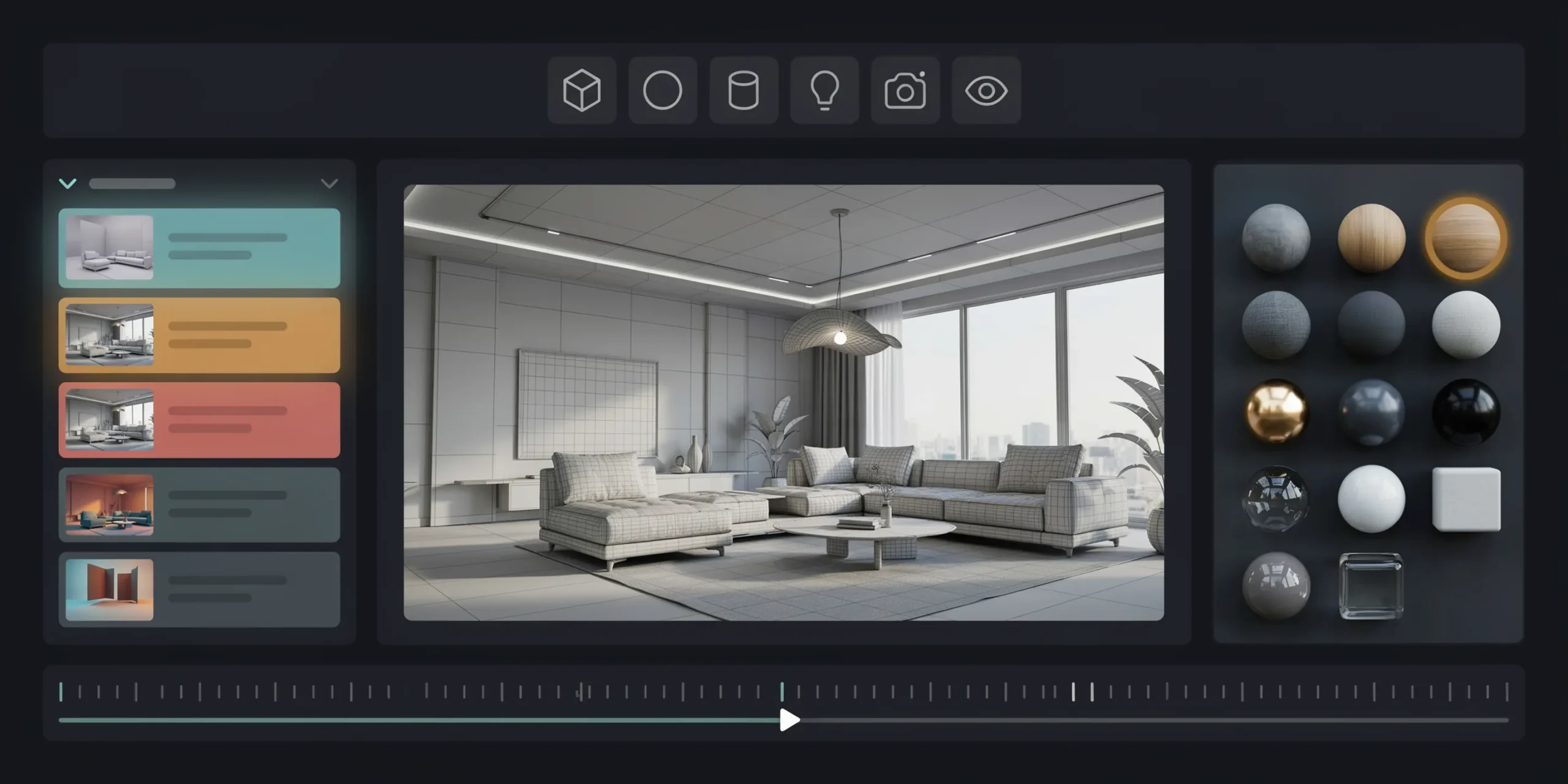
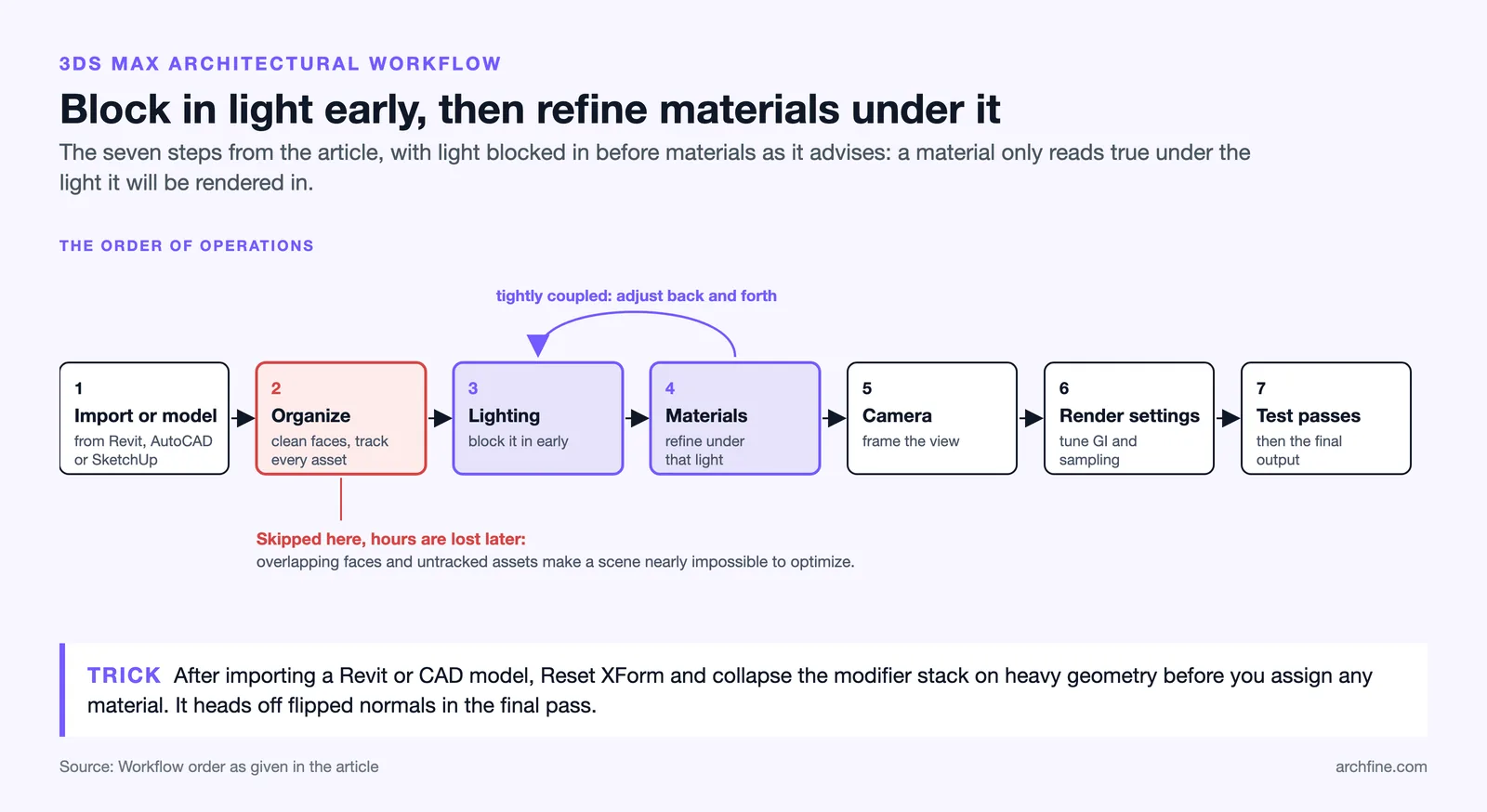
The architectural rendering workflow in 3ds Max follows a predictable sequence: import or model geometry, organize the scene, place lighting, assign materials, set up the camera, configure render settings, and run test passes before the final output. Skipping the organization step is where most beginners lose hours, because a messy scene with overlapping faces and untracked assets becomes nearly impossible to optimize later.
Most studios bring base geometry in from CAD or BIM tools such as Revit, AutoCAD, or SketchUp, then refine it inside 3ds Max. Linking a Revit model through Autodesk’s interoperability tools keeps the architectural intent intact while letting you add detail, vegetation, and entourage that the source model never contained. Once geometry is clean, the order of operations matters: materials and lighting are tightly coupled, so artists usually block in lighting early, then refine materials under that light rather than the reverse.
If you are weighing this against newer AI-assisted pipelines, our breakdown of how to use AI to render architecture explains where traditional and generative workflows now overlap.
💡 Pro Tip
When importing a Revit or CAD model, reset XForm and collapse the modifier stack on heavy geometry before assigning materials. Carrying transforms and stacked modifiers into a render-ready scene is a frequent cause of flipped normals and unpredictable shading that only surfaces in the final pass.
Should you use V-Ray or Corona for 3ds Max architectural rendering?
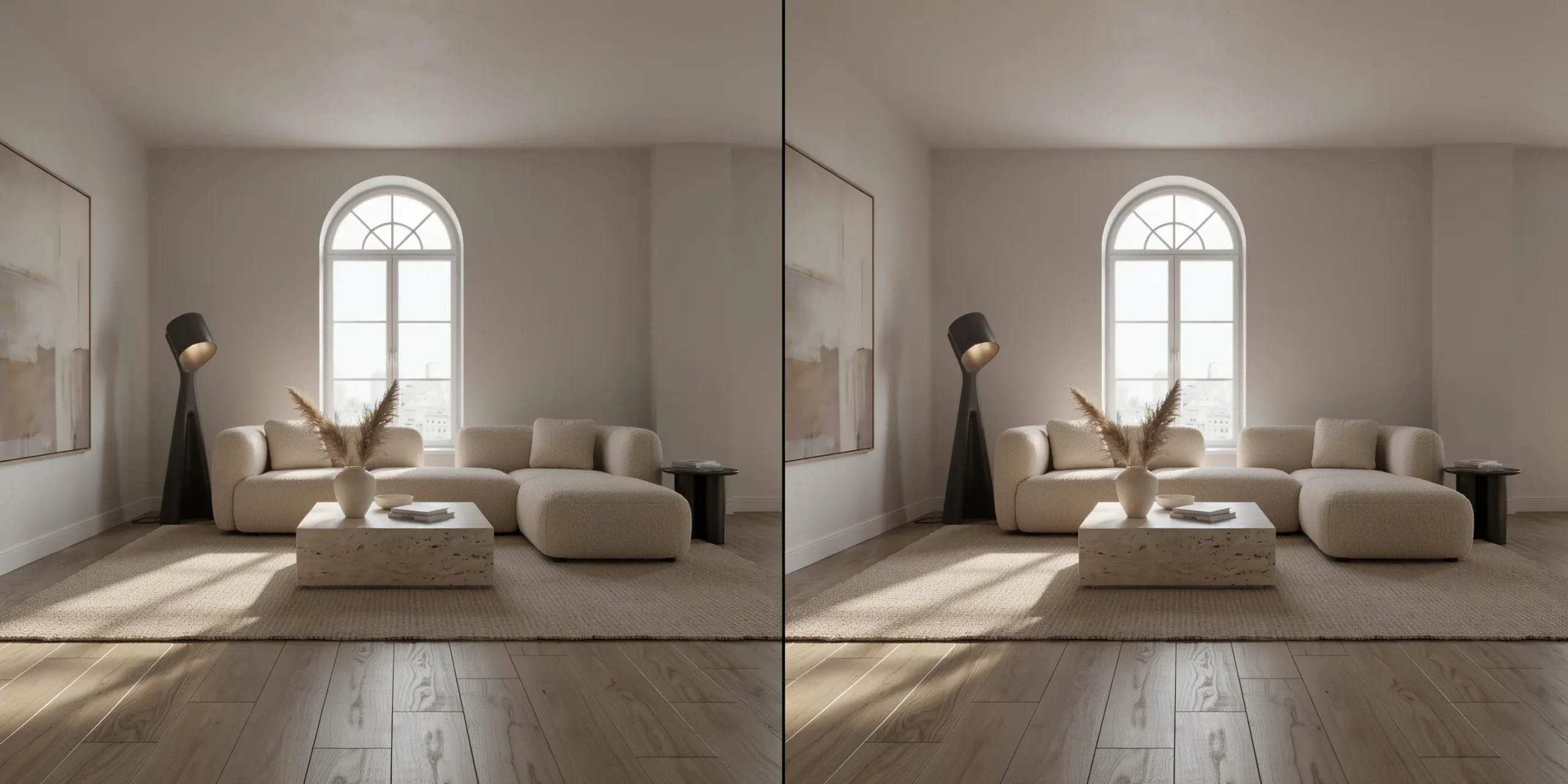
For 3ds Max architecture, V-Ray offers deeper control and is generally better optimized for animation and complex scenes, while Corona prioritizes ease of use and excels at interior global illumination with a faster learning curve. Both are now developed by Chaos, share many underlying technologies, and produce comparable photorealism, so the choice usually comes down to studio habits and turnaround needs rather than raw quality.
A common studio pattern is to use V-Ray GPU interactive rendering for fast daytime design iteration, where material previews resolve in a few seconds, then switch to Corona for overnight final renders. Corona’s LightMix lets you adjust the intensity and color of every light source in post without re-rendering, which is invaluable when a client wants to compare a warm dusk scene against a cool midday version of the same interior. According to Chaos, Corona’s design philosophy is built around that low-friction, artist-first approach.
⚖️ Pros & Cons at a Glance
✅ V-Ray: granular render control, strong GPU and animation pipeline, broad industry adoption, but a steeper learning curve.
✅ Corona: intuitive setup, excellent interior GI, powerful LightMix post-control, but fewer low-level performance levers for large animations.
How do V-Ray and Corona differ in render submission?
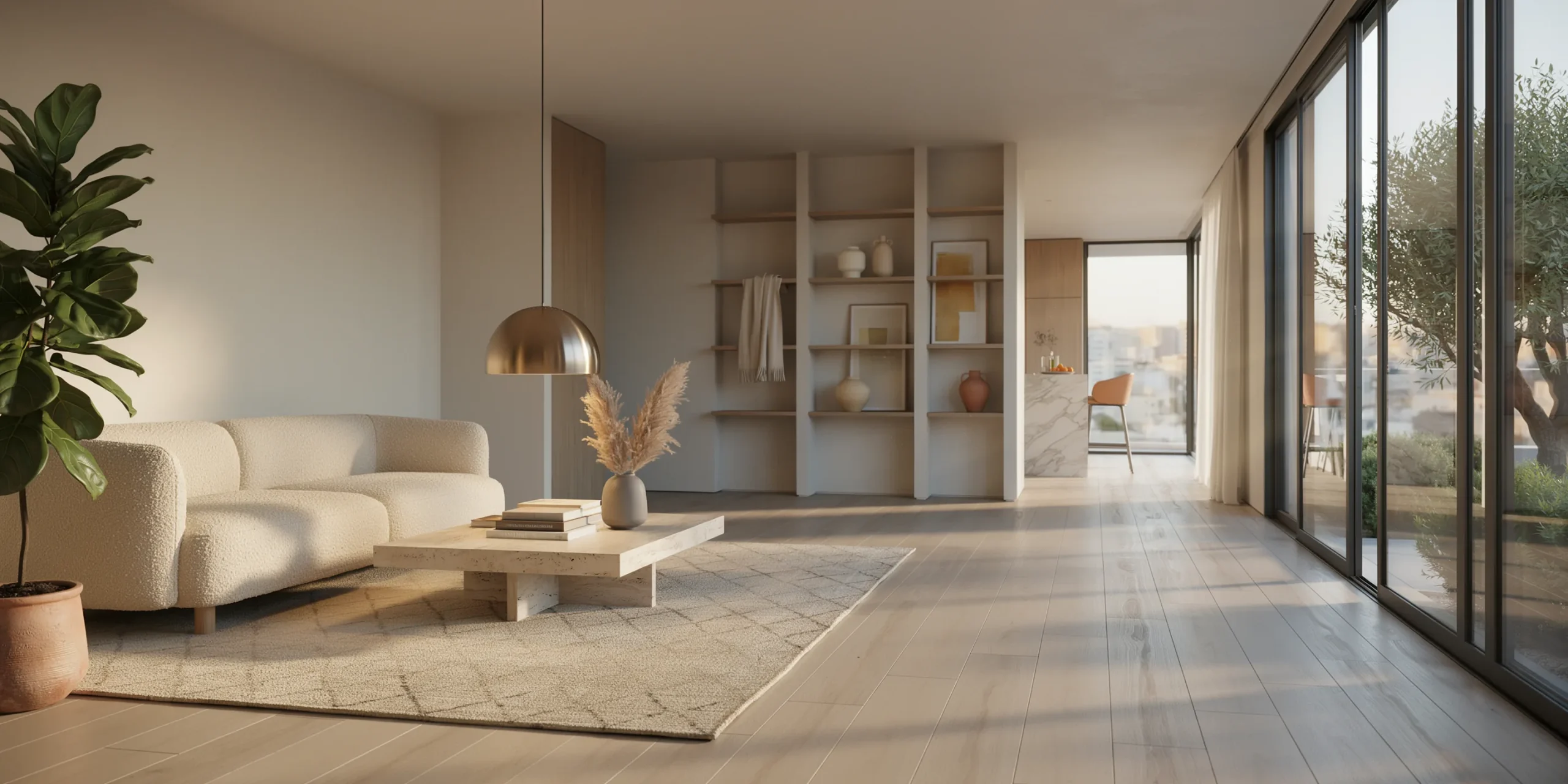
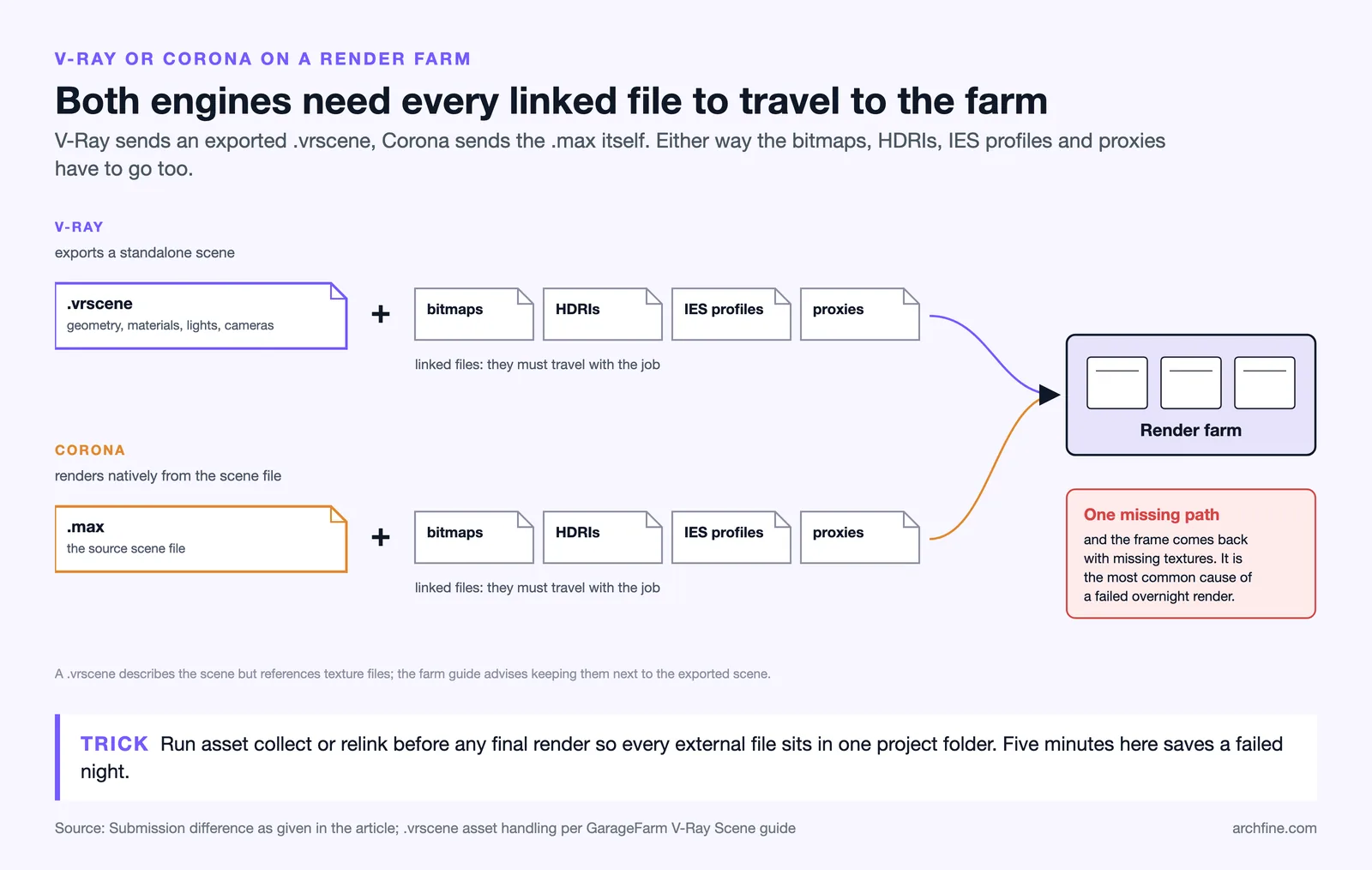
The two engines handle scene submission very differently, which matters the moment you scale to a render farm. V-Ray can export scenes to a serialized .vrscene file that describes geometry, materials, lights, and cameras, but it references bitmaps, HDRIs, and proxies by file path rather than embedding them, so those linked files still have to travel with the farm job (many farms also accept the source .max directly). Corona renders natively from the .max file, meaning a farm submission is the .max plus every externally linked asset: bitmaps, HDRIs, IES profiles, and proxy geometry. Forgetting a single linked asset is the classic reason a Corona farm job renders with missing textures.
What are the best render settings for 3ds Max architecture?
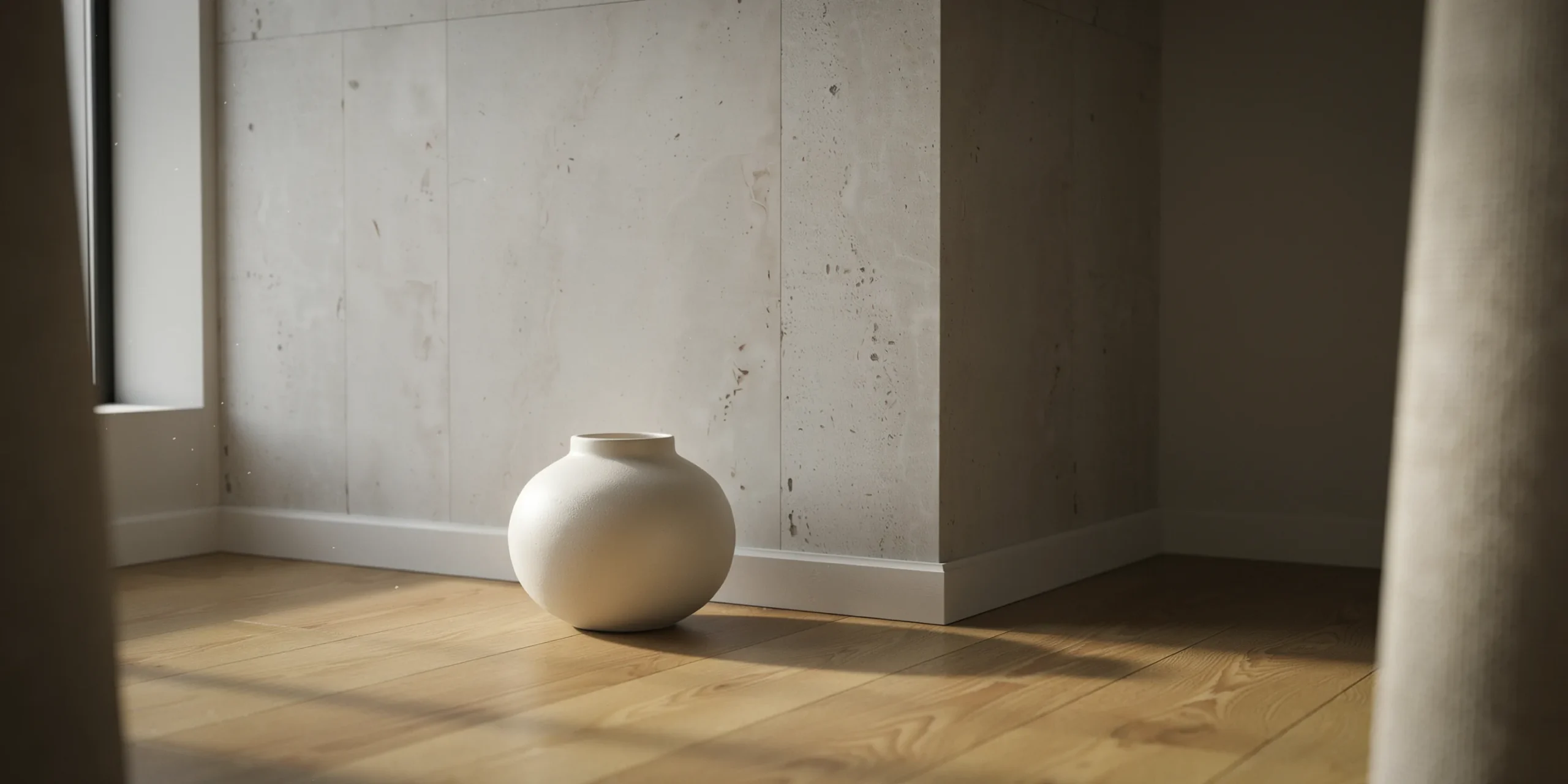
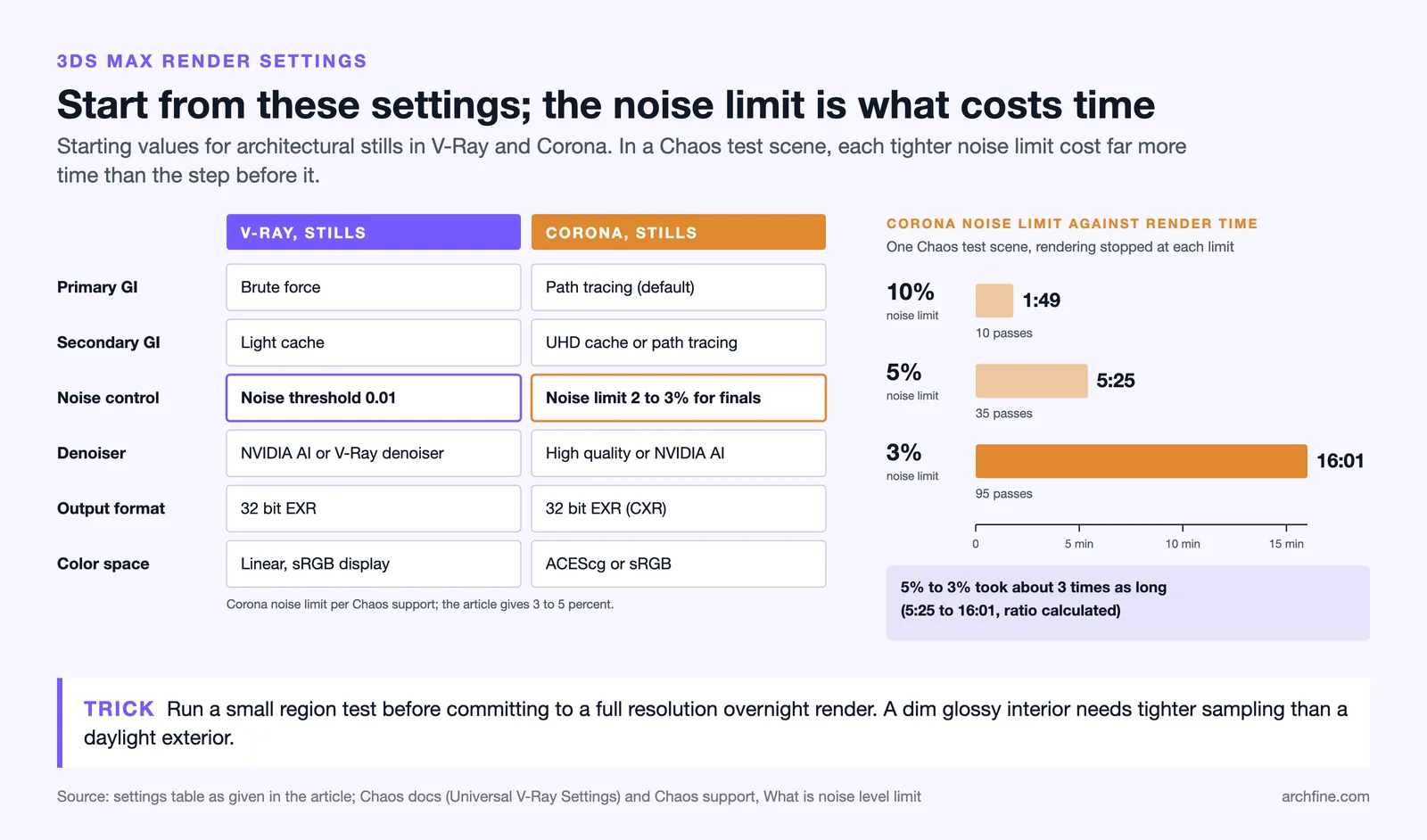
The best render settings for architectural work prioritize a clean global illumination solution, controlled sampling, and an output resolution matched to the deliverable. Over-sampling a scene that already looks clean wastes hours, while under-sampling produces the grainy noise and fireflies that mark amateur renders. The goal is the lowest sample count that delivers a noise-free image at your target resolution.
Global illumination strategy is the single biggest lever. For still images, brute-force GI paired with a light cache gives accurate, flicker-free results. For animation, you precompute a stable GI solution, in V-Ray a light cache and irradiance map as a first pass, then render the beauty frames against that solution so lighting does not flicker frame to frame. Corona offers an equivalent precompute workflow and, in recent versions, only updates what changes between frames instead of re-parsing the entire scene, which cuts animation render times meaningfully.
📐 Technical Note
Render in a linear color workflow and output to a 32-bit EXR for final stills. EXR preserves the full dynamic range and lets you recover blown highlights and crushed shadows in post, which an 8-bit JPEG or PNG discards. Keep gamma at 2.2 for display sRGB and let your compositor handle the linear-to-display conversion.
Recommended starting settings by engine
| Setting | V-Ray (stills) | Corona (stills) |
|---|---|---|
| Primary GI | Brute force | Path tracing (default) |
| Secondary GI | Light cache | UHD cache / path tracing |
| Noise control | Noise threshold 0.01 | Noise limit about 2 to 3 percent for finals |
| Denoiser | NVIDIA AI / V-Ray denoiser | High-quality / NVIDIA AI |
| Output format | 32-bit EXR | 32-bit EXR (CXR) |
| Color space | Linear, sRGB display | ACEScg or sRGB |
These are starting points, not absolutes. A daylight exterior with simple materials may render clean at a higher noise threshold, while a dim interior with glossy reflections and caustics will demand tighter sampling. Always run small region tests before committing to a full-resolution overnight render.
How do you set up materials and lighting in 3ds Max?
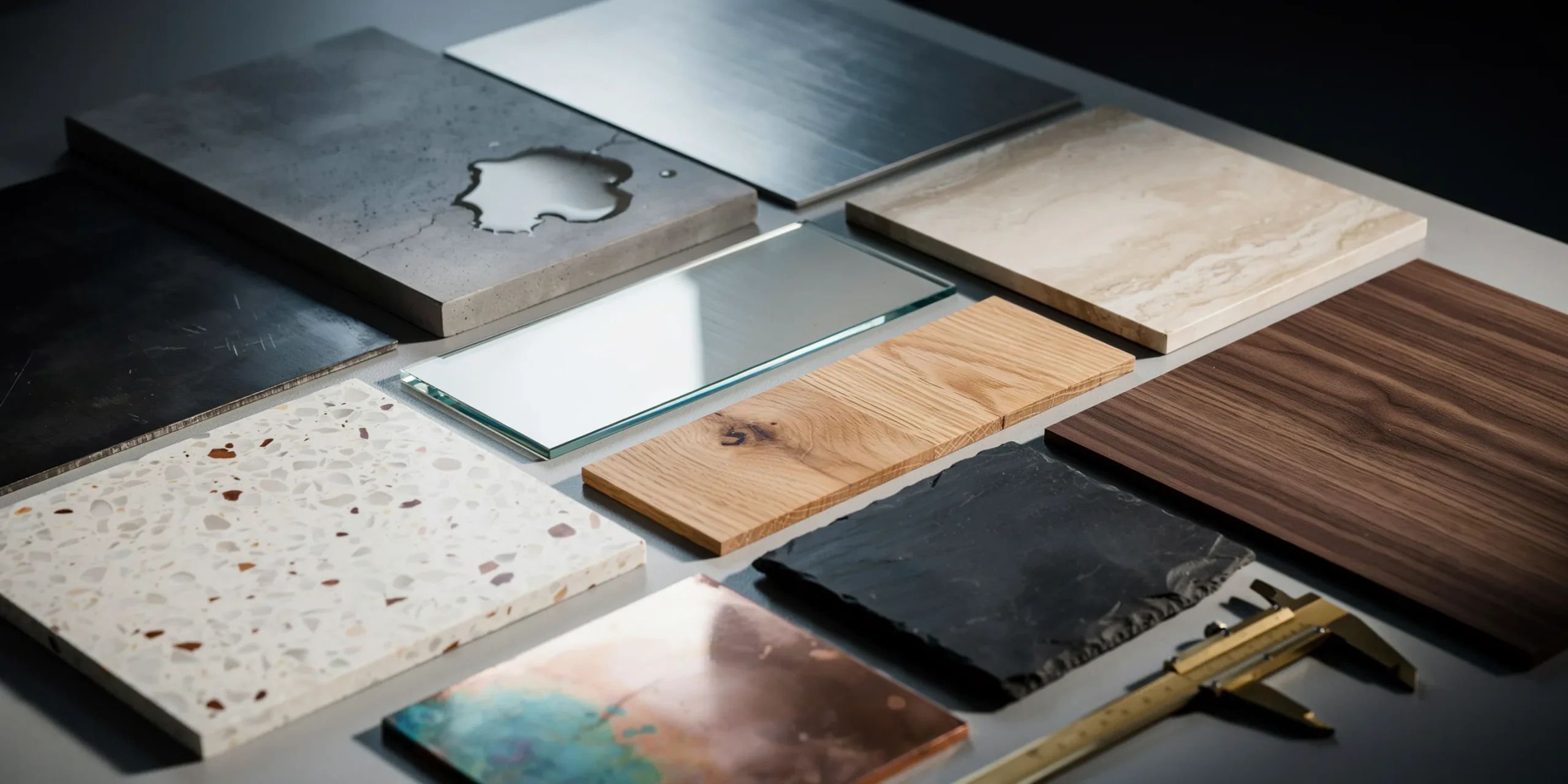
Architectural realism lives in materials and lighting more than anywhere else. Use physically based rendering (PBR) materials with accurate reflection, roughness, and IOR values rather than guessing diffuse colors. A concrete surface needs subtle roughness variation and a normal or bump map to catch grazing light; a polished floor needs a tightly controlled glossiness so reflections read as a real surface and not a mirror. Layering imperfection maps, fingerprints on glass, micro-scratches on metal, edge wear on trims, is what separates a believable render from a sterile one.
For lighting, most exterior scenes start with a physical sun-and-sky system driving the key light, supplemented by an HDRI for accurate sky color and ambient fill. Interiors lean on portal lights at openings to help the engine sample exterior light efficiently, plus IES profiles for artificial fixtures so the light distribution matches real luminaires. Our guide on what makes a great architectural render breaks down how lighting, composition, and material fidelity work together across engines.
⚠️ Common Mistake to Avoid
Cranking sun intensity to brighten a dark interior is the wrong fix and produces blown-out windows. Instead, expose the camera correctly using physical camera settings (ISO, shutter, f-stop) and add interior fill or portal lights. Lighting balance should be solved with exposure and supplementary light, not by overdriving a single source.
What is the difference between exterior and interior rendering workflows?
Exterior rendering is dominated by a single strong key light, the sun, so the workflow centers on time-of-day selection, sky modeling, and large-scale entourage like trees, cars, and people. Interior rendering is far more GI-dependent because most light bounces multiple times before reaching the camera, which makes sampling, portal placement, and noise control the critical variables. Interiors almost always cost more render time per frame for this reason.
For exteriors, the biggest quality gains come from context and atmosphere: realistic vegetation, ground-plane variation, and subtle volumetric haze that grounds the building in a real environment. For interiors, the gains come from believable light distribution and material response, especially how daylight falls across floors and walls. If you are deciding how polished the final image needs to be, our comparison of photorealistic vs stylized renders covers when full photorealism is worth the extra render budget.
🏗️ Real-World Example
High-end archviz interiors (studio practice): Leading visualization studios frequently composite the same interior with Corona LightMix to deliver day, dusk, and night variants from a single render, letting clients pick a mood without paying for three full re-renders. This post-render flexibility is a core reason Corona is favored for client-facing interior packages.
How can you reduce 3ds Max render times for architecture?
Render time is reduced by removing wasted computation rather than lowering quality. Convert heavy geometry like trees and furniture to render-time proxies so the scene stays light in the viewport and memory. Use AI denoisers to reach a clean image at a lower sample count, and exclude objects from GI or reflections where their contribution is invisible. Tiling textures intelligently and capping unnecessary reflection and refraction depth also recovers meaningful time on complex interiors.
When a single workstation cannot meet a deadline, distributed rendering or a cloud render farm spreads frames across many machines. This is especially common for animation, where hundreds of frames at high resolution would take days locally. The trade-off is asset management discipline, every linked bitmap, HDRI, and proxy must travel with the job, which is exactly why the V-Ray versus Corona submission difference covered earlier matters at scale.
💡 Pro Tip
Before any final render, run an asset-collect or relink pass to consolidate every external file into one project folder. The most common cause of a failed overnight or farm render is a single missing texture path, not a settings error, and it is trivial to prevent with a five-minute consolidation step.
Frequently Asked Questions
Is 3ds Max good for architectural rendering?
Yes. 3ds Max is an industry standard for high-end architectural visualization because of its modeling depth, mature material editor, and native integration with leading engines like V-Ray and Corona. It remains the default choice for studios producing print-quality stills and broadcast animation.
Do I need a render farm for 3ds Max architecture?
Not for single stills, which a capable workstation can handle. A render farm becomes valuable for animation or large batches of high-resolution frames where local rendering would take days. Many studios use cloud farms on demand rather than maintaining hardware.
Which renderer is faster, V-Ray or Corona?
Neither is universally faster. V-Ray GPU is excellent for fast interactive iteration and animation control, while Corona is often quicker to a clean interior result with less setup. Real-world speed depends on scene complexity, hardware, and how well settings are tuned.
Can AI rendering replace the 3ds Max pipeline?
AI rendering is increasingly used for fast concept and early-stage imagery, and it removes much of the setup overhead. For final, fully controlled deliverables where precise geometry and lighting accuracy matter, the 3ds Max engine pipeline still leads, though hybrid workflows are now common. Our SketchUp AI rendering guide shows how AI fits alongside traditional tools.
✅ Key Takeaways
- A clean, organized scene with reset transforms and collected assets prevents most rendering problems before they start.
- V-Ray favors control and animation; Corona favors ease of use and interior GI, and both share Chaos technology.
- Global illumination strategy, brute force plus light cache for stills and precomputed GI for animation, is the biggest quality lever.
- Solve dark interiors with camera exposure and fill lighting, never by overdriving the sun.
- Reduce render time with proxies, AI denoisers, and render farms rather than by lowering image quality.
Bottom Line: Mastering 3ds Max rendering for architecture is less about memorizing settings and more about disciplined scene management, deliberate lighting, and matching your engine choice to the deliverable. Get the workflow right and any modern engine will produce work that holds up at print resolution.