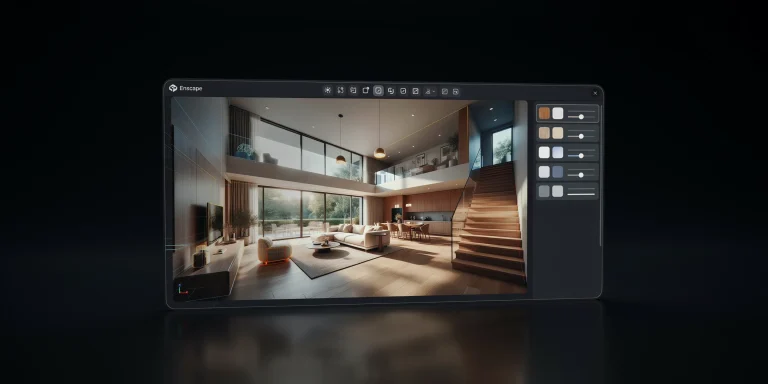
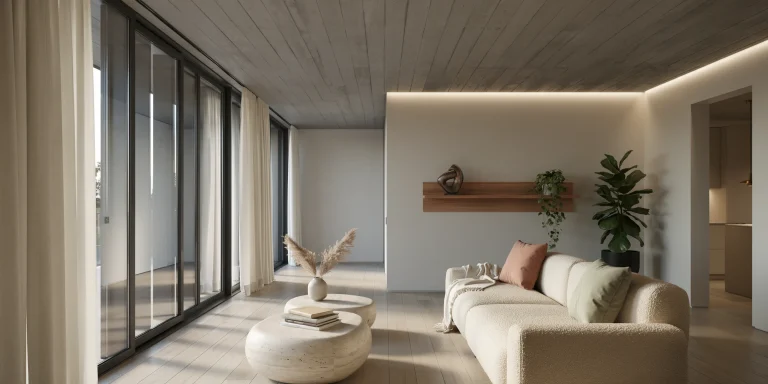
Corona renderer is a CPU-based render engine built specifically for architectural visualization, valued for natural lighting, intuitive materials, and near-default settings that produce photorealistic interior and exterior images. Working inside 3ds Max or Cinema 4D, it lets architects reach believable results with far less technical setup than most ray tracers.
For studios that spend their days lighting living rooms, lobbies, and facades rather than tuning sampler parameters, that focus matters. This guide covers how Corona renderer fits an architecture workflow: the render settings that actually move the needle, how its materials and lighting behave, the Chaos Cosmos library, and where it stands against V-Ray for archviz work. Each step leans on official Chaos documentation so you can apply it in a real project.
What Is Corona Renderer and Why Do Architects Use It?

Corona renderer started in 2009 as an independent path tracer and is now developed by Chaos, the same company behind V-Ray. According to Chaos, it was created with high-end architectural visualization as its main purpose, which shapes nearly every design decision in the product. The result is a renderer that prioritizes predictable, physically plausible images over an exhaustive list of switches.
Three traits explain its popularity in archviz studios. First, the default render settings are tuned to give strong quality with no parameter hunting. Second, its global illumination handles bounced interior light gracefully, which is where many renders fall apart. Third, the interface stays uncluttered, so a junior artist can produce a clean interior without memorizing a sampler manual. If you are still weighing engines, our overview of the key elements of a great architectural render pairs well with this guide.
📌 Did You Know?
Corona is a CPU-only renderer with no GPU mode, which is unusual in 2026. Chaos has kept it CPU-based so that scene complexity, displacement, and memory-heavy archviz interiors are not limited by graphics card VRAM, a real constraint when a single living-room scene carries millions of polygons.
Which Corona Render Settings Actually Matter?

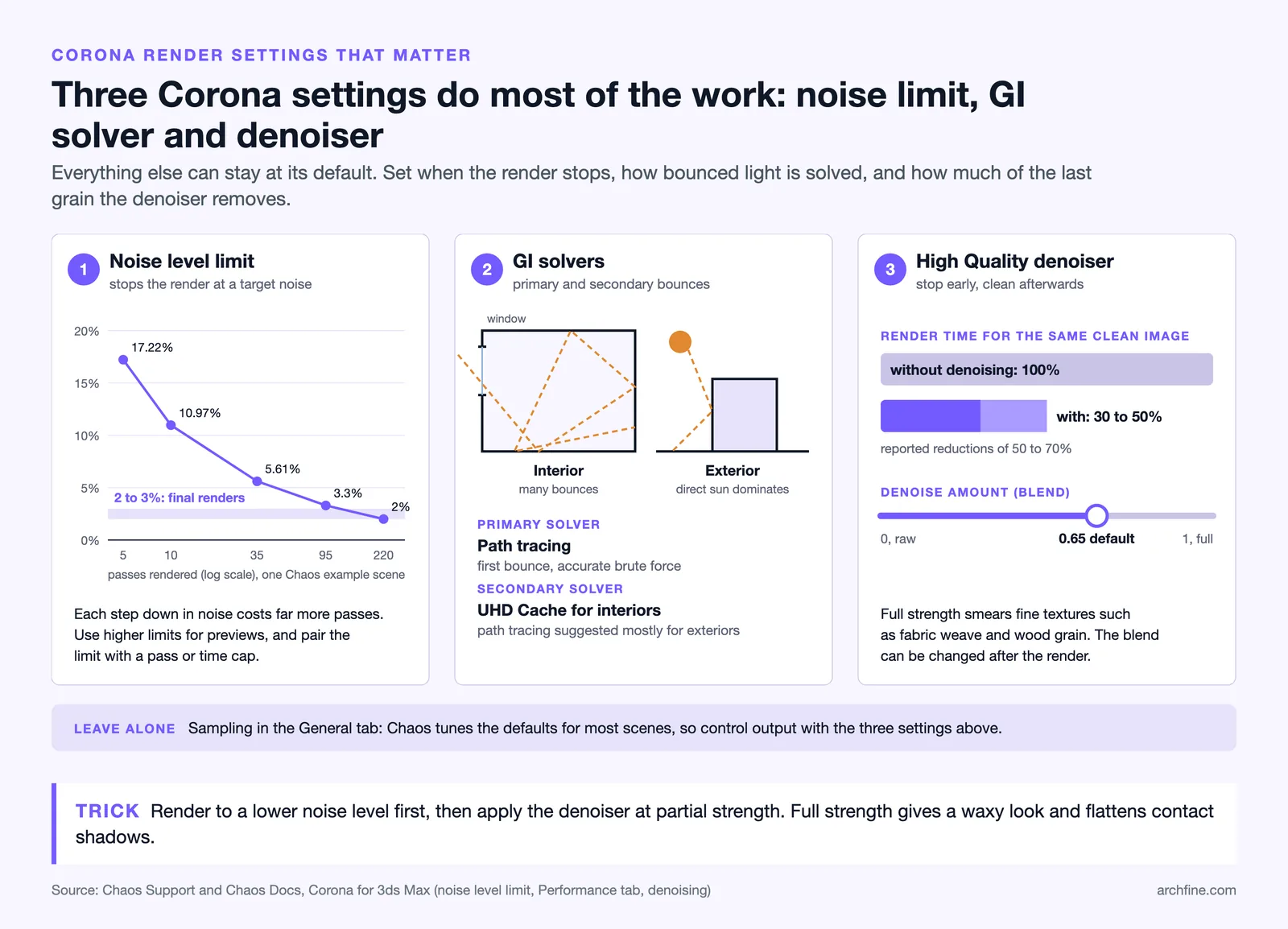
The honest answer surprises new users: very few. Chaos states that in most scenes the default render settings already deliver the best balance of quality and speed, so the productive habit is to leave the General tab alone and control output through the noise level limit and render time instead of manual sampling.
The setting you will touch most is the noise level limit. Lower values (around 2 to 3 percent, per Chaos) produce cleaner final frames, while higher values stop sooner for quick previews. Pair that with a pass limit or time limit so a frame cannot run indefinitely. For global illumination, the documented archviz default is path tracing as the primary solver and the UHD Cache as the secondary solver, which the Chaos Help Center recommends for interiors where bounced light dominates.
📐 Technical Note
For interiors, set the secondary GI solver to UHD Cache under Render Setup, Performance, Global Illumination. The UHD Cache is a slightly biased cached solution that is much faster than plain path tracing for scenes with many light bounces, without the artifacts or contact-shadow loss of older irradiance methods.
The third lever is the denoiser. Corona’s High-Quality denoiser analyzes noise in 3D space and removes it while keeping edges and texture detail intact, which Chaos notes can cut render times by roughly 50 to 70 percent because you stop a frame earlier and clean it afterward. Enable it, but keep the blend at a moderate level (Chaos defaults the denoise amount to 0.65) so fine materials such as fabric weave or wood grain stay sharp.
⚠️ Common Mistake to Avoid
New Corona users often push the denoiser to full strength to kill grain fast. That over-blurs textures and flattens contact shadows, giving renders a waxy look. Render to a lower noise level first, then apply denoising at partial strength so the cleanup supports the detail rather than erasing it.
How Do Corona Materials and the Library Work?
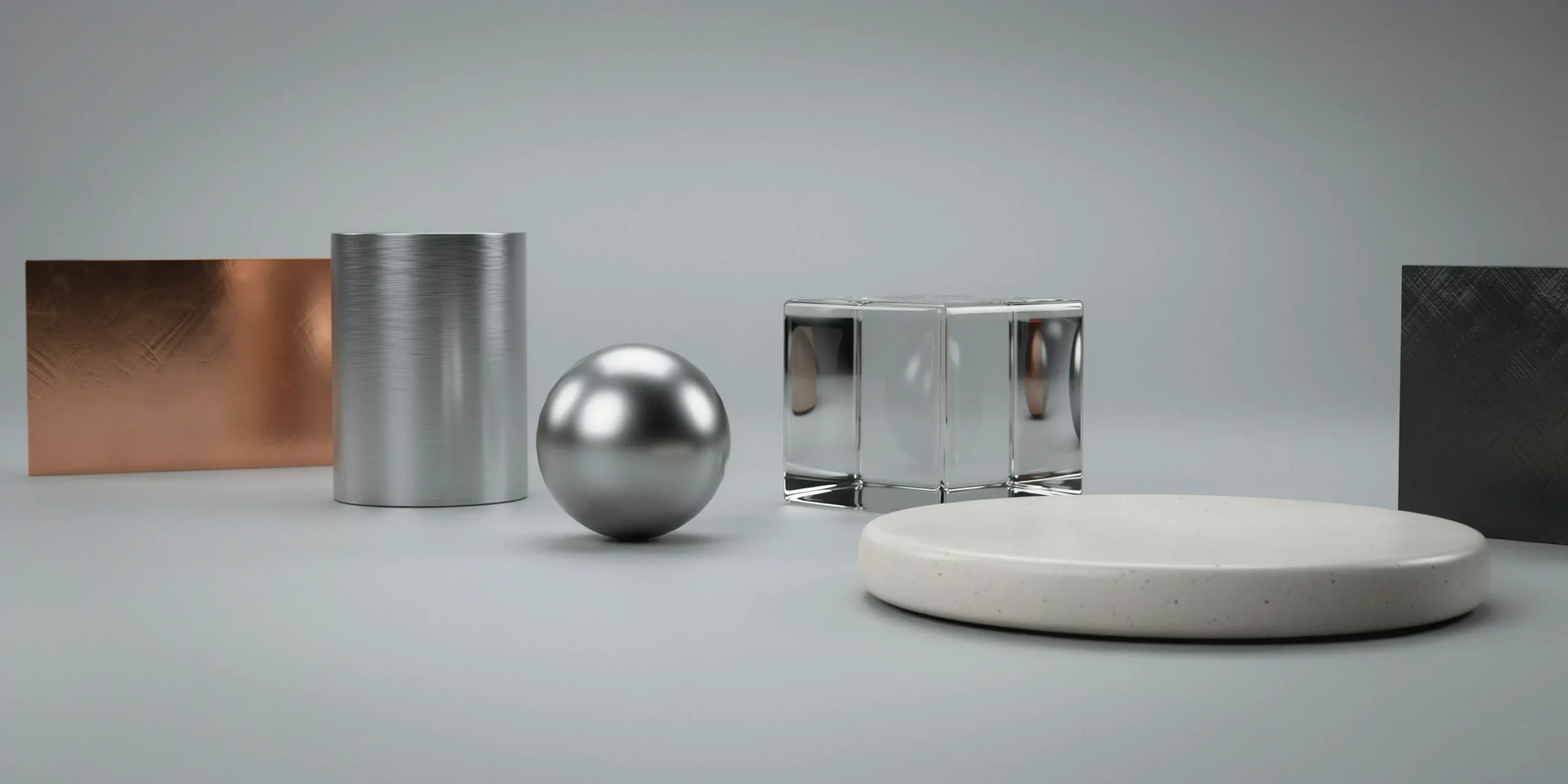
Corona’s material system centers on the Corona Physical Material, a single versatile shader built to reproduce real-world surfaces accurately. It handles base color, roughness, metalness, clear coat layers, and anisotropy, which covers most architectural surfaces from brushed steel railings to a satin-lacquered cabinet. Because it follows physically based rendering logic, values transfer cleanly between scenes and lighting setups stay consistent.
Two extras speed up interior work. The procedural Fabric Material builds upholstery and curtains without sourcing bitmaps, and Corona Decal lets you drop weathering, signage, or floor markings onto surfaces without editing the original UVs. For assets, the bundled Chaos Cosmos library supplies render-ready furniture, vegetation, vehicles, and people, so dressing a scene no longer means hunting for third-party models. To judge how much surface detail a given project needs, our notes on photorealistic versus stylized renders help set that level early.
💡 Pro Tip
When converting older legacy Corona materials, rebuild the key surfaces in the Corona Physical Material rather than auto-converting everything. Glass, polished metal, and car paint behave more predictably in the physical shader, and a clean rebuild of those three surface types removes most of the inconsistent reflections that haunt converted scenes.
How Do You Light an Interior in Corona?


Lighting is where Corona earns its reputation. Its Sun and Sky system generates a procedural sky with realistic dawn and twilight, and its adaptive light solver speeds up sampling in scenes with many lights. For the most common interior problem, the burned-out window, Corona’s tone mapping controls keep bright openings from clipping to pure white.
The standout tool is LightMix. It lets you adjust the intensity and color of every light directly in the frame buffer after rendering, and save multiple lighting scenarios from a single render. One interior render can become a daytime, dusk, and warm-evening version without re-rendering, which is a real time saver during client review rounds. A practical interior sequence looks like this:
- Place a Corona Sun and a Sky environment, then add interior fill from Corona Lights at window openings.
- Set the secondary GI solver to UHD Cache so bounced light resolves quickly.
- Run an interactive render to position lights and check material response in real time.
- Group lights into LightMix so you can recolor and rebalance them after the render finishes.
- Render to a low noise level, then apply the High-Quality denoiser at partial strength.
For deeper lighting theory that applies across every engine, our breakdown of what separates strong renders from weak ones covers shadow softness, contrast, and time-of-day mood in more depth.
Corona Renderer vs V-Ray: Which Fits Your Archviz Work?
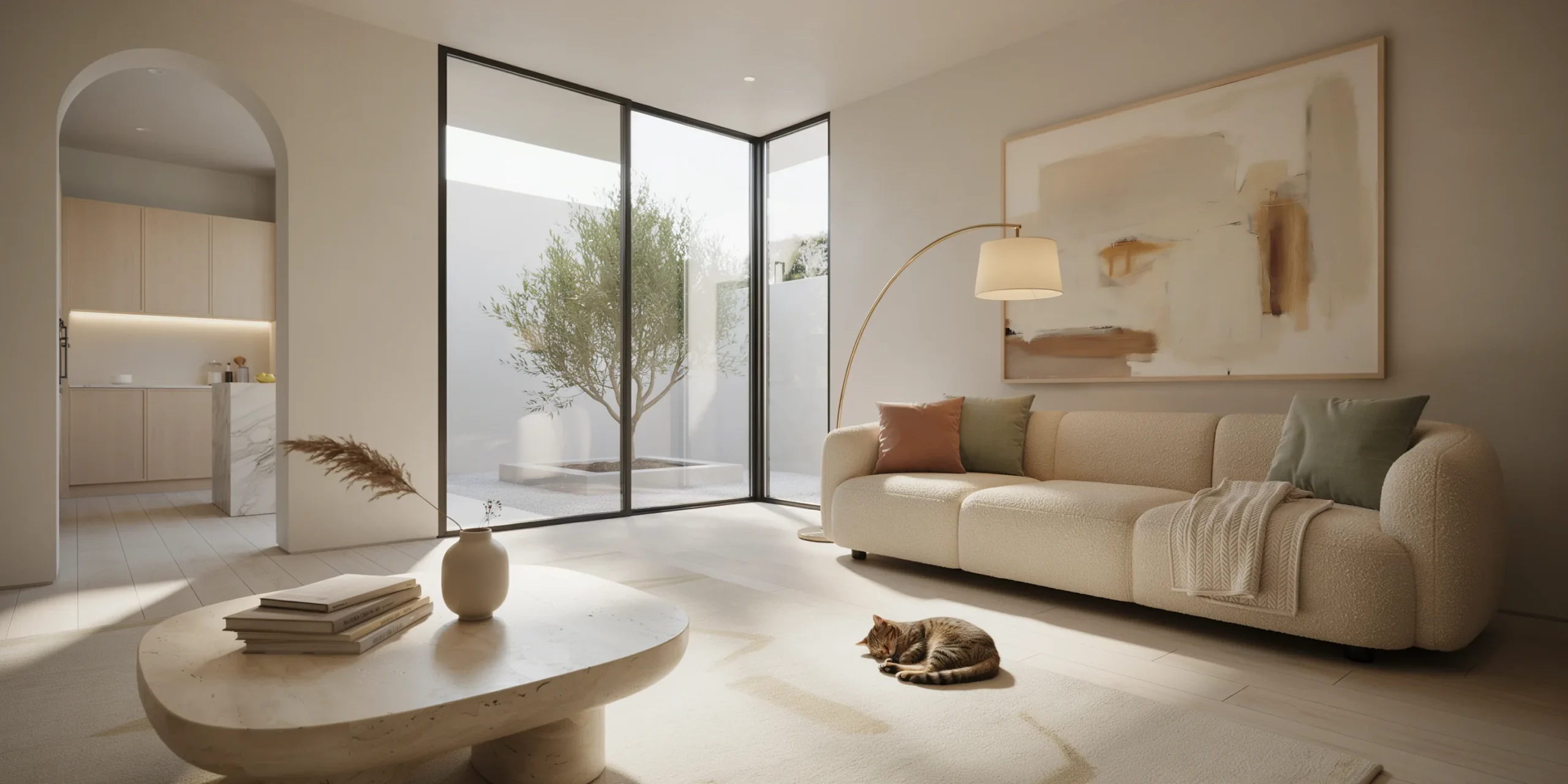

Since both engines belong to Chaos, this is less a rivalry and more a question of fit. Corona favors speed of setup and atmospheric interiors, while V-Ray offers GPU rendering and finer manual control for complex exteriors. The table below summarizes the practical differences that matter for an architecture studio, drawn from Chaos guidance and independent archviz testing by Antonio Bosi.
| Factor | Corona Renderer | V-Ray |
|---|---|---|
| Hardware | CPU only | CPU and GPU hybrid |
| Learning curve | Gentle, near-default settings | Steeper, more manual control |
| Interior strength | Soft natural light, atmospheric mood | Sharp highlights, precise reflections |
| Lighting iteration | LightMix scenarios from one render | Light mix via render elements |
| Best for | Fast interior visualization, smaller teams | Complex exteriors, GPU pipelines |
In short, if your studio renders interiors and wants believable images with minimal fuss, Corona is the faster path. If you depend on GPU farms or need exacting control over exterior reflections and atmospherics, V-Ray rewards the extra setup. Many studios keep both installed since the material and asset ecosystems overlap. For early concept passes, some teams skip both and run a quick viewport image through an AI rendering workflow before committing hours to a production render.
How Does Interactive Rendering Speed Up the Workflow?
Interactive rendering is the feature that changes how an architect actually works in Corona. Rather than committing to a full render and waiting to see whether a sofa color or a sun angle reads correctly, you open a live preview that refines as you adjust the scene. Move a light, swap a material, or nudge the camera, and the image updates in front of you. This shortens the slow part of archviz, the trial-and-error of getting a space to feel right.
In practice, most of the creative decisions get locked during interactive sessions, and the final render becomes a confirmation rather than a discovery. Pair it with the Chaos Cosmos library and dressing a room moves quickly: drop in a render-ready chair, judge how it sits under the existing light in the live view, then keep or replace it on the spot. Corona Scatter handles larger natural elements such as ground vegetation for site context, with slope controls so planting follows terrain rather than floating.
The frame buffer itself is part of this loop. Beyond LightMix, it carries tone mapping, bloom and glare, and basic color grading, so much of the post-processing that older pipelines pushed into Photoshop now happens before the render even leaves Corona. For a printed board or a competition panel, that means fewer round trips between applications and a more consistent look across a set of views.
Does Corona Handle Exteriors and Daylight Well?
Corona is most associated with interiors, but it renders exteriors and full daylight scenes with the same physically based logic. The Corona Sun and Sky drives realistic daylight, and you can dial the sun to a specific position to study how a facade reads at morning, midday, and late afternoon. For exteriors, path tracing alone often suffices as the GI solver since direct sunlight dominates and there are fewer deep light bounces to resolve than in an enclosed room.
Two features matter for site-scale work. Corona Scatter populates landscapes with grass, plants, and trees while keeping memory in check, and the procedural sky can shift toward dusk or a clear night with moonlight and stars for evening hero shots. Pattern and Decal add weathering, road markings, and surface wear that keep large outdoor surfaces from looking flat. Sun angle remains the single biggest lever: a low, raking sun describes building form and material texture, while a sun near midday tends to flatten the same facade. Studios that publish on platforms like ArchDaily lean on this kind of controlled daylight to make exterior visuals read as photographs rather than models.
Frequently Asked Questions About Corona Renderer
Is Corona renderer good for beginners?
Yes. Because the default render settings already produce strong results and the interface avoids deep sampler menus, a newcomer can light a basic interior and get a clean image quickly. The learning effort shifts from technical tuning toward composition and materials.
Does Corona work with 3ds Max and Cinema 4D?
Corona ships as a plugin for both 3ds Max and Cinema 4D, with the same core engine across both. Most archviz studios run it inside 3ds Max, where the Chaos documentation and the largest pool of compatible scene assets live.
Can Corona share materials with V-Ray?
Through the shared Chaos ecosystem, including the Chaos Cosmos asset library and physical material standards, moving between Corona and V-Ray is far smoother than between unrelated engines. A direct one-to-one shader swap still needs review, so check glass and metal surfaces after any conversion.
How long does an interior render take in Corona?
Render time depends on resolution, scene complexity, and your CPU core count, not a fixed number. The reliable approach is to set a target noise level and a time or pass limit, then let denoising clean the remaining grain, which keeps frames predictable across a project.
Your Next Step: Open one of your existing interior scenes, set the secondary GI solver to UHD Cache, group your lights into LightMix, and render a single frame to a 3 percent noise level. That one test shows how much of your old settings routine Corona makes unnecessary.