
How It Works
Transform your architectural designs into stunning visualizations in four simple steps.
Simple 4-Step Process
Upload
Upload your sketch, photo, or 3D model
Describe What You Want
Add your design prompt to Archfine
Generate
AI creates your render in seconds
Download
Get high-res results instantly
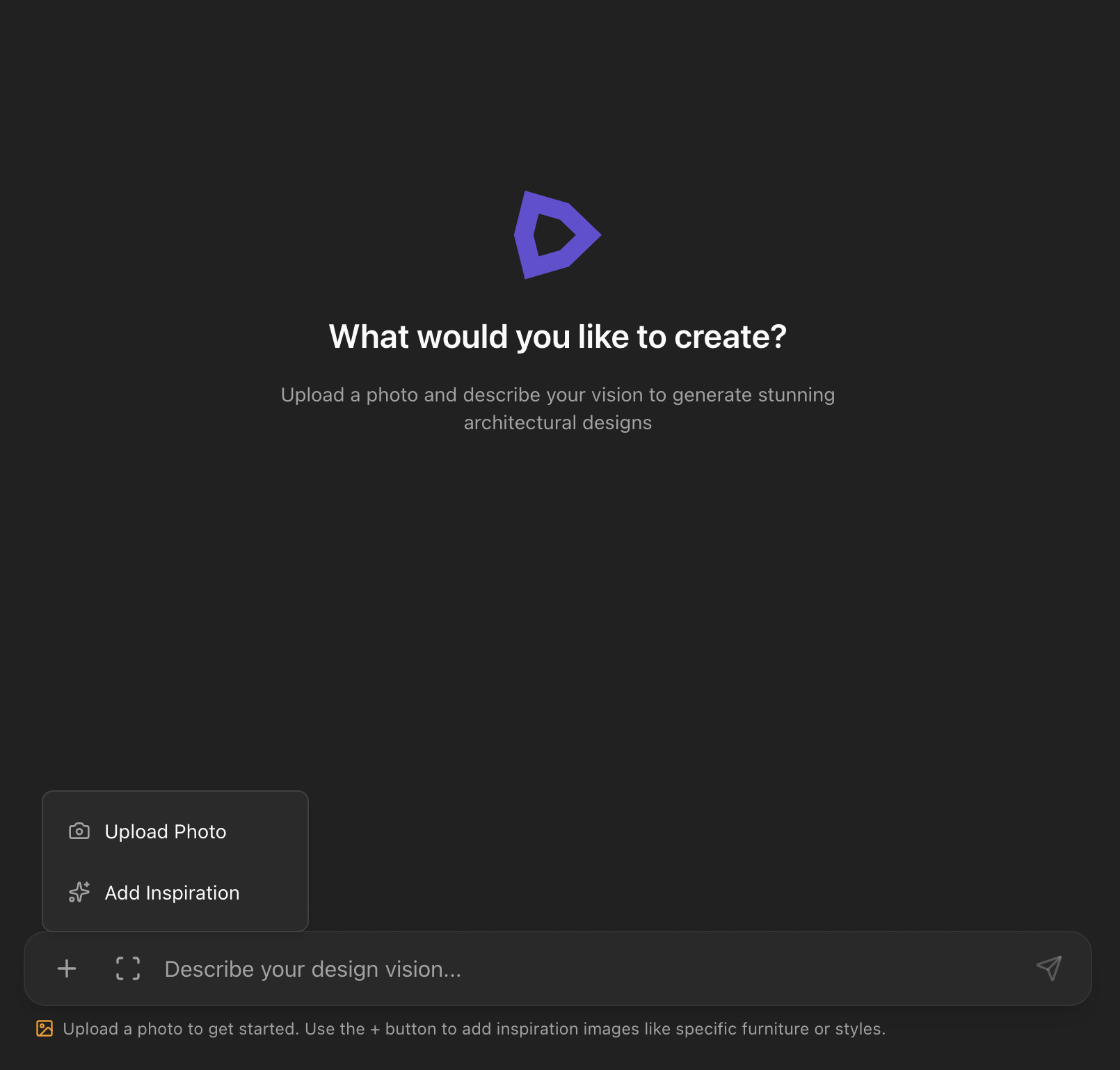
Upload Your Image
Upload a hand sketch, 3D model screenshot, floor plan, or reference photo. Archfine accepts JPG and PNG files up to 20 MB no special file formats or plugins required.
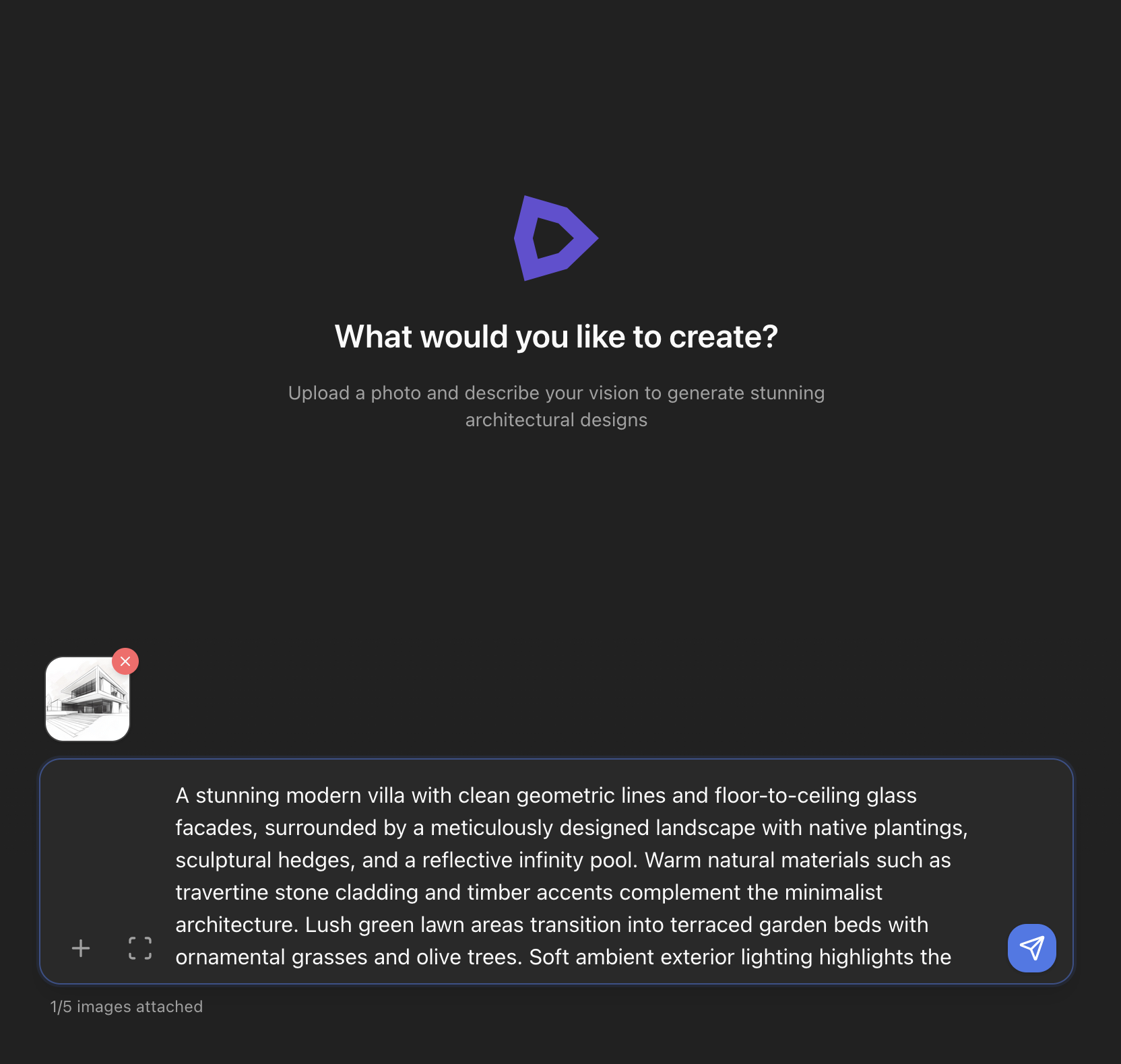
Describe What You Want
Write a short prompt describing the look you’re after — materials, lighting, atmosphere, style. The more specific you are, the closer the result matches your vision.
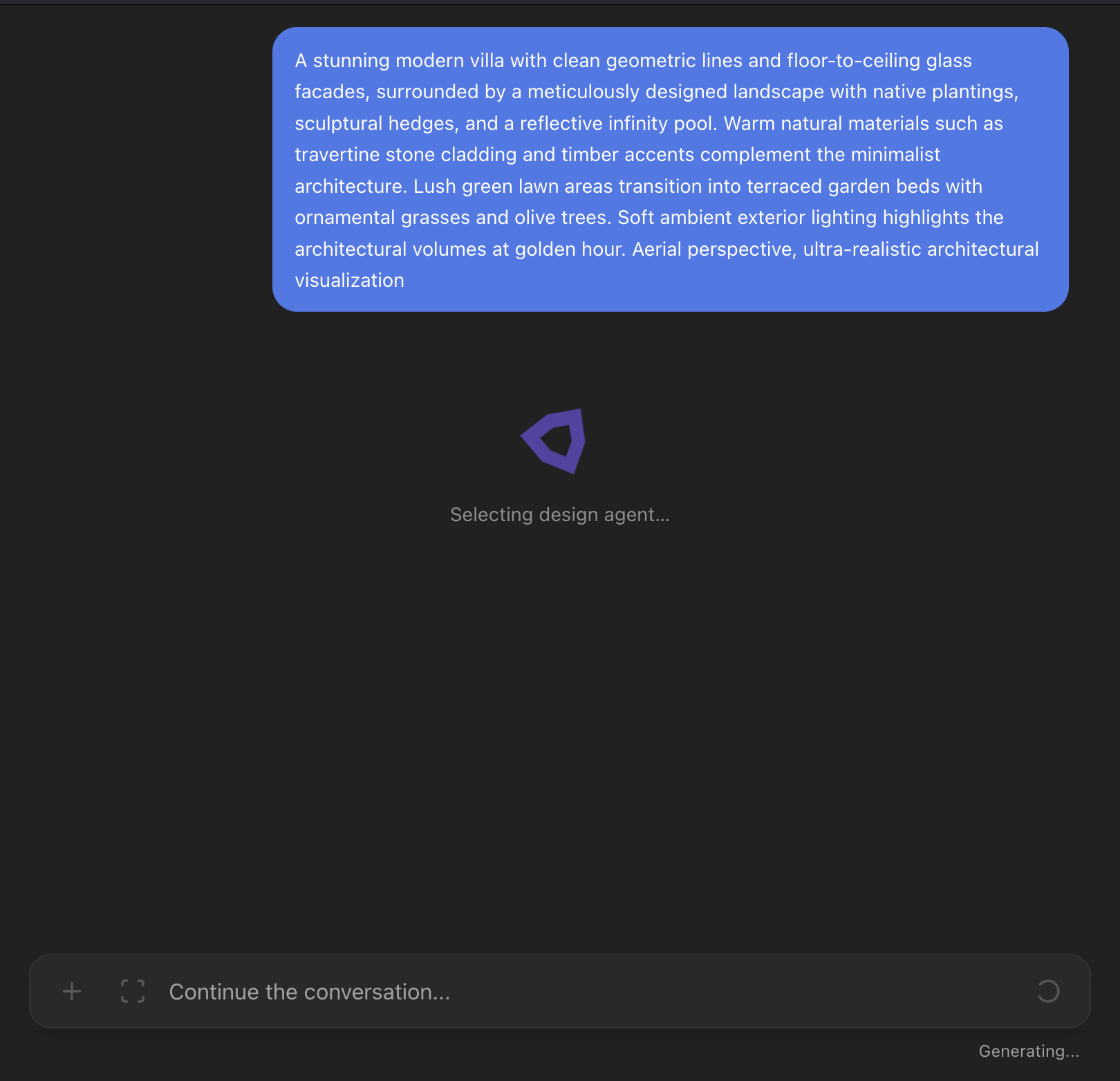
AI Renders in ~30 Seconds
Archfine’s AI interprets your image and prompt together, generating a photorealistic architectural visualization in approximately 30 seconds. No rendering software, no GPU, no waiting.
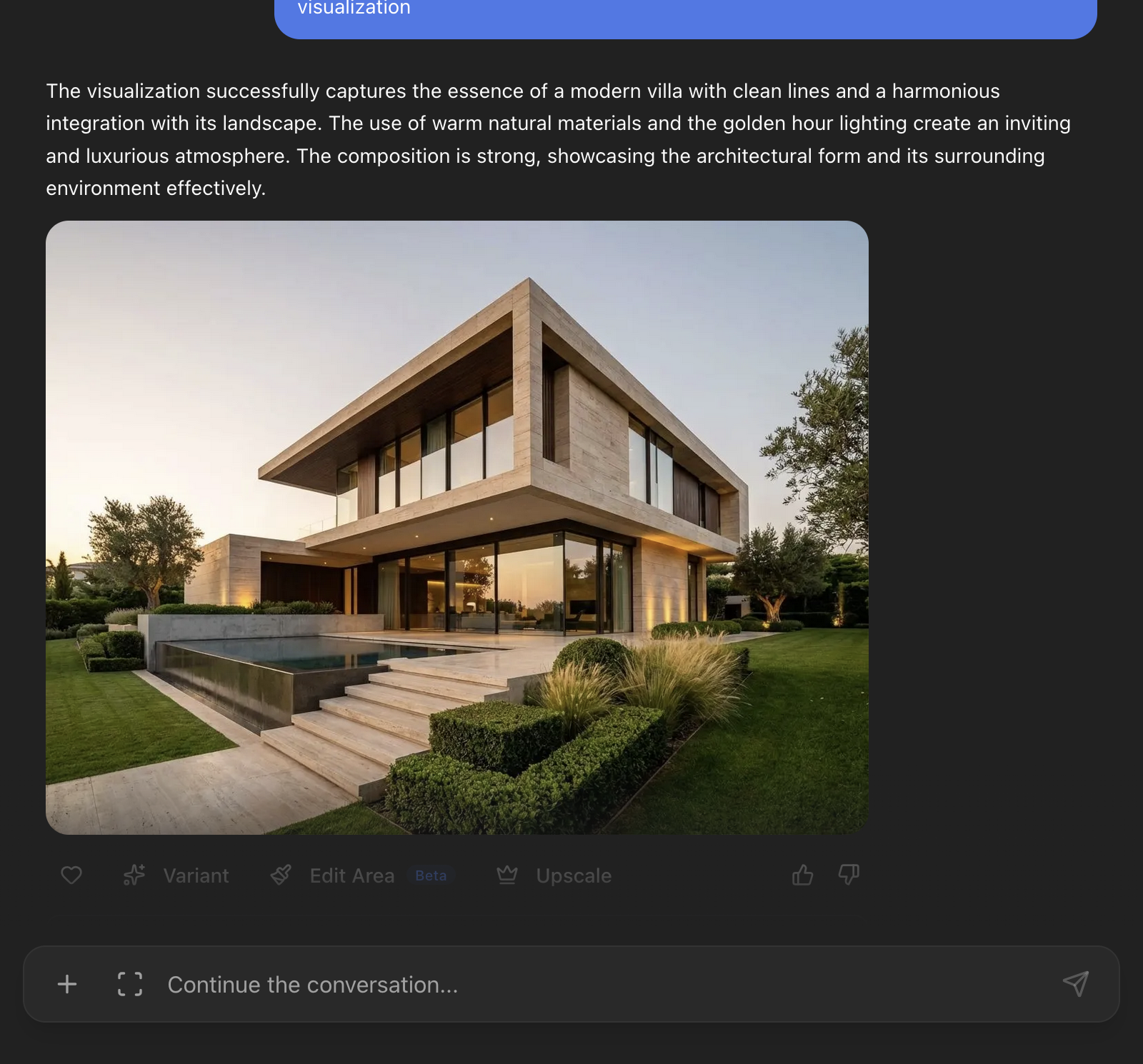
Download & Use Anywhere
Download your render in high resolution, upscale to 4K, or generate additional variations. Use it in client presentations, competition boards, portfolios, and marketing materials.
What Can You Upload?
Sketches & Drawings
Hand-drawn sketches, pencil drawings, pen-and-ink illustrations, and digital sketches. Any freehand architectural concept.
Photos & Screenshots
Interior and exterior photos, 3D model screenshots from SketchUp, Revit, Rhino, or any design software.
Plans & Elevations
Floor plans, section drawings, and elevation views exported from CAD or BIM software.
Ready to Transform Your Designs?
Start generating stunning renders in seconds. No rendering knowledge required.
Get Started Free