Cloud rendering is a service that processes your 3D architectural scenes on remote, high-powered servers instead of your local computer. You submit a scene from your render engine, the cloud distributes it across many machines, and you download finished images or animations. For architects, this turns overnight render queues into jobs that finish in minutes without buying new hardware.
If your workstation grinds to a halt every time you hit render, cloud rendering offers a practical way out. Instead of tying up your machine for hours, you offload the heavy lifting to a remote render farm and keep working on the next view. This guide explains exactly how cloud rendering works for architectural visualization, what it costs, which platforms matter, and when it makes sense for your studio.
What Is Cloud Rendering?
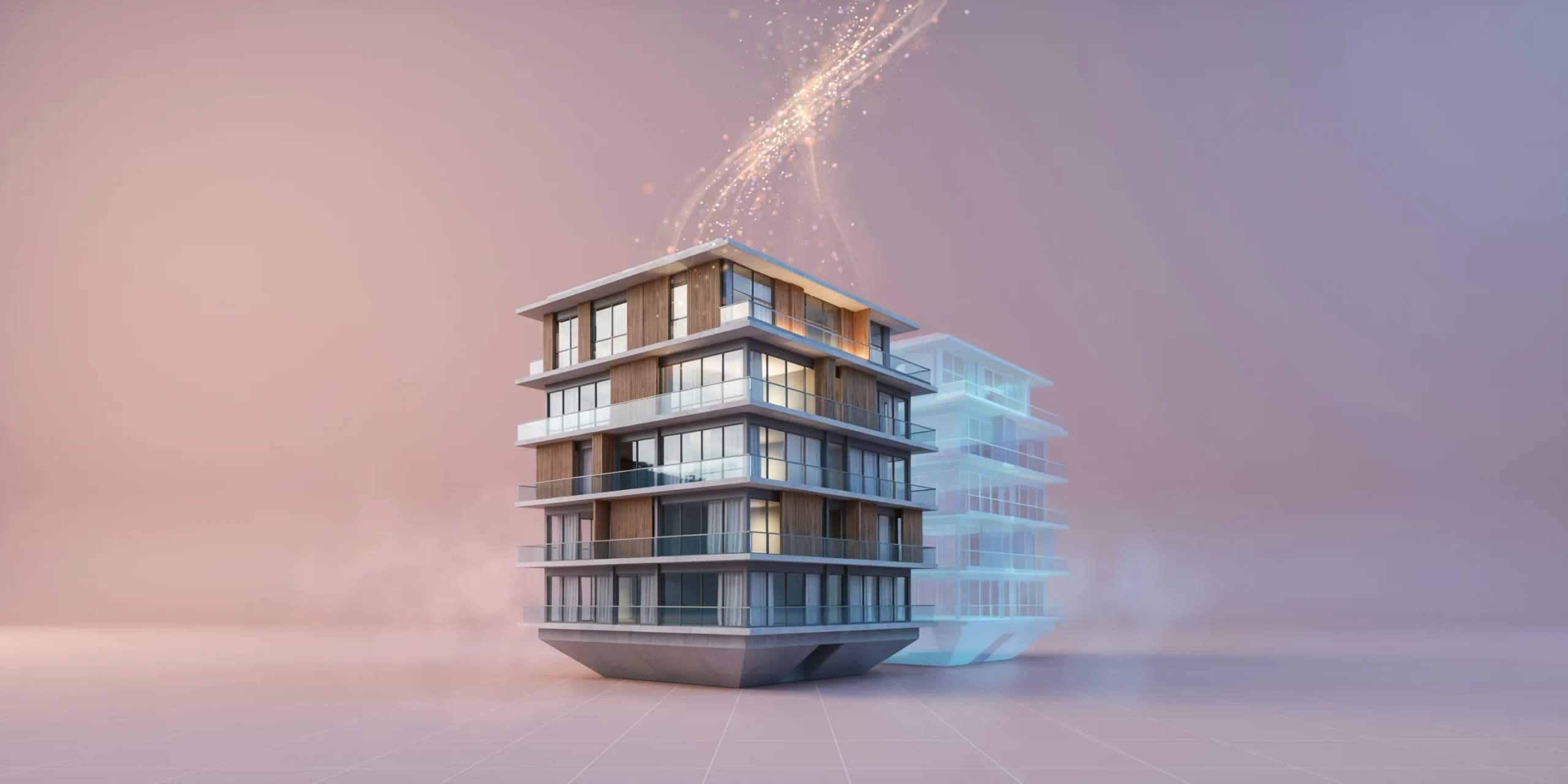
Cloud rendering is the practice of sending a 3D scene to off-site servers that compute the final image, then returning the result to you over the internet. Rather than relying on a single CPU or GPU under your desk, your job runs across a scalable pool of remote machines. The term covers both online rendering services tied to a specific engine and general-purpose cloud render farm providers that accept many file types.
The core idea is simple: rendering is one of the most compute-hungry tasks in architecture, and most of that power sits idle between jobs. Cloud rendering rents that power on demand. According to Chaos, the company behind V-Ray, its Chaos Cloud service lets users submit and render scenes directly from V-Ray so the platform “seamlessly scales and significantly shortens the rendering time.”
This sits alongside the AI-driven approach many studios now blend into their workflow. Where a render farm crunches your full ray-traced scene, tools like Archfine generate photorealistic results from a model image in seconds. Understanding both helps you pick the right method for each stage, a topic covered in our guide on photorealistic vs stylized renders.
📌 Did You Know?
Chaos Cloud, launched in 2018, runs on managed cloud infrastructure and only uploads the new or changed parts of a scene on each submission. That delta-upload approach means re-rendering a revised view often transfers a fraction of the original scene data, saving both time and bandwidth.
How Does Cloud Rendering Work, Step by Step?
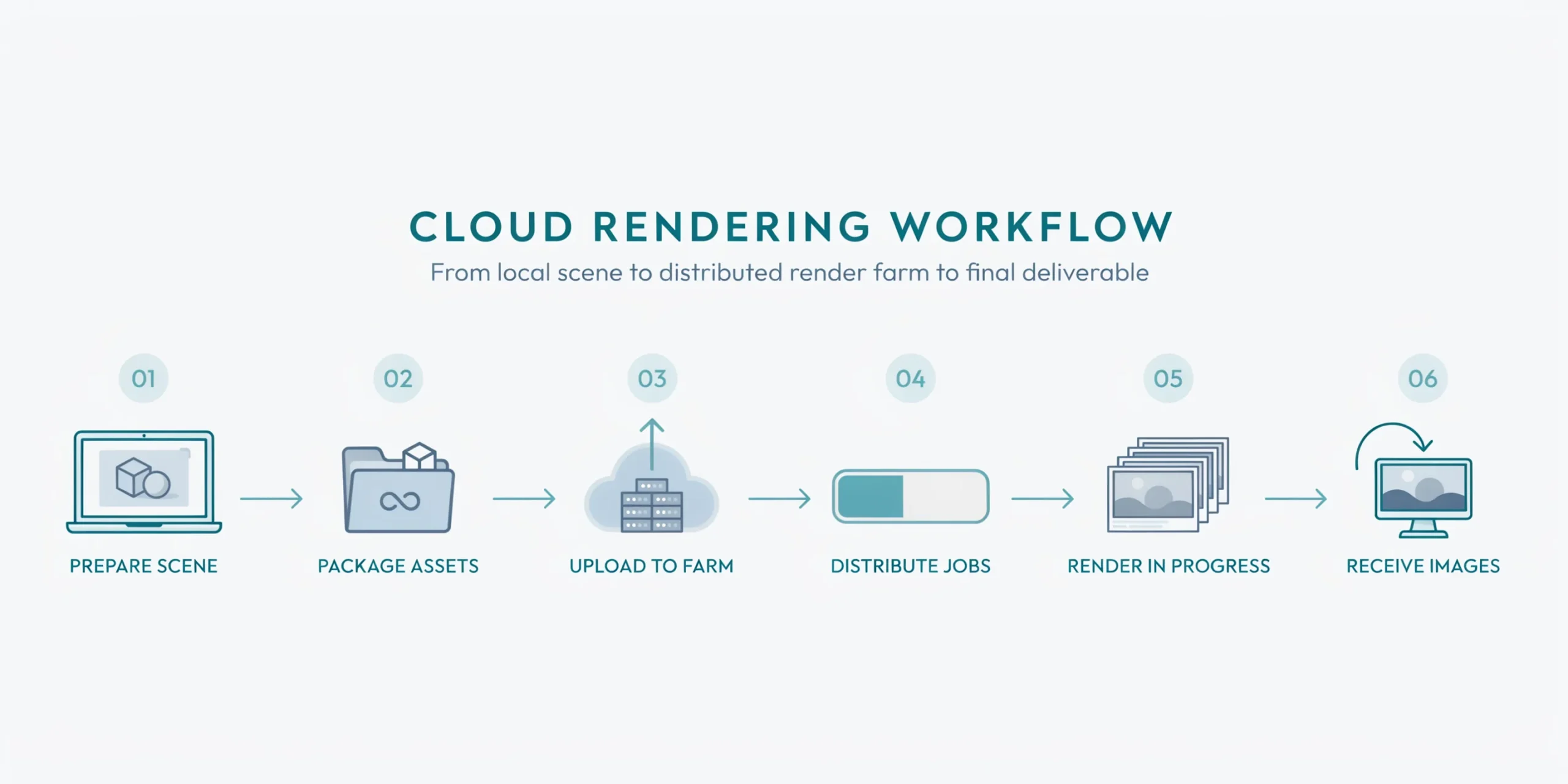
Cloud rendering works by packaging your scene, uploading it to a remote farm, distributing the workload across many machines, and sending the finished frames back to you. The exact buttons differ by platform, but the underlying pipeline is consistent. Here is the typical flow for an architect using a service like Chaos Cloud or a third-party render farm.
- Prepare and check your scene. Confirm textures, proxies, and assets are linked correctly inside your render engine, because missing files are the most common cause of failed cloud jobs.
- Submit the job. From V-Ray you click to send the scene directly to Chaos Cloud. With a general render farm you upload the project file through a desktop client or web portal.
- Automatic upload and licensing. The service uploads your scene, handles licensing, and spins up the virtual machines. Chaos Cloud uploads only the new and changed parts of a scene to speed this up.
- Distributed rendering. The farm splits the work. Still images are divided into tiles across machines, while animations assign whole frames to different nodes so hundreds render in parallel.
- Monitor progress. A live preview or dashboard shows the render advancing. You can pause, stop, or resume a job, and you keep working locally while it runs.
- Download the results. Finished frames return to your account. You pull down the final images or image sequence and composite or deliver them.
💡 Pro Tip
Before submitting a full animation to the cloud, send a single representative frame first. A test frame costs almost nothing and confirms that materials, lighting, and resolution are correct. Catching a wrong sun angle or missing texture after one frame is far cheaper than discovering it across 300 finished frames.
CPU vs GPU Cloud Rendering
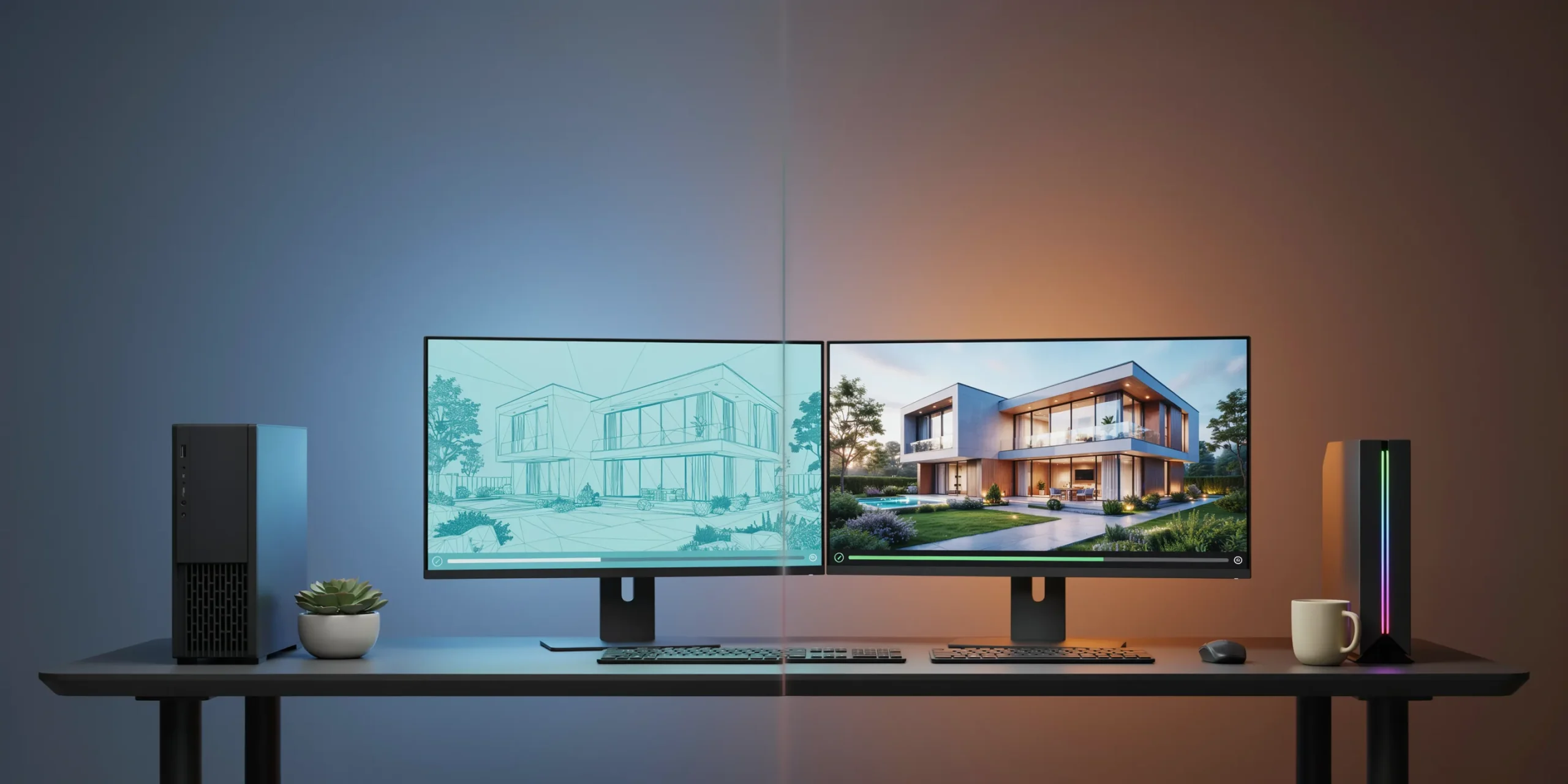
The biggest technical choice in GPU cloud rendering versus CPU rendering comes down to your engine and your deadline. CPU farms have long handled production-grade V-Ray and Corona jobs where accuracy and large scenes matter. GPU farms, powered by NVIDIA RTX cards, deliver dramatically faster ray tracing for engines built around the graphics card.
Real-time engines lean heavily on the GPU. D5 Render runs on a DirectX 12 pipeline using DXR ray tracing, which computes reflections, refractions, and global illumination directly on a single NVIDIA GPU. Cloud D5 workstations give you a ready RTX machine to upload files, render, and download results, useful when your laptop cannot drive a heavy scene.
📐 Technical Note
GPU memory, not raw speed, is the usual ceiling for architectural scenes. A high-polygon interior with 4K textures can exceed the VRAM of a single card and fail to load. Cloud GPU nodes commonly ship with 24GB of VRAM (such as an RTX 4090 class card), which comfortably handles most arch-viz stills while leaving headroom for displacement and dense vegetation.
For studios using the Unreal Engine ecosystem, Twinmotion from Epic Games is a real-time, GPU-driven tool that produces images, panoramas, and 360 VR videos, with Twinmotion Cloud available for sharing interactive presentations online.
Why Do Architects Use Render in the Cloud?
Architects choose to render in the cloud to remove three persistent bottlenecks: slow local hardware, blocked workstations, and unpredictable deadlines. Offloading frames to a remote farm means a single image no longer ties up the only machine in the office, and an animation that would run for days finishes overnight or faster.
The benefits stack up quickly for a working practice:
- No hardware investment. You skip the cost of a dedicated render workstation, which makes high-end output reachable for small studios and solo architects.
- Elastic scale. Cloud farms scale from a handful to thousands of cores on demand, so a competition deadline gets the same firepower as a large firm.
- Parallel iteration. While the farm renders the final views, you keep refining materials and camera angles locally.
- Predictable delivery. Render times become a known quantity rather than a gamble on whether your machine finishes overnight.
This is the same logic behind AI rendering, which trades hours of ray tracing for near-instant results. Many architects now pair both: AI for fast concept iterations and a cloud farm for final ray-traced deliverables. Our walkthrough on how to use AI to render architecture shows where each fits, and the integrations page lists the modeling tools that plug straight into a render workflow.
⚠️ Common Mistake to Avoid
Do not treat cloud rendering as a fix for an unoptimized scene. Uploading a bloated file with un-instanced trees, oversized 8K textures on tiny objects, and unused assets simply moves the slowdown to the upload and inflates your render bill. Clean and optimize the scene locally first, then send a lean version to the farm.
Popular Cloud Rendering Services for Architecture

The right platform depends on which engine your studio already uses. Most architects fall into one of these categories of rendering services.
Engine-native cloud platforms
Chaos Cloud is the most direct path for V-Ray users, since you submit straight from the engine with no third-party setup. Twinmotion Cloud and D5 cloud workstations serve real-time GPU workflows. These are the simplest options because licensing and compatibility are handled for you.
General-purpose render farms
Independent cloud render farm providers accept files from many engines, including V-Ray, Corona, and Blender Cycles, and bill by node-hour. They suit studios juggling multiple software packages and offer the widest plugin coverage.
Managed cloud infrastructure
For larger AEC teams, AWS Deadline Cloud is a fully managed render-management service that builds a cloud render farm in minutes and scales from zero to thousands of compute instances. It organizes work into farms, queues, and fleets, and provides near real-time usage and cost data so studios can monitor spend per project.
If your modeling happens in SketchUp or AutoCAD, an AI rendering layer can sit ahead of any of these for fast concept output, as detailed in our guides on SketchUp AI rendering and AutoCAD AI rendering.
How Much Does Cloud Rendering Cost?
Cloud rendering is usually priced one of two ways: by node-hour on a render farm, or through credits on an engine-native platform. With node-hour billing you pay for the compute time your job actually consumes, so a fast still image costs little while a long animation costs more. Credit systems bundle a set amount of rendering into monthly tiers.
Chaos Cloud, for example, runs on a credit model where credits are freely distributable between users on a floating license, which helps teams share a budget across projects. Because pricing scales with how much you render, the practical cost depends entirely on scene complexity, resolution, and frame count. The discipline of optimizing scenes before upload pays off directly here, since lighter scenes finish faster and cheaper.
When Does Cloud Rendering Make Sense?
Cloud rendering makes the most sense when render demand is uneven, which describes most architecture studios. A practice that produces a few stills a month rarely needs a dedicated farm, while one facing a sudden animation deadline benefits enormously from renting hundreds of cores for a single night.
Cloud rendering is a strong fit when you need to deliver high-resolution stills or animations on a tight timeline, when your local hardware cannot hold the scene in memory, or when you want to keep designing while final views render. It is less compelling for quick draft views, where local real-time previews or AI rendering are faster and effectively free per image.
Frequently Asked Questions
Is cloud rendering faster than rendering on my own computer?
Usually yes, because a cloud farm splits the work across many machines that run in parallel. A still image is divided into tiles and an animation assigns whole frames to different nodes, so a job that takes hours locally can finish in minutes. The trade-off is upload and download time, which is why optimizing the scene first matters.
Do I need special software to use cloud rendering?
For engine-native services like Chaos Cloud you submit directly from V-Ray with no extra tools. General render farms provide a small desktop client or web portal to upload your project file. In both cases the platform handles licensing and the rendering environment, so you mainly need a properly linked scene.
Is cloud rendering safe for confidential project files?
Established providers use encrypted transfers and access controls, and managed services such as AWS Deadline Cloud run inside your own cloud account. For sensitive work, review the provider’s data handling and retention policy, and delete uploaded scenes once your final frames are downloaded.
Does cloud rendering replace AI rendering?
No, they solve different problems. Cloud rendering accelerates full ray-traced output from your exact 3D scene, while AI rendering generates a photorealistic image from a model reference in seconds. Many architects use AI for rapid concept exploration and a cloud farm for accurate final deliverables.
Your Next Step: Pick one heavy view from a current project, optimize the scene locally, and submit a single test frame to an engine-native cloud service. That one frame will show you the real upload time, render speed, and cost before you commit a full animation to the cloud. Explore more workflow guides in our rendering techniques category.