
Compare
Compare AI rendering tools side by side, from V-Ray to Midjourney
Every Archfine comparison in one place. Compare AI rendering tools with classic render engines, general AI image generators and other AI rendering platforms, then read reviews of the tools architects ask about most. Each guide sets out what a tool needs from you, what it gives back and where it fits.
Updated November 2026
Most read
Most read comparisons
The guides readers open most often from Google search, based on the last 90 days.
- 1
 xFigura Review: AI Canvas for Architects5 min read
- 2
 ArchFine vs Veras: Web-Based vs Plugin AI Rendering Compared10 min read
- 3
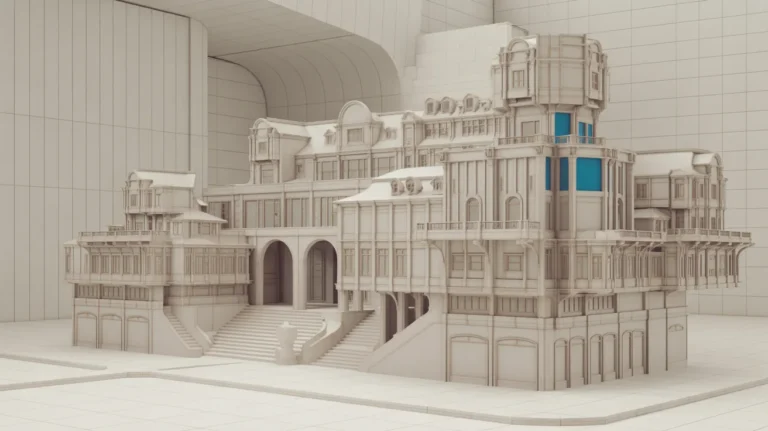 Blender vs 3ds Max vs SketchUp for Architecture6 min read
- 4
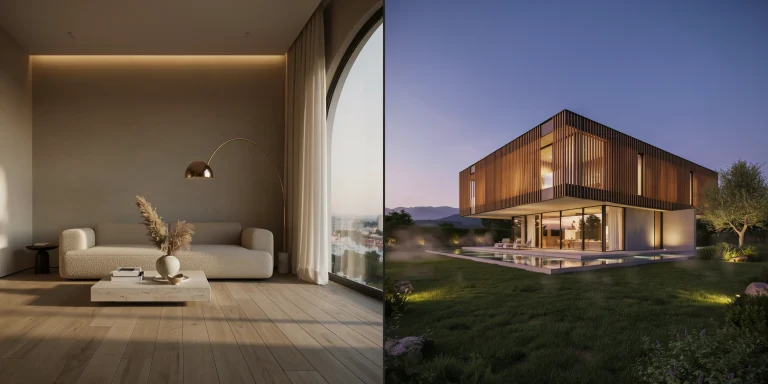 V-Ray vs Corona for Architecture: Which Render Engine Fits Your Workflow9 min read
- 5
 ArchFine vs Adobe Firefly Architecture: Which AI Tool Wins?12 min read
Test it on your file
Compare on your own project
The fastest comparison is your own drawing. Pick the starting point that matches your file and see examples before you upload.
Learning route
A route through the comparisons
Not sure where to begin? Read these nine guides in order: how the engines differ, how Archfine compares with them, then how it compares with other AI tools.
How render engines differ before any AI enters the picture.
Where an AI renderer fits next to V-Ray, Lumion and Enscape.
General image generators and AI plugins against an architecture tool.
01 · vs render engines
Archfine next to classic render engines
How Archfine sits next to V-Ray, Lumion, Enscape, Twinmotion and Chaos: what each tool needs from you, what it outputs and which project stage it suits.
 Compare
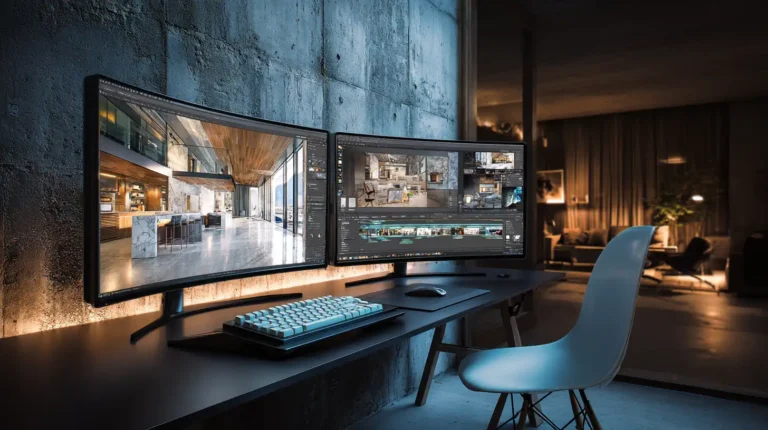
ArchFine vs V-Ray: Which Rendering Tool Is Right for You in 2026
A side-by-side look at ArchFine and V-Ray covering render speed, learning curve, pricing, and output quality.
 Compare
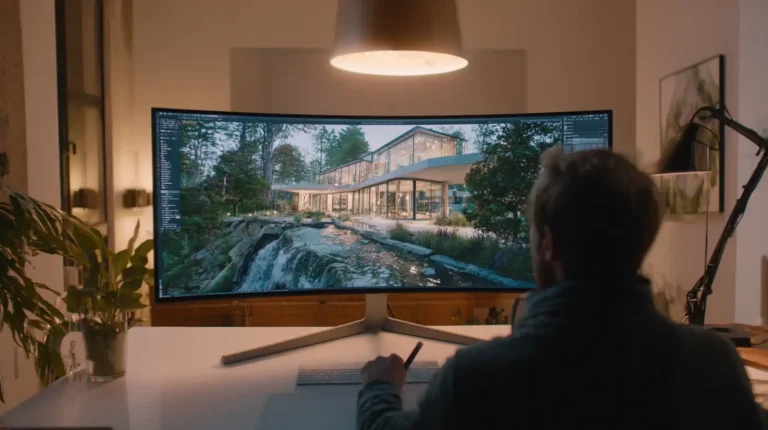
ArchFine vs Lumion: Which Rendering Tool Fits Your Workflow?
ArchFine and Lumion take fundamentally different approaches to architectural visualization.
 Compare
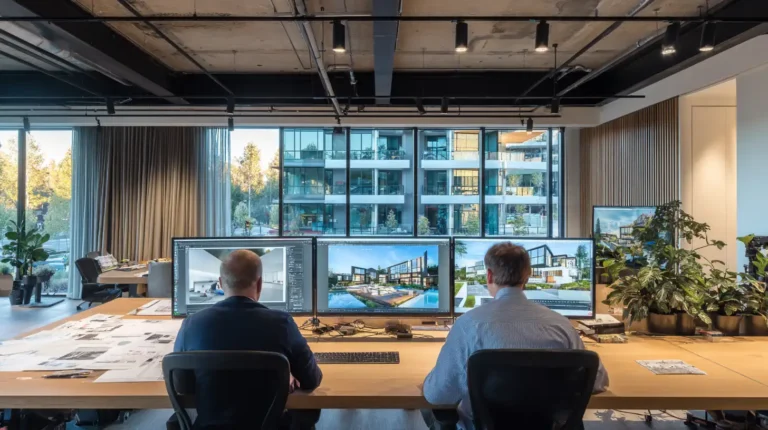
ArchFine vs Enscape: Which Rendering Tool Fits Your Workflow in 2026
ArchFine and Enscape take completely different approaches to architectural rendering.
 Compare
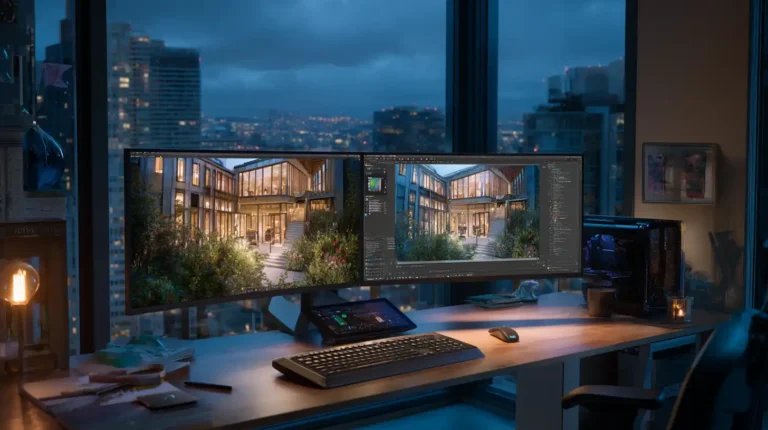
ArchFine vs Twinmotion: Which Rendering Tool Fits Your Workflow?
ArchFine and Twinmotion approach architectural visualization from opposite directions.
 Compare
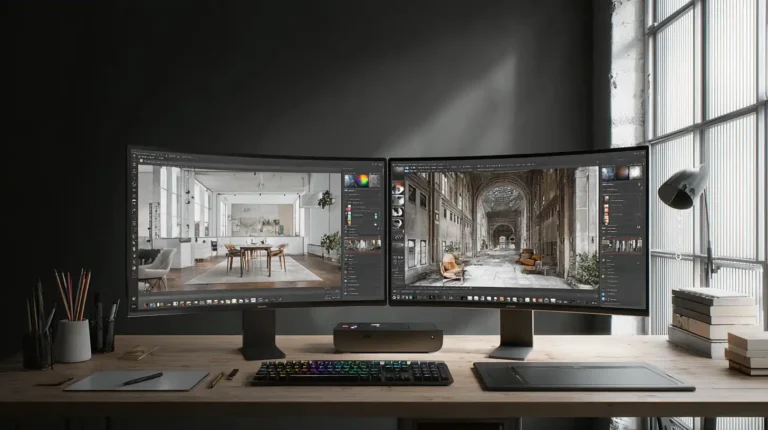
ArchFine vs Chaos Render: AI Rendering vs V-Ray Compared
A direct comparison of ArchFine and Chaos V-Ray for architectural rendering.
02 · vs AI image tools
Archfine next to general AI image generators
Midjourney, DALL-E, Adobe Firefly and Stable Diffusion make images of anything. These guides look at what changes when the subject is a building.
 Compare
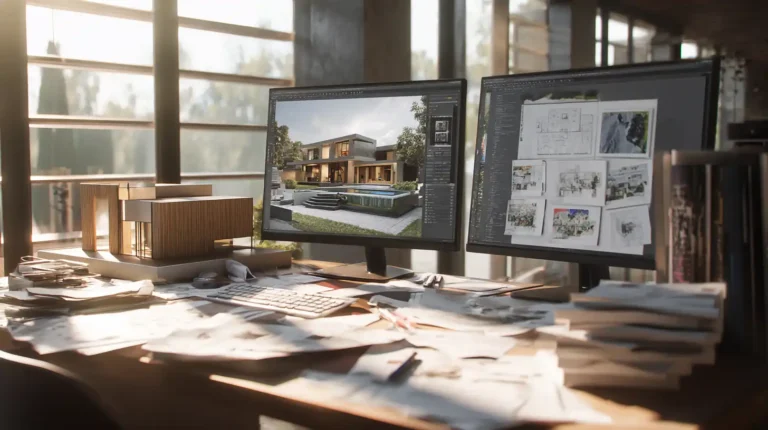
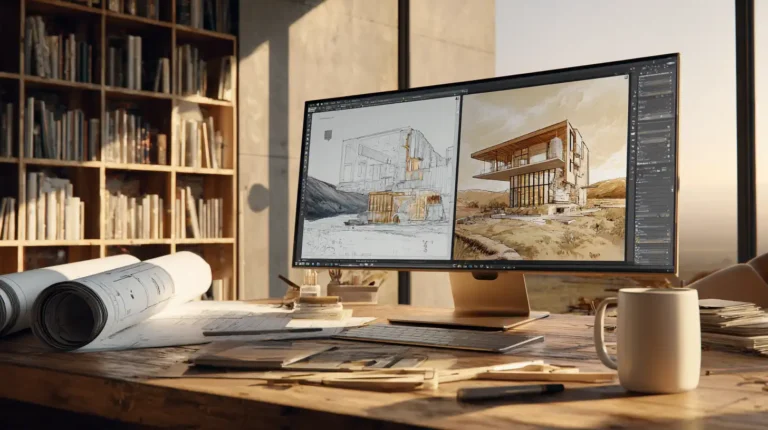
ArchFine vs Midjourney: Which AI Tool Architects Actually Need?
A side-by-side look at ArchFine and Midjourney for architectural rendering: how a dedicated architecture AI compares with a general image generator…
 Compare
ArchFine vs DALL-E for Architecture: Which AI Tool Actually Works?
Architects trying AI image generation quickly discover that general tools and architecture-specific platforms behave very differently.
CompareArchFine vs Adobe Firefly Architecture: Which AI Tool Wins?
Architects evaluating AI rendering tools face a clear choice: a general-purpose creative AI built for all industries, or a platform designed…
 Compare
ArchFine vs Stable Diffusion for Architecture: Key Differences
Architects choosing between ArchFine and Stable Diffusion face a fundamental trade-off: a purpose-built SaaS platform that works instantly versus an…
03 · vs AI platforms
Archfine next to other AI rendering tools
ArchiVinci, Veras and PromeAI also render architecture with AI. The differences come down to where the tool runs and what it starts from.
 Compare
ArchFine vs ArchiVinci: Which AI Rendering Tool Wins in 2026?
A detailed side-by-side comparison of ArchFine and ArchiVinci, two AI-powered architectural rendering platforms.
CompareArchFine vs Veras: Web-Based vs Plugin AI Rendering Compared
A side-by-side look at ArchFine and Veras, two AI rendering tools taking opposite approaches.
 Compare
ArchFine vs PromeAI: Which AI Render Tool Fits Architects Best?
A focused comparison of ArchFine and PromeAI for architects and design professionals.
04 · Engines compared
Render engines compared with each other
Comparisons between the engines themselves, for when the question is which renderer to learn or switch to.
 Software
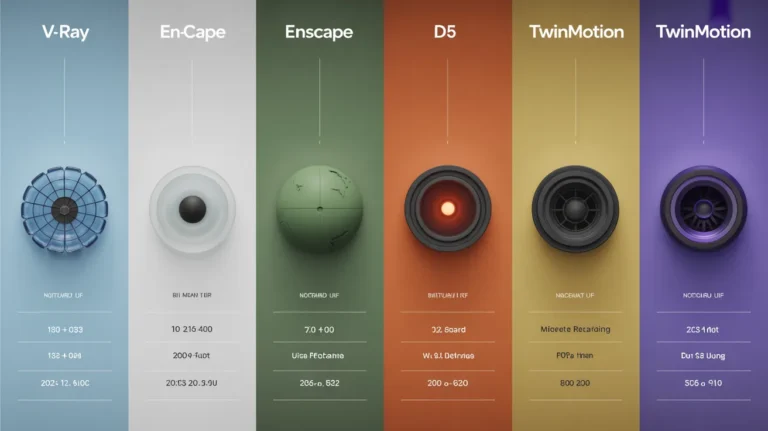
Render Engine Comparison: Which One Fits Your Work
Render engine comparison usually starts with image quality and should start with workflow, because the major engines converged on output years ago.
 Software
Architectural Rendering Software Compared: A Practical 2026 Guide
Discover the key differences between real-time and offline architectural rendering software in our 2026 guide.
SoftwareV-Ray vs Corona for Architecture: Which Render Engine Fits Your Workflow
V-Ray vs Corona for architecture compared on speed, ease of use, quality, materials, and cost, so you can match the right render engine to your…
SoftwareBlender vs 3ds Max vs SketchUp for Architecture
Blender vs 3ds Max is a workflow question rather than a capability one, and adding SketchUp makes that clearer.
 Software
Lumion Alternative and Render Engine Switching Guide
A Lumion alternative is usually sought for cost or hardware, and the same applies to Enscape, V-Ray and Twinmotion.
05 · Tool reviews
Reviews of the tools architects ask about
Hands-on reviews and alternatives for Vizcom, VisualizeAI, Coohom, Autodesk Forma, xFigura and Matterport.
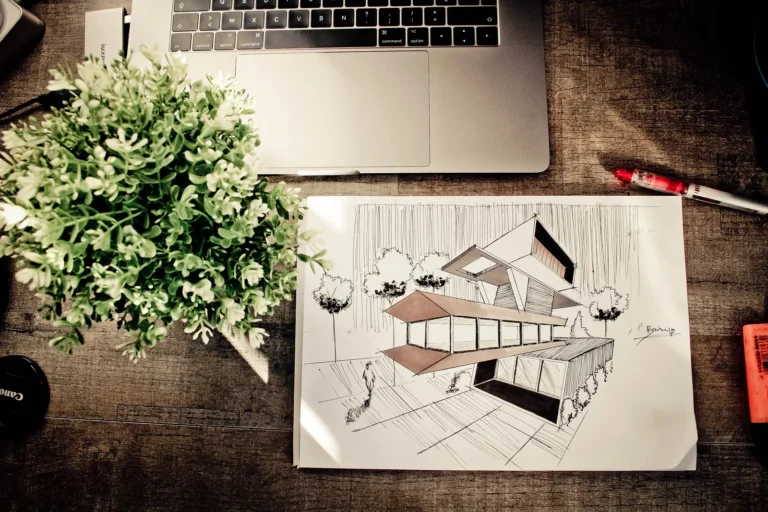 Review
Vizcom Review 2026: Features, Pricing and Alternatives
Vizcom turns hand drawings into rendered images in seconds, which suits concept week.
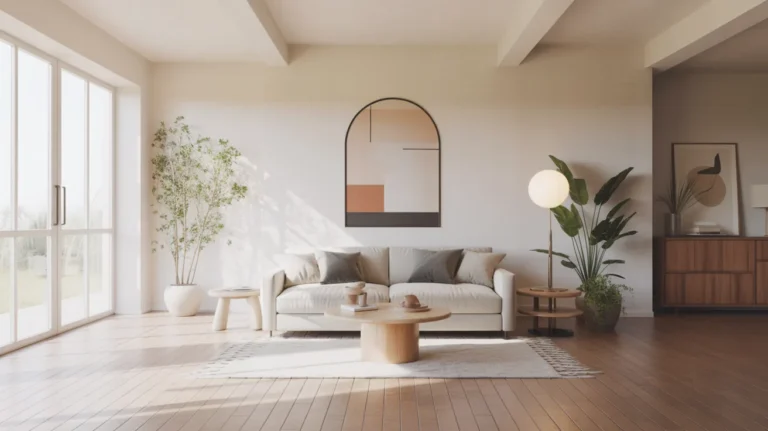 Review
VisualizeAI Review: Room Redesign Tested
VisualizeAI redesigns a photograph of a room in seconds and sells credits outright rather than by subscription, which suits occasional use.
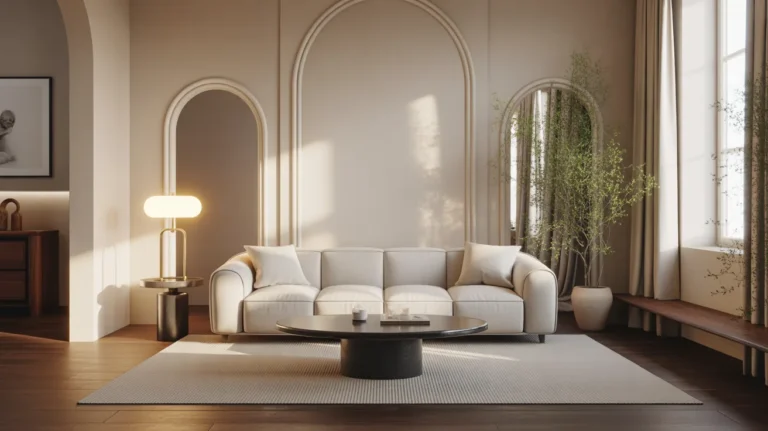 Review
Coohom Review: Interior Design Platform Tested
Coohom covers floor plan, furnishing and photorealistic rendering in one browser tool, with an unusually large model library.
 Review
Autodesk Forma Review: AI Site Design Tested
Autodesk Forma runs environmental analysis while you model, which moves sun, wind and noise questions to the stage where the design can still change.
ReviewxFigura Review: AI Canvas for Architects
xFigura is a collaborative AI canvas that chains multiple generative models into node based workflows, with a Speckle connection to real geometry.
 Review
Matterport Alternative Options for Virtual Tours
A Matterport alternative is usually sought for cost or for output the platform does not provide, and phone capture has changed what is possible.
At a glance
Which comparison answers your question
Find the tool you use today and open the guide that compares it with Archfine.
| Tool | Type | Read this if | Guide |
|---|---|---|---|
| V-Ray | Traditional render engine | You render final images from a full 3D scene in 3ds Max, SketchUp, Rhino or Revit | Read → |
| Lumion | Real-time renderer | You build scenes with landscape, weather and time of day from an imported model | Read → |
| Enscape | Real-time renderer | You want live views from a model in Revit, SketchUp, Rhino or ArchiCAD | Read → |
| Twinmotion | Real-time renderer | Your CAD or BIM model syncs through Datasmith | Read → |
| Midjourney | General AI image generator | You are weighing a general image tool against an architecture tool | Read → |
| Stable Diffusion | Local AI image model | You run checkpoints and ControlNet on your own machine | Read → |
| Veras | AI rendering plugin | You want AI renders inside Revit or SketchUp | Read → |
| ArchiVinci | AI rendering platform | You are choosing between two AI rendering platforms | Read → |
Archfine features
Refine every detail after the first render
Archfine is trained specifically on architectural imagery, so it understands spatial proportions, materials and lighting. Once a render is done you can keep working on it without starting over.
- Selective editing: mask a wall, roof or garden bed and change it
- 4K upscaling for presentation boards and competition panels
- Batch variations of materials, palettes and atmospheres
- Sketch, photo, 3D model, site plan and blueprint inputs
- Style transfer from a written prompt
- Results in seconds, not hours
Start creating renders today
- Upload a sketch, photo or model view
- Get a photorealistic render in seconds
- Refine, upscale and export
Get started freeFree with 3 renders, no credit card required
Frequently asked questions
Is Archfine a replacement for V-Ray or Lumion?
Not for every job. Archfine turns sketches, photos and model views into renders in seconds, while render engines give full control over a 3D scene. The comparisons explain where each one fits.
Which comparison should I read first?
Start with the render engine comparison, then Archfine against the engine you use today. The learning route above sets out a reading order.
Who writes these comparisons?
They are published by Archfine, so each guide sets out where another tool is the better fit as well as where Archfine is.
Can I try Archfine on my own file?
Yes. Upload a sketch, photo or model view and Archfine returns a render. The starting points above show what each type of input gives.

Start creating renders today
Turn your next sketch, drawing or model into a render in seconds.