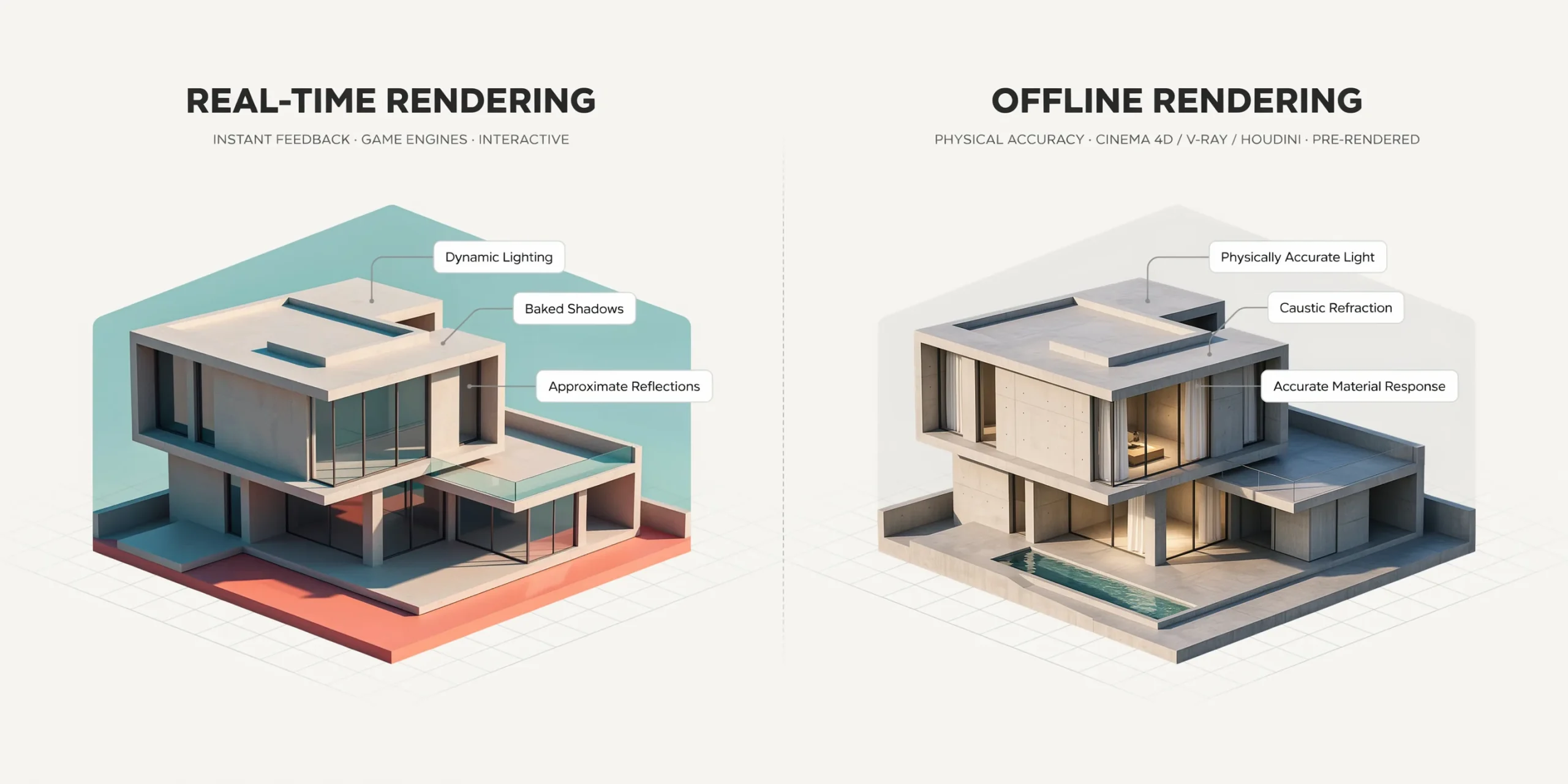
Real-time rendering generates architectural images interactively at 15 to 60+ frames per second using GPU rasterization and approximation, while offline rendering traces every light path for physically accurate results that can take minutes or hours per frame. Most studios in 2026 use both: real-time for iteration, offline for final-pixel quality.
What is the difference between real-time and offline rendering?
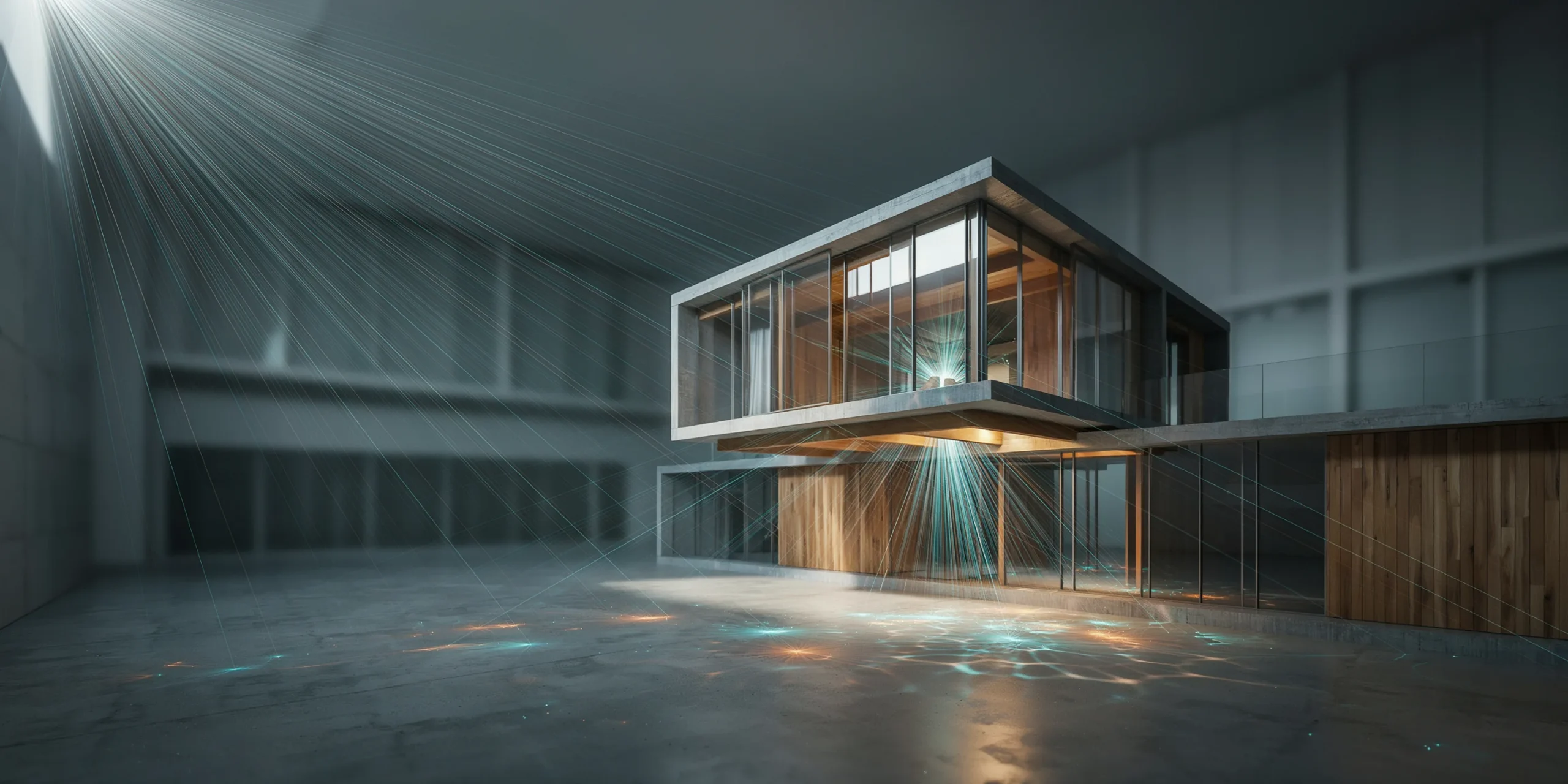
The split comes down to how each method calculates light. Offline engines such as V-Ray, Corona, and Arnold solve the rendering equation by tracing thousands of rays per pixel, bouncing them around the scene until the image converges. That precision is why a final V-Ray still can hold up at print resolution, and why it can also tie up a workstation for an hour on a complex interior.
Real-time engines like Enscape, D5 Render, Twinmotion, and Lumion take the opposite approach. They lean on the GPU to rasterize geometry instantly, then fake the expensive parts of light transport with screen-space reflections, baked or approximated global illumination, and AI denoising. The result updates as you move the camera, so you can walk a client through a building while you talk. The trade is that some optical effects, caustics through a glass of water, true interreflection in a mirrored lobby, never reach the accuracy an offline path tracer delivers.
One way to picture the gap: an offline renderer is a careful photographer waiting for the perfect exposure, while a real-time engine is a live video feed. The photographer needs time and produces a flawless frame, the video feed reacts the instant you move but accepts a little softness in exchange. Neither is wrong, they answer different questions on a project.
If you are still deciding which render style fits a given deliverable, our breakdown of photorealistic versus stylized renders pairs well with this engine-level comparison, since output style and engine choice influence each other.
⚖️ Pros & Cons at a Glance
✔️ Real-Time Pros: instant feedback, fast client walkthroughs, low cost per iteration, easy VR and animation export
✖️ Real-Time Cons: approximated light, VRAM ceilings, less accurate glass and caustics
✔️ Offline Pros: physically accurate light, print-grade detail, handles huge scenes on CPU
✖️ Offline Cons: long render times, heavier setup, slower iteration loop
How does GPU rendering change the real-time and offline equation?

GPU hardware is the reason real-time rendering became viable for architecture in the first place, but it also reshaped offline work. A modern RTX card runs thousands of parallel cores plus dedicated ray-tracing units, so GPU path tracers can finish a frame several times faster than a CPU of comparable cost. According to Chaos, its GPU rendering mode is built to take advantage of that parallelism while keeping results consistent with the CPU engine.
The catch is memory. A GPU only sees what fits in its VRAM, so a scene with millions of polygons, 8K textures, and dense vegetation can simply refuse to load on a 12 GB card. CPU rendering reaches into system RAM, which is cheaper to expand, so it still handles the heaviest production scenes without complaint. This is why many studios keep a CPU offline path open for the largest jobs even as GPU rendering takes over everyday work.
📐 Technical Note
Real-time ray tracing in engines like Twinmotion and Unreal relies on DXR (DirectX Raytracing) and RTX hardware acceleration. A practical floor for path-traced final frames is an RTX 30-series GPU or newer, with VRAM as the main constraint on scene size rather than raw core count.
A newer category blurs the line completely. Chaos Vantage reads V-Ray, Corona, and Enscape scene files and renders them with pure ray tracing in real time on DXR-enabled GPUs. It gives you the interactivity of a game engine with light calculated the way an offline engine would, which is exactly the bridge many archviz teams wanted.
Hardware planning follows from this. If your work centers on real-time iteration and interactive walkthroughs, budget for a high-VRAM GPU and treat raw clock speed as secondary. If you produce large, detailed final stills with heavy interiors, a strong multi-core CPU with plenty of system RAM still earns its place. Teams that do both often build a workstation around a capable GPU for daily real-time work and lean on a render node or render farm for the slow offline finals, so neither task blocks the other.
Real-time vs offline rendering: a side-by-side comparison
The table below summarizes how the two approaches compare across the factors that matter most on an architecture project.
| Factor | Real-Time (Enscape, D5, Twinmotion) | Offline (V-Ray, Corona, Arnold) |
|---|---|---|
| Speed per frame | Instant, 15 to 60+ fps | Minutes to hours |
| Light accuracy | Approximated, good enough for most stills | Physically accurate, full path tracing |
| Hardware | GPU only, VRAM limited | CPU or GPU, scales with RAM |
| Best use | Iteration, VR, walkthroughs, animation | Final hero stills, competition boards |
| Iteration cost | Very low, change and see instantly | High, each test render costs time |
| Learning curve | Gentle, designed for architects | Steeper, more technical control |
When should you use real-time rendering?

Real-time rendering earns its place during the parts of a project where speed beats final polish. Reach for it when you are testing massing options, adjusting sun angle and time of day with a client in the room, building an interactive VR walkthrough, or producing a flythrough animation where motion hides minor approximation. Because each change appears immediately, the feedback loop with a design team or a client stays conversational rather than stop-and-wait.
Enscape is popular precisely because it lives inside Revit, SketchUp, Rhino, and ArchiCAD, so the model you are already working in becomes the render with one click. Twinmotion, built on Unreal Engine, leans toward landscape, large sites, and cinematic camera work. D5 Render has grown fast on the strength of its ray-traced lighting and asset library. For early concept work, many architects now pair real-time engines with AI tools, and our guide on SketchUp AI rendering shows how that fits a model-first workflow.
💡 Pro Tip
When presenting in real time, lock your camera to a few rehearsed bookmark views before the meeting rather than flying freely. Free navigation in front of a client exposes clipping, missing entourage, and stretched textures that a fixed angle would have hidden, and it keeps the focus on the design decision you are trying to confirm.
When should you use offline rendering?

Offline rendering still owns the final image. When a render is going on a competition board, into a marketing brochure, or onto a large printed panel, the difference between approximated and traced light becomes visible. Glass, water, polished stone, and complex interior bounce light all read more convincingly when an engine has actually solved the light transport instead of estimating it. V-Ray and Corona remain the studio standards here, and Arnold holds ground in firms that overlap with film and product visualization.
Offline also wins when scene complexity exceeds what a GPU can hold. A full city block with high-resolution facades, detailed interiors, and dense planting may need CPU rendering and system RAM measured in tens of gigabytes. The render is slower, but it completes where a GPU engine would run out of memory. Strong material setup matters at this stage, and the fundamentals in our overview of what makes a great architectural render apply directly to getting offline output right.
🔢 Quick Numbers
- Chaos Vantage advertises GPU real-time ray tracing up to 10x faster than traditional iteration, per Chaos (chaos.com).
- Twinmotion Path Tracer reaches final-pixel imagery comparable to offline renders, per Twinmotion documentation (twinmotion.com).
- Path-traced final frames in Twinmotion and Unreal are recommended on RTX 30-series GPUs or newer, per Twinmotion guidance (twinmotion.com).
Why do most studios use a hybrid workflow?
The cleanest answer to real-time versus offline is to stop treating it as a choice. A hybrid workflow uses real-time rendering through the design phase, where dozens of iterations per day keep the team moving, then switches to an offline engine for the handful of hero images that need to be flawless. Chaos designed Vantage around exactly this idea, letting you explore a V-Ray or Corona scene interactively and then push it to final quality without rebuilding it.
🏗️ Real-World Example
V-Ray plus Chaos Vantage pipeline: Archviz teams build and light a scene in V-Ray for 3ds Max, review it live in Vantage to make material and lighting calls in real time, then render final stills with full ray tracing. The same source scene serves both the fast review loop and the print-grade output, which removes the rework of maintaining two separate setups.
A practical hybrid split looks like this: use real-time for concept testing, sun studies, client reviews, VR, and animation. Use offline for the final two or three stills that represent the project publicly. Add AI rendering at the front of the process for fast mood and material exploration before any engine work begins. If that AI-first stage is new to you, our practical guide to using AI to render architecture walks through where it fits, and the ArchiCAD AI rendering workflow shows it applied to a BIM model.
For a wider look at how the major engines stack up on speed and realism, Maxon maintains a useful overview of architectural rendering software, and Chaos documents the trade-offs of real-time rendering for architecture and design. The official Twinmotion architecture page details its real-time and path-traced modes, and Chaos publishes a clear introduction to GPU rendering for understanding VRAM limits.
Frequently Asked Questions
Is real-time rendering good enough for final architectural images?
For many deliverables, yes. Real-time engines now produce stills clean enough for proposals, social media, and internal review. For the highest-stakes hero images on competition boards or large prints, an offline path tracer still gives more convincing glass, reflections, and interior light. The output channel decides which is good enough.
Does offline rendering always need a CPU?
No. V-Ray and most modern offline engines offer GPU modes that are far faster on equivalent hardware. The reason teams keep CPU rendering available is memory: very large scenes that exceed GPU VRAM render reliably on a CPU using system RAM, which is cheaper to expand.
Which is cheaper to run, real-time or offline rendering?
Real-time has a lower cost per iteration because each change is free to preview, which saves hours across a project. Offline can carry render-farm or long-render time costs for final frames. Most studios find the hybrid approach cheapest overall, using real-time for the bulk of work and reserving slow offline renders for a few images.
Can the same scene move between real-time and offline engines?
Increasingly, yes. Tools like Chaos Vantage read V-Ray, Corona, and Enscape scenes directly, so one source file can serve both fast review and final ray-traced output. Twinmotion projects can also move into Unreal Engine for deeper interactive work without rebuilding the scene.
Bottom Line: Real-time and offline rendering solve different problems on the same project. Use real-time to iterate, present, and explore at speed, then switch to offline for the few images that have to be flawless. The studios getting the most done in 2026 stopped picking a side and built a pipeline that uses both.