xFigura is a collaborative AI canvas for architects, described by its founder as a Miro for design: an infinite shared workspace that chains multiple generative models into node based workflows. Image generation, style transfer, upscaling, 3D reconstruction and video all sit on the same canvas rather than in separate tools.
That structure is the point. Most AI tools in this category are a box you type into and a picture you get back. xFigura is a workspace where several people build a chain of operations together. Judging xFigura as an image generator therefore misses what it is for.
Whether that suits you depends on whether ideation in your practice is a solo activity or a shared one.
How the xFigura Canvas Works
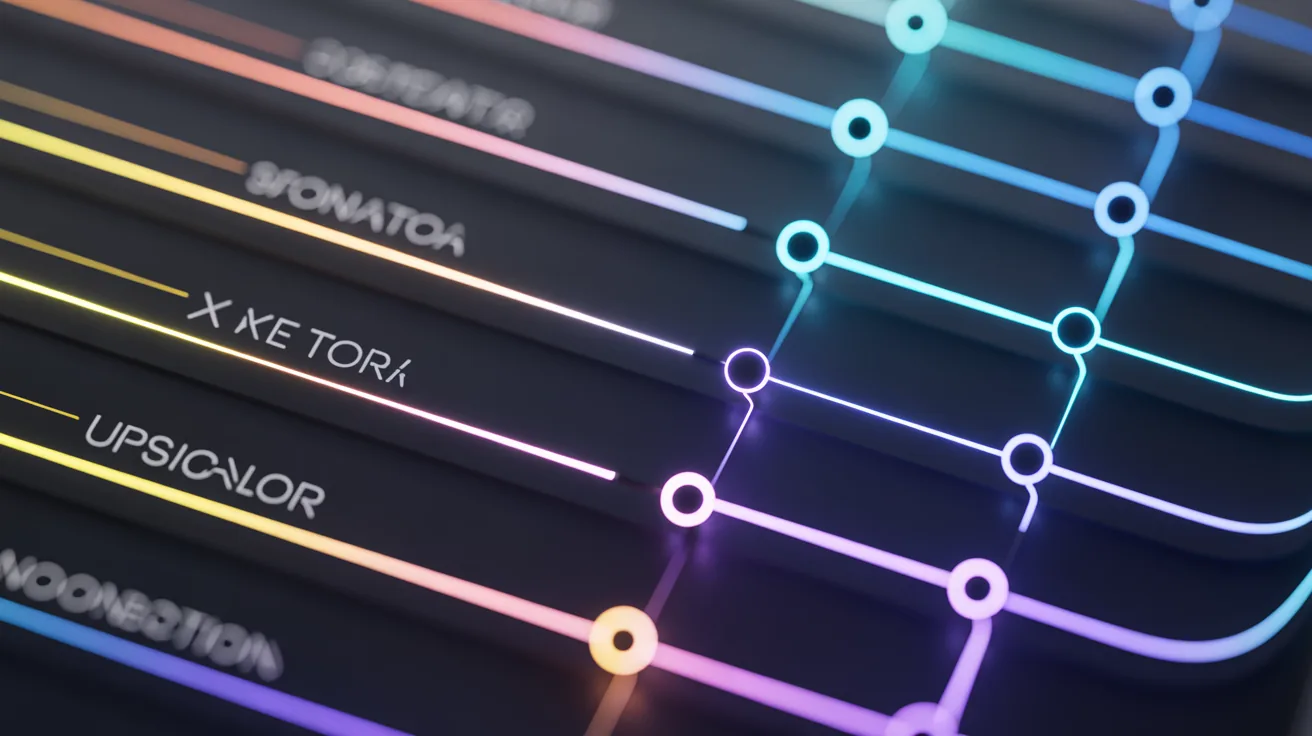
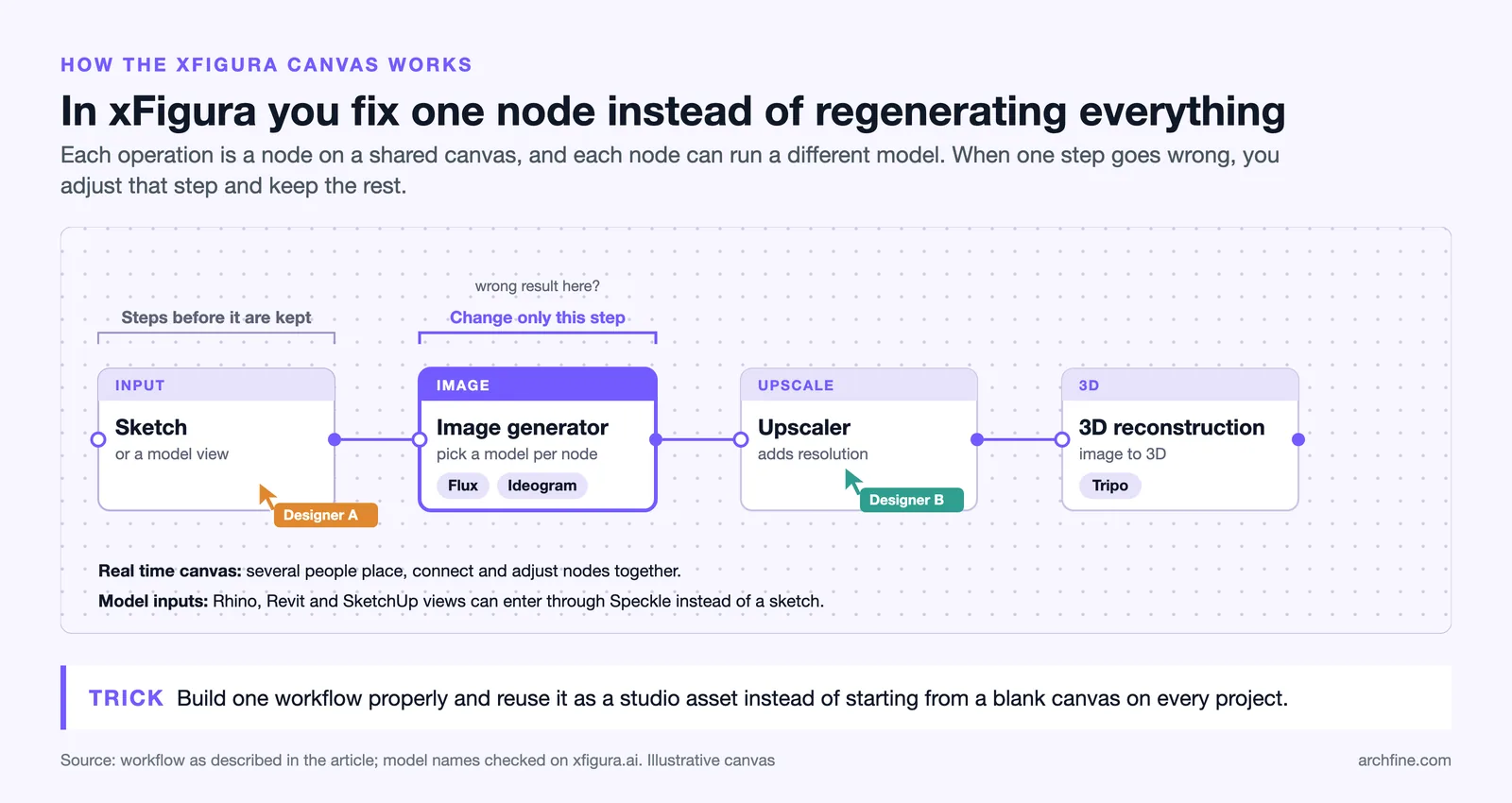
You place nodes and connect them. A sketch feeds an image generator, which feeds an upscaler, which feeds a 3D reconstruction, and each step can be adjusted without rebuilding the ones before it.
That node structure solves a problem every other tool in this category has. When one step is wrong, you change that step rather than regenerating everything, which is the difference between a controllable tool and a slot machine.
The canvas is collaborative in real time, so several people can sketch, prompt and iterate together rather than passing files back and forth.
Details sit on the xFigura site, which redirects to the current domain.
The Models Behind It
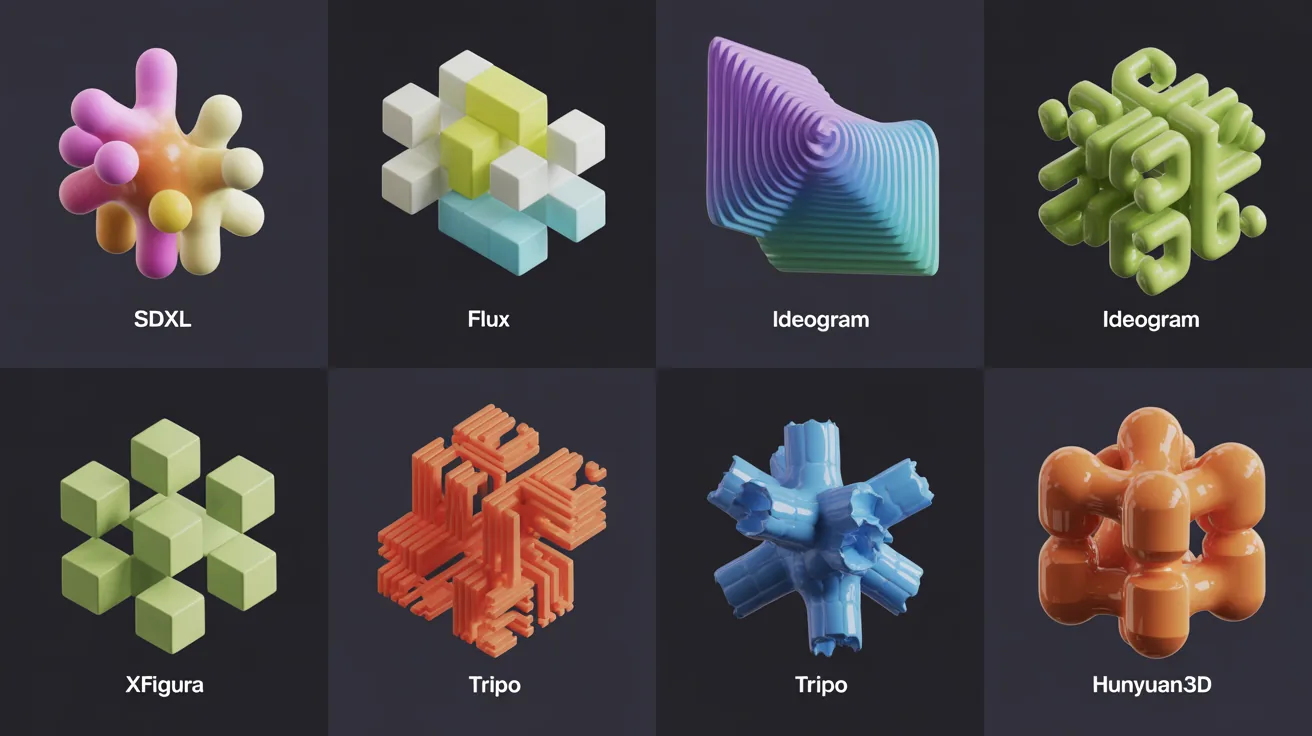
Rather than training its own model, xFigura embeds several established generative engines and lets you pick per node. That includes engines such as Flux and Ideogram for images and Tripo for image to 3D.
The practical consequence is range. Different models produce genuinely different architectural output, and being able to run the same input through two of them and compare is more useful than any single model’s quality.
It also means the platform improves when the underlying models do, without waiting for one company to retrain anything.
💡 Pro Tip
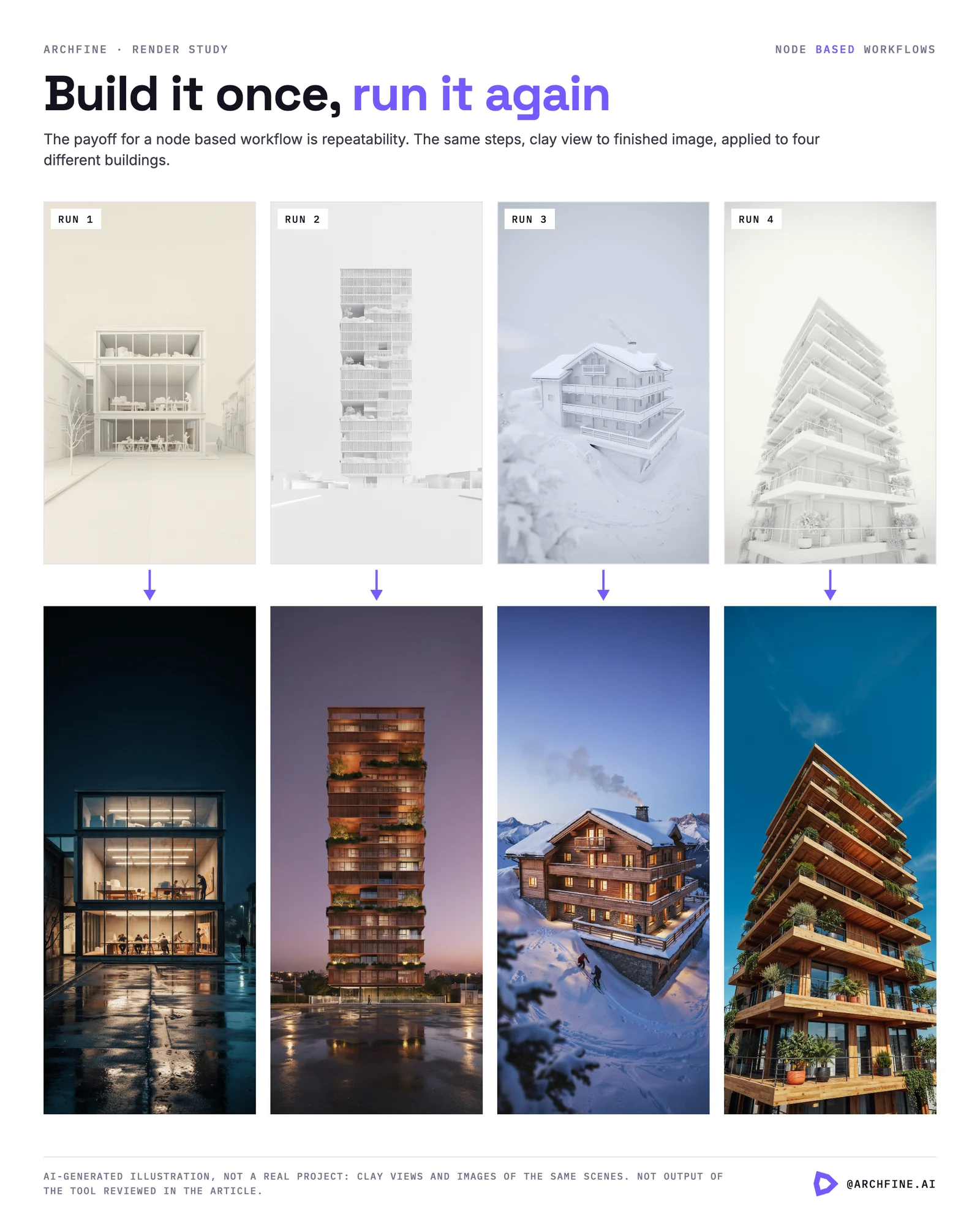
Build one workflow properly and reuse it rather than starting from a blank canvas each time. A chain that goes sketch to image to upscale with settings you trust becomes a studio asset, and rebuilding it on every project is where the time goes in node based tools.
The Speckle Integration
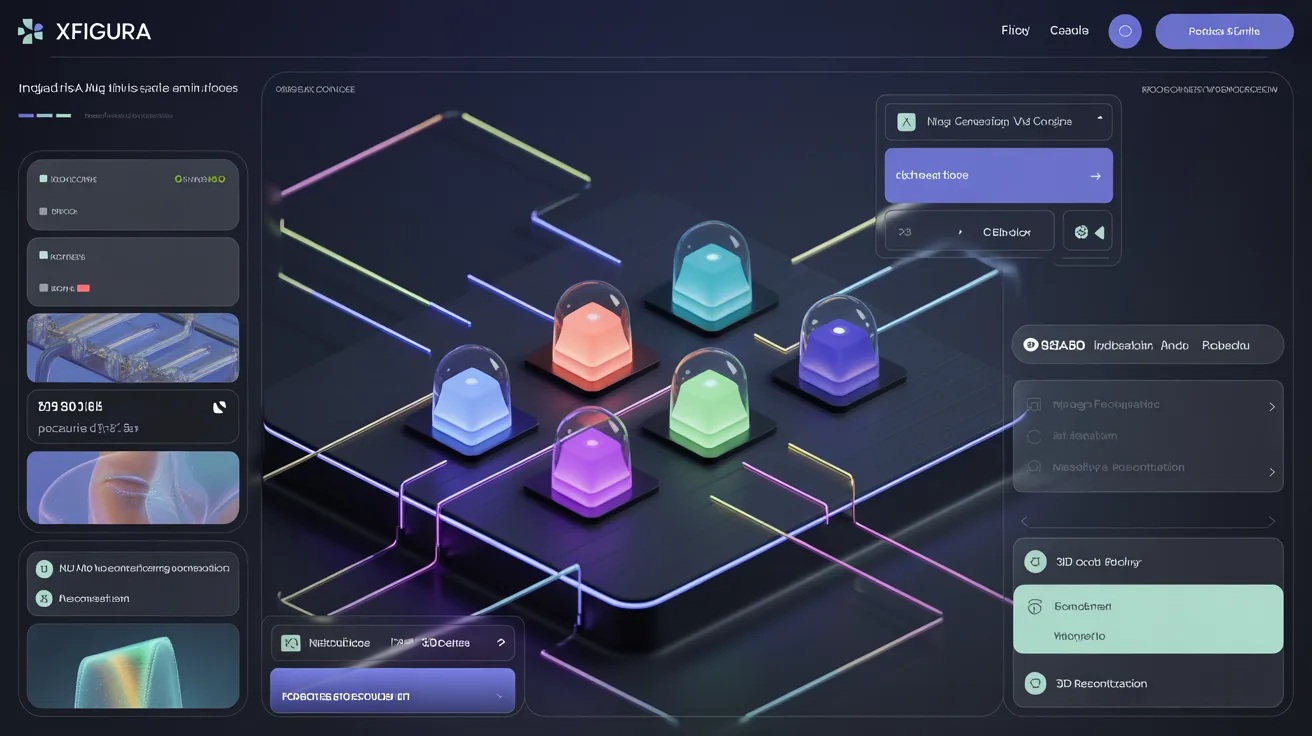
This is the feature that separates it from browser tools that only accept uploads. Through Speckle, models from Rhino, Revit and SketchUp connect directly, and views can be generated from real geometry.
That partially closes the gap between browser tools and plugins. The geometry comes from your model rather than from a screenshot, which is the accuracy question that runs through this whole category, covered in our Veras AI review.
It is not identical to a plugin. There is still a connection step and a sync rather than a live viewport, and the workflow suits a team already using Speckle far better than one that is not.
Pricing
A free plan provides 25 credits to test, with paid plans starting around $16 per month on an annual commitment for 400 monthly credits.
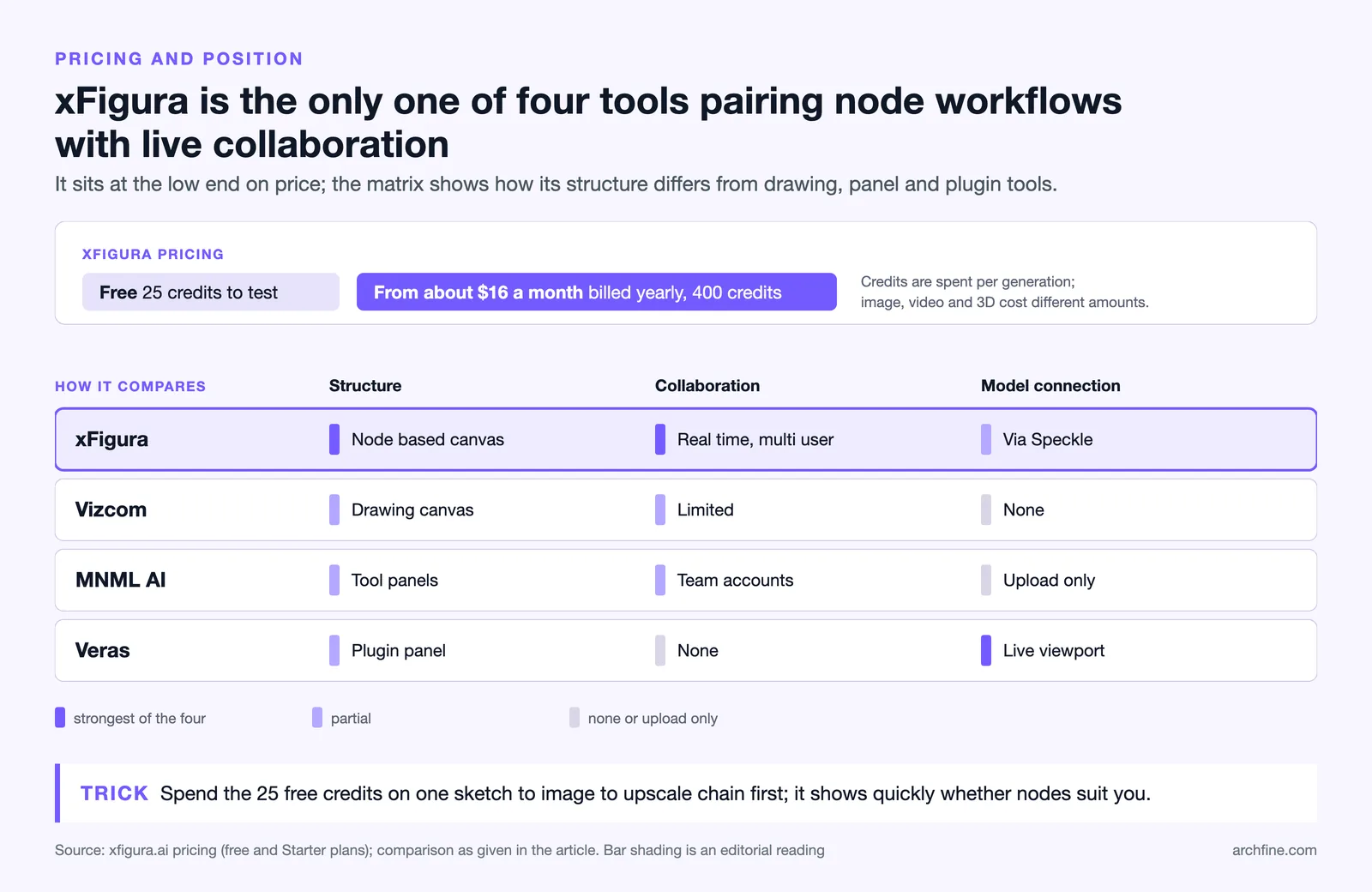
That is at the cheap end of this category, comparable with the low cost platforms and well below the per seat pricing of drawing driven tools such as those covered in our Vizcom review.
How it compares
| Tool | Structure | Collaboration | Model connection |
|---|---|---|---|
| xFigura | Node based canvas | Real time, multi user | Via Speckle |
| Vizcom | Drawing canvas | Limited | None |
| MNML AI | Tool panels | Team accounts | Upload only |
| Veras | Plugin panel | None | Live viewport |
⚖️ Pros & Cons at a Glance
✔️ Pros: Node workflows give real control, multiple models in one place, genuine real time collaboration, Speckle connection to real geometry, low entry price
✖️ Cons: Node interfaces have a learning curve, credit pricing at volume, ideation focused rather than production, benefits diminish for a solo user
Who It Suits
Teams doing concept work together get the most from it, since the collaboration is the differentiator and a solo user gets a node based version of what cheaper tools do simply.
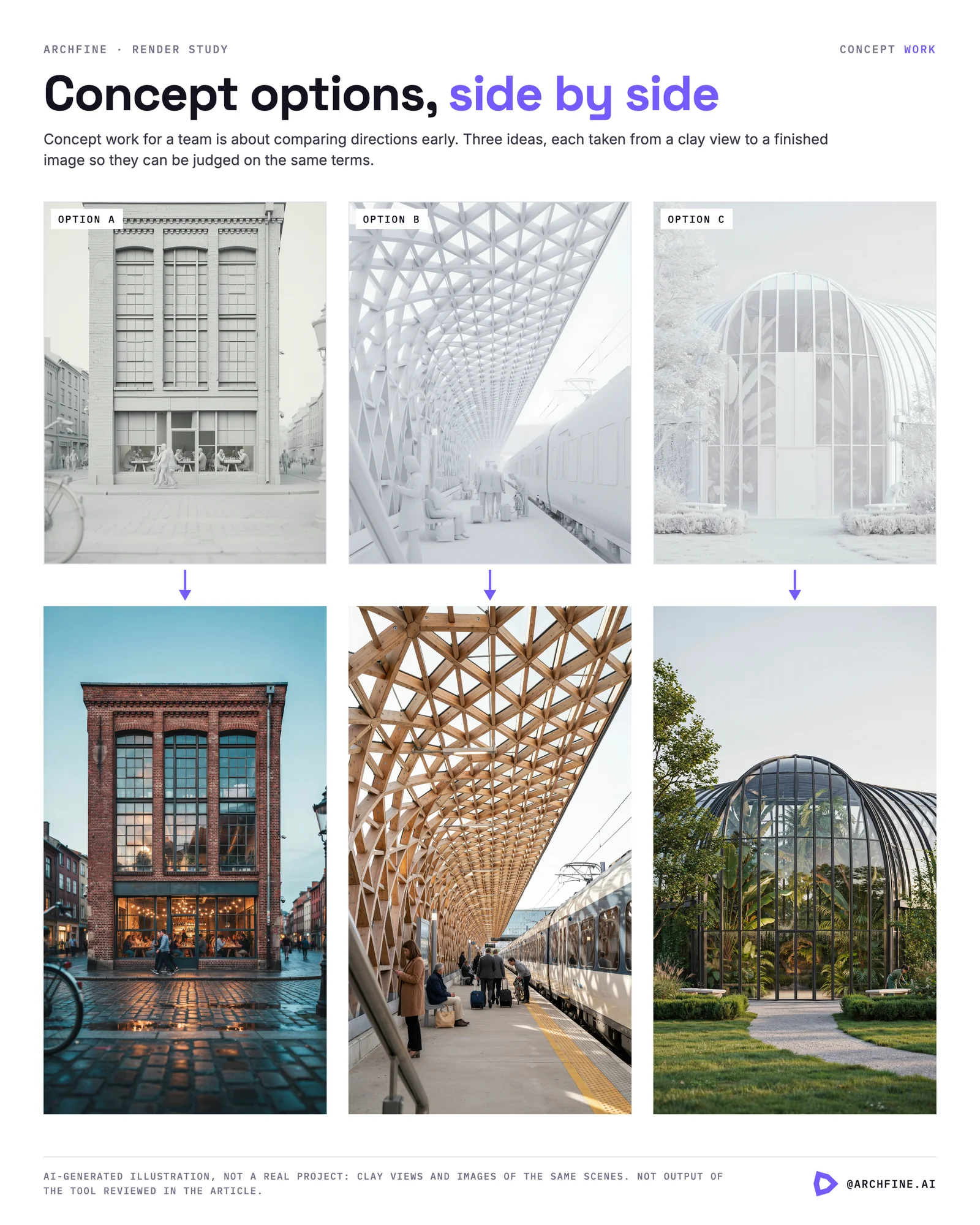
Practices already using Speckle should look at it seriously, because the model connection turns it from an image tool into something closer to a design tool.
People who like node based software will find it natural, and people who dislike Grasshopper will find it the same kind of overhead.
Anyone wanting one image quickly is better served by a simpler tool. The canvas rewards building a workflow, and building a workflow to produce one picture is the wrong trade.
Where It Fits in the Category
The tools in this space are splitting into three groups. Simple generators that produce an image from an input, plugins that render your model, and workspaces that let you build a process.
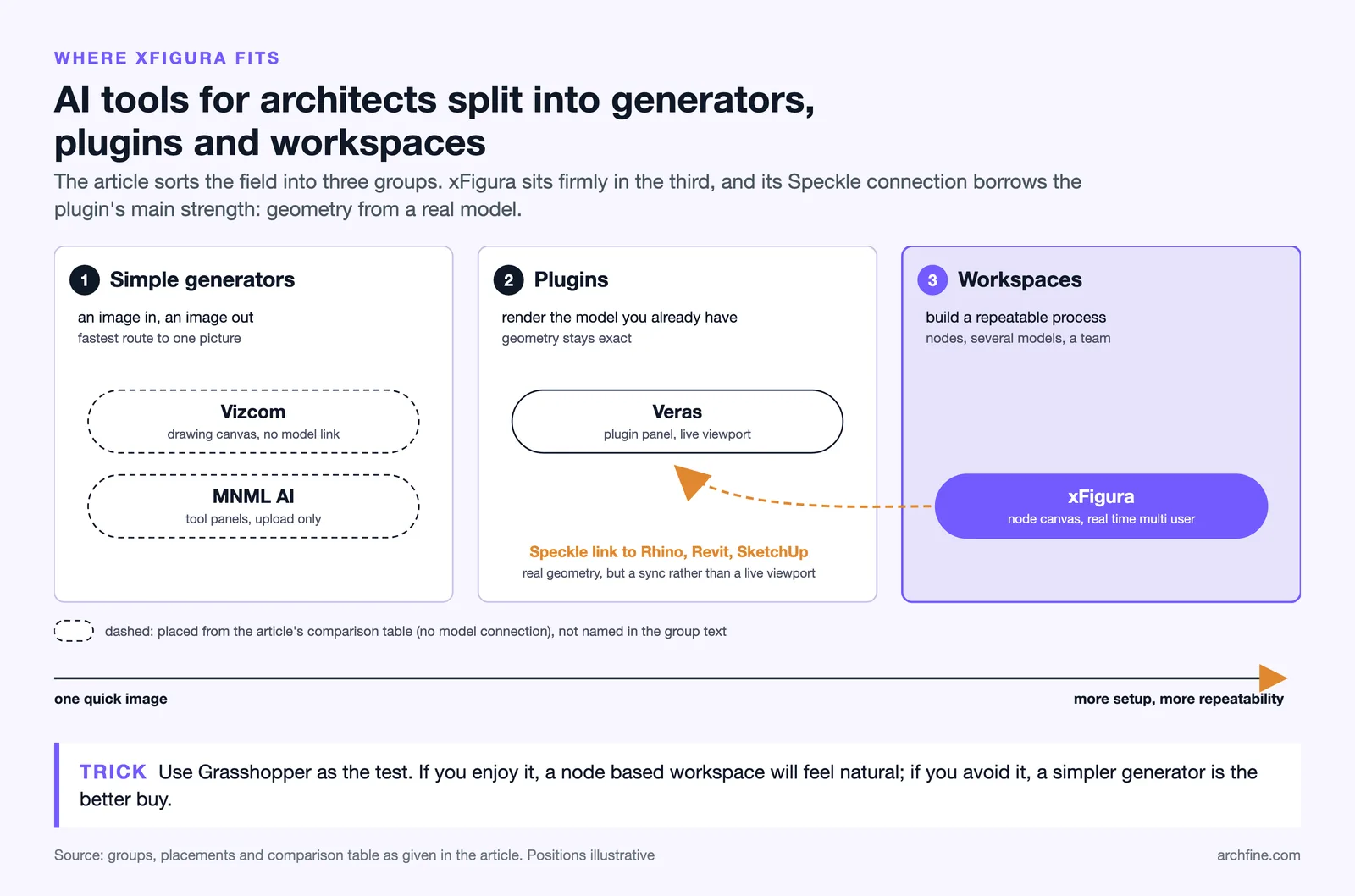
xFigura is firmly in the third group and currently has few direct competitors there, which is its strongest argument. The broader map sits in our roundup of AI design tools for architects.
What it shares with everything else in the category is the underlying limitation. Generated images are not documentation, consistency across views remains imperfect, and nothing in the output can be checked against a drawing set unless the geometry came from one.
Bottom Line: xFigura is the most structurally interesting tool in this category, because node workflows and real collaboration solve problems the simpler tools do not address. It suits teams doing shared ideation and rewards the effort of building a workflow, which is exactly the wrong tool for someone who wants one render.
Whether Node Based Suits You
Node interfaces divide people sharply, and the split is not about ability. Some designers think in sequences and find nodes natural, and others find the abstraction a barrier between them and the image.
The test is Grasshopper. Anyone who enjoys it will find this familiar, and anyone who avoids it should look at a simpler tool regardless of how capable this one is.
The payoff for the effort is repeatability. A workflow that produces a consistent result is worth considerably more on a real project than any single impressive image.