
ArchFine vs Twinmotion represents a fundamental choice in architectural visualization: an AI-powered cloud rendering tool that turns uploaded images into photorealistic renders in seconds, versus a full 3D real-time environment built on Unreal Engine. Both produce high-quality visuals, but they target different workflows, skill levels, and project types.
Architects choosing between these two tools often have the same underlying question: how much time and technical overhead are you willing to invest in visualization? This breakdown covers the key differences across workflow, output quality, learning curve, integration, cost, and practical use cases to help you decide which fits your practice.
What Is Twinmotion?
Twinmotion is a real-time 3D visualization tool developed by Epic Games, built on the Unreal Engine. It allows architects, interior designers, and urban planners to import 3D models from CAD or BIM software and produce high-quality still images, walkthroughs, animations, panoramas, and VR experiences. The software offers direct one-click sync with Revit, ArchiCAD, SketchUp Pro, Rhino, 3ds Max, and Vectorworks via Datasmith, making it a popular choice in firms that already work with these platforms.
Twinmotion is available for free through the Twinmotion Community Edition for qualifying users, with a paid license required for commercial projects above a revenue threshold. The tool runs locally on Windows and macOS, and outputs are rendered on the user’s hardware using real-time GPU rendering, or through Twinmotion Cloud for sharing interactive presentations. Getting it running against a Revit model is a separate exercise, and the live-link setup is covered step by step in our Twinmotion for Revit workflow guide.
📌 Did You Know?
Twinmotion 2025.2 introduced Nanite virtualized geometry support, borrowed directly from Unreal Engine 5. This allows architects to import extremely high-polygon assets without manual optimization, which was previously one of the most time-consuming parts of preparing a scene for rendering.
What Is ArchFine?
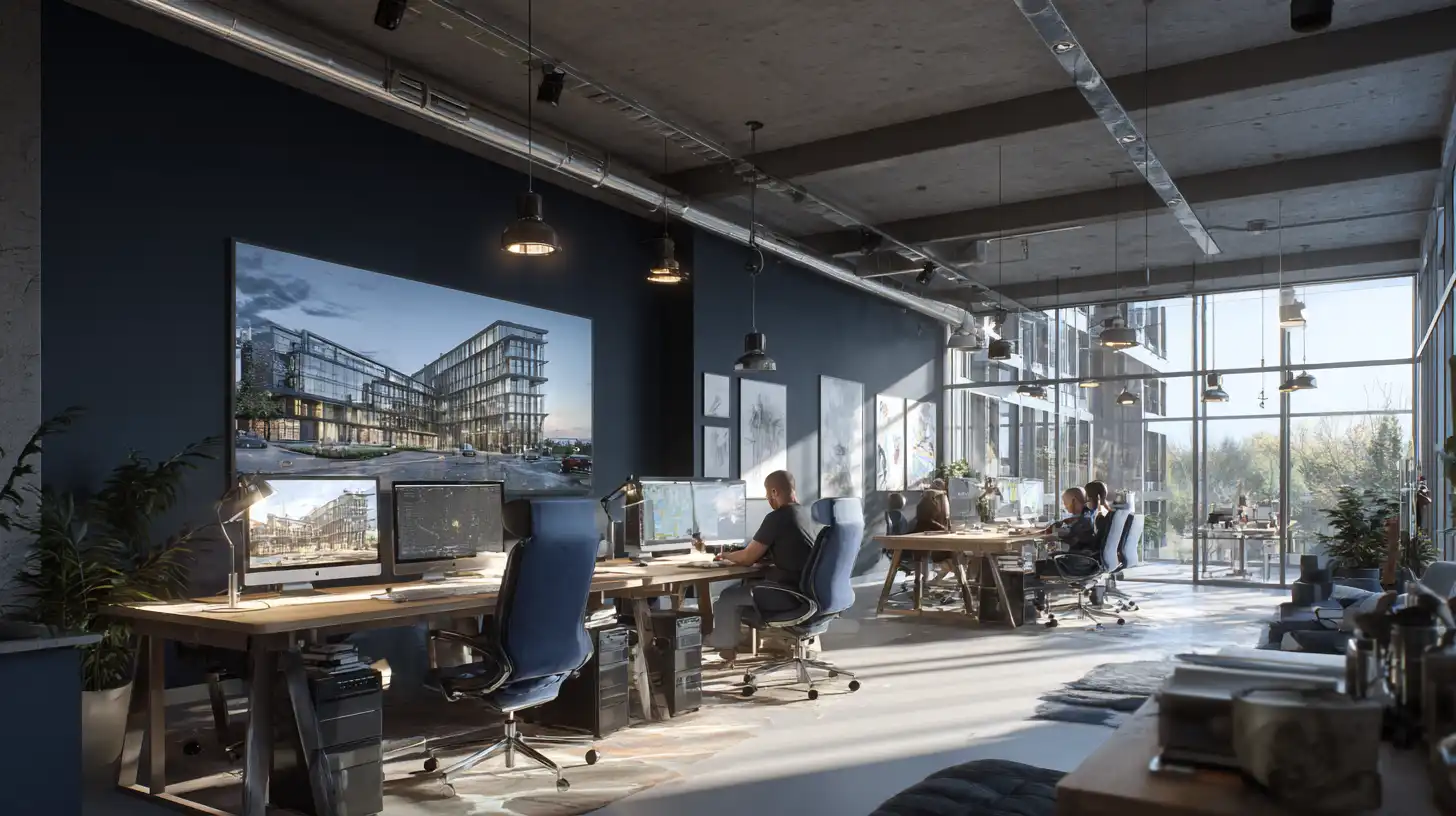
ArchFine is a cloud-based AI rendering platform built specifically for architectural visualization. Users upload an image, whether a sketch, a photo of an existing space, or a rough model screenshot, add a text prompt describing the desired style or material treatment, and receive a photorealistic render in approximately 30 seconds. There is no 3D environment to build, no scene to light manually, and no local hardware requirement beyond a web browser.
The platform targets architects, interior designers, and property professionals who need fast, convincing visual output without a 3D modeling workflow attached to every render. ArchFine is particularly useful during early design phases, for rapid client-facing presentations, and for teams that do not have a dedicated visualization specialist on staff.
Twinmotion vs AI Architectural Rendering: Core Differences
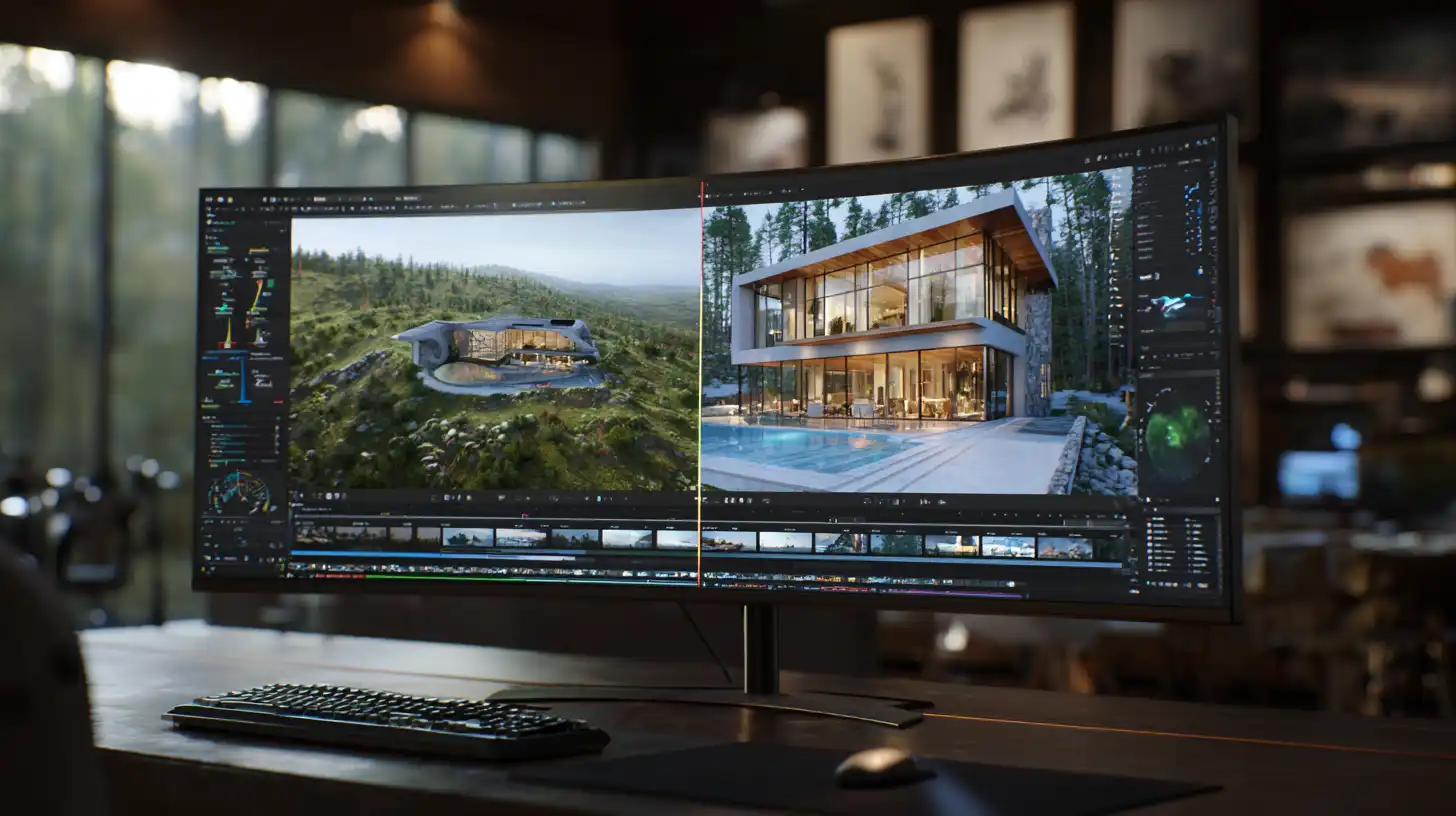
The most direct way to understand the ArchFine vs Twinmotion difference is to look at what each tool actually requires from the user before a render is produced.
Twinmotion requires a 3D model. Without a prepared geometry file from Revit, ArchiCAD, SketchUp, or a compatible DCC tool, there is nothing to render. Once the model is imported, the user builds out the scene by adding materials, vegetation, entourage, lighting conditions, weather, and atmospheric settings. The result is a fully controllable 3D environment that can be explored in real time and exported in multiple formats. This control comes with a time cost: a typical exterior rendering scene in Twinmotion can take several hours to set up properly from scratch, and significantly longer for complex urban or landscape contexts.
ArchFine requires an image and a prompt. The AI handles the interpretation of space, materials, lighting, and photographic composition. This means a render can be produced from a hand-drawn concept sketch, a floor plan screenshot, or a rough perspective, which dramatically lowers the barrier to entry and the time per output.
⚠️ Common Mistake to Avoid
A common misconception is that Twinmotion is a rendering tool you can start using immediately after import. In practice, a raw Revit or ArchiCAD model exported to Twinmotion often looks flat and unconvincing without substantial material reassignment, lighting setup, and environment configuration. The import is the starting point, not the finish line. Budget time accordingly when planning client presentation milestones.
Twinmotion Rendering Workflow vs ArchFine: Step by Step
Understanding the practical workflow difference makes the trade-offs between these tools easier to evaluate.
Twinmotion Workflow
A standard Twinmotion rendering workflow runs as follows: build or receive a 3D model in a compatible application, sync it to Twinmotion via Datasmith or direct link, reassign and adjust materials, set up sky, sun, weather, and season, populate the scene with vegetation and entourage assets from the built-in library, configure camera positions and output settings, then export stills, a walkthrough video, or a panorama. For a polished exterior render, most practitioners report spending between three and eight hours on scene setup alone, not counting model preparation time upstream.
ArchFine Workflow
An ArchFine workflow runs as follows: open the platform in a browser, upload an image of the space or design, enter a text prompt describing the intended result (materials, style, lighting conditions), generate the render, review and iterate if needed. The entire process from upload to download typically takes under two minutes per render. For early-stage design exploration where multiple options are being tested simultaneously, this speed advantage is significant.
💡 Pro Tip
When using ArchFine for early client presentations, upload multiple views of the same design with different prompt variants, such as “warm evening light, travertine cladding” versus “overcast morning, raw concrete facade.” Generating four to six render variations in ten minutes gives clients a more informed palette of options to react to, which tends to sharpen client feedback and reduce later revision rounds.
ArchFine vs Twinmotion Output Quality
Output quality depends heavily on what you are comparing and what the output will be used for.
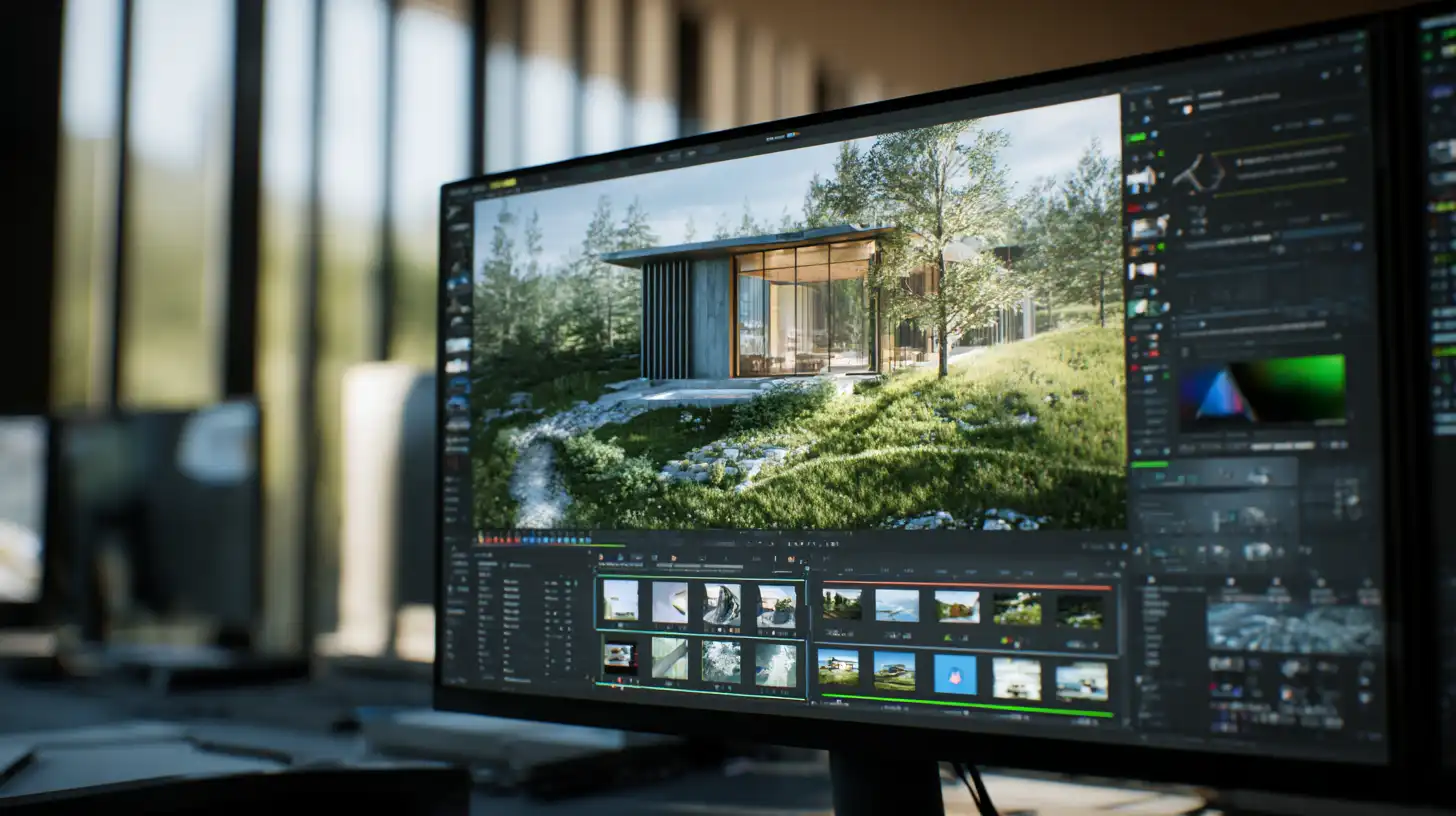
Twinmotion’s rendering, using either its Path Tracer or the Lumen real-time global illumination system introduced in version 2023.2, can produce technically accurate, highly realistic images. The key word is “technically accurate”: Twinmotion respects the geometry and material assignments of your model precisely, which makes it ideal for construction documentation, design review, and any context where spatial accuracy matters. An animated walkthrough, a 360-degree panorama, or a real-time VR experience are only possible in Twinmotion.
ArchFine’s AI rendering produces photorealistic outputs that are visually compelling, particularly for exterior and interior mood images. The AI interprets spatial relationships and lighting from the uploaded image, rather than computing it from geometry, which means it excels at producing images that feel photographic and atmospheric. The trade-off is precision: for detailed technical visualization, material-by-material accuracy, or animated content, Twinmotion remains the more appropriate tool.
For presentation renders intended for client communication, marketing materials, or social media, ArchFine outputs are consistently high quality and produce results that are indistinguishable from photography to a non-technical audience.
ArchFine vs Twinmotion: Feature Comparison
The following table summarizes the key differences across the most commonly evaluated criteria:
| Feature | ArchFine | Twinmotion |
|---|---|---|
| Input required | Image + text prompt | 3D model (CAD/BIM) |
| Render speed | ~30 seconds per render | Minutes to hours (scene-dependent) |
| Learning curve | Minimal (browser-based) | Moderate to steep |
| Animation support | No | Yes (walkthroughs, video) |
| VR output | No | Yes |
| BIM/CAD integration | Not required | Revit, ArchiCAD, SketchUp, Rhino, etc. |
| Hardware required | Browser only (cloud) | Dedicated GPU recommended |
| Geometric accuracy | Interpretive (AI-based) | Precise (model-based) |
| Best for | Early-stage, fast iteration, client mood images | Detailed design review, animation, VR |
| Pricing model | Subscription (cloud credits) | Free (community) / paid commercial license |
Twinmotion Learning Curve: What New Users Should Know
Twinmotion is widely described as the most accessible full 3D visualization tool available, and that reputation is largely deserved. Its icon-based, drag-and-drop interface removes much of the complexity associated with traditional rendering software. A user with no prior 3D visualization experience can produce a basic scene within a few hours of starting.
That said, “accessible” and “fast” are not the same thing. Producing a genuinely polished render in Twinmotion still requires understanding material behavior, lighting logic, camera settings, and how to manage scene performance as geometry and asset complexity increases. Most architects who use Twinmotion regularly report spending weeks or months building up scene-building habits before output quality becomes consistent and predictable.
For firms evaluating a Twinmotion alternative due to the learning curve, ArchFine eliminates this problem by removing the 3D environment entirely. There is no scene to learn. The interface is deliberately minimal, and the main skill required is writing effective text prompts, which most users develop within their first few render sessions.
💡 Pro Tip
If you are evaluating Twinmotion for your firm and want a realistic picture of the time investment, track how long your first three complete exterior renders take from model import to final export. Most users find the first render takes significantly longer than expected. Compare that time cost against what your team could produce using AI rendering during the same window. The comparison helps set realistic expectations for both tools.
Twinmotion Revit and ArchiCAD Integration
One of Twinmotion’s strongest advantages for established architectural practices is its direct integration with the most widely used BIM platforms. The Twinmotion Datasmith plugin for Revit and the direct link for ArchiCAD allow models to sync in one click, with automatic material mapping and geometry import. Changes made in the BIM model can be pushed to Twinmotion without rebuilding the scene from scratch, which makes it viable for projects in active design development.
This integration is particularly valuable for larger practices where the BIM model is the central design document. The Twinmotion rendering environment stays connected to the design data, rather than becoming a separate, diverging representation.
ArchFine does not integrate with BIM or CAD software directly. It accepts image inputs, so a screenshot or export from any modeling tool can serve as the basis for a render. This is less precise than a live model sync, but it also means ArchFine is accessible to users working in any software, or no software at all.
Real-Time 3D vs AI Photo Rendering: Which Fits Your Project?
The choice between real-time 3D rendering and AI photo rendering is not purely a quality question. It is a question of what the output needs to communicate, and at what stage of the project it is needed.
Real-time 3D visualization, as represented by Twinmotion, is the appropriate tool when the output needs to be spatially accurate, when the client needs to move through a space interactively, when animation or VR is required for the brief, or when the project is at a stage where material and detail decisions are being made and reviewed. It is also the right tool when the design is largely resolved and the visualization is intended to represent a final or near-final state.
AI rendering, as represented by ArchFine, is the appropriate tool when speed is the priority, when the design is still being explored and multiple options need to be visualized quickly, when the team does not have 3D modeling software or a rendering specialist available, or when the deliverable is a mood image for client communication rather than a technical representation. It also performs well for interior visualization, facade studies, and concept presentations.
Many architectural practices find these tools are not competing choices but complementary ones: ArchFine for early-stage exploration and quick client communication, Twinmotion for detailed design review and final presentation deliverables.
Twinmotion Free vs ArchFine: Cost Considerations
Twinmotion is available free through the Community Edition for individual users and studios earning under a certain revenue threshold. Commercial use above that threshold requires a paid license. The software also requires capable hardware: a dedicated GPU with at least 4GB VRAM is the minimum recommendation, and 8GB or more is standard for professional use. Path-traced rendering and complex scenes require even more GPU headroom. When factoring in the total cost of a Twinmotion workflow, hardware investment is a real consideration for smaller practices.
ArchFine operates on a cloud subscription model. There is no local hardware requirement beyond a modern browser. For small practices, solo practitioners, or teams that need rendering capability without capital investment in hardware, this model is often more cost-effective in practice, even if the per-render or monthly cost of the subscription appears comparable to a Twinmotion license.
Architectural Animation vs Still AI Render: The One Area Twinmotion Wins Clearly
If animation is a regular deliverable in your practice, Twinmotion is currently the more appropriate tool. ArchFine produces still images, not animated sequences. Twinmotion supports walkthrough animations, fly-through paths, day-to-night transitions, seasonal changes, and export to video formats for client presentations and planning submissions.
For firms where animated walkthroughs are a standard part of the project brief, particularly in the residential, hospitality, and urban development sectors, this is a decisive factor. ArchFine does not currently address this use case.
✅ Key Takeaways
- ArchFine generates photorealistic renders from image uploads in under a minute. Twinmotion requires a 3D model and scene setup that typically takes hours.
- Twinmotion offers direct integration with Revit, ArchiCAD, SketchUp, and Rhino. ArchFine accepts any image as input, regardless of the software it came from.
- Twinmotion supports animation, VR, and interactive presentations. ArchFine produces still renders only.
- ArchFine runs entirely in the browser with no local GPU requirement. Twinmotion requires capable hardware for quality output.
- For early-stage design exploration and fast client communication, ArchFine is the faster and lower-barrier option. For detailed design review, animation, and BIM-linked visualization, Twinmotion is the more capable tool.
- Many practices use both: ArchFine for concept-stage speed, Twinmotion for final-stage precision.
Which Should You Use?
If your practice is evaluating these tools against each other, the answer usually comes down to three questions: How early in the design process do you need the render? How much technical resource do you have available for 3D scene setup? And does your work regularly require animation or VR output?
For practices that need fast visualization from concept to client, work without a dedicated visualization specialist, or operate in a context where early-stage renders drive client decisions, ArchFine offers a significantly lower barrier and faster turnaround. The AI rendering instead of Twinmotion argument is strongest in these scenarios.
For practices with established BIM workflows, dedicated visualization staff, and a need for animated walkthroughs or interactive VR presentations, Twinmotion remains the more complete and controlled environment. The investment in setup pays off over the course of a complex project where the visualization environment needs to evolve alongside the design.
The most practical approach for many firms is to treat these as different tools for different stages, rather than a binary choice. ArchFine handles the early and fast. Twinmotion handles the detailed and final.