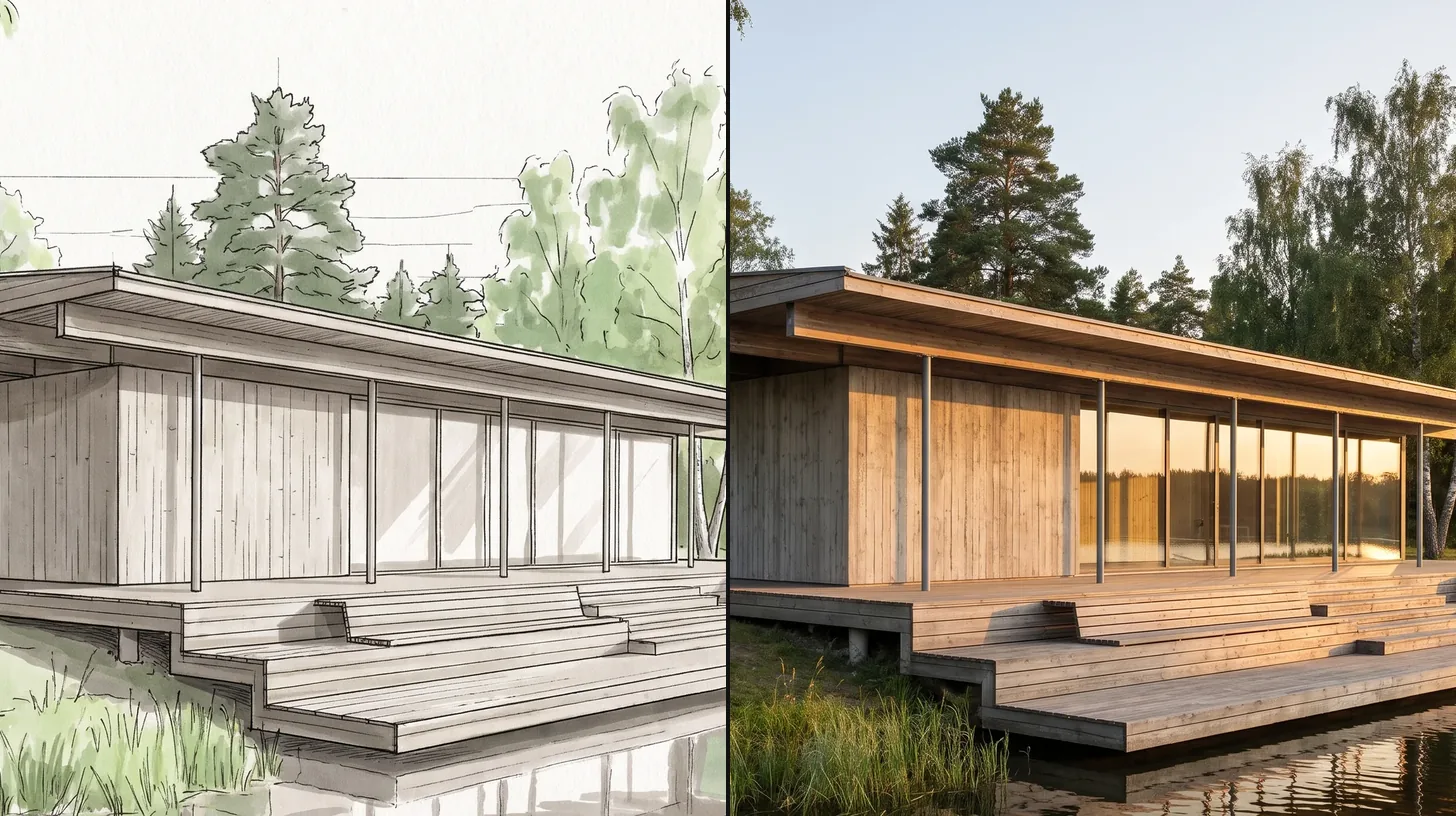

ArchFine vs ReRender is a comparison between two browser based AI rendering tools that turn a screenshot of your model into a photorealistic image. ReRender centres its pitch on keeping your design and materials unchanged, sells unlimited renders on its paid plans and offers a SketchUp plugin. ArchFine works through a chat style interface with a monthly render allowance on each plan. The better choice depends on how many renders you make and how you like to direct them.
What Are ArchFine and ReRender?
Both tools solve the same problem: getting from a model view or sketch to a presentation image without setting up materials, lights and a render engine. You upload an image, guide the result and download the render.
ReRender describes itself as AI architectural rendering for “photorealistic renders of your exact design”. You upload a screenshot of your model and the tool renders it while keeping the geometry and materials you modelled. Alongside rendering it offers moodboards for collecting material and color references, and a Coloring tool that presents plans, elevations and 3D views in watercolor, marker or realistic materials.
ArchFine is a chat based AI rendering platform. You upload a project image, describe what you want in plain language and refine the result in the same conversation. It is built for fast iteration at concept stage, and it handles exterior and interior renders as well as sketch to render work.
💡 Pro Tip
Run the same model view through both tools with the same brief. Check the window mullions, railings and furniture edges first: those are the details AI renderers most often soften or invent.
ArchFine vs ReRender: Feature Comparison
The table lists what each platform states on its own website. Where a platform does not publish something, the table says so rather than guessing.
| Feature | ArchFine | ReRender |
|---|---|---|
| How you direct the render | Chat style prompts and follow up edits | Upload a screenshot, then advanced controls and prompt based customization on paid plans |
| Starting input | Model view, photo or sketch | Screenshot of your 3D model |
| Design accuracy focus | Keeps the uploaded composition, refined through chat | Stated focus: design and materials stay the same |
| Plugin | Browser based, no plugin | SketchUp plugin on paid plans |
| Upscaling | Free 4x upscaling on paid plans | 4x image upscaling on paid plans |
| Extra tools | Interior, exterior and sketch to render | Moodboards, Coloring (watercolor, marker, real materials), video generation credits |
| Free tier | 3 render credits | 3 renders a day, watermarked, non commercial |
| Commercial use | Full commercial rights on paid plans | Full commercial usage rights on paid plans |
Workflow: Screenshot Fidelity vs Conversational Control
ReRender is built around fidelity to the model. Its promise is that the render looks like your design, with the same geometry and materials, and the paid plans add advanced control options and prompt based customization on top. For a practice that already has a detailed SketchUp model and wants clean images of it, that model first approach is a natural fit, and the SketchUp plugin removes the export step.
ArchFine puts the conversation first. You describe the mood, time of day or material change and adjust the render step by step, which suits early design when the model is still rough and the brief is still moving. Our guide to prompts for architectural visualization covers how to phrase those changes so the tool holds the parts you want kept.
ArchFine vs ReRender: Pricing Compared
The two pricing models are built for different volumes. ReRender sells unlimited renders on its paid plans, while ArchFine plans include a set number of renders each month with credit packs for extra volume.
| Plan | ArchFine | ReRender |
|---|---|---|
| Free | 3 render credits | 3 renders daily, watermarked, non commercial use |
| Monthly paid | Starter, Plus, Pro and Studio plans (monthly or annual) | $45 per month, unlimited renders |
| Annual paid | From $9.99/month billed yearly (20 renders a month) up to $199/month billed yearly (500 renders a month) | $38 per month, billed as $450 for the first year, unlimited renders |
If you produce a few dozen images a month, an ArchFine render allowance is the cheaper route. If your team renders constantly and wants a flat cost, ReRender’s unlimited plan removes the need to count renders.
Which Is Better for Architects?
- Choose ReRender if you work mainly in SketchUp, want the render to stay as close as possible to the modelled design, and render often enough that unlimited use pays off.
- Choose ArchFine if you want to steer renders in plain language during concept design, work from sketches and photos as well as models, and prefer to pay for the volume you actually use.
Frequently Asked Questions
Does ReRender have a free plan?
Yes. ReRender’s free trial gives 3 renders a day at standard quality, with watermarks and non commercial use only.
Is ArchFine or ReRender cheaper?
It depends on volume. ArchFine’s annual plans start at $9.99 a month for 20 renders, while ReRender’s paid plan costs $45 a month or $38 a month billed annually, with unlimited renders.
Which tool works inside SketchUp?
ReRender lists SketchUp plugin support on its paid plans. ArchFine runs in the browser and works from exported views, photos and sketches.
✅ Key Takeaways
- ReRender focuses on keeping your modelled design and materials unchanged and offers a SketchUp plugin.
- ArchFine uses a chat style workflow suited to concept stage iteration.
- ReRender’s paid plans are unlimited ($45 a month, or $38 a month billed annually); ArchFine plans include a monthly render allowance from $9.99 a month billed yearly.
- Both offer 4x upscaling and commercial rights on paid plans.
Pricing and plan details in this comparison come from each platform’s official pricing page as checked in November 2026. Plans change often, so confirm current pricing on the official sites before you buy.