
AI exterior rendering generates photorealistic building facade visuals from uploaded photos, sketches, or design files. The technology applies material textures, environmental lighting, and contextual details automatically, making it practical for architects, developers, and real estate teams who need fast visual output without a full 3D modeling workflow.
Producing a convincing exterior visual used to require weeks of 3D modeling, material setup, and render farm time. Today, AI exterior rendering compresses that timeline to minutes. Upload a photo or sketch, select your material preferences and lighting conditions, and a photorealistic facade comes back almost immediately.
This shift is not cosmetic. It changes who can commission a render, when in the design process it makes sense to do so, and how many iterations a project can afford. Architects, real estate developers, and renovation contractors are all finding practical reasons to add AI facade visualization to their workflows — not to replace traditional 3D production, but to handle the faster, higher-volume work that traditional pipelines cannot economically serve.
This guide explains how AI exterior rendering works, when it is the right tool for the job, and what determines whether the output meets professional standards.
What Is AI Exterior Rendering?
AI exterior rendering refers to the use of machine learning models — primarily diffusion models and generative neural networks — to produce photorealistic images of building exteriors from reference inputs. Those inputs can be photographs of existing buildings, hand-drawn sketches, architectural line drawings, or basic 3D geometry screenshots.
The AI does not trace or filter the input. It interprets it: reading material cues, structural geometry, lighting direction, and spatial context, then generating a new image that represents what a finished, professionally lit facade might look like. The output is not a filter effect applied to the original photo. It is a synthesized rendering that draws on the AI’s training data — which includes millions of architectural photographs, professional renders, and material reference images.
Modern exterior visualization AI can handle a wide range of facade types: residential single-family homes, multi-unit apartment buildings, commercial office blocks, retail facades, and mixed-use developments. The quality of the output depends on the quality of the input, the specificity of the style instructions, and the sophistication of the underlying model.
How the Process Works: From Photo to Photorealistic Facade
The workflow for AI building facade rendering follows a consistent sequence across most tools, though the interface and control depth vary. Understanding each stage helps you prepare inputs that produce better results.
Uploading a Building Photo or Sketch
The process begins with an input image. This can be a photograph of an existing building — useful for renovation proposals or style explorations — or a sketch, line drawing, or rough massing model export for new construction concepts.
Resolution matters significantly here. AI models extract surface geometry and material cues from pixel data. A low-resolution image limits what the model can reconstruct. For best results, upload the highest-resolution image available. A detailed facade photograph taken in even, overcast lighting gives the AI the most complete surface information to work with.
⚠ Common Mistake to Avoid
A common error is uploading low-resolution facade photos and expecting high-detail renders. AI exterior tools rely on visible surface geometry and material cues to reconstruct the building. Images under 1 megapixel often produce blurred or artifact-heavy results. Use the highest resolution photo available for best output.
Selecting Style, Material, and Environment
After uploading the input image, most architectural exterior render tools prompt you to define stylistic parameters. These typically include facade material (concrete, brick, glass, metal cladding, wood), architectural style (contemporary, modernist, Scandinavian, industrial), surrounding environment (urban streetscape, suburban lot, rural site), and lighting condition (golden hour, overcast, night exterior illumination).
The more specific the parameters, the more predictable the output. Open-ended prompts can produce creative results, but they are harder to reproduce across multiple iterations. For professional deliverables, use precise material and lighting descriptions.
💡 Pro Tip
For exterior renders, the time of day shown in your reference photo matters more than most users expect. AI tools read shadow direction and ambient light temperature from the input image. Uploading a photo taken in overcast conditions gives the AI more flexibility to apply custom lighting, while a strong midday sun photo tends to lock the render into that lighting direction.
Generating and Refining the Output
Once parameters are set, the generation process takes seconds to a few minutes depending on the platform and output resolution. The first result is rarely the final deliverable. Most workflows involve two to four generation cycles, adjusting material or lighting parameters between runs based on what the initial output reveals about how the model is interpreting the input.
Some platforms offer inpainting or localized editing tools, allowing specific facade zones — a window section, a cladding panel, an entryway — to be regenerated without affecting the rest of the image. This is particularly useful for client revision rounds where only one element needs adjustment.
When to Use AI for Exterior Visualization
AI exterior rendering is not a universal replacement for traditional visualization. It excels in specific contexts and underperforms in others. Understanding those boundaries prevents both underuse and misapplication.
Early-Stage Design Concepts
At the concept stage, speed is more valuable than precision. A client needs to understand the general direction — material palette, massing feel, stylistic language — before committing to detailed development. AI facade visualization delivers that in minutes rather than days, allowing multiple directions to be explored in a single meeting.
Architects use early-stage AI renders to test three to five exterior concepts in the time it would previously take to produce one hand-sketched perspective. The AI handles lighting, material depth, and environmental context automatically, which means the concept reads as a finished visual even when the underlying design is still preliminary.
Real Estate Marketing and Sales
AI exterior rendering has become a standard tool in real estate for pre-sale and off-plan marketing. Developers need compelling facade images before construction begins. Traditional rendered visuals at this stage are expensive and slow; AI tools produce market-ready results at a fraction of the cost and timeline.
The use case extends to existing property listings as well. Agents working with older buildings that need presentation upgrades can use AI exterior rendering to show potential buyers what a renovated facade might look like, supporting both sales conversations and renovation financing discussions.
📊 Did You Know?
According to a 2022 report by Grand View Research, the global architectural visualization market was valued at USD 2.13 billion and is projected to grow at over 20% annually through 2030. AI rendering tools are cited as the primary driver of this growth.
Renovation and Facade Reskin Projects
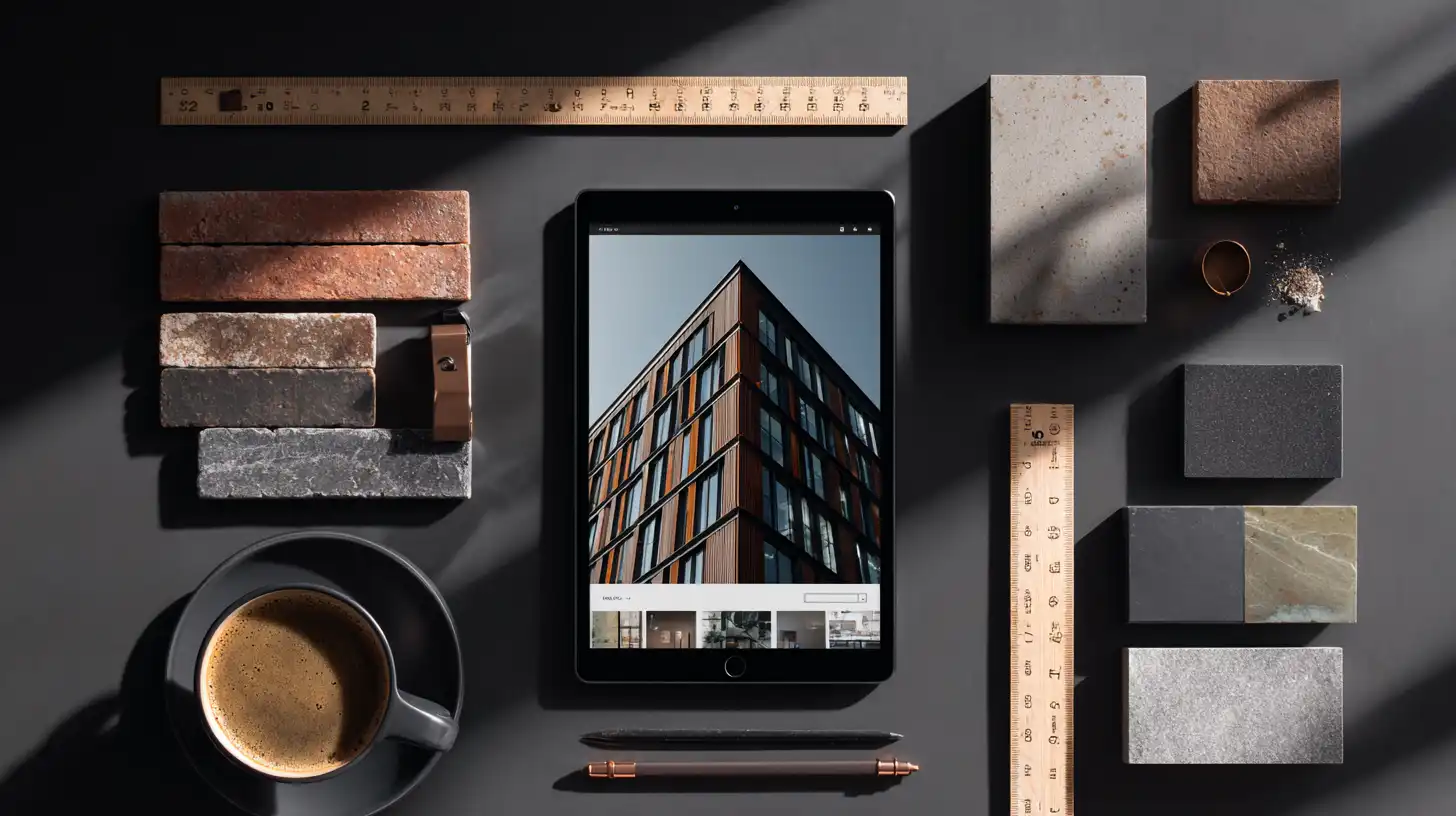
Renovation proposals present a particularly strong case for AI exterior tools. The existing building photograph serves as the input, and the AI generates a realistic visualization of how the same structure would look with new cladding, window replacements, or facade treatments applied.
This workflow is valuable for property managers, contractors, and architects presenting to building owners who struggle to visualize proposed changes from drawings alone. A before-and-after pair generated from AI takes the guesswork out of renovation approvals.

How ArchFine Generates Exterior Renders
ArchFine is a chat-based AI architectural rendering platform that handles exterior visualization through a conversational workflow. Users upload a building photograph or sketch, describe the desired material palette and environment in plain language, and receive a photorealistic exterior render in approximately 30 seconds.
The platform is designed around the practical constraints of architectural production: fast turnaround, clear input controls, and output quality suitable for client presentations and marketing materials. ArchFine exterior rendering does not require 3D modeling experience or technical rendering knowledge — the AI interprets natural language instructions and applies them to the uploaded image.
For renovation workflows, users upload an existing facade photograph and describe the proposed changes. ArchFine generates a visualization that applies those changes to the actual building geometry captured in the photo, producing a contextually accurate result rather than a generic stock render. The same approach applies to new construction concepts: upload a sketch or massing diagram and specify the target style, and the platform returns a photorealistic exterior concept image.
ArchFine supports iterative refinement. If the first generation does not match the intended direction, users adjust their description and regenerate — the process takes seconds rather than hours. This makes it practical to explore multiple facade directions within a single client session.

What Affects the Quality of an AI Exterior Render?
Output quality in AI architectural visualization tools for exteriors is not uniform. Several factors consistently separate high-quality results from mediocre ones.
Input image resolution and clarity. The AI reads surface data from the input photo. Low resolution, heavy compression, or significant camera distortion all limit the model’s ability to reconstruct geometry accurately. Sharp, well-exposed photographs produce the most detailed and accurate outputs.
Specificity of material and style instructions. Vague prompts produce inconsistent results. Describing “a modern facade” gives the AI wide interpretive latitude. Describing “a facade clad in dark fiber cement panels with aluminum-framed curtain wall sections and a recessed ground-floor entry” gives the model precise targets, producing more predictable and reproducible outputs.
Lighting conditions in the reference image. As noted above, the lighting captured in the input photo influences the render’s lighting direction. Overcast reference photos give the AI the most flexibility; strongly directional sunlight in the source image tends to carry through to the output.
Facade complexity. Simple, well-defined facades with clear material boundaries render with higher fidelity than complex facades with many overlapping elements. Ornate historical facades, structures with heavy vegetation coverage, or buildings photographed at extreme angles are more likely to produce artifacts or geometry errors in the output.
Prompt iteration. No AI exterior rendering platform produces optimal results on the first generation every time. Experienced users treat the first output as a diagnostic: it reveals how the model interpreted the inputs, which informs adjustments for the next generation cycle.

AI Exterior Rendering vs. Traditional 3D Visualization
AI exterior rendering and traditional 3D visualization serve different positions in the production workflow. They are not interchangeable, and the strongest professional setups use both.
Traditional 3D visualization — built in tools like dedicated rendering software on top of precise 3D geometry — produces outputs with complete spatial control. Every surface, shadow, and material interaction is calculated from exact data. The results can be used for technical review, planning submissions, and construction documentation. The timeline is measured in days or weeks; the cost is substantial.
AI exterior rendering operates differently. It generates plausible photorealistic visuals from incomplete inputs — a photograph, a sketch, a general description. The output is not geometrically precise in the way a 3D model render is. But it is fast, inexpensive, and contextually convincing. For the use cases where speed and iteration count matter most — concept exploration, early client presentations, real estate pre-sale marketing, renovation proposals — AI tools deliver better economics than traditional pipelines.
The practical division: use AI building facade render tools for speed-sensitive, high-volume, and early-stage visualization work. Use traditional 3D rendering for final deliverables that require geometric precision, technical accuracy, or regulatory submission.
AI Exterior Rendering: Use Case Comparison
| Use Case | Speed Needed | Accuracy Needed | Best Input | Recommended Approach |
|---|---|---|---|---|
| Concept presentation | High | Medium | Sketch | AI tool (ArchFine) |
| Client approval | Medium | High | HD photo | AI tool + manual refinement |
| Real estate listing | High | High | Building photo | AI tool (ArchFine) |
| Renovation proposal | Medium | High | Existing facade photo | AI tool |
| Competition entry | Low | Very high | Full 3D model | Traditional render |
🔑 Key Takeaways
- AI exterior rendering generates photorealistic building facade visuals from photos, sketches, or design files — without a full 3D modeling workflow.
- The quality of the output depends primarily on input image resolution, specificity of style instructions, and lighting conditions in the reference photo.
- Overcast reference photos give AI tools more flexibility to apply custom lighting; strong directional sun in the source image tends to carry through to the render.
- AI facade visualization is best suited for concept exploration, real estate marketing, and renovation proposals — not for geometrically precise technical deliverables.
- ArchFine handles exterior rendering through a conversational workflow: upload an image, describe the target style, and receive a photorealistic facade render in approximately 30 seconds.
- Iteration is built into the workflow. The first generation reveals how the AI interpreted the inputs; two to four cycles typically produce a client-ready result.
- AI exterior rendering and traditional 3D visualization serve different production stages — the strongest workflows use both.
Getting Started with AI Exterior Rendering
The fastest way to evaluate AI exterior rendering for your workflow is to run a test with a real project input. Take a photograph of an existing building or scan a recent sketch, upload it to a platform like ArchFine, and describe the material direction and environment you are targeting. The first result will tell you more about the technology’s capabilities — and its current limits — than any written description.
For teams integrating exterior visualization AI into regular production, the key adjustment is workflow positioning. AI renders belong early in the process and at revision stages where speed matters. Traditional 3D production handles the final, precision-critical deliverables. That division lets each tool do what it does best.
The architectural visualization market is moving toward AI-assisted production across all project types and scales. Teams that develop facility with these tools now — understanding their inputs, their limits, and their optimal use cases — will be better positioned as the technology continues to improve.