AI interior design rendering uses machine learning to generate photorealistic room visualizations from photos, sketches, or simple text prompts. Designers and architects use these tools to present interior concepts to clients faster and at a fraction of the cost of traditional rendering pipelines.
The gap between a design concept and a client-ready visual used to measure in days. Today, AI interior design rendering collapses that timeline to under a minute. Whether you are working on a single-family residence, a hotel lobby, or a commercial fit-out, AI rendering tools now produce photorealistic results from a room photo, a rough sketch, or a descriptive prompt — without requiring 3D modeling expertise or dedicated rendering hardware.
This guide breaks down how the technology works, which platforms lead the market, and what separates a high-quality AI render from a mediocre one.
What Is AI Interior Design Rendering?
AI interior design rendering refers to the use of machine learning models — primarily diffusion-based architectures trained on large image datasets — to generate photorealistic visualizations of interior spaces. Unlike traditional rendering, which requires a complete 3D scene with modeled geometry, applied textures, and calibrated lighting, AI rendering works backward: it reads an existing photograph or sketch, interprets the spatial structure, and synthesizes a new image reflecting the requested style, materials, or furniture scheme.
The output is not a 3D model. It is a high-resolution image that communicates design intent with enough visual fidelity for client presentations, mood boards, or early-stage design reviews. For many interior design workflows, this is exactly what is needed at the front end of a project — a convincing visual that opens a conversation, not a construction document.
The category is growing rapidly. Consumer-facing tools like RoomGPT brought the concept to homeowners. Professional platforms like ArchFine are now targeting architects and interior designers who need faster turnaround and more control over the output.
How AI Interior Rendering Tools Work
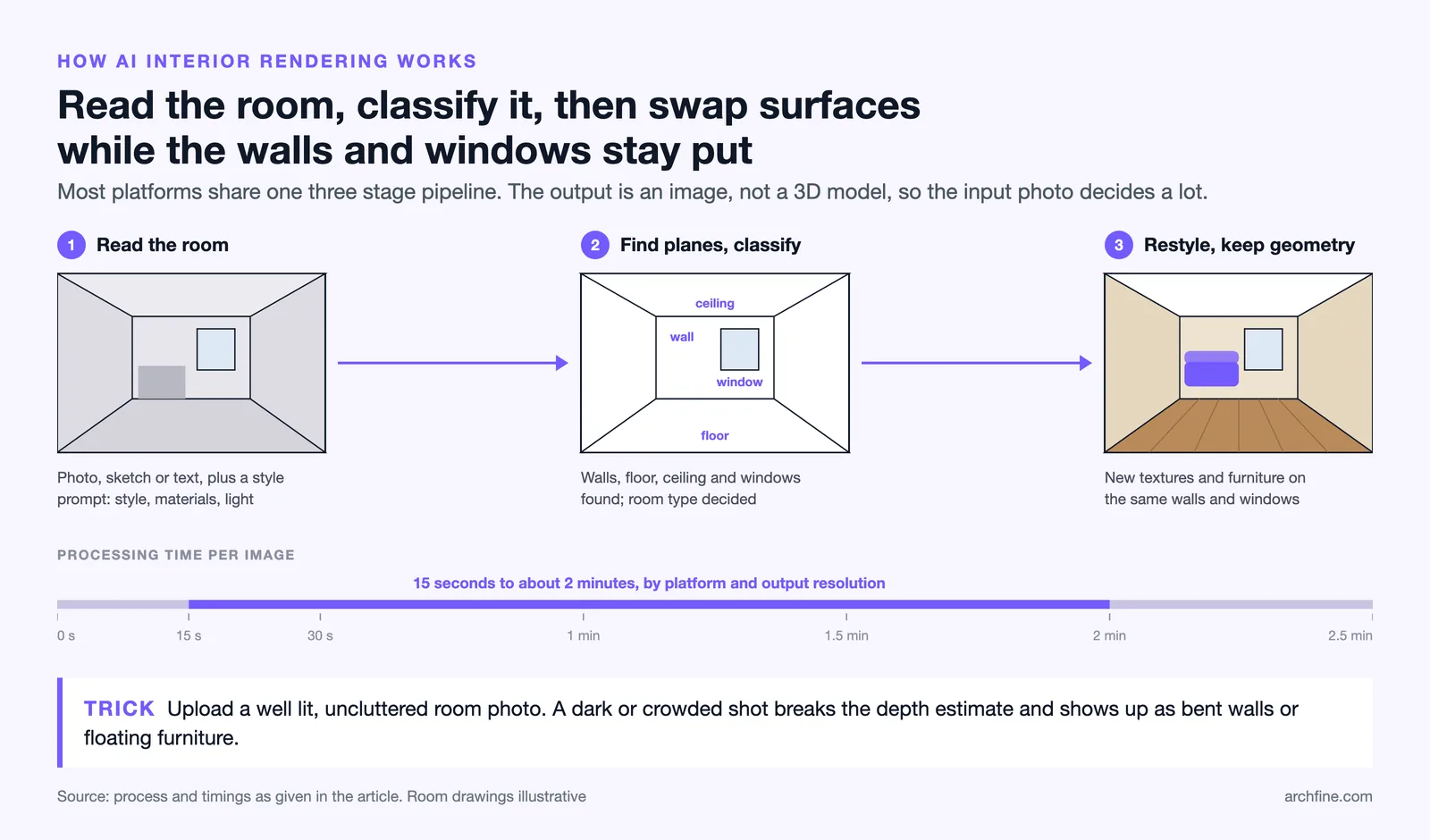
Understanding the underlying process helps you get better results and avoid common input mistakes. Most AI interior visualization platforms share a similar three-stage pipeline.
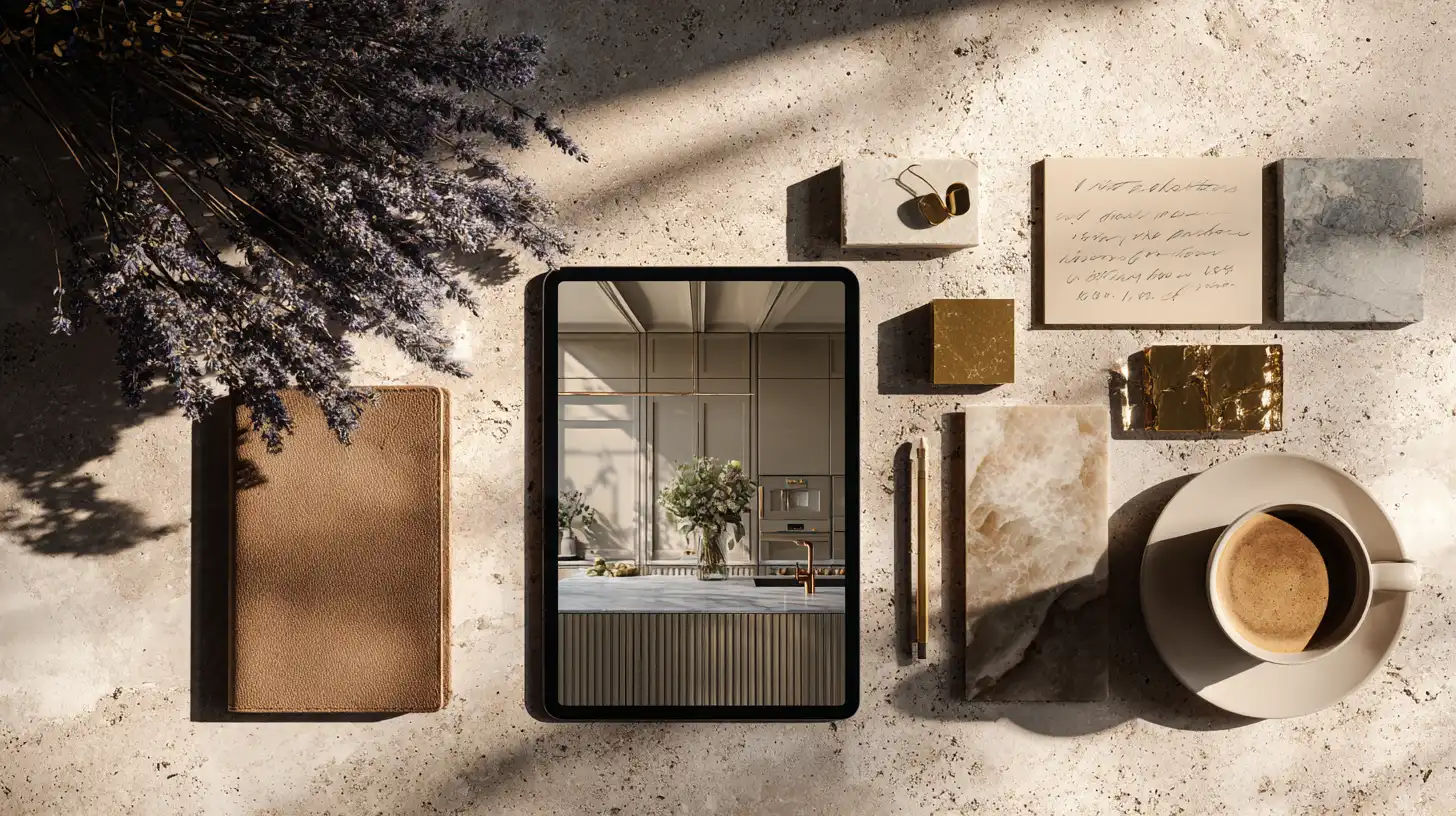
Image Input and Style Prompts
The process begins with an input — either a photograph of an existing room, a hand-drawn floor sketch, or a text description. The model uses computer vision to analyze the image: identifying wall planes, floor surfaces, ceiling height, window positions, and existing furniture geometry. A style prompt, entered as text or selected from a preset library, tells the model what direction to take the output. Typical prompt parameters include design style (Scandinavian, industrial, minimalist), material preferences (wood, marble, concrete), and lighting mood (warm, daylight, ambient).
Room Type Detection and Material Application
Once the spatial geometry is established, the model classifies the room type — living room, kitchen, bedroom, office — and applies contextually appropriate elements. A bedroom prompt will not generate kitchen appliances; a hospitality lobby prompt will scale furniture and ceiling treatments accordingly. Material application works by replacing visible surface textures in the original image while preserving the underlying geometry. This is why input image quality matters: a well-lit photo with clear depth cues gives the model enough spatial information to apply materials accurately.
Final Render Output and Export
The model synthesizes the final image, typically at resolutions suitable for presentation use. Processing time on current platforms ranges from 15 seconds to about two minutes depending on platform infrastructure and output resolution. The resulting image can be downloaded directly and used in client presentations, project documentation, or social media. Some platforms also support iterative editing, allowing users to adjust specific elements — furniture placement, material swaps, lighting intensity — without restarting the entire generation process.
Pro Tip
When uploading a room photo for AI rendering, make sure the space is well-lit and free of heavy clutter. AI tools read existing geometry to apply new materials and furniture. A dark or obstructed photo produces unreliable depth estimation, which shows up as distorted walls or floating objects in the final render.
Best Use Cases for AI Interior Visualization
AI rendering is not a universal replacement for all visualization work. It performs best in specific workflow contexts where speed and iteration matter more than millimeter-level spatial accuracy.
Residential Interior Projects
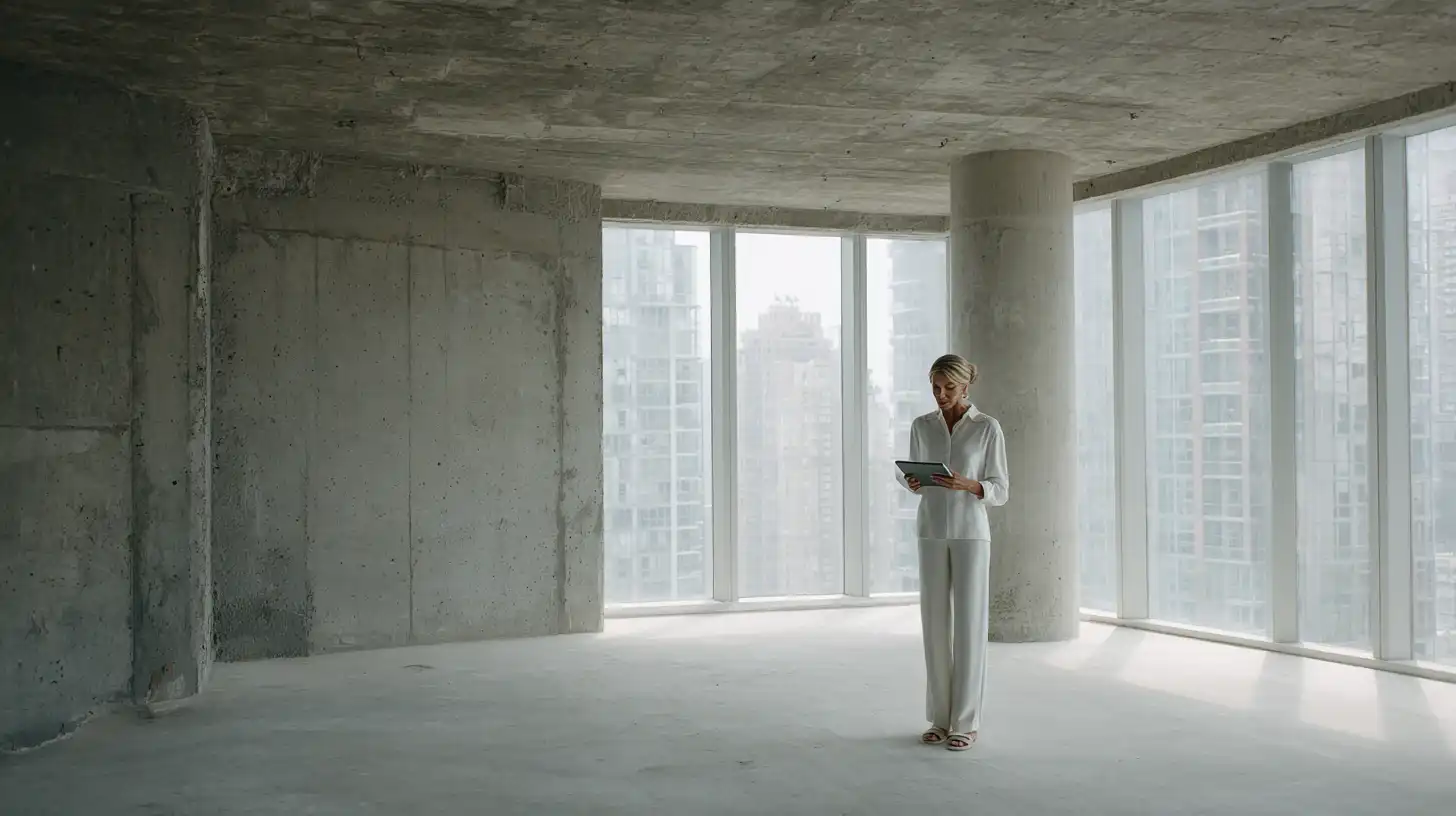
Home renovation and new residential design projects are the clearest fit for AI rendering. Homeowners struggle to visualize proposed changes from floor plans alone. An AI room design generator can show a client what their existing living room looks like with new flooring, updated wall treatments, and different furniture — all before any purchase decision is made. For design professionals, this accelerates the client alignment phase and reduces revision cycles tied to misunderstandings about aesthetic direction.
Commercial and Hospitality Spaces
Hotel lobbies, restaurant interiors, office fit-outs, and retail environments all benefit from fast concept visualization. In commercial projects, design decisions often pass through multiple stakeholders — brand teams, operations managers, ownership groups — before a direction is approved. AI interior visualization gives each decision-maker a legible, photorealistic image rather than an abstract floor plan, reducing approval friction and shortening the design development timeline.
Client Presentations and Mood Boards
Early-stage presentations are where AI rendering has the most immediate impact. Instead of sourcing stock photography or spending hours assembling physical mood boards, designers can generate AI interior renders that reflect the actual project space, not a generic room. The result is a presentation that feels bespoke to the client’s brief from the very first meeting.

Did You Know?
According to the 2023 AIA Home Design Trends Survey, more than 60% of residential architects reported using digital visualization tools for client presentations. AI rendering platforms are increasingly replacing traditional software in early-stage design reviews, compressing what used to be a multi-day process into a session measured in minutes.
How ArchFine Handles Interior Design Rendering
ArchFine is an AI-powered architectural visualization platform built for architects and interior designers who need fast, controlled output without the overhead of traditional rendering software. The workflow is chat-based: users upload an image of a space, add a text prompt describing the desired style or material direction, and receive a photorealistic render in approximately 30 seconds.
The platform is designed around professional use cases. Unlike consumer tools that prioritize dramatic transformations over spatial accuracy, ArchFine’s rendering pipeline maintains the existing architectural geometry of the input image — preserving wall angles, window proportions, and ceiling heights — while applying the requested design changes. This makes the output more useful for actual project documentation rather than general inspiration.
ArchFine interior rendering is available as a SaaS subscription, accessible directly through a browser without software installation or hardware requirements. For architecture and interior design firms looking to integrate AI into their visualization workflow, the platform provides a balance between generation speed and output quality that dedicated visualization software cannot match at the early-design stage.

What Makes a Good AI Interior Render?
Output quality varies significantly across platforms and across different inputs within the same platform. Several factors determine whether a render is presentation-ready or needs significant adjustment.
Lighting coherence is the most visible quality indicator. A render where shadows fall in inconsistent directions, or where a daylight scene has warm tungsten-tinted highlights, reads as artificial immediately. The best AI interior rendering software maintains a physically plausible lighting model throughout the image.
Material realism separates competent renders from exceptional ones. Wood grain should reflect directional grain patterns. Marble should carry through consistent veining. Fabric textures should show appropriate sheen variation based on the direction of the light source. AI models trained on large datasets of high-quality interior photography tend to handle material realism more reliably than models trained on general image datasets.
Spatial integrity means the room still looks like a room after the AI has applied its changes. Walls should remain plumb. Furniture should sit on the floor plane rather than floating. Perspective should be consistent across the entire image. This is where input image quality has the most direct impact on output quality: a well-composed photograph gives the model a stable geometric foundation to work from.

Common Mistake to Avoid
Many users expect AI interior rendering to fully replace furniture layouts or space planning. These tools excel at visualizing a design direction quickly, but spatial accuracy still requires verification against real floor plan dimensions. Use AI renders to align on aesthetic direction early, then confirm spatial decisions separately with measured drawings or 3D modeling software.
AI Interior Rendering vs. Traditional Rendering Software
Traditional rendering workflows — built around tools like V-Ray, Corona, or Enscape — remain the standard for final deliverables in professional architectural practice. They require 3D models built in SketchUp, Rhino, 3ds Max, or Revit, precisely calibrated lighting setups, and rendering hardware capable of processing complex ray-trace calculations. A single high-quality interior render from a traditional pipeline can take anywhere from several hours to a full day of compute time, depending on scene complexity and output resolution.
The best AI tool for interior design visualization occupies a different position in the workflow. AI rendering does not replace the final deliverable; it replaces the exploratory phase that precedes it. Instead of spending professional rendering time on a concept that may be rejected, designers can use AI-generated visuals to establish direction with clients before committing to the full modeling and rendering investment.
The practical result is a more efficient overall process. Early alignment on design direction, achieved through fast AI-generated interior design visuals, means fewer revisions to the 3D model and fewer rendering iterations before the final deliverable is approved. AI and traditional rendering are not competing tools — they are sequential stages in a more efficient design workflow.

AI Interior Rendering Tools Comparison
| Tool | Input Type | Render Speed | Best For | Pricing |
|---|---|---|---|---|
| ArchFine | Photo / Image | ~30 sec | Architects & Interior Designers | SaaS subscription |
| Midjourney | Text prompt | 1-2 min | Concept ideation | From $10/mo (Basic) to $120/mo (Mega) |
| Adobe Firefly | Text / Image | ~1 min | Adobe Creative Cloud users | From $9.99/mo (Standard); free tier available |
| RoomGPT | Room photo | ~30 sec | Residential / homeowners | Freemium; $14.99/mo unlimited |
| Stable Diffusion | Text / Image | Variable | Custom / technical workflows | Open source (free; hardware costs apply) |
Key Takeaways
- AI interior design rendering generates photorealistic room visuals from photos or prompts in seconds, without requiring 3D modeling skills or dedicated rendering hardware.
- The technology works by analyzing existing spatial geometry in an input image and synthesizing a new image that reflects the requested style, materials, and lighting.
- Input quality directly determines output quality: well-lit, uncluttered room photographs produce the most spatially accurate renders.
- The strongest use cases are residential renovations, commercial concept presentations, and early-stage client alignment sessions.
- ArchFine is built specifically for architecture and interior design professionals, delivering photorealistic renders in approximately 30 seconds through a chat-based, browser-accessible interface.
- AI rendering does not replace traditional rendering software for final deliverables; it replaces the exploratory phase, making the overall workflow faster and reducing unnecessary revision cycles.
- Platform pricing ranges from open-source (Stable Diffusion) to professional SaaS subscriptions, with options suitable for individual designers, small firms, and larger studios.