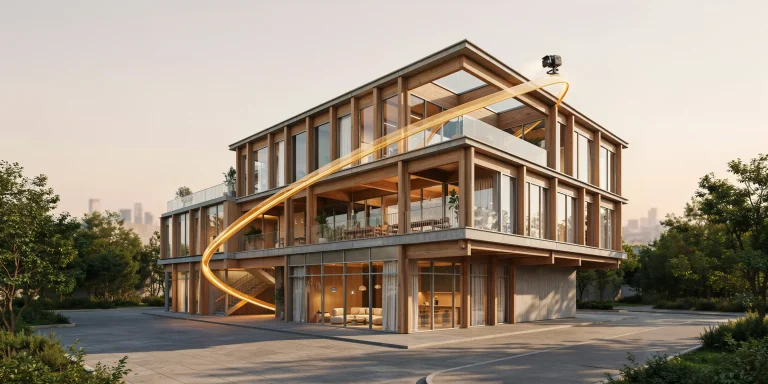
An AI texture generator produces tileable material maps from a text description or a photograph, outputting the colour, roughness, normal and height channels that a render engine needs. For architectural work it fills the gap where a specific material exists in your specification but not in any library.
The category matured quickly because the problem is well suited to image models. A brick texture is a repeating pattern with statistical regularity, which is exactly what these systems handle well. An AI texture generator is therefore reliable on pattern and unreliable on measurement.
What they do not handle is physical accuracy, and understanding where that matters decides whether generated textures belong in your workflow.
What a Generated Texture Set Contains
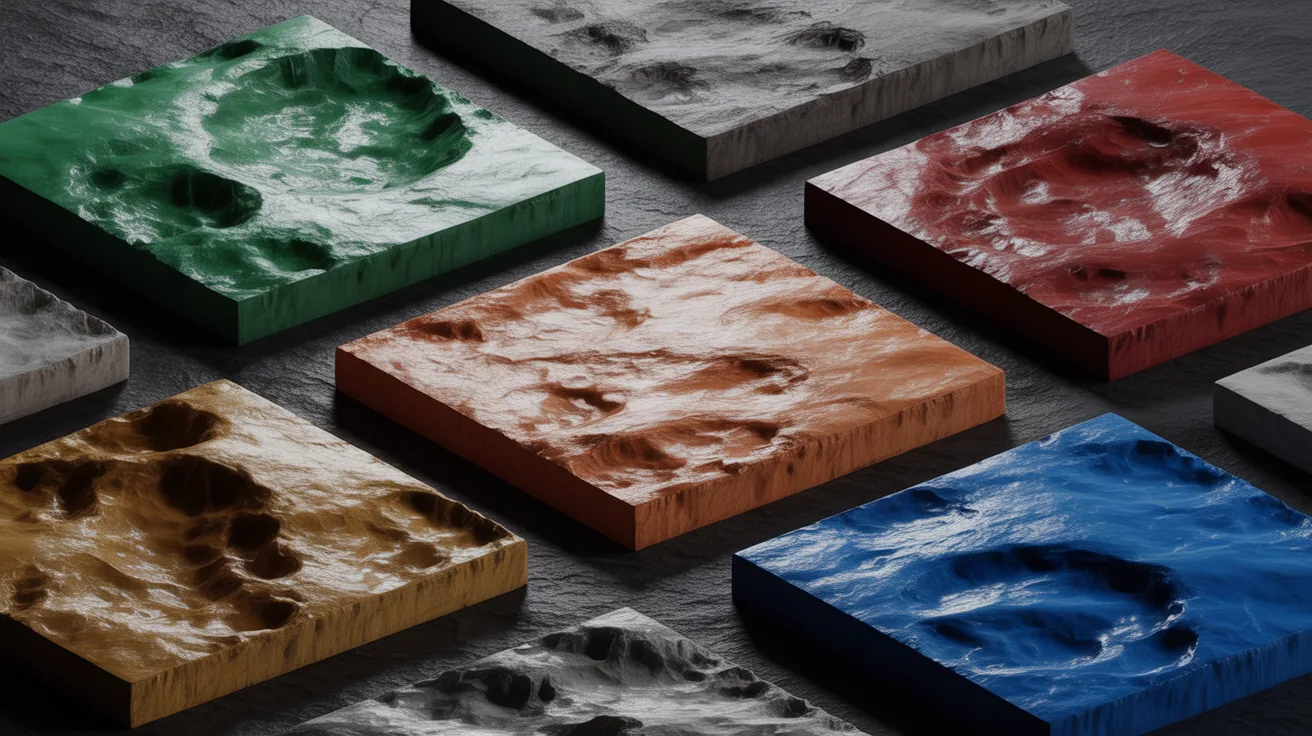
The material model these maps feed is documented in resources such as pbrt.org and the open lessons at Scratchapixel.
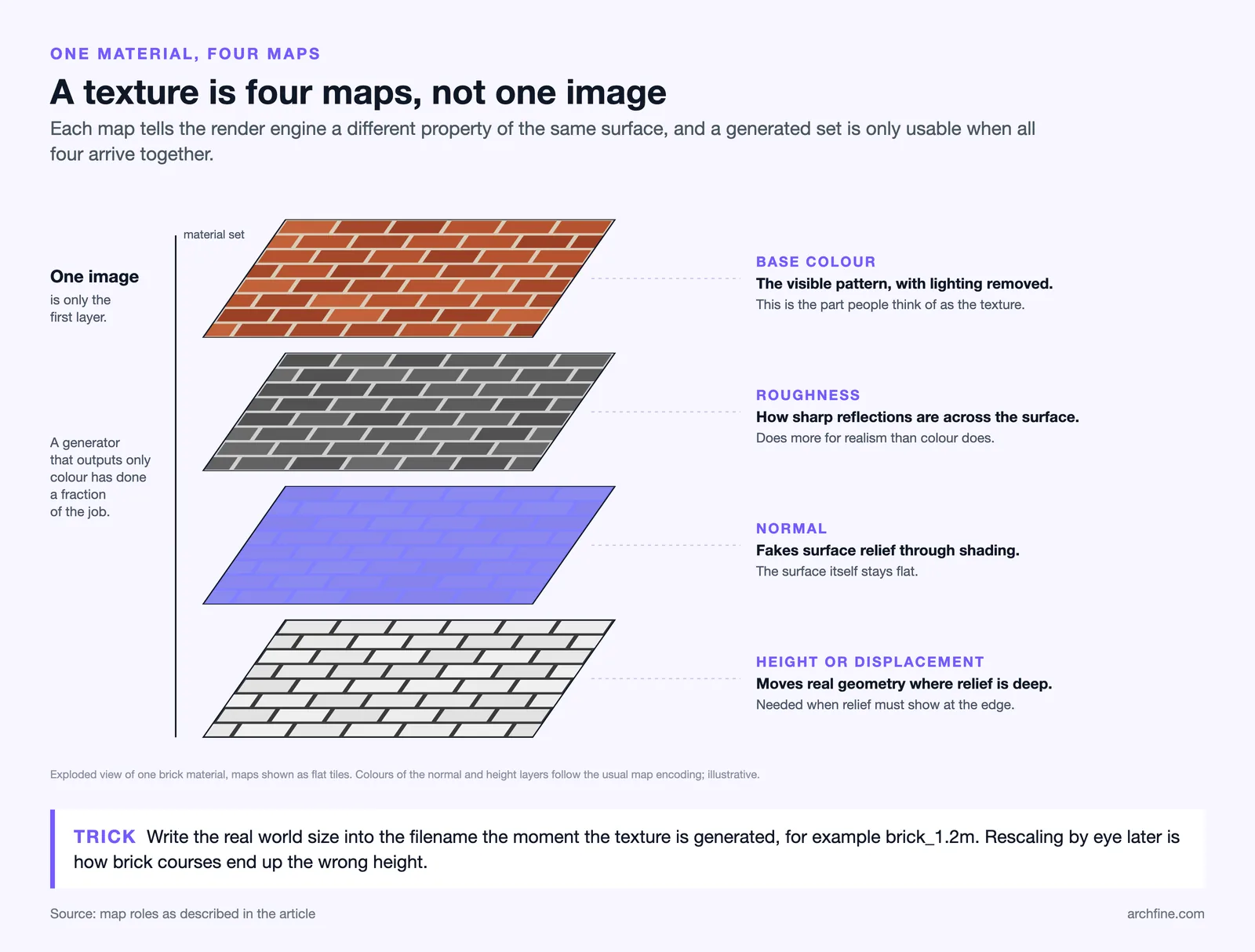
A usable material is not one image. It is a set of maps, each describing a different property, and a generator that outputs only a colour image has done a fraction of the job.
Base colour carries the visible pattern with lighting removed, which is the part people think of as the texture.
Roughness controls how sharp reflections are across the surface, and it does more for realism than colour does.
Normal fakes surface relief through shading, and height or displacement moves geometry where the relief is deep enough to see at the edge.
How those maps interact is covered in our guide to displacement, bump and normal maps, and the underlying material model in our guide to PBR materials.
📐 Technical Note
Generated maps are inferred rather than measured. A roughness map derived from a photograph is a guess based on brightness, and a normal map derived the same way assumes bright means high. For most architectural surfaces the guess is close enough. For anything where reflectance behaviour matters technically, a scanned material remains the correct source.
Where an AI Texture Generator Works Well
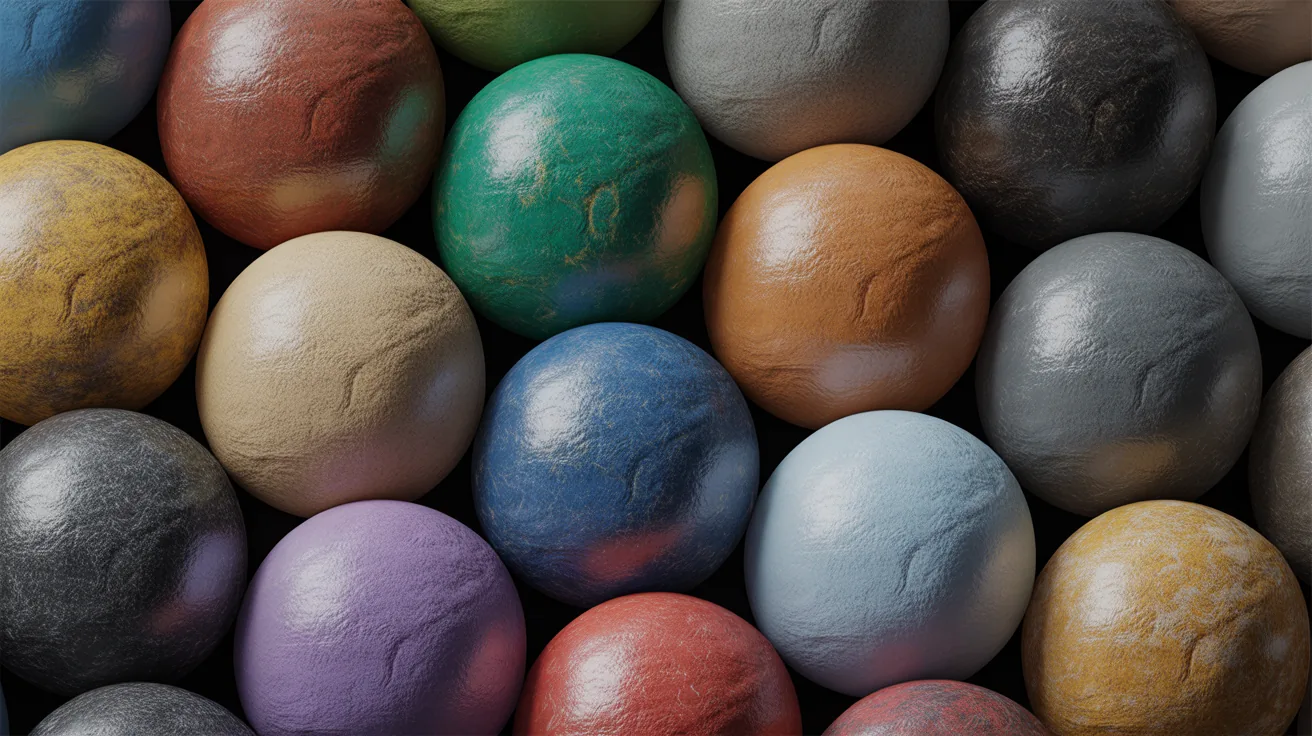
Unusual materials are the clearest case. A specific glazed brick, a particular terrazzo mix or a custom perforated panel exists in your specification and in no texture library, and generating it takes minutes.
Background surfaces are the second. Neighbouring buildings, distant paving and anything the camera does not examine closely gain nothing from a scanned material.
Concept stage is the third. When the material is a placeholder anyway, generating something plausible is faster than searching a library for an approximation.
Tiling is the practical strength. Generated textures are usually produced tileable by default, which removes the most tedious part of preparing a photographic texture by hand.
Where They Fall Down
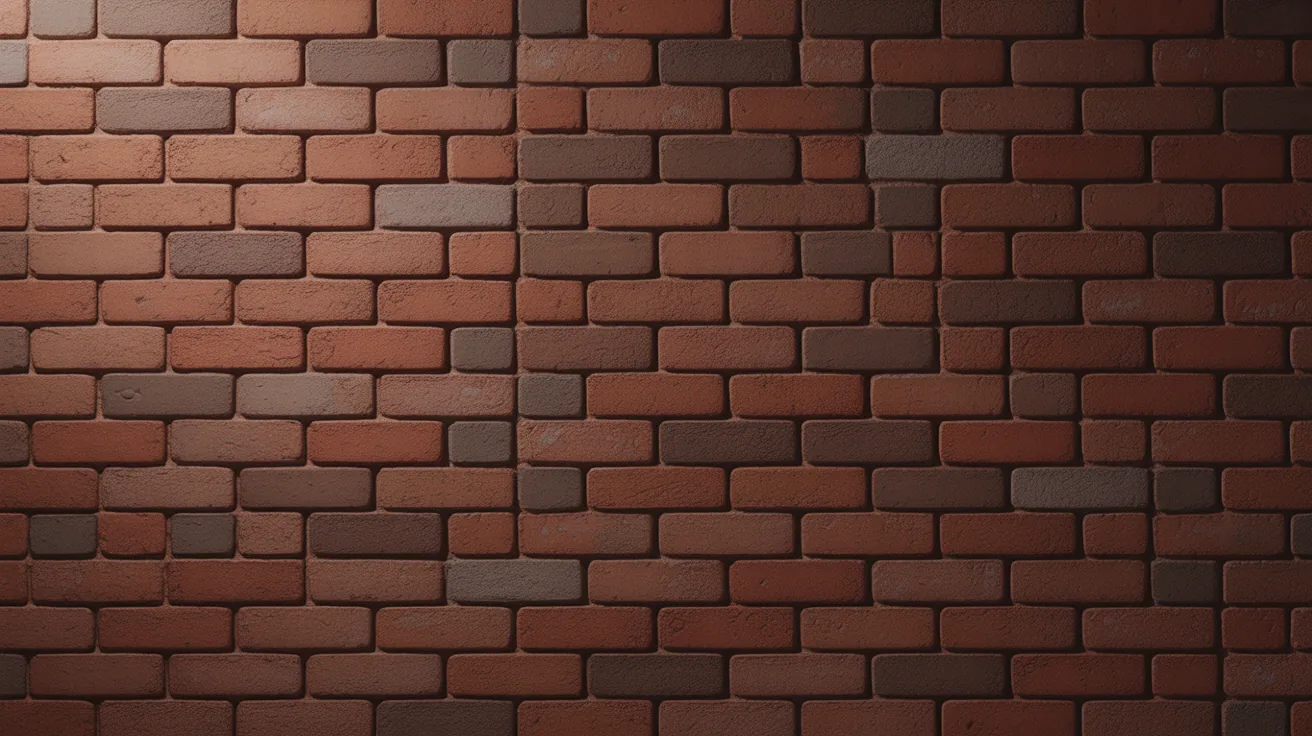
Scale is the first problem and it is invisible in the generated image. A brick texture has no inherent size, and applying it without setting real world scale produces brickwork at the wrong dimension, which is the single most common reason a render looks like a model.
Specification accuracy is the second. A generated material resembling a manufacturer’s product is not that product, and using it in a client visual implies a specification that does not exist.
Repetition is the third. Tileable textures repeat, and at building scale the eye picks up the pattern quickly unless the material is varied or broken up.
Physical plausibility is the fourth. Generated stone occasionally contains geological impossibilities and generated timber contains grain that no tree produces, which nobody notices until a client who works with the material does.
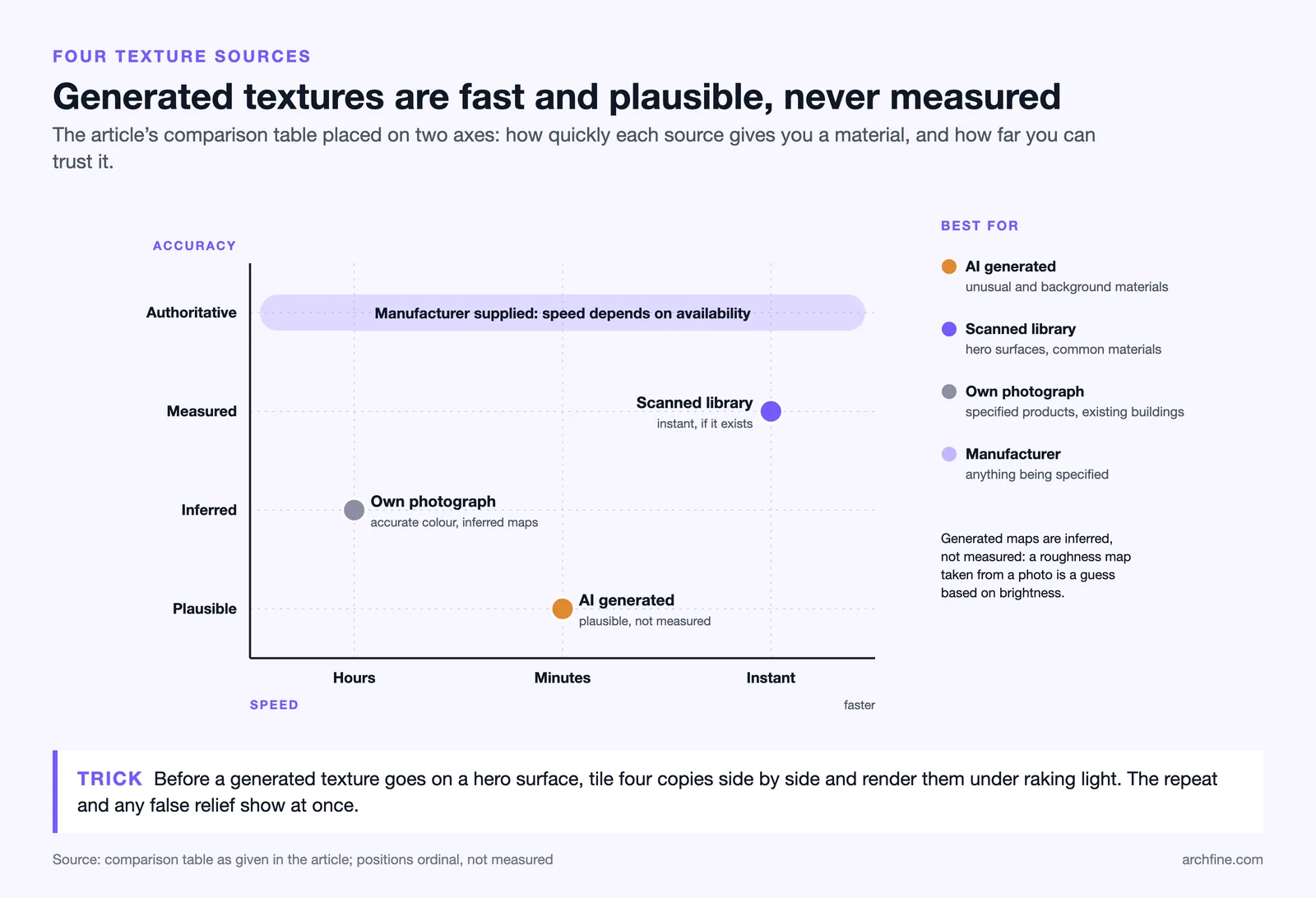
Generated against scanned and photographed
| Source | Accuracy | Speed | Best for |
|---|---|---|---|
| AI generated | Plausible, not measured | Minutes | Unusual and background materials |
| Scanned library | Measured | Instant if it exists | Hero surfaces, common materials |
| Own photograph | Accurate colour, inferred maps | Hours | Specified products, existing buildings |
| Manufacturer supplied | Authoritative | Depends on availability | Anything being specified |
💡 Pro Tip
Set the real world dimensions of every generated texture the moment you create it, and put them in the filename. A brick texture covering 1.2 metres is useless information three weeks later if it lives only in your memory, and rescaling by eye is how brickwork ends up at the wrong course height.
Getting Better Output
Describe the material physically rather than stylistically. Colour, finish, format, joint width and weathering produce better results than a style label.
Include the scale in the prompt. Asking for a texture covering roughly one square metre encourages an appropriate pattern density even though the output carries no units.
Generate at high resolution. Architectural surfaces are large and a low resolution texture becomes visibly soft as soon as it is tiled across a facade.
Feed a reference photograph where one exists. Deriving from a real photograph of the specified product beats describing it, for the same reason it does across every image tool.
Building a Practice Library
Free libraries such as those linked from the Blender community remain a useful baseline. Save generated textures with full map sets and dimensions, organised by material family rather than by project. The same brick will be wanted again.
Keep the prompt alongside the files. Regenerating a variation is only possible if you know what produced the original.
Combine sources rather than committing to one. Most mature libraries mix scanned materials for common surfaces, photographs for specified products and generated textures for everything unusual, alongside the free resources covered in our guide to free HDRI and texture resources.
Where a texture will appear on a hero surface, check it under raking light before committing. Relief and roughness errors are invisible under flat lighting and obvious at a grazing angle, as our guide to architectural lighting covers.
Bottom Line: Generated textures are a genuine time saver for unusual and background materials, and they are not a specification. Set real world scale immediately, keep the prompt, and use a real material source for anything the camera examines closely.
Testing a Generated Texture Before You Trust It
Apply it to a large flat surface and render it at grazing light. Repetition, scale errors and implausible detail all become obvious under raking light and stay hidden under flat lighting.
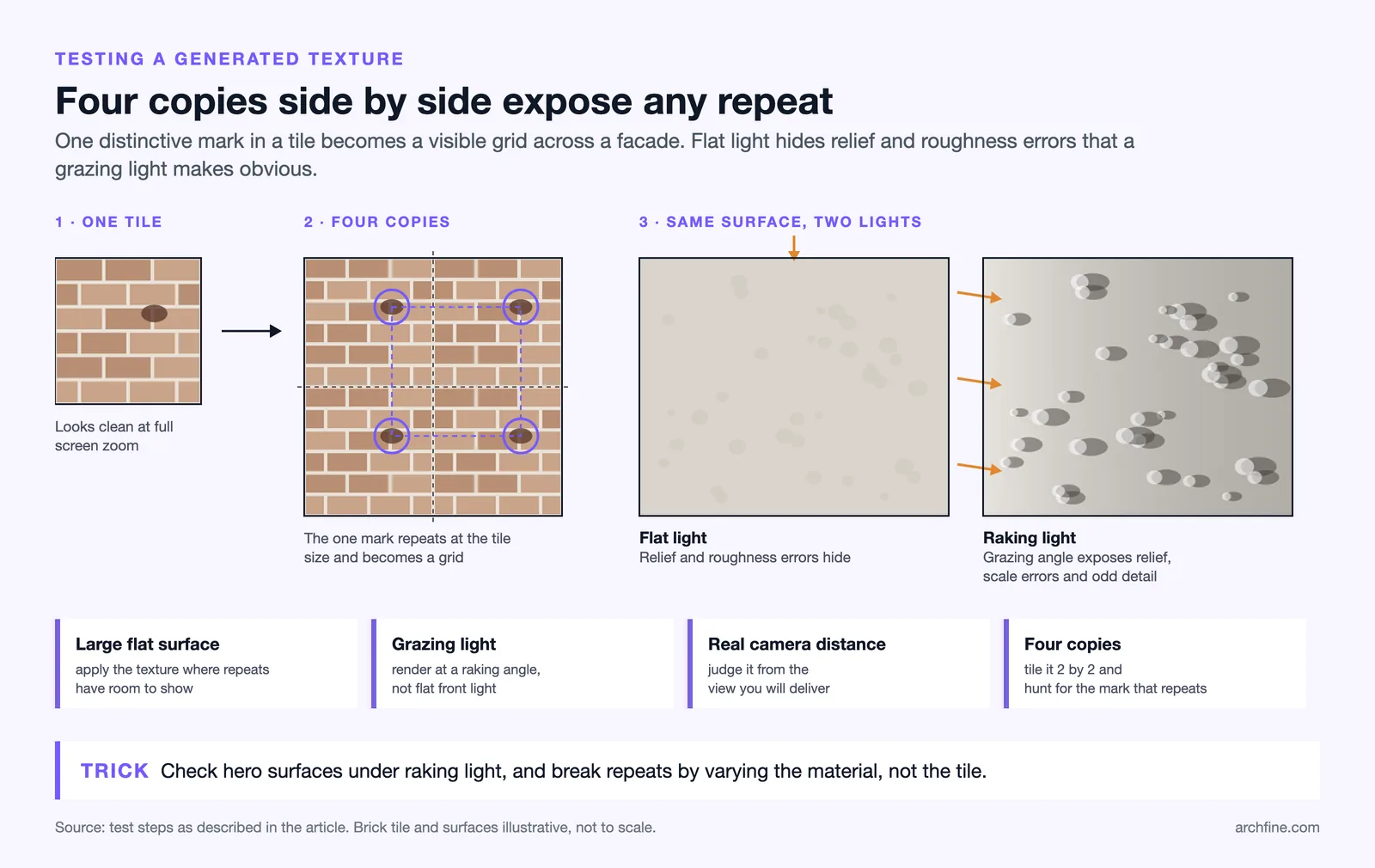
Look at it from the actual camera distance you intend to use. A texture judged at full screen zoom tells you nothing about how it reads at building scale.
Check the tiling explicitly. Place four copies side by side and look for the feature that repeats, since one distinctive mark in a texture becomes a visible grid across a facade.
Fixing repetition
Vary the material rather than the texture. Two or three versions of the same material randomly assigned across panels breaks the pattern more effectively than any single perfect tile.
Add a large scale variation map over the top, which introduces slow tonal drift across a surface and disguises the underlying repeat almost entirely.
Licensing and Commercial Use
Terms vary between platforms, and generated output is not automatically free to use commercially. Check the licence of any tool used on paid work rather than assuming.
Training data provenance is a related and unresolved question, and it is worth knowing that a generated brick may be derived from photographs someone else took.
For anything where provenance matters, manufacturer supplied textures are the clean answer, since the company that makes the material supplied the image of it.
Practically this rarely blocks anything, and it is worth a five minute check before a platform becomes central to a workflow.