
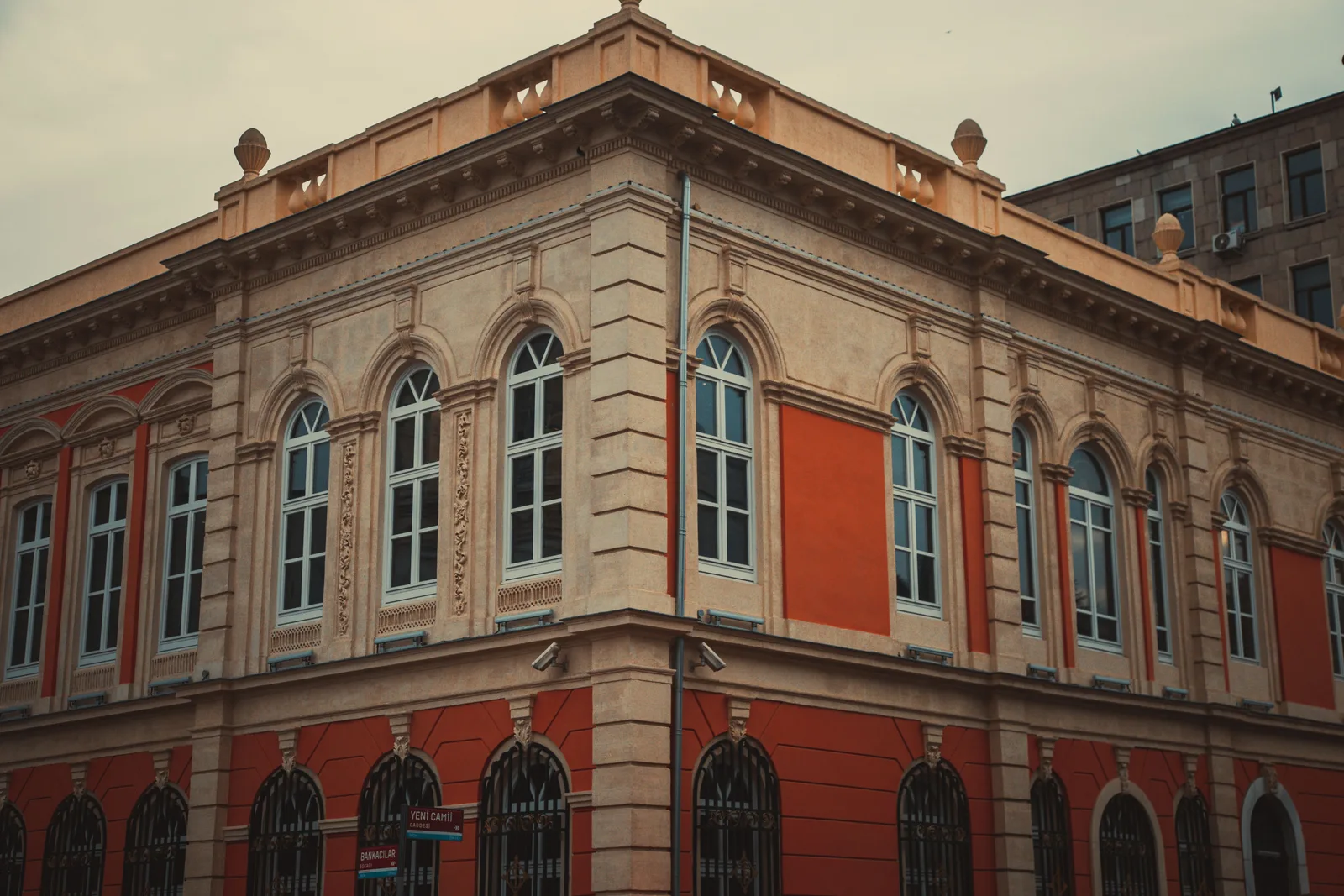

2 point perspective is a drawing method that places two vanishing points on the horizon line, one for each set of horizontal edges of a building, while vertical edges stay vertical. Architects use it for corner views, where two faces of a form read at once and the drawing still holds accurate proportion.
Most architects learn perspective twice: once badly, from a school exercise that ends in a wobbly cube, and once properly, when a client needs to see a building on a street corner before it exists. This guide covers the second version. It works with a pencil and a straightedge, and the same logic drives every camera you will ever set in SketchUp, Revit, or Rhino.
What Is 2 Point Perspective?
2 point perspective is a linear perspective construction with two vanishing points, both sitting on the horizon line. Horizontal edges running one way converge on the left point, horizontal edges running the other way converge on the right, and vertical edges stay parallel to the sides of your page. That single rule, verticals stay vertical, is what makes the method read as architectural rather than cinematic.
Three things control the drawing. The horizon line records the height of the viewer’s eye. The station point is where that viewer stands in plan. The two vanishing points are fixed by the angle at which the building sits to them. Move any one of the three and the drawing changes completely, which is why setting them deliberately saves hours of erasing later.
📌 Did You Know?
The geometry you are about to use was worked out by an architect, not a painter. Britannica dates linear perspective to about 1415, when Filippo Brunelleschi established its mathematics in Florence, with Leon Battista Alberti publishing the first written method in 1435 in Della Pittura. Brunelleschi tested the system by drilling a peephole through a painted panel of the Florence Baptistery and comparing its reflection in a mirror against the real building, an experiment documented by Smarthistory.
Older drawing manuals call this setup oblique or angular perspective, and the name explains the value. The building is seen at an angle, so neither main face sits flat against the picture plane, and a single view carries mass, depth, and two elevations at once. That is why it survived every shift in tooling, from Renaissance panels through drafting boards and into the long evolution of architectural visualization, and why two point framing is the standard for architectural imagery rather than a stylistic preference.
One, Two, or Three Point Perspective: Which One Do You Need?
The number of vanishing points is decided by geometry, not taste. If one face of the building is parallel to the picture plane, you get one vanishing point. Rotate the building so both faces angle away and you get two. Tilt the picture plane, by looking up at a tower or down from a crane, and the verticals converge as well, producing a third.
Perspective Types Compared at a Glance
The table below covers what each construction does to your line work and where it belongs in a set of drawings.
| Drawing type | Vanishing points | What stays parallel | Where architects use it |
|---|---|---|---|
| One point perspective | 1 | Verticals and one set of horizontals | Corridors, symmetrical interiors, section perspectives |
| Two point perspective | 2 | Verticals only | Building corners, street views, room corners, presentation drawings |
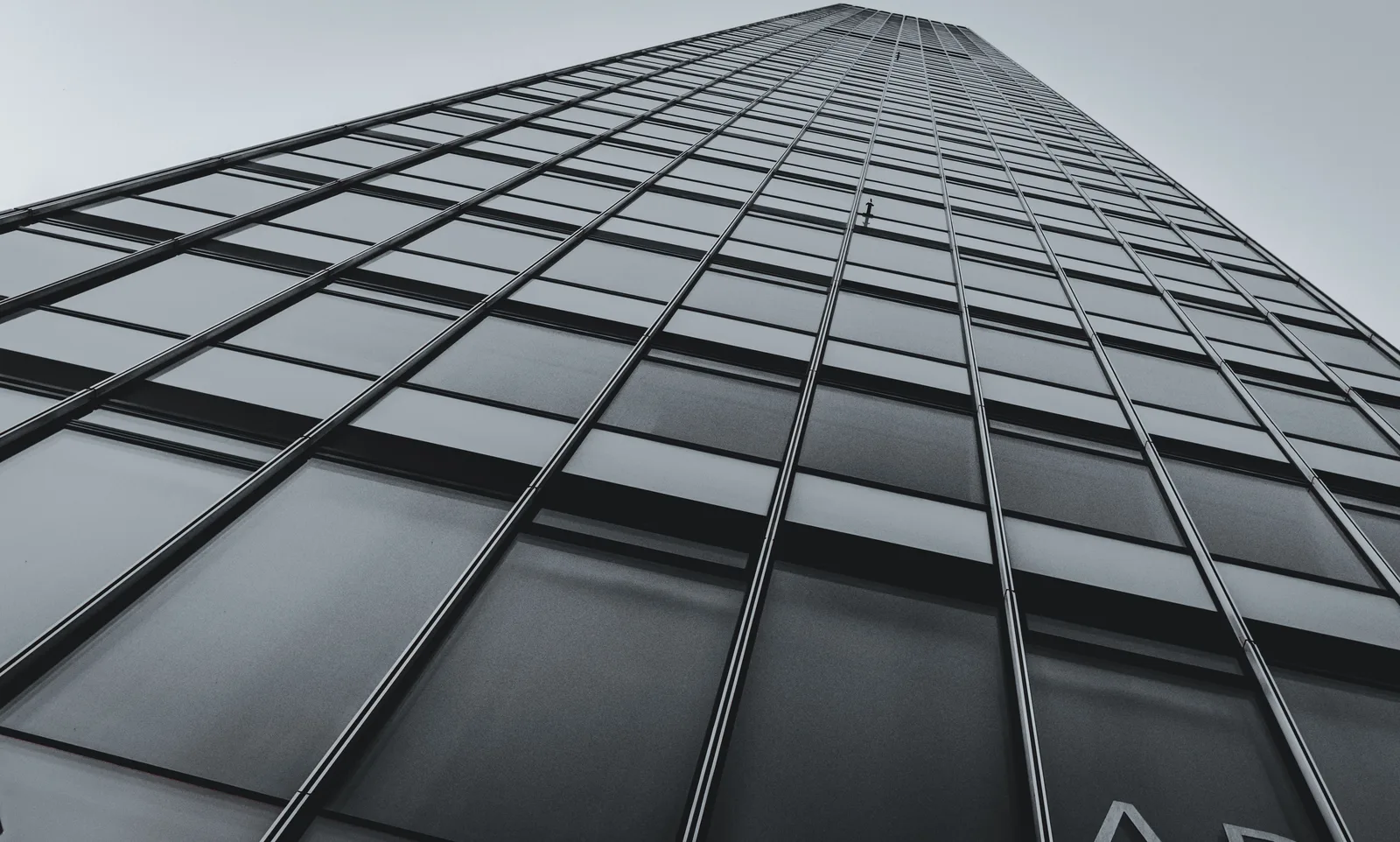
| Three point perspective | 3 | Nothing | Towers from street level, aerial views, hero shots |
| Parallel projection (axonometric) | 0 | Everything | Measured diagrams, exploded views, assembly drawings |
For most architectural work the middle row wins. Two vanishing points give depth without the wide angle exaggeration of a third, and the verticals stay measurable, so a reader can still judge storey heights straight off the drawing.
How to Draw Two Point Perspective Step by Step
Work from a plan if you have one. Rotate it to the angle you want the viewer to see, tape it above your sheet, and find a straightedge long enough to reach past both edges of the page. Sketching on site without a plan? The same six steps hold, you simply estimate rather than project.
Step 1: Set the Horizon Line at Eye Level
Draw a horizontal line across the full width of the sheet. This is the horizon, and it is also the height of the viewer’s eye, so its position decides how the building reads. Place it low and the building looks tall and imposing. Place it high and the massing flattens into an overview. Everything at eye height in the scene lands on that line, including the eyes of any figure standing on the same ground plane.
💡 Pro Tip
Set the horizon by the actual viewer, not by the middle of the page. A standing adult sees from roughly 1.5 to 1.7 metres, which puts the horizon of a street view just below the first floor window sills. For a lounge or a restaurant where the client will be seated, drop it to about 1.1 metres and the room suddenly feels right. Defaulting to half the sheet height is the fastest way to make a two storey house look like a tabletop model.
Step 2: Place the Two Vanishing Points
Both vanishing points sit on the horizon, one to the left and one to the right of the subject. Their separation follows the angle of the building to the viewer, and it is almost always wider than beginners expect. On an A3 sheet, a natural corner view usually needs the points spread beyond the paper edges, which means taping the sheet to a larger board and marking the points on the surface underneath.

The rotation of the plan fixes the split. Turn the building 45 degrees to the picture plane and both faces foreshorten equally, which reads as balanced but static. Turn it closer to 30 and 60 degrees and one face dominates, which is usually the stronger composition because it tells the reader which elevation matters.
📐 Technical Note
Perspective teaching works to a 60 degree cone of vision, measured 30 degrees either side of the line of sight from the station point. Anything drawn outside that cone begins to distort, and the drawing course at Brigham Young University notes that keeping both vanishing points inside a 9 by 12 inch sheet is precisely what squeezes the cone too tightly. Verticals stay vertical in this construction only because the picture plane is held upright, the same assumption behind the two point camera mode in modern 3D software.
Step 3: Draw the Leading Vertical Edge
The nearest corner anchors everything that follows. Draw it as a single vertical, crossing the horizon if the building is taller than the viewer. This leading edge is the only line you can scale directly, so give it a real dimension: if the corner runs 7 metres to the eaves, mark seven equal units along it. Every other height in the drawing gets measured from there.
Step 4: Project the Receding Edges
From the top and the bottom of the leading edge, draw four lines: two to the left vanishing point, two to the right. The two visible faces now exist as open wedges. Close them with verticals to set the far corners and the mass is there. Keep those closing verticals inside the cone of vision, because a face pushed far toward a vanishing point stretches and reads as a ramp rather than a wall.
Step 5: Set Depth and Divide the Surfaces
Depth is where most drawings fail. Bays, windows, and floor levels sit at even spacings in reality but not on the page, since they compress as they recede. Guessing that compression is what makes a facade look like it is melting. Construct it instead: mark real dimensions on a measuring line along the leading edge, then project each mark back to the vanishing point.
💡 Pro Tip
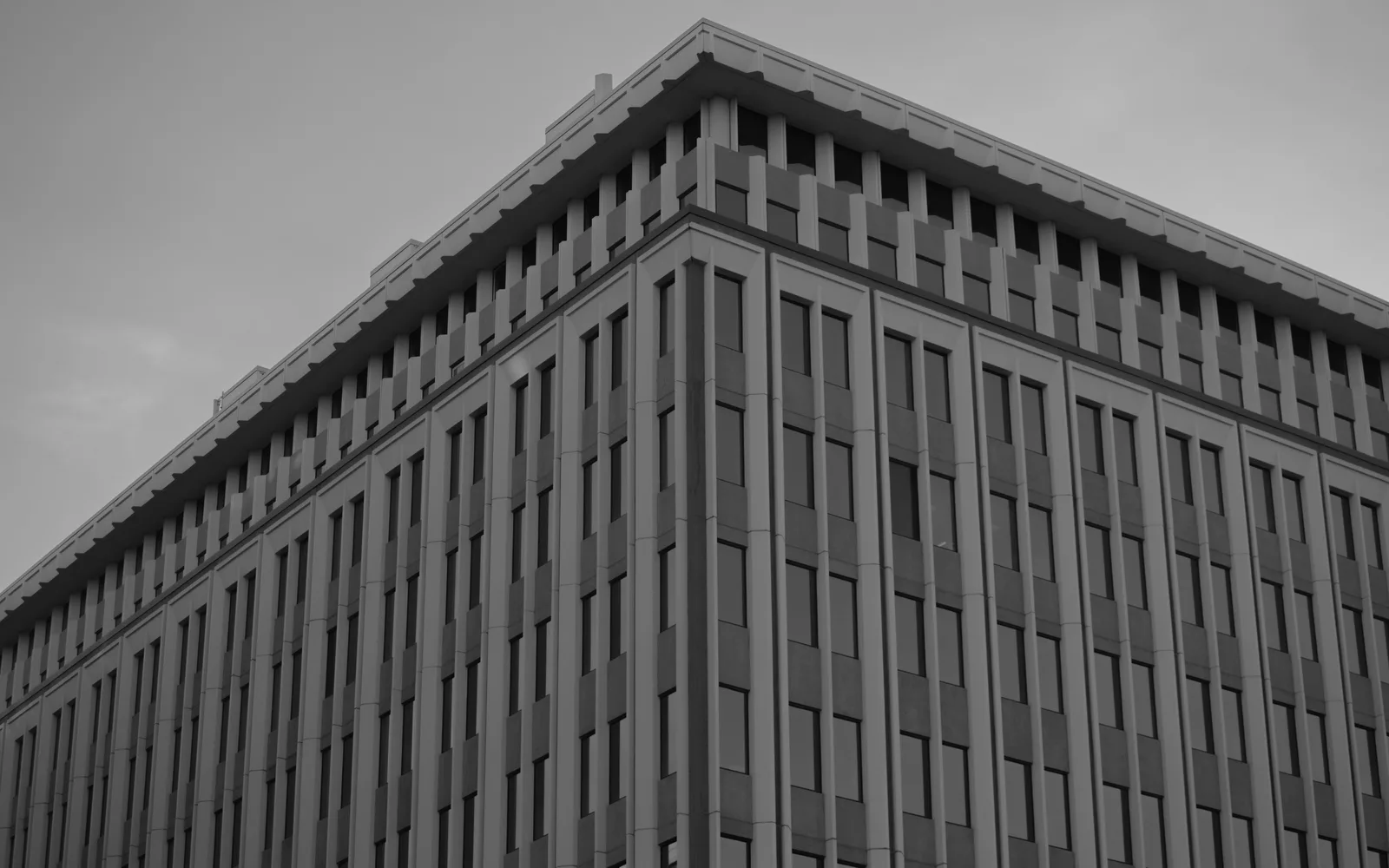
Use the diagonal method for anything that repeats. Draw both diagonals across a wall panel you have already built in perspective; where they cross is the true centre of that panel, in perspective, and a vertical through the crossing splits the wall correctly. Repeat it to divide a facade into four, eight, or sixteen bays without measuring anything. It is also how you centre a door on a receding wall and have it survive a client’s eye.
Step 6: Add Openings, Thickness, and Context
Reveals, balcony slabs, and roof overhangs obey the same two vanishing points, so once the box is right the detail is bookkeeping. Give openings thickness by projecting a short line back to the appropriate point instead of drawing a flat rectangle. Then put figures on the ground plane: a standing person’s eyes sit on the horizon wherever that person stands, which locks the scale in a single move.
Why Does My Two Point Perspective Look Distorted?
The usual cause is vanishing points placed too close together. When the spread is too narrow, the corner angle at the near edge collapses below 90 degrees, the two faces squeeze toward each other, and the result reads as a wedge or a fisheye photograph rather than a building.
⚠️ Common Mistake to Avoid
Forcing both vanishing points onto the sheet because they are easier to reach there. Convenience is not a design decision, and the cost appears immediately as splayed corners and stretched facades. Pull the points apart until the near corner of the building opens to roughly 90 degrees or wider, even if one of them lands on the desk, on a taped strip of paper, or on a guide layer outside the artboard. If the view still refuses to sit inside the cone of vision, move the viewer back in plan rather than dragging the points inward.
Two other causes are worth checking. A horizon placed above the building turns every roof into a visible plane, which is right for a hillside view and wrong for a pedestrian one. A leading edge drawn too far to one side pushes the second face almost out of sight, so the drawing carries the weight of a facade the reader can barely see.

Two Point Perspective Examples for Architects
Three situations cover most of the work.
The Street Corner
The classic exterior. The near corner sits slightly off centre, the horizon runs at pedestrian height, and the two elevations open away at unequal angles. Tate’s teaching collection holds a useful historical pair: a perspective construction of a house by J. M. W. Turner, with a vanishing point at either edge of the paper, and Ed Ruscha’s 1963 petrol station study, where one vanishing point sits off the sheet entirely. Ruscha’s drawing is the better lesson: the point you cannot fit on the page is usually the one doing the work.
The Room Corner
Interiors are the same construction seen from inside the box. Set the horizon at seated or standing height, take the corner where two walls meet as the leading edge, and project the ceiling and floor lines to the two points. It is the quickest way to test whether a proportion holds before anything gets modelled, and it is the drawing most often carried through to an AI interior render at presentation stage.
The Digital Camera
Every 3D application has this construction built in. SketchUp’s Camera menu carries a dedicated Two-Point Perspective view that locks the verticals, the digital equivalent of holding the picture plane upright, and Revit, Rhino, and 3ds Max all offer versions of the same thing. Knowing the hand construction is what tells you where to stand the camera in the first place, which is also why a well framed viewport behaves so predictably when it feeds AI rendering from a SketchUp model.
What This Means for Your Next Project
Your Next Step: Take the project currently on your desk, rotate the plan to roughly 30 and 60 degrees against a picture plane, and build one corner view at pedestrian eye level before you open any modelling software. Then scan that drawing and run it through a sketch to render workflow, which is the fastest way to find out whether the composition was worth modelling at all.
Frequently Asked Questions
What is the difference between 1 point and 2 point perspective?
One point perspective has a single vanishing point and keeps one set of horizontal edges parallel to the picture plane, so a facade or an end wall stays flat and undistorted. Two point perspective rotates the subject so both sets of horizontals recede to their own vanishing points, showing two faces of a building at once. Use one point for corridors and symmetrical interiors, two point for corners and massing.
Where should the vanishing points go?
On the horizon line, on either side of the subject, and far enough apart that the near corner of the building opens to about 90 degrees or wider. In practice that usually means somewhere outside the edges of the sheet. If both points fit comfortably on the page, the drawing is almost certainly distorted.
How do you draw two point perspective without a plan?
Estimate rather than project. Fix the horizon at eye level, judge the angle of the near corner against a pencil held at arm’s length, and mark two vanishing points on a taped strip of paper extending past the sheet. Freehand two point perspective drawing is a sketching skill rather than a drafting one, and it improves quickly with short daily studies of real street corners.
Do architects still need to draw perspective by hand?
Software sets the camera, but it will not tell you where to stand. Architects who understand horizon height, station point, and cone of vision choose better views, spot distortion in a render before a client does, and can sketch a corner in a meeting when opening a laptop would kill the conversation. Hand studies also stay the fastest concept tool available, which is why they feed straight into AI concept rendering in the early stages of a project.
