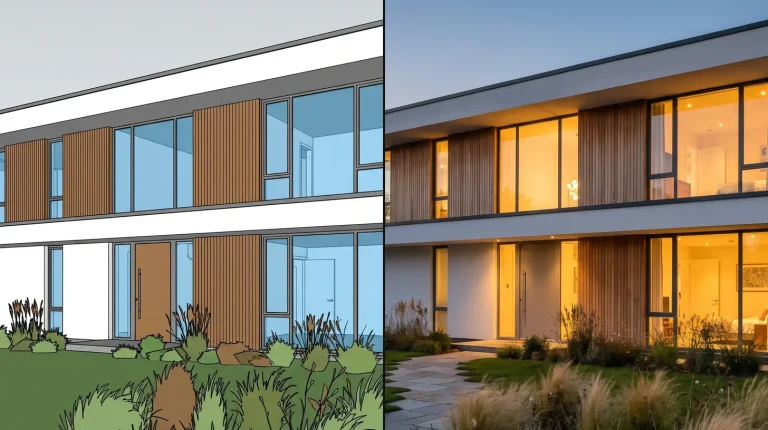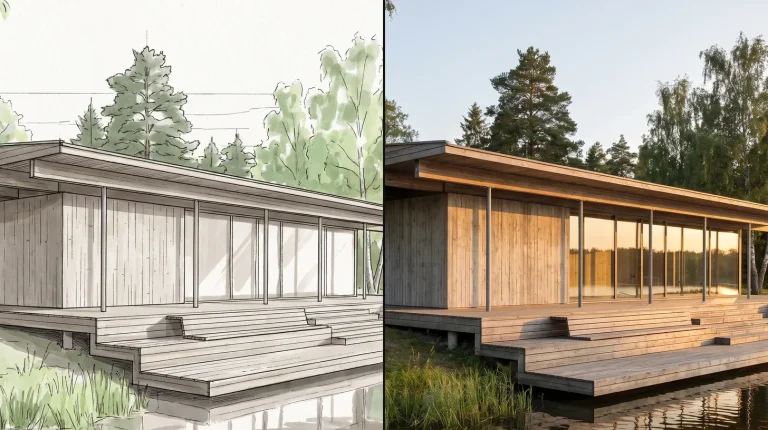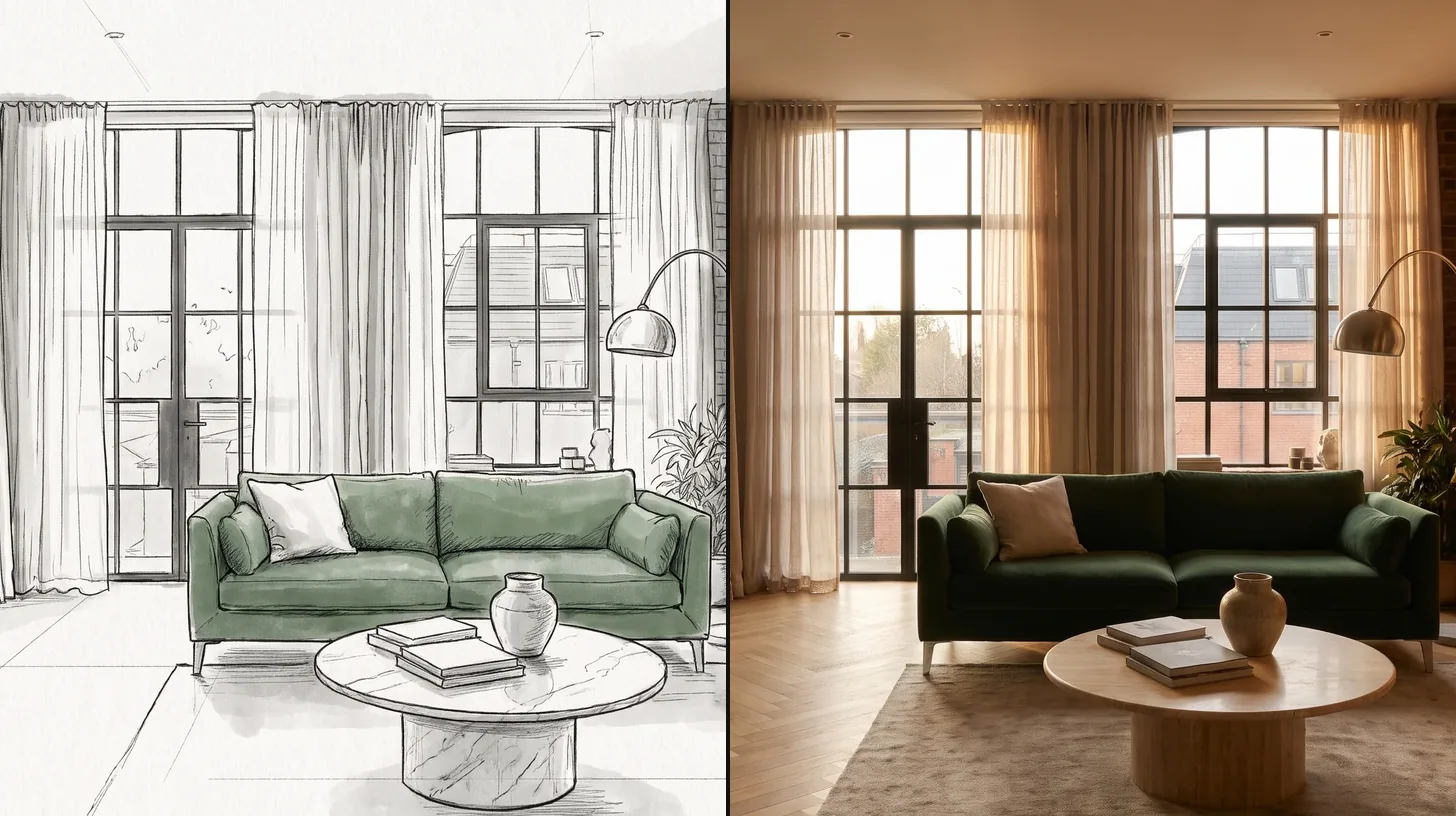

ArchFine vs Vibe3D is a comparison between two AI rendering tools that start from an image of your model. Vibe3D says it needs no prompts, keeps geometry, materials and textures unchanged, and adds render enhancement, relighting and cinematic walkthrough videos. ArchFine works through a chat style interface where you describe the result you want. The right pick depends on whether you prefer one click rendering or directing the image in words.
What Are ArchFine and Vibe3D?
Vibe3D describes itself as an AI powered 3D rendering suite for renders, cinematic walkthroughs and client ready presentations. A screenshot of your model is the starting point, and the site lists SketchUp, Revit, Rhino, Blender, Archicad, 3ds Max, Vectorworks and Chief Architect as programs it fits around. It states an average render time of about 30 seconds and offers one click render editing, where you type the change you want.
ArchFine is a chat based AI rendering platform for architects. You upload a model view, photo or sketch, describe the scene in plain language and refine it step by step. It covers interior, exterior and sketch to render work.
💡 Pro Tip
Prompt free tools decide the lighting and mood for you. If you need a specific time of day or atmosphere for a client, test whether the tool lets you change it afterwards before you commit to it for a whole project.
ArchFine vs Vibe3D: Feature Comparison
The table lists what each platform states on its own website.
| Feature | ArchFine | Vibe3D |
|---|---|---|
| How you direct the render | Chat style prompts and follow up edits | No prompts required; one click render editing by typing the change |
| Starting input | Model view, photo or sketch | Screenshot of a 3D scene |
| Design accuracy focus | Keeps the uploaded composition, refined through chat | Stated focus: geometry, materials and textures unchanged |
| Render enhancement | Free 4x upscaling on paid plans | HyperReal render enhancing on Pro and Studio |
| Walkthrough video | No | Cinematic flythrough videos on Pro and Studio |
| Relighting | Through chat prompts | Instant render relighting on Pro and Studio |
| Free option | 3 render credits | 3 free renders on sign up |
| Commercial use | Full commercial rights on paid plans | Commercial license on all paid plans |
Workflow: Prompt Free vs Prompt Led
Vibe3D’s approach is to remove the prompt. The tool reads the architectural context of the uploaded scene and renders in one click, then lets you edit with short typed instructions such as a material or color change. That suits designers who want a good image quickly without learning how to write prompts.
ArchFine starts from the brief. You say what the image should feel like and change it in conversation, which gives more control over mood and atmosphere when that matters for the presentation. Our guide to architectural rendering lighting covers the lighting choices worth stating up front.
ArchFine vs Vibe3D: Pricing Compared
| Plan | ArchFine | Vibe3D |
|---|---|---|
| Free | 3 render credits | 3 renders free on sign up |
| Entry | Starter $9.99/month billed yearly, 20 renders a month | Starter $19/month, 75 credits a month |
| Mid | Plus $19.99/month and Pro $39.99/month billed yearly (50 and 120 renders a month) | Pro listed at $39/month (discounted from $59 at the time of checking), 300 credits a month |
| Studio | Studio $199/month billed yearly, 500 renders a month | Studio listed at $79/month (discounted from $129 at the time of checking), unlimited usage |
| Students | Volume pricing for schools on request | Student plan at $9 for 50 credits with an .edu or .ac email |
Vibe3D’s prices were shown as a limited time offer when we checked, so the regular price may be higher. Its Studio plan offers unlimited usage, which matters for high volume teams.
Which Is Better for Architects?
- Choose Vibe3D if you want one click renders without prompts, walkthrough videos from still renders, and an unlimited plan for heavy use.
- Choose ArchFine if you want to direct each render in plain language, work from sketches and photos as well as models, and keep costs tied to the number of renders you make.
Frequently Asked Questions
Does Vibe3D need prompts?
No. Vibe3D says its AI reads the architectural context of the uploaded scene, so you can render in one click and then type edits if you want changes.
Can Vibe3D make walkthrough videos?
Yes. Vibe3D lists cinematic flythrough videos from still renders on its Pro and Studio plans.
Which software does Vibe3D work with?
Vibe3D works from screenshots and lists SketchUp, Revit, Rhino, Blender, Archicad, 3ds Max, Vectorworks and Chief Architect as programs it fits around. ArchFine also works from exported views, photos and sketches in the browser.
✅ Key Takeaways
- Vibe3D renders model screenshots in one click without prompts and adds enhancement, relighting and walkthrough videos.
- ArchFine uses a chat style workflow for directing mood, materials and lighting in plain language.
- Vibe3D plans run from $19 a month, with an unlimited Studio plan; ArchFine plans run from $9.99 a month billed yearly with a set render allowance.
- Both offer a small free allowance and commercial use on paid plans.
Pricing and plan details in this comparison come from each platform’s official pricing page as checked in November 2026. Plans change often, so confirm current pricing on the official sites before you buy.