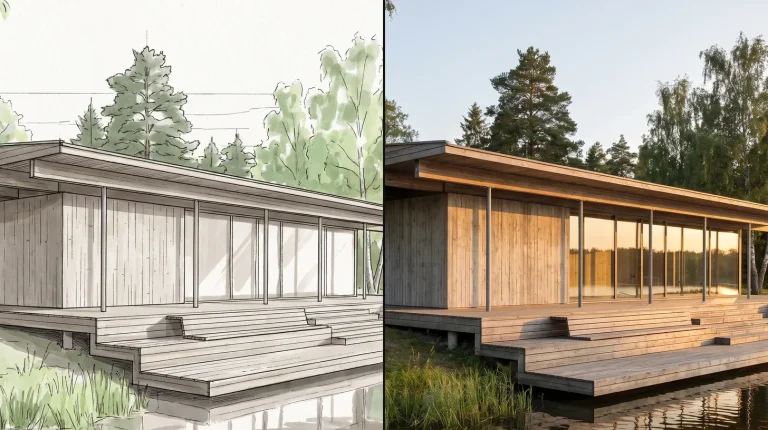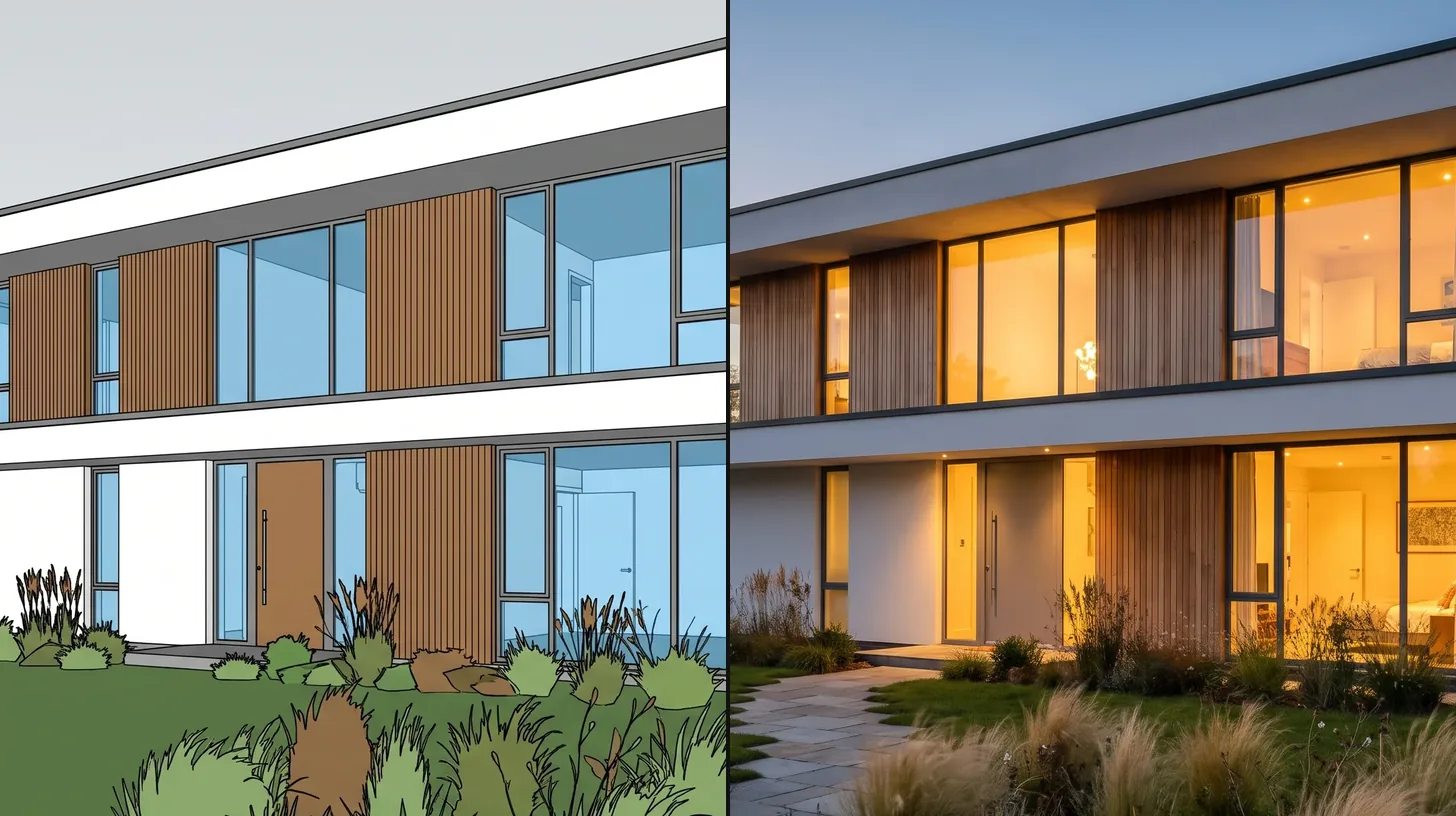

ArchFine vs Rendair is a comparison between a focused AI rendering tool and a broader AI workspace. Rendair runs several image, video and 3D models side by side on project boards, can build a 3D project from a 2D floor plan, and sells team plans with shared seats. ArchFine concentrates on turning a project image into a photorealistic render through a chat style workflow. Which one fits depends on whether you need a full project workspace or a fast renderer.
What Are ArchFine and Rendair?
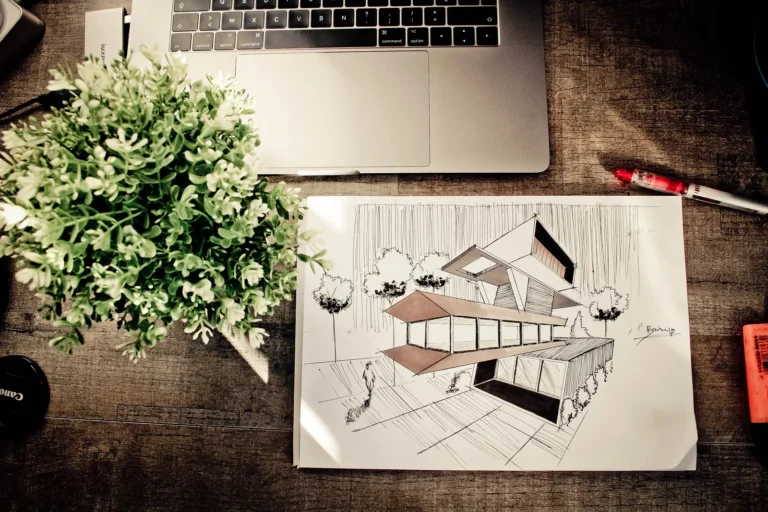
Rendair presents itself as an AI workspace for architects and designers that takes a project from first concept to client presentation. According to its website, you can turn a sketch, a floor plan or a 3D model into a proposal, refine it in chat, edit by drawing over the image, try materials and finishes, and organise everything on visual boards. It runs leading models such as Flux, Nano Banana, GPT Image and Kling alongside its own.
ArchFine is a chat based AI rendering platform. You upload a model view, photo or sketch, describe the result you want and refine it in the same thread. It is built for speed at concept stage and covers exterior, interior and sketch to render work without asking you to choose between models.
💡 Pro Tip
If a tool lets you pick between several AI models, keep one model for a whole presentation set. Mixing models inside one board is the quickest way to get images that do not look like the same building.
ArchFine vs Rendair: Feature Comparison
The table compares what each platform states on its own website.
| Feature | ArchFine | Rendair |
|---|---|---|
| Core approach | Focused AI renderer with chat style editing | Multi model workspace with chat, boards and moodboards |
| Starting input | Model view, photo or sketch | Sketch, floor plan or 3D model |
| Floor plan to 3D | No | Yes, builds walls, rooms and volumes from a 2D plan |
| Editing | Follow up prompts in chat | Chat, drawing over the image, references, material changes |
| Video | No | Uses video models such as Kling |
| Team features | Plans for individuals up to studios | Pro includes 2 members, Studio Pro 5 members |
| Free option | 3 render credits | Free sign up offered |
| Commercial use | Full commercial rights on paid plans | Commercial license on Starter, full commercial license on Pro and above |
Workflow: One Workspace vs One Job Done Fast
Rendair is designed to hold the whole project. Floor plan to 3D, model to render, material studies and client review all sit on the same board, and the platform chooses or lets you choose the model for each step. That breadth suits teams who want a single place for concept, design development and presentation.
ArchFine keeps the job narrow on purpose: one image in, a better image out, guided in plain language. For architects who already model in SketchUp, Revit or Rhino and only need fast presentation images, fewer choices mean fewer steps. Our guide to making photorealistic renders explains what to fix in the source image before any AI tool sees it.
ArchFine vs Rendair: Pricing Compared
| Plan | ArchFine | Rendair |
|---|---|---|
| Entry | Free: 3 render credits; Starter $9.99/month billed yearly, 20 renders a month | Starter $19/month, 500 credits a month |
| Mid | Plus $19.99/month billed yearly, 50 renders a month; Pro $39.99/month billed yearly, 120 renders a month | Pro $49/month, 1,500 credits a month, 2 members |
| Studio | Studio $199/month billed yearly, 500 renders a month | Studio Pro $199/month, 7,500 credits a month, 5 members |
| Larger teams | Volume pricing on request | Enterprise, custom pricing billed yearly |
Rendair prices in credits that are spent across different models and tasks, so the number of images a credit buys depends on what you generate. ArchFine prices in renders, which makes the monthly output easier to predict.
Which Is Better for Architects?
- Choose Rendair if you want floor plan to 3D, video and several AI models in one workspace, and your team reviews work together on shared boards.
- Choose ArchFine if you need fast, predictable presentation renders from views you already have, and you would rather describe changes than manage models and credits.
Frequently Asked Questions
Can Rendair turn a floor plan into a 3D model?
Yes. Rendair says you can upload a 2D floor plan and it builds a 3D project with walls, rooms and volumes that you can walk through and set views from.
Which is cheaper, ArchFine or Rendair?
At entry level ArchFine starts at $9.99 a month billed yearly for 20 renders, while Rendair’s Starter plan is $19 a month for 500 credits. The better value depends on how many images you need and which models you use.
Does Rendair support teams?
Yes. Rendair’s Pro plan includes 2 members and Studio Pro includes 5, with an Enterprise option for larger studios.
✅ Key Takeaways
- Rendair is a multi model AI workspace with floor plan to 3D, editing, moodboards and team boards.
- ArchFine is a focused chat based renderer for fast concept and presentation images.
- Rendair plans run from $19 to $199 a month in credits; ArchFine plans run from $9.99 to $199 a month billed yearly in renders.
- Pick Rendair for breadth across the project, ArchFine for speed and predictable output.
Pricing and plan details in this comparison come from each platform’s official pricing page as checked in November 2026. Plans change often, so confirm current pricing on the official sites before you buy.