Victorian Industrial Market Hall

Victorian Industrial Market Hall

Victorian Heritage 25 seconds ArchFine Pro 9 August 2026

Prompt Used

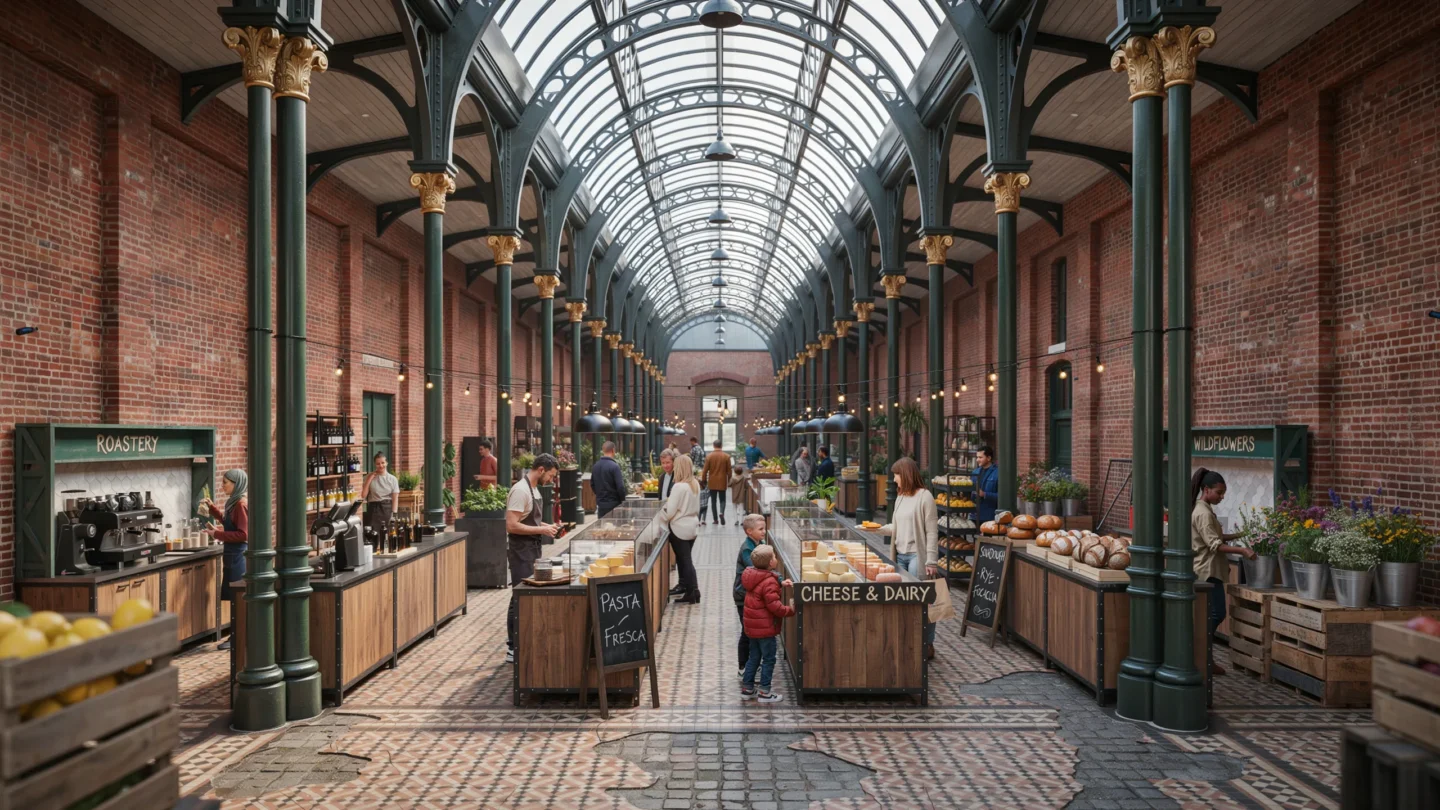
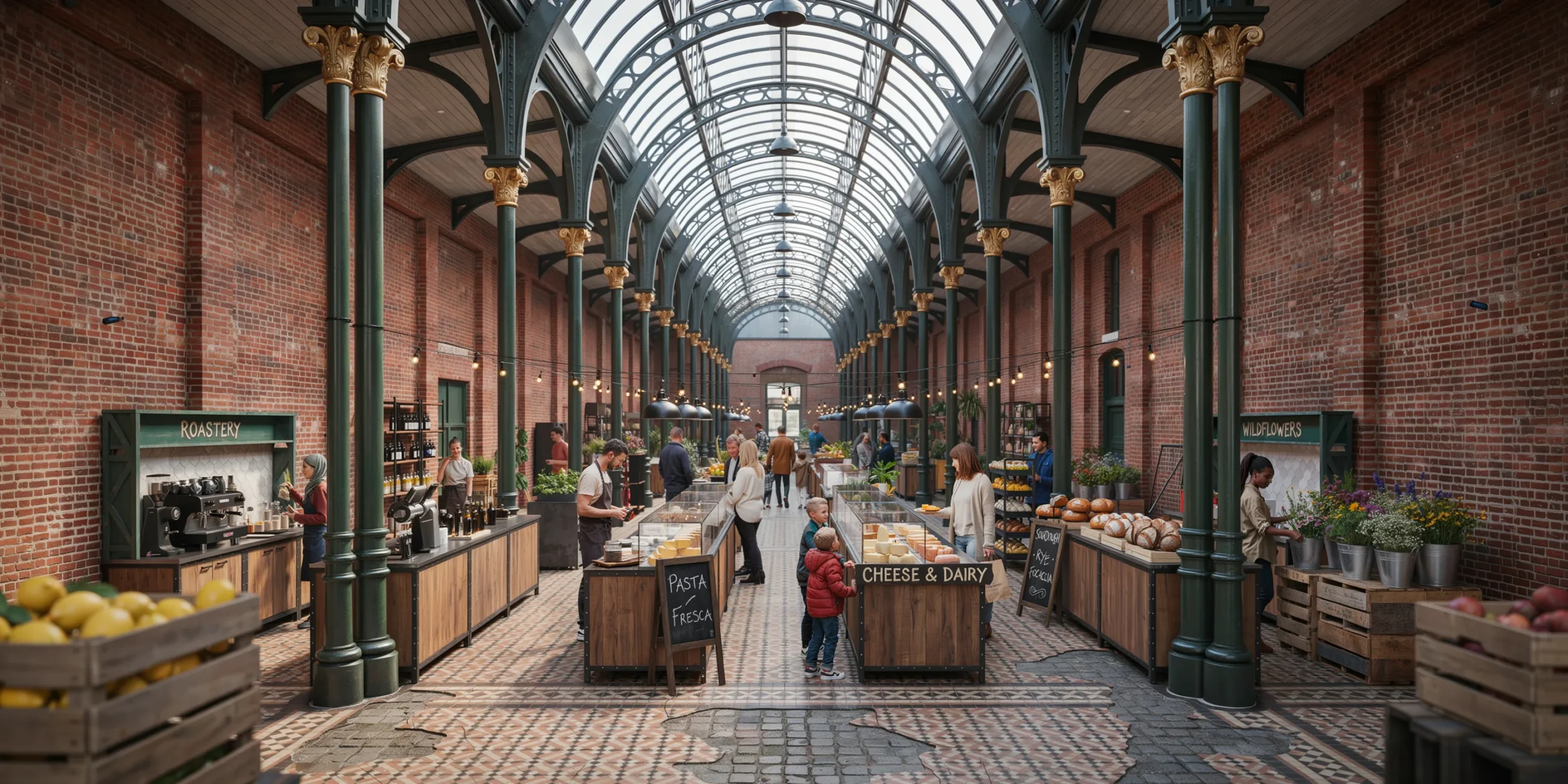
A photorealistic render of a restored Victorian-era market hall interior repurposed as a contemporary food and artisan market. The hall was originally built in 1887 as a covered market in a northern English industrial city. The structure spans approximately 60m x 30m with a central cast-iron colonnade of 16 columns (each approximately 350mm diameter, ornate capitals with acanthus leaf detail) supporting a barrel-vaulted roof structure at 15m apex height. Structure: Original cast-iron columns in their original dark green paint with gilt column base and capital detailing, recently carefully restored. The roof structure is a combination of wrought-iron trusses (exposed, painted in a deep charcoal gray) supporting a series of north-light glazed lanterns running the length of the roof. The glazing is original rolled glass in a steel frame, creating a soft diffused north light throughout. Original red engineering brick side walls with Flemish bond pattern, the mortar slightly recessed and the brick surfaces showing 135 years of use with occasional repairs in slightly different brick tones. New interventions: A series of contemporary market stalls along the central axis — lightweight pavilion structures in blackened steel angle sections (40mm x 40mm x 3mm) with custom-cut plywood tops finished in water-based dark walnut stain. The market stalls house: a specialty coffee roastery counter with a La Marzocca espresso machine visible, a fresh pasta maker with pasta sheets drying on wooden racks, a cheese counter with a wide selection of wheels and wedges in a chilled glass display, an artisan bread baker with large round sourdoughs cooling on wire racks, and a florist stall with seasonal wildflower arrangements in zinc buckets. Flooring: Original Victorian encaustic geometric floor tiles (Minton-style, approximately 150mm x 150mm) in terracotta, black, and ivory geometric pattern, cleaned and sealed but showing authentic wear — tiles cracked and replaced in patches, slightly uneven from decades of use. Between the market stalls, the original cobblestone lane surfaces have been retained in the circulation aisles. Lighting: The primary light source is the north-facing roof lanterns providing diffuse cool daylight. Supplementary artificial lighting: pendant lights in each stall (vintage-style metal dome shades in matte black, 400mm diameter, E27 filament LED at 2200K warm). Uplighting on the cast-iron columns from small floor-mounted spotlights (narrow beam 3000K). String lights between the colonnade columns. People and activity: Approximately 15-20 figures visible at various distances, creating a sense of active market life without overwhelming the architectural subject. A barista at the coffee counter, a customer selecting bread, couples and individuals browsing the cheese counter and flower stall. Camera angle: Central axis perspective from the entrance end of the hall looking toward the far end, the colonnade framing the view symmetrically. Eye-level perspective (1.7m height). Focal length equivalent 35mm with perspective correction. Aspect ratio 16:9. Time of day: 10:30 AM Saturday morning, good natural light from the roof lanterns.

Before & After

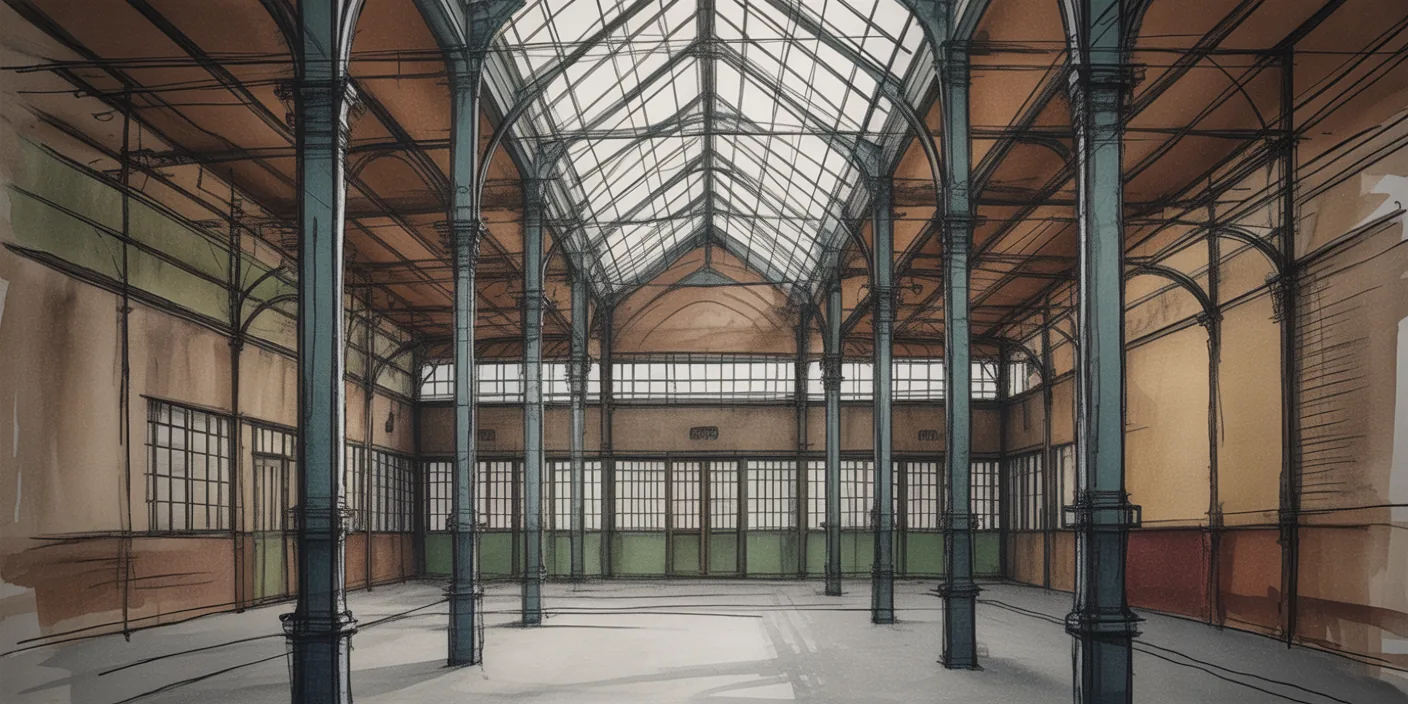
Before - original sketch
Before
After - AI render
After

Restored Victorian cast-iron market hall repurposed as an artisan food market with original encaustic tiled floor. Sketch the form and ArchFine AI returns a finished image with realistic light.

Ideal for heritage adaptive reuse and public market projects. Upload as-built plans or heritage drawings for precise results.
Getting Started with This Prompt

1

Grab the Prompt

Tap the copy button above and the entire prompt will be saved to your clipboard, ready to use.

2

Launch Your Renderer

Head over to Archfine AI or any compatible visualization tool you prefer working with.

3

Add Your Design

Drop in your floor plan, elevation sketch, or any reference image - then paste the prompt.

4

Render & Refine

Run the generation and review the output. Swap out a few keywords to explore completely different aesthetics.

Want a faster workflow? Archfine AI lets you skip prompt editing entirely - just upload and render.

How to Get Stronger Renders

1

Describe the Scene

Mention specific materials, time of day, weather, and camera perspective. The more context the AI has, the more realistic the output becomes.

2

Run Multiple Passes

Each generation is unique. Changing even a single adjective can shift the entire mood - so experiment freely and compare outcomes.

3

Blend Prompts Together

Borrow phrases from other entries in our collection and merge them. Hybrid prompts often deliver the most original visuals.

4

Start with a Clean Drawing

Crisp linework and high-contrast sketches give the AI a clear foundation. Blurry or cluttered inputs lead to softer, less defined renders.

Common Questions About This Prompt

Am I allowed to edit or customize this prompt?

Of course. Think of it as a foundation you can build on. Adjust the style, swap materials, change the lighting setup, or rewrite entire sections to fit your specific project needs.

Which rendering platform does this prompt work with?

It has been fine-tuned for Archfine AI, but the descriptive structure translates well to other popular AI visualization engines. You may need minor adjustments depending on the tool.

Does using this prompt cost anything?

Every prompt in our library is completely free. You can copy, adapt, and use them across personal portfolios, client presentations, or commercial marketing materials without restrictions.

What kind of input image gives the best output?

Clean line drawings with strong contrast tend to perform best. The AI reads edges, proportions, and spatial relationships from your input - so a well-drawn elevation or section will consistently outperform a rough napkin sketch.

Can I use the rendered image commercially?

Yes. Renders generated through Archfine AI on any paid plan come with full commercial usage rights. Use them in proposals, publications, social media, or anywhere else your work needs to shine.

Try this prompt yourself

Upload your own sketch and use this prompt to generate a stunning render.

Try on Archfine