Archival Library Reading Room

Archival Library Reading Room

Heritage Institutional 26 seconds ArchFine Pro 12 August 2026

Prompt Used

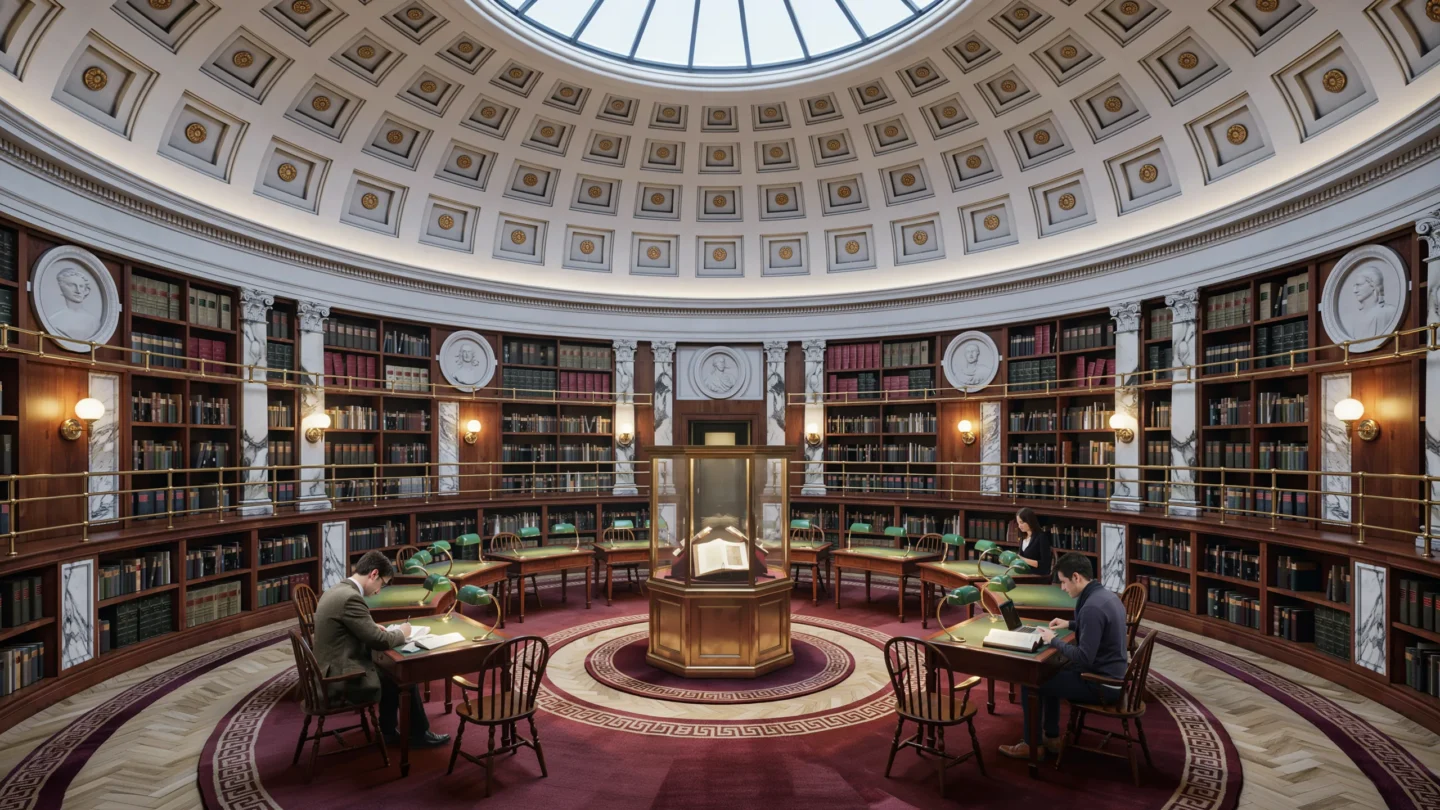
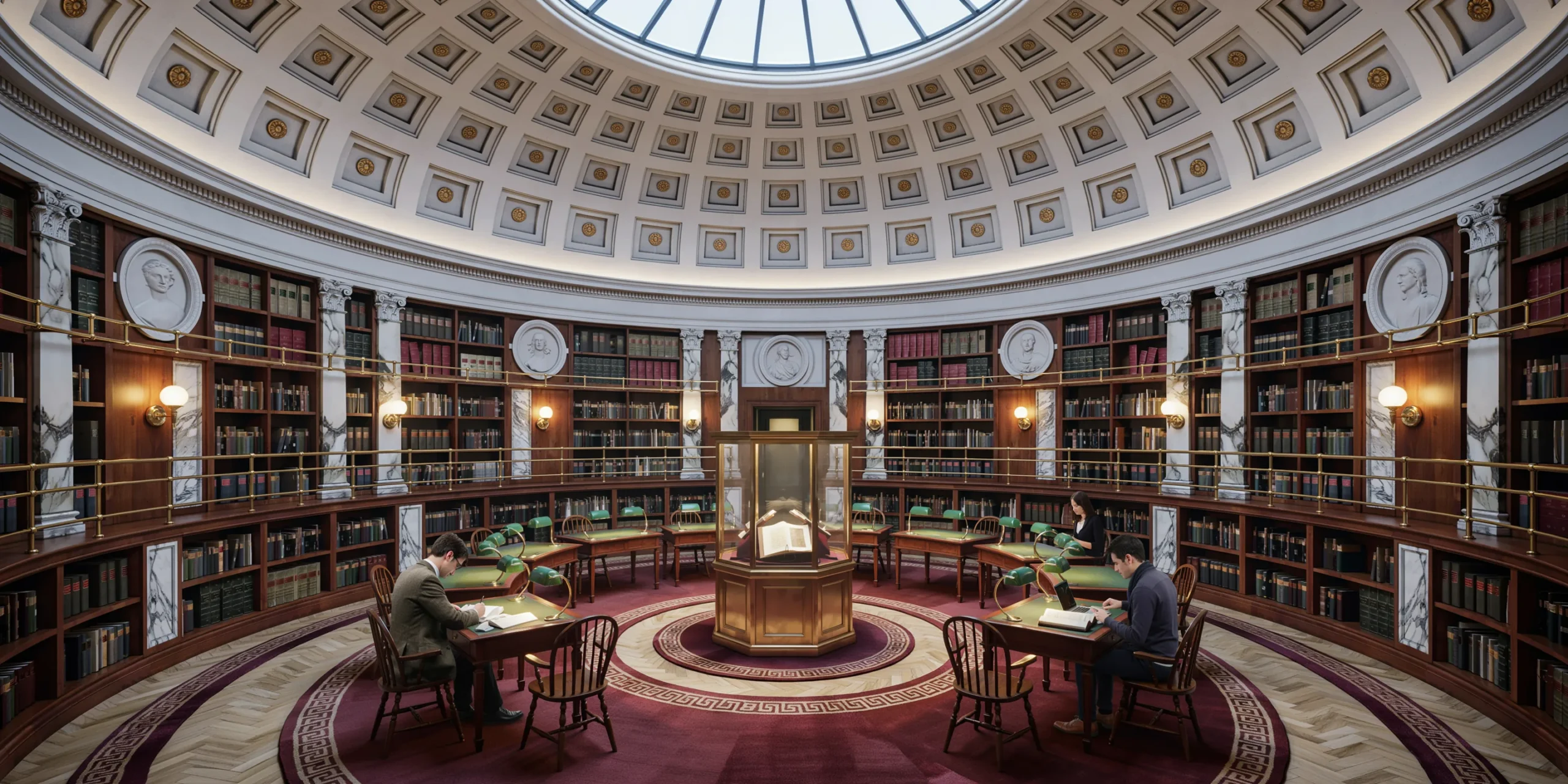
A photorealistic render of a grand archival reading room in a 19th-century neoclassical public building, recently refurbished to house a university special collections library. The room is approximately 400 square meters with a central elliptical plan under a shallow coffered dome (22m span, 12m interior height at apex). The dome is constructed in limestone with recessed square coffers diminishing in size toward the oculus, each coffer containing a small brass rosette at center. The oculus (3m diameter) is glazed with a custom iron-framed skylight with radial division bars, admitting a column of natural light to the reading area below. Walls: Three tiers of bookshelves line the curved perimeter walls — dark stained American walnut with gilt-brass shelf edge strips. Each tier is accessed by a continuous brass rail-mounted rolling library ladder system. Books visible on shelves: leather-bound archive volumes in dark green, burgundy, and navy with gilt titling on the spines, uniformly organized with acid-free protective slipcovers on some volumes. Oval portrait medallions in plaster relief (approximately 800mm diameter) in the wall panels between the shelf bays, depicting historical figures. Corinthian pilasters in veined white Carrara marble flank the shelf bays. Floor: Herringbone parquet in quarter-sawn white oak with a wax finish, pattern oriented toward the center of the room. A series of four concentric oval rugs in deep burgundy Persian-style wool carpet mark the central reading zone, their borders with classical meander pattern in ivory and gold. Reading furniture: Twelve individual reading stations arranged in a radial pattern around the center, each consisting of a solid walnut writing desk (1400mm x 700mm) with a brass-framed green banker's lamp (incandescent Edison 2200K warm), a green leather reading surface, and a Windsor-style oak chair in dark stain. Each station has a dedicated brass-fitted power and USB outlet recessed into the desk surface. Readers visible at three stations: a figure in period academic dress at one desk, two researchers in contemporary clothing at others, providing scale and life without distracting. Central display: In the exact center under the oculus, a large octagonal vitrine (1500mm across, 900mm height, polished brass frame, non-reflective museum glass on all sides) displaying an open illuminated manuscript on a velvet reading stand, lit by focused fiber optic lighting in the display case base. Lighting: The primary source is the daylight column from the oculus, creating a pool of cool natural light in the reading area that contrasts with the warm amber tone of the banker's lamps at the individual stations. Concealed LED strips (3000K warm) in each coffer provide supplementary ambient light. Brass wall sconces with frosted glass globes between the bookshelf bays. Camera angle: Standing at the entrance looking across the reading room toward the far curved wall, slightly off-center. The oculus and dome above are fully visible. Perspective at 1.6m height. Focal length equivalent 28mm with vertical perspective correction. Aspect ratio 3:2. Time of day: 11:00 AM, winter, with a clear shaft of cool white light from the oculus.

Before & After

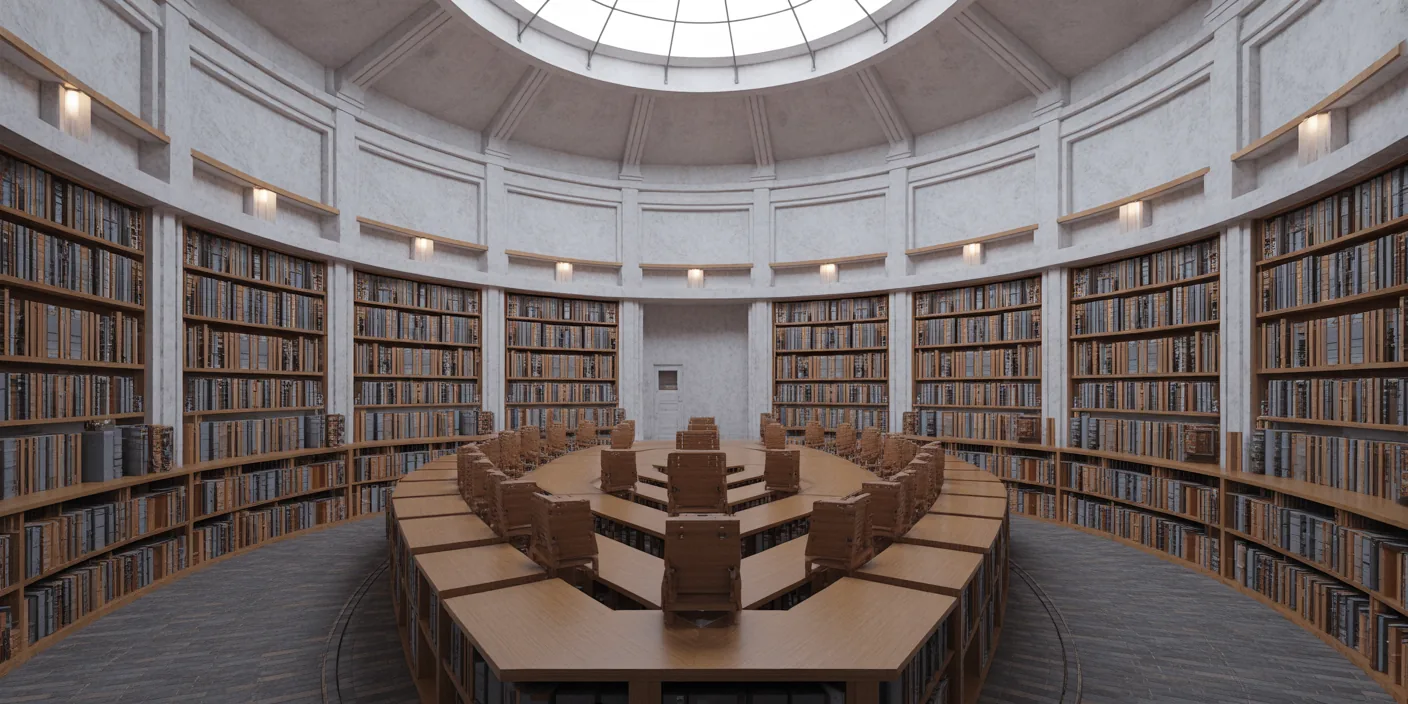
Before - original sketch
Before
Archival Library Reading Room
After

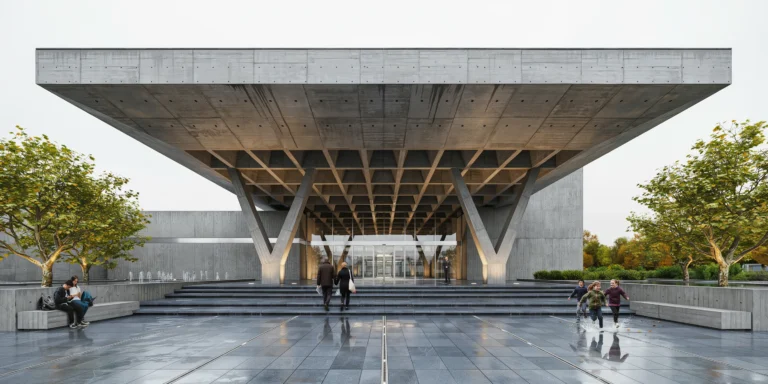
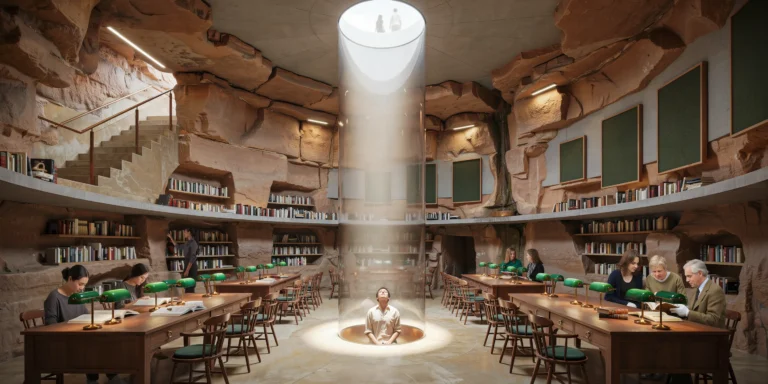
Grand neoclassical reading room under an elliptical dome with walnut bookshelves and natural oculus light. Use it as a starting point, then turn your own sketch into a render with ArchFine AI.

Ideal for heritage academic and cultural institution projects. Upload plans or historical drawings for period accuracy.
Categories: Cultural Interior

Getting Started with This Prompt

1

Grab the Prompt

Tap the copy button above and the entire prompt will be saved to your clipboard, ready to use.

2

Launch Your Renderer

Head over to Archfine AI or any compatible visualization tool you prefer working with.

3

Add Your Design

Drop in your floor plan, elevation sketch, or any reference image - then paste the prompt.

4

Render & Refine

Run the generation and review the output. Swap out a few keywords to explore completely different aesthetics.

Want a faster workflow? Archfine AI lets you skip prompt editing entirely - just upload and render.

How to Get Stronger Renders

1

Describe the Scene

Mention specific materials, time of day, weather, and camera perspective. The more context the AI has, the more realistic the output becomes.

2

Run Multiple Passes

Each generation is unique. Changing even a single adjective can shift the entire mood - so experiment freely and compare outcomes.

3

Blend Prompts Together

Borrow phrases from other entries in our collection and merge them. Hybrid prompts often deliver the most original visuals.

4

Start with a Clean Drawing

Crisp linework and high-contrast sketches give the AI a clear foundation. Blurry or cluttered inputs lead to softer, less defined renders.

Common Questions About This Prompt

Am I allowed to edit or customize this prompt?

Of course. Think of it as a foundation you can build on. Adjust the style, swap materials, change the lighting setup, or rewrite entire sections to fit your specific project needs.

Which rendering platform does this prompt work with?

It has been fine-tuned for Archfine AI, but the descriptive structure translates well to other popular AI visualization engines. You may need minor adjustments depending on the tool.

Does using this prompt cost anything?

Every prompt in our library is completely free. You can copy, adapt, and use them across personal portfolios, client presentations, or commercial marketing materials without restrictions.

What kind of input image gives the best output?

Clean line drawings with strong contrast tend to perform best. The AI reads edges, proportions, and spatial relationships from your input - so a well-drawn elevation or section will consistently outperform a rough napkin sketch.

Can I use the rendered image commercially?

Yes. Renders generated through Archfine AI on any paid plan come with full commercial usage rights. Use them in proposals, publications, social media, or anywhere else your work needs to shine.

Try this prompt yourself

Upload your own sketch and use this prompt to generate a stunning render.

Try on Archfine