
AI rendering for freelance architects reduces the cost and time of producing photorealistic visuals without requiring expensive render software, dedicated hardware, or outsourcing to a visualization studio. Solo practitioners and small independent practices use AI rendering platforms to deliver presentation-quality images to clients at a price point and turnaround speed that matches or exceeds what larger firms offer.
Running an independent architecture practice means carrying every overhead yourself. Unlike a large firm that spreads software licenses, hardware upgrades, and specialist staff across dozens of projects, a solo practitioner or small freelance operation absorbs every cost on a per-project basis. Rendering has historically been one of the most punishing line items in that budget — either in time, money, or both.
The emergence of AI rendering tools has changed the economics of visualization for freelance architects more dramatically than for any other segment of the profession. This article breaks down the specific problems AI rendering solves for independent practitioners, how to integrate it into a working client workflow, and what ArchFine offers solo and small-practice architects who need photorealistic results on a freelance budget.
The Rendering Problem for Solo and Freelance Architects
Before examining solutions, it is worth naming the problem clearly. Freelance architects face a rendering challenge that is structurally different from what a large studio faces. The issue is not simply cost — it is the compound pressure of cost, time, and client expectations operating simultaneously without a team to distribute the load.
High Software Costs Without a Studio to Split Them
Professional rendering software licenses are priced for studio or enterprise use. V-Ray Solo, for example, runs approximately $515–$540 per year — and that figure does not include the cost of 3ds Max itself, which is an additional Autodesk subscription on top. Enscape Solo for SketchUp or Revit is priced at around $575 per year, while Lumion Pro — one of the most widely used standalone renderers in architecture — costs approximately $1,149 per year with no monthly option available.
A medium-sized firm billing across twelve to twenty active projects can distribute those costs without difficulty. A freelance architect billing across two to four active projects in a given quarter is absorbing the full annual license cost against a fraction of that revenue. When hardware requirements are added — Enscape and Lumion both require a capable NVIDIA GPU, which can mean a $1,500–$3,000 workstation investment — the total rendering setup cost for a solo practitioner becomes genuinely prohibitive before a single image is produced.
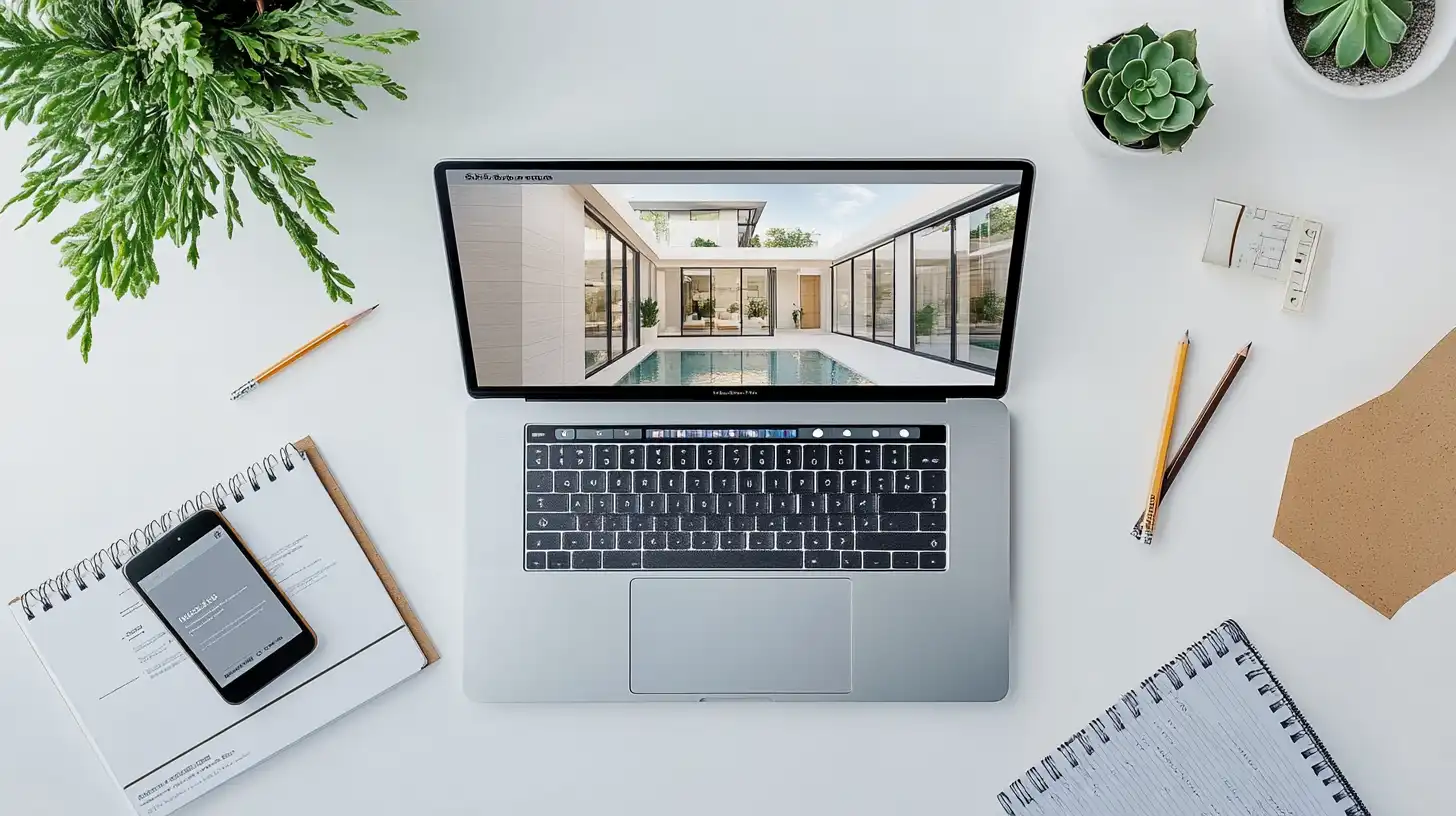
Time Spent on Rendering vs. Time Spent on Design
Traditional rendering workflows require significant non-billable time. Setting up a V-Ray scene correctly — adjusting lighting, materials, camera settings, and render passes — can take two to eight hours per image for an architect who uses the tool occasionally rather than daily. Even faster tools like Enscape still require model preparation, scene configuration, and post-processing time that adds up across a project.
For a freelance architect, time spent rendering is time not spent on design, client communication, or business development. The opportunity cost is direct and measurable. A rendering task that takes four hours is four hours of billable design work that did not happen — or four hours of personal time consumed after hours to meet a deadline.
Client Expectations That Have Moved to Match Large Firms
Client expectations for visualization quality have risen sharply over the past decade. Residential and commercial clients who regularly encounter photorealistic renders in developer marketing, social media, and architectural press now expect the same level of visual quality from smaller and freelance practices. The independent architect is no longer competing only on design quality — they are competing on the perceived professionalism of the presentation package, which includes renders.
This means freelance architects cannot opt out of high-quality visualization without competitive risk. They need to produce the same quality of imagery as well-resourced studios, using a fraction of the infrastructure.
How AI Rendering Changes the Equation for Freelancers
AI rendering tools address the freelance rendering problem from multiple angles simultaneously. Rather than replacing a complex 3D pipeline with another complex pipeline, the best AI rendering tools for freelance architects work from photographs or exported images — dramatically reducing the setup time and technical overhead involved.
Instead of building a detailed 3D model and configuring a render engine, a freelance architect can photograph or screenshot an existing space, upload it to an AI rendering platform, and generate photorealistic visualizations showing proposed design changes. The platform handles lighting inference, material rendering, and scene reconstruction automatically.
The practical result is a rendering workflow that takes minutes rather than hours, runs on a standard laptop rather than a high-end workstation, and costs a fraction of traditional software licenses. For affordable rendering for freelance architects, AI-based platforms have removed most of the structural barriers that previously made high-quality visualization impractical at the solo-practitioner level.
Did You Know?
According to data from major freelance platforms, architectural rendering is consistently ranked among the top five most in-demand design services. Freelance architects who include rendering as part of their service package can often command higher per-project fees than those offering drawings and documentation alone.
Building a Freelance Rendering Workflow with AI
The practical value of a fast rendering freelance architecture workflow depends on how well it integrates with the way a solo practitioner actually works with clients. The following three-stage structure applies to most freelance residential and small commercial projects.
Intake: Getting the Right Photos or Exports from Clients
AI rendering platforms work from reference images, so the quality of the input directly affects the quality of the output. The most effective approach for a freelance architect is to establish a clear intake process that clients can follow without technical knowledge.
For renovation or interior design projects, clients can photograph existing spaces on a smartphone using a few simple guidelines: shoot from corners to capture the maximum room depth, avoid backlighting, and take multiple angles. For new construction or exterior projects, site photographs, exported SketchUp views, or basic floor plan sketches can serve as the starting reference.
Building this intake step into the project onboarding process — as a short checklist or a brief set of photo instructions — removes ambiguity and ensures consistent input quality across projects.
Processing: Using AI to Generate and Iterate
Once reference images are collected, the AI rendering step itself is the fastest part of the workflow. A platform like ArchFine accepts an uploaded image, receives a text or selection-based prompt describing the desired design direction, and returns a photorealistic visualization in approximately 30 seconds.
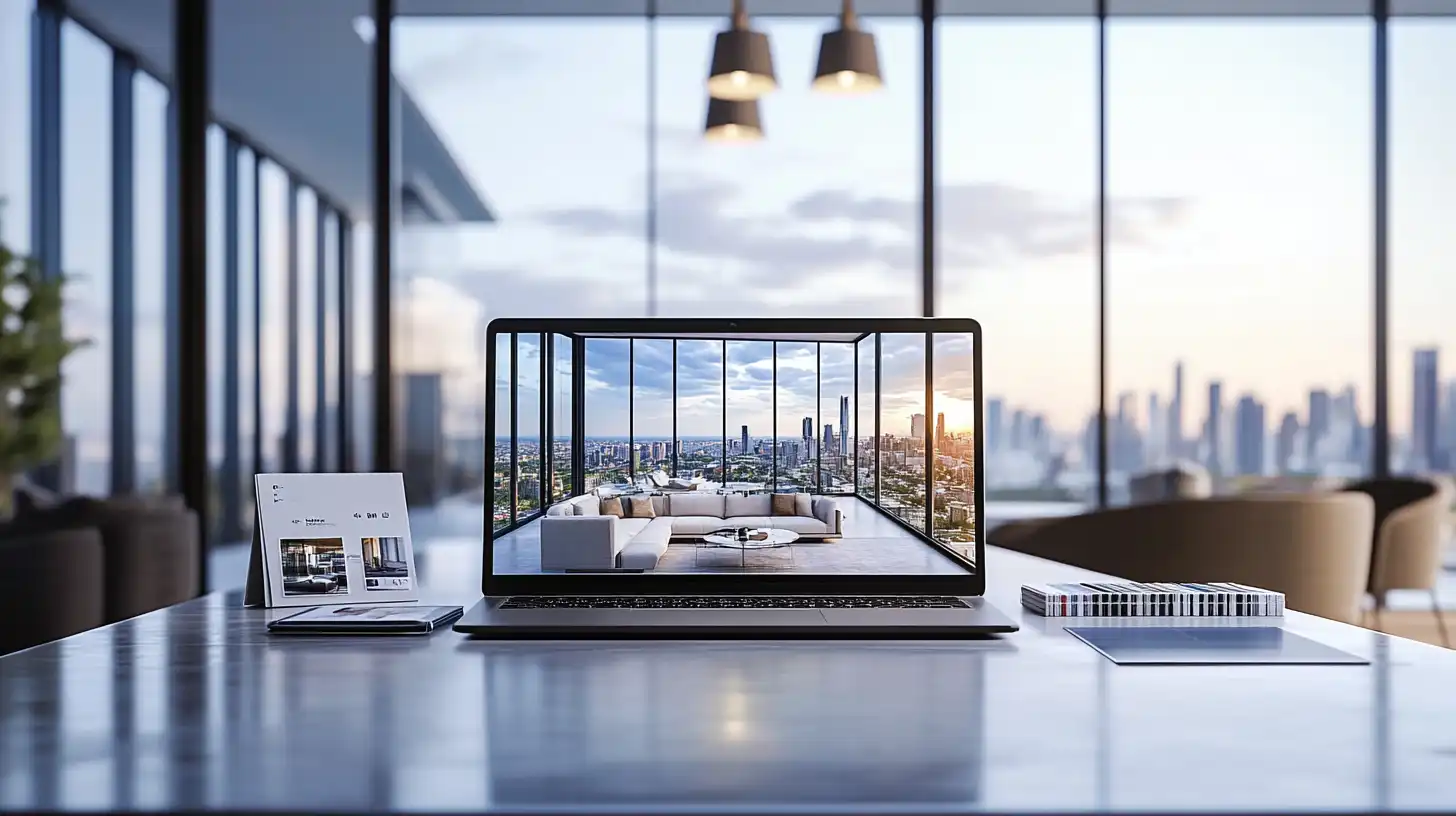
The speed of generation means iteration becomes practical in a way it is not in traditional render pipelines. Rather than committing significant time to a single render and then adjusting, a freelance architect can generate multiple variations — different finishes, lighting conditions, or layout configurations — in the time it would previously take to set up a single render scene. This iteration capacity has a direct impact on client communication: alternatives can be presented in the first design meeting rather than scheduled as a separate revision round.
Pro Tip
When presenting AI renders to clients, include a brief written note with each image clarifying it is an AI-generated visualization rather than a photograph or engineered drawing. This single habit prevents the most common client misunderstanding: that the render represents a finalized, construction-ready design. It also protects you professionally if the client later references the render as a binding design commitment.
Delivery: Formatting and Presenting AI Renders to Clients
AI renders can be delivered as standalone image files, embedded in PDF presentation decks, or shared through a client portal or email. For most freelance practices, a simple PDF presentation combining renders with brief design notes is sufficient for client review and approval stages.
Resolution and file format considerations are straightforward: most AI rendering platforms export at resolutions suitable for on-screen presentation and standard print sizes. If a client requires large-format printing or specific resolution specifications — for planning submissions, for example — this is worth confirming with the platform’s output specifications before delivery.
Pro Tip
Freelance architects can significantly increase the perceived value of AI renders by pairing them with a short written design narrative. A two-sentence description of the design intent alongside each render shifts the client’s focus from “does this look exactly right” to “does this direction match what we discussed.” This framing reduces revision requests on AI renders considerably.
How ArchFine Fits a Freelance Architecture Practice
ArchFine is designed specifically as an AI rendering platform for architecture and interior design projects. For ArchFine freelance architect users, the core workflow is straightforward: upload a reference image, add a design prompt, and receive a photorealistic render in approximately 30 seconds. There is no 3D model to set up, no render engine to configure, and no dedicated hardware required.
From a cost standpoint, ArchFine operates on monthly subscription plans with optional top-up credit packs and very low per-render costs — a significant structural difference from traditional rendering software, which charges a fixed annual license regardless of how many renders a practice produces in a given month. A freelance architect with an uneven project schedule benefits directly from this flexible, usage-based economics: costs scale with actual workload rather than being front-loaded as an annual commitment.
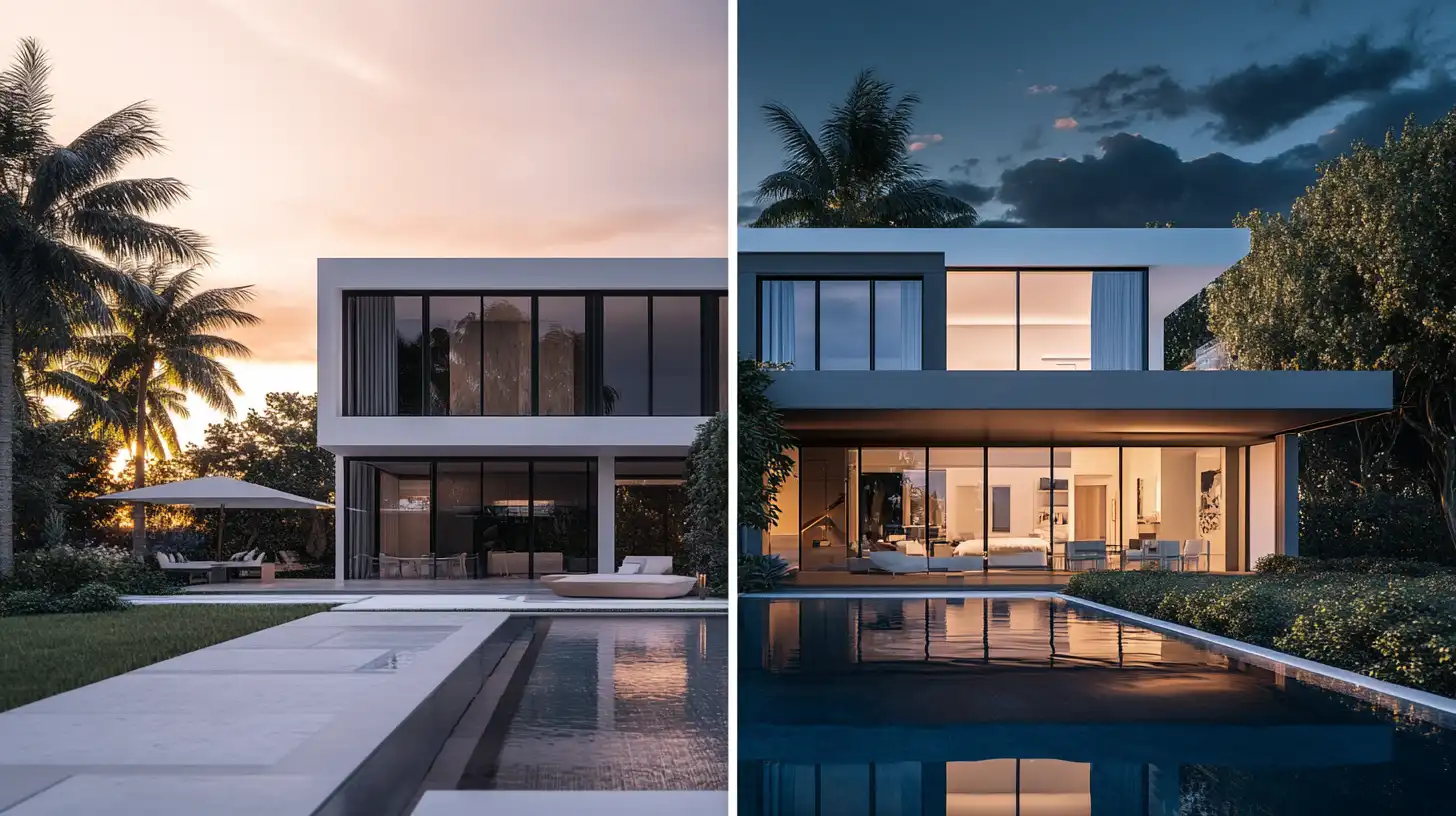
ArchFine’s platform is also built for the non-specialist workflow that characterizes most freelance architecture practices. The interface does not assume expertise in 3D rendering software — it assumes an architect who understands space, light, and material, and provides the tools to communicate that understanding visually without requiring a separate technical skill set.
For AI rendering for small architecture practice contexts — a two- or three-person studio, for example, or a principal with part-time support staff — ArchFine’s model scales proportionally. Multiple team members can use the platform without the per-seat licensing complexity that makes traditional render software expensive for small teams.
Rendering Cost Comparison: Freelance Architect Options
| Approach | Upfront Cost | Per-Project Cost | Time per Render | Control Level |
|---|---|---|---|---|
| V-Ray / 3ds Max (full setup) | High (~$515–$540/yr license + hardware) | Low (after setup) | 2–8 hours | Very high |
| Outsource to render studio | None | $150–$1,500+ | 2–5 days | Low |
| Enscape / Lumion subscription | Medium (~$575–$1,149/yr) | Monthly/annual fee | 30–60 min | High |
| AI rendering (ArchFine) | None / Low SaaS | Very low | ~30 seconds | Medium |
| Midjourney (text prompts only) | Low subscription | Per credit | 5–15 min | Low |
What AI Rendering Cannot Do for Freelancers
A practical assessment of any tool requires an honest account of its limitations. AI rendering for solo architects is not a replacement for every rendering scenario a freelance practice might encounter.
AI rendering works from reference images and prompts, which means it operates at the level of appearance rather than precise geometry. For projects where exact dimensional accuracy in the visualization is required — such as a planning application render that must reflect the approved scheme at a specific scale — traditional model-based rendering or a professional CGI commission may still be more appropriate. AI renders are best suited to design communication and client presentation, not technical submission drawings.
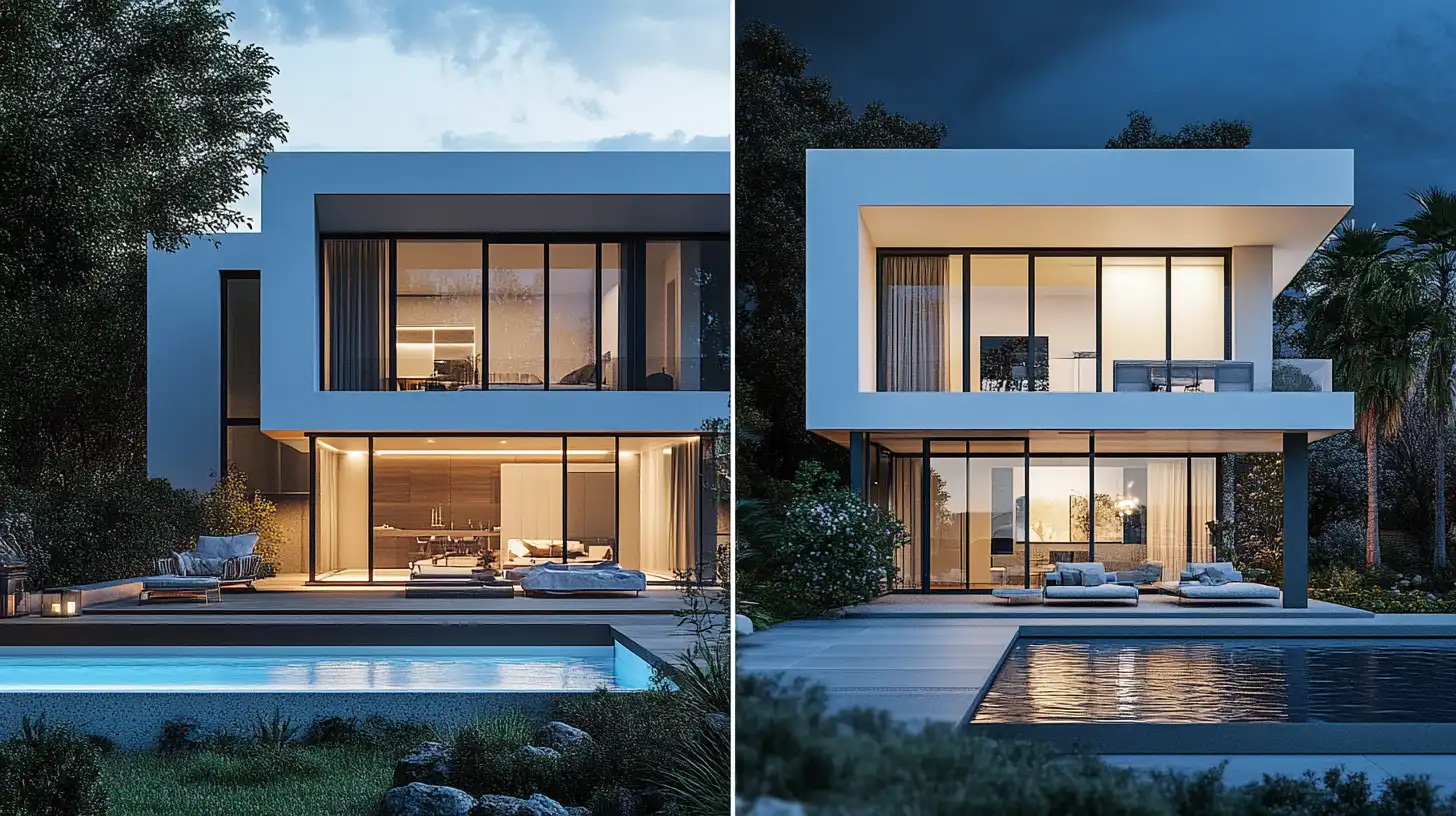
AI rendering also has inherent variability. Two renders generated from the same input with the same prompt will not be identical, and fine-grained control over specific details — an exact tile pattern, a specific light fixture, a precise material specification — is more limited than in a fully modeled 3D scene. Freelance architects who regularly work on projects requiring extremely high specification fidelity in their visualizations will find this a relevant constraint.
For the majority of freelance residential, renovation, and small commercial projects — where the primary goal of a render is communicating design intent clearly and compellingly to a non-technical client — these limitations are unlikely to affect the outcome materially.
Common Mistake to Avoid
Many freelance architects price AI rendering at the same rate as their drafting or documentation time. This undervalues the output significantly. Clients assess rendering fees based on the final visual quality, not the time the architect spent producing it. AI rendering tools reduce production time, but they do not reduce the market value of a high-quality architectural visualization. Price rendering services based on the value of the output, not the hours invested in generating it.
Pricing AI Rendering into Your Freelance Architecture Services
One of the most practical questions for a freelance architect adopting an AI rendering self-employed architect workflow is how to price and position rendering within their service offering.
The traditional approach — either bundling renders into a flat project fee or billing rendering time at an hourly rate — does not translate cleanly to an AI rendering workflow. When renders take 30 seconds rather than four hours, hourly billing for rendering time produces fees that appear unreasonably low relative to the quality of output. And a flat project fee that does not itemize rendering separately fails to communicate the value of visualization to the client.
A more effective approach for low-cost rendering freelance practitioners is to price rendering as a deliverable — a fixed fee per render, or a per-presentation-package fee — rather than as a time unit. This decouples the fee from production time and anchors it to the output, which is what the client is actually paying for. A freelance architect producing four photorealistic renders for a residential kitchen renovation might charge $200–$600 for the rendering package as a line item, regardless of whether those renders took 20 minutes or 4 hours to produce.
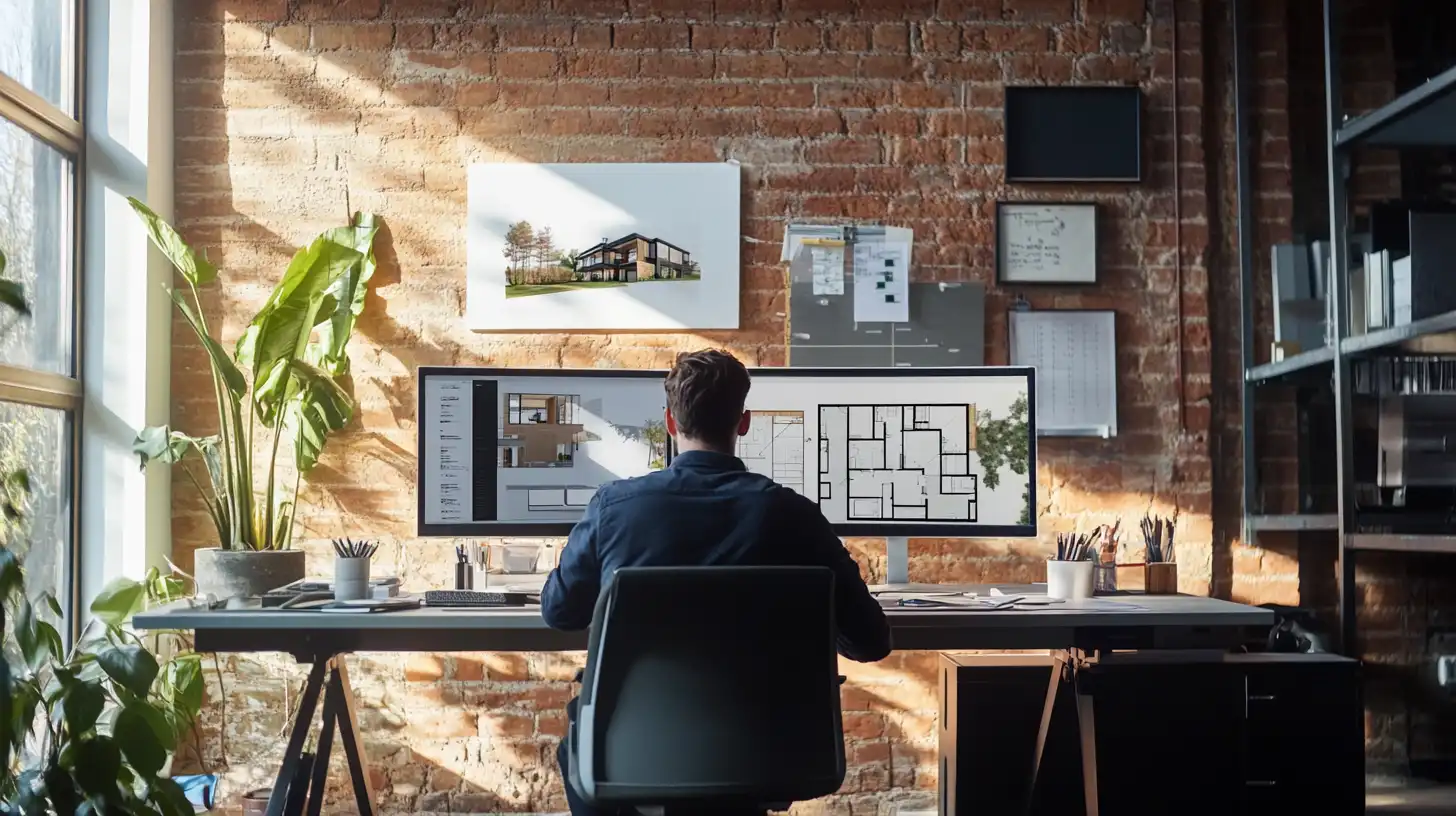
This pricing approach also makes it easier to scope rendering services clearly during the proposal stage. Clients understand a deliverable price (“four renders of the proposed kitchen design: $400”) far more readily than a time estimate with variable outcomes. For independent architect visualization services, clarity in scope directly reduces scope creep and revision disputes later in the project.
For freelance architects who currently outsource rendering to visualization studios — paying $150–$1,500 per image with 2–5 day turnarounds — switching to an AI rendering platform like ArchFine recovers both the outsourcing cost and the turnaround time. The margin improvement from internalizing a previously outsourced service is immediate and measurable across every project.
Key Takeaways
- AI rendering for freelance architects eliminates the high upfront costs of traditional render software and the long turnaround times of outsourced visualization.
- The core advantage is speed: AI platforms like ArchFine generate photorealistic renders in approximately 30 seconds from a reference photo, making real-time iteration during client meetings practical.
- Traditional render software (V-Ray, Lumion, Enscape) ranges from ~$515 to $1,149+ per year, with additional hardware requirements — a cost structure that is difficult to justify on a typical freelance project volume.
- AI rendering is best suited for design communication and client presentation. It is not a direct replacement for technically precise, model-based renders required for planning submissions or high-specification CGI.
- Price rendering services as a deliverable, not by the hour. AI tools reduce production time, but the market value of a photorealistic visualization is determined by its quality, not the time it took to produce.
- Freelance architects currently outsourcing rendering to studios can recover both the outsourcing cost and the turnaround delay by switching to an AI rendering platform.
For architects running independent practices, AI rendering is not an experimental addition to a mature workflow — it is a structural fix to a cost problem that has limited how competitively freelancers can present their work. Platforms designed for architectural use, like ArchFine, bring photorealistic visualization within reach for any solo practitioner with a project, a reference image, and a design direction to communicate.