Commercial architecture rendering AI generates photorealistic visuals of office buildings, retail centers, hotels, and mixed-use developments from design inputs like photos, sketches, or massing models. Development teams and architecture firms use these tools to produce investor presentations, planning submissions, and marketing materials faster than traditional rendering studios allow.
For large-scale commercial projects, the visualization pipeline has historically been one of the most time-consuming and expensive phases of pre-construction communication. AI-generated commercial architecture is changing that equation — compressing timelines from weeks to hours and reducing per-image costs dramatically.
This guide covers how commercial architecture rendering AI works, where it fits in real project workflows, and what to expect from the output quality across different building types.
What Is Commercial Architecture Rendering AI?
Commercial architecture rendering AI refers to machine learning tools that interpret architectural inputs — photographs of existing facades, hand-drawn sketches, CAD exports, or simple massing models — and generate photorealistic images of proposed or completed buildings.
Unlike traditional 3D rendering software, which requires manual scene-building, material assignment, lighting setup, and multi-hour render times, AI rendering tools process inputs through trained models that have learned from large datasets of architectural photography. The result is a plausible, high-quality image produced in seconds to minutes rather than days.
For commercial architectural visualization AI, the key difference from residential tools is scale handling: commercial buildings involve complex facade systems, large footprints, urban context, and multiple stakeholder audiences. The best commercial rendering tools are built to manage these requirements without losing material accuracy or contextual realism.
Key Use Cases in Commercial Projects
AI rendering serves different functions depending on the project stage and the building type. The following sections outline where AI commercial building render technology delivers the most value across the commercial sector.
Office Buildings and Corporate Campuses
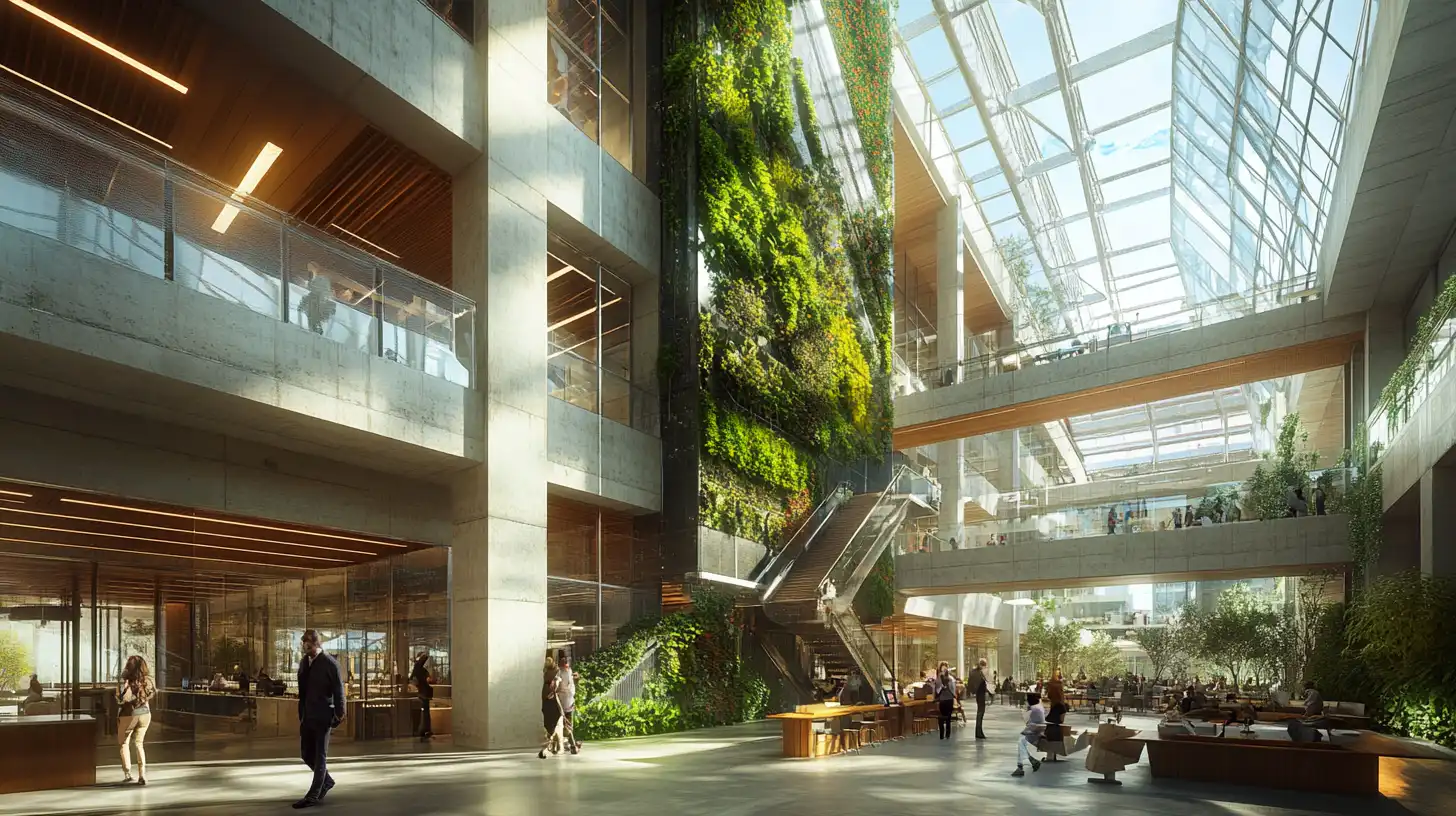
Office and corporate projects require two distinct render categories: exterior establishing shots for planning and investor approvals, and interior lobby or workplace renders for occupier marketing.
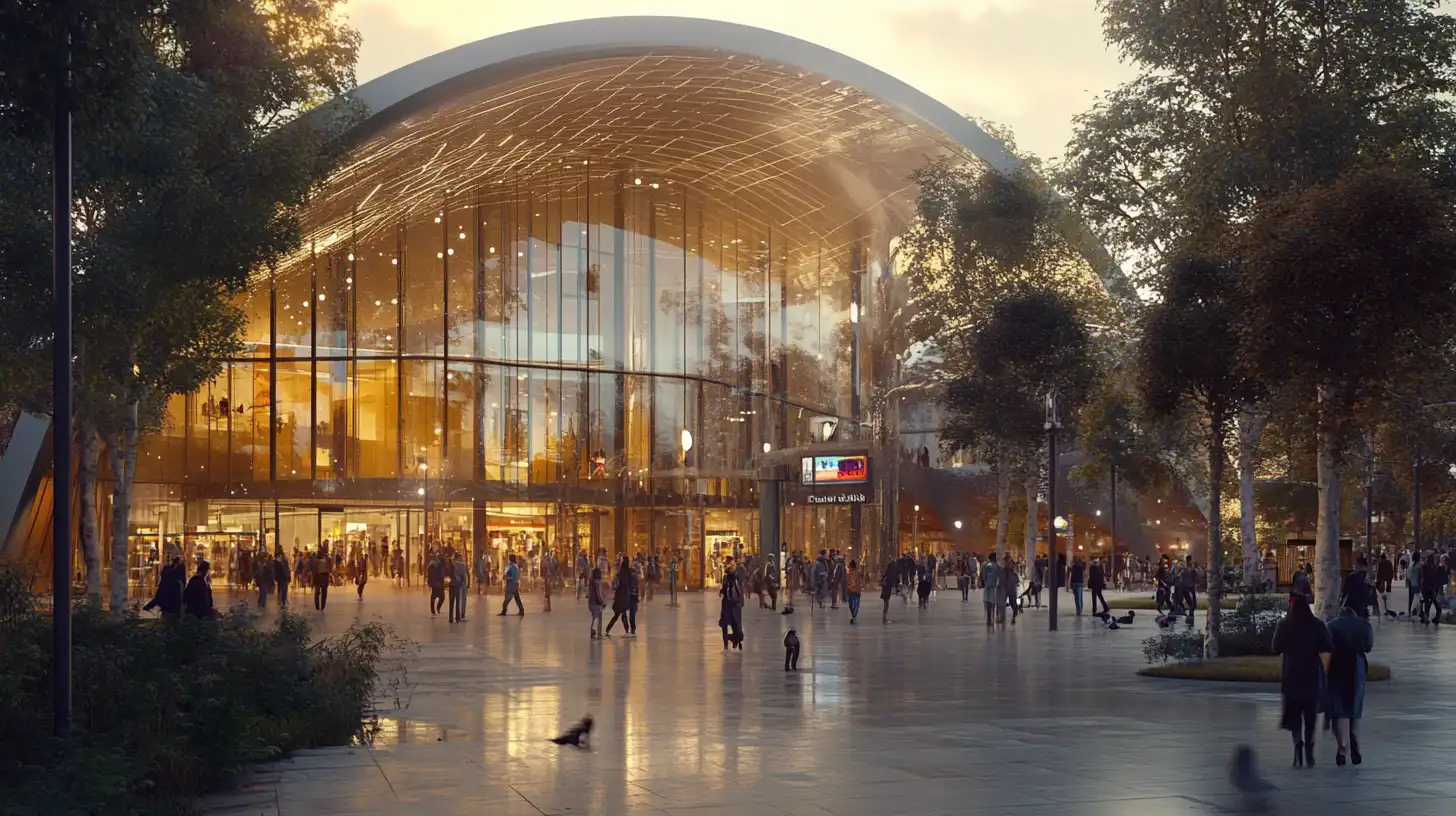
For exterior facades, office building render AI tools perform best when given a high-resolution photograph of the physical site or an existing building reference. AI models interpret curtain wall systems, cladding materials, and glazing patterns with reasonable accuracy — particularly when the input image includes sufficient facade detail and consistent lighting.
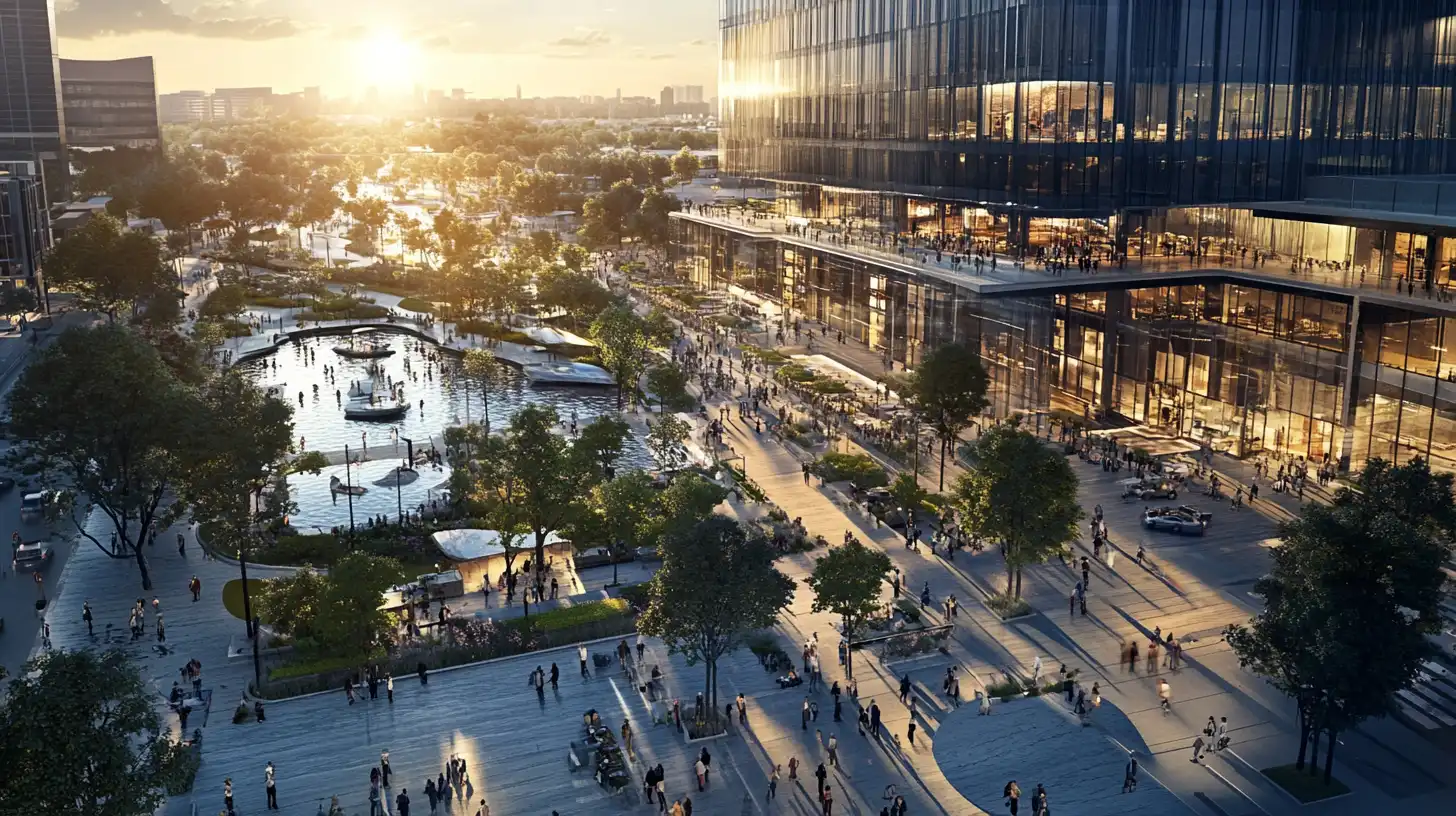
Corporate campuses add a site-planning dimension. Multi-building arrangements, landscaped plazas, and pedestrian circulation require either aerial-view renders or composite scene generation. Corporate building visualization AI tools that support multi-angle outputs allow design teams to produce full campus views from a single session without rebuilding the scene for each perspective.
Retail, Shopping Centers, and Mixed-Use Developments
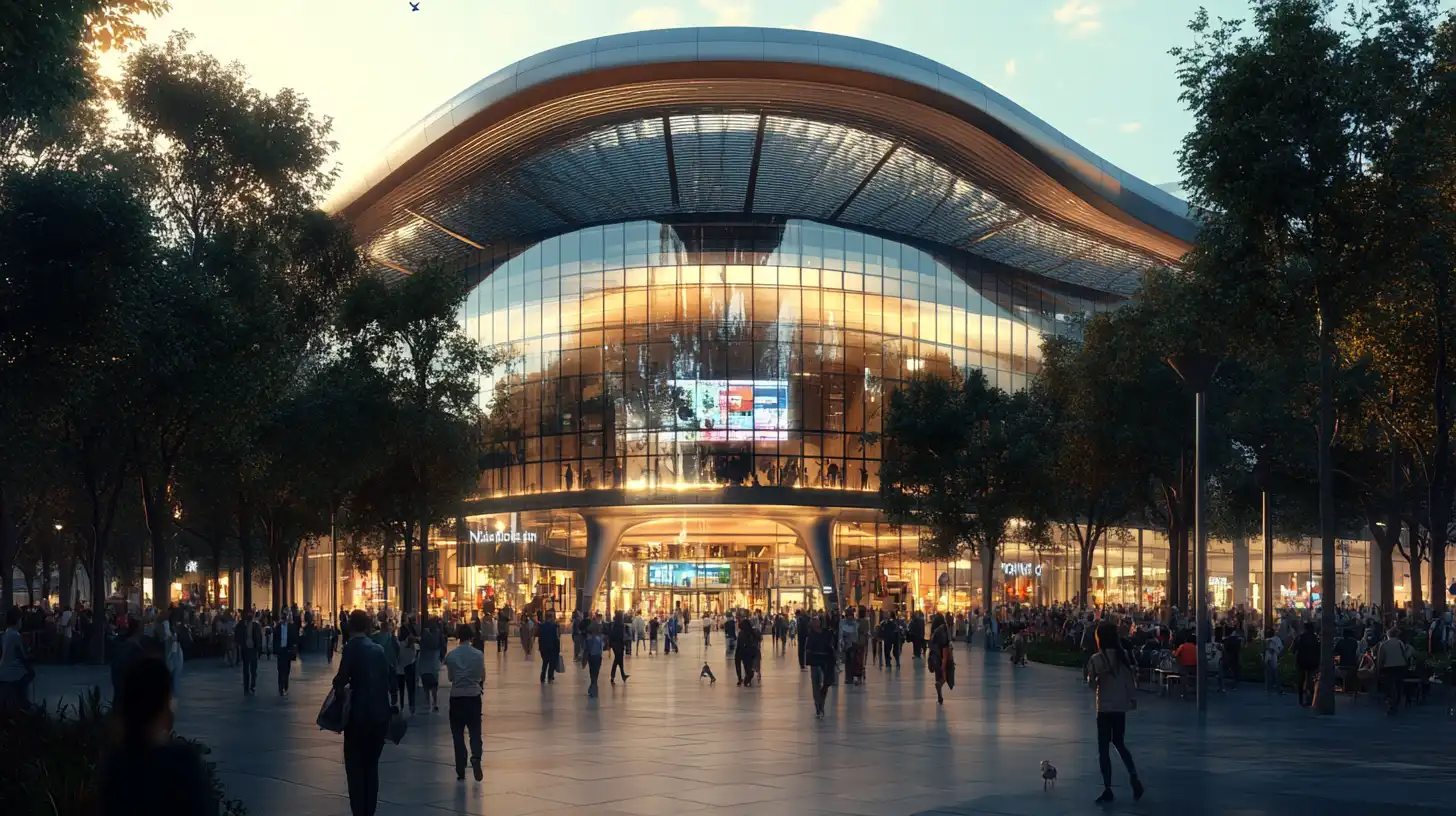
AI retail rendering addresses one of the most commercially sensitive visualization tasks: pre-leasing and marketing imagery produced before construction is complete.
Retail and mixed-use developments need ground-level street views showing activated frontages, pedestrian activity, and tenant signage integration. These renders serve multiple audiences simultaneously — planning committees, anchor tenants, investors, and the general public — which means quality requirements are high and turnaround times are tight.
Mixed-use developments benefit particularly from AI tools because the project often goes through multiple design iterations across different building components. Generating new render variants from updated design inputs in hours rather than weeks keeps the visualization budget proportional to early-stage design spend.
Hotels, Hospitality, and Leisure Facilities
Hotel rendering AI needs to capture two things simultaneously: architectural character and experiential quality. Hotels are sold on atmosphere, and the render must communicate materiality, lighting mood, and spatial generosity beyond what a technical elevation can convey.
For franchise approval and brand standard compliance submissions, hotel projects often require renders that match specific style guidelines. AI tools can be directed toward particular lighting conditions — dusk renders with warm interior glow are a standard requirement for hospitality facades — and adjusted to match brand material palettes.
Leisure facilities including sports centers, resorts, and entertainment venues share similar requirements: large footprints, complex massing, and high-quality exterior renders for planning and marketing documentation.
Healthcare and Institutional Buildings
Healthcare and institutional projects typically require exterior massing renders for planning submissions rather than high-end marketing imagery. The visualization goal is legibility — communicating scale, orientation, and material intent to planning authorities — rather than photographic realism per se.
AI rendering is well-suited to this category because early-stage massing models can be rendered quickly into planning-grade images without full 3D scene construction. The time savings are significant when planning cycles require multiple submission rounds with updated design variants.
How AI Handles the Scale of Commercial Rendering
Large-scale commercial projects present specific technical challenges for AI rendering tools. Understanding how these challenges are addressed helps teams set realistic expectations for output quality and workflow integration.
Facade and Massing Visualization
The facade is the primary visual deliverable for most commercial projects. AI models generate facade renders by interpreting the geometry and materiality visible in the input image or design document. For tall buildings, this includes reading the repetition patterns in curtain wall grids, the reflectivity of glazing systems, and the shadow behaviour of projecting elements.
The quality of an AI facade render commercial output is directly tied to the quality of the input. High-resolution reference images with visible material texture and consistent lighting produce noticeably better results than compressed or poorly exposed inputs.
⚡ Pro Tip
For commercial facade renders, include people and vehicles at ground level in your reference photo when possible. AI tools use human figures to calibrate the scale of the building automatically. Renders without scale references often produce technically correct-looking images where the building reads as either a small structure or an oversized form depending on surrounding context.
⚠️ Common Mistake to Avoid
Applying AI rendering to a low-resolution or compressed facade photo of a large building is one of the most common errors in commercial projects. Large buildings require high-resolution inputs to preserve detail in the facade grid, glazing, and cladding. A compressed JPEG from a phone photo of a skyscraper will produce blurred curtain wall patterns and inaccurate material textures. Always use the highest-resolution source image available, ideally shot with a camera rather than a mobile device.
Interior Lobby and Atrium Renders
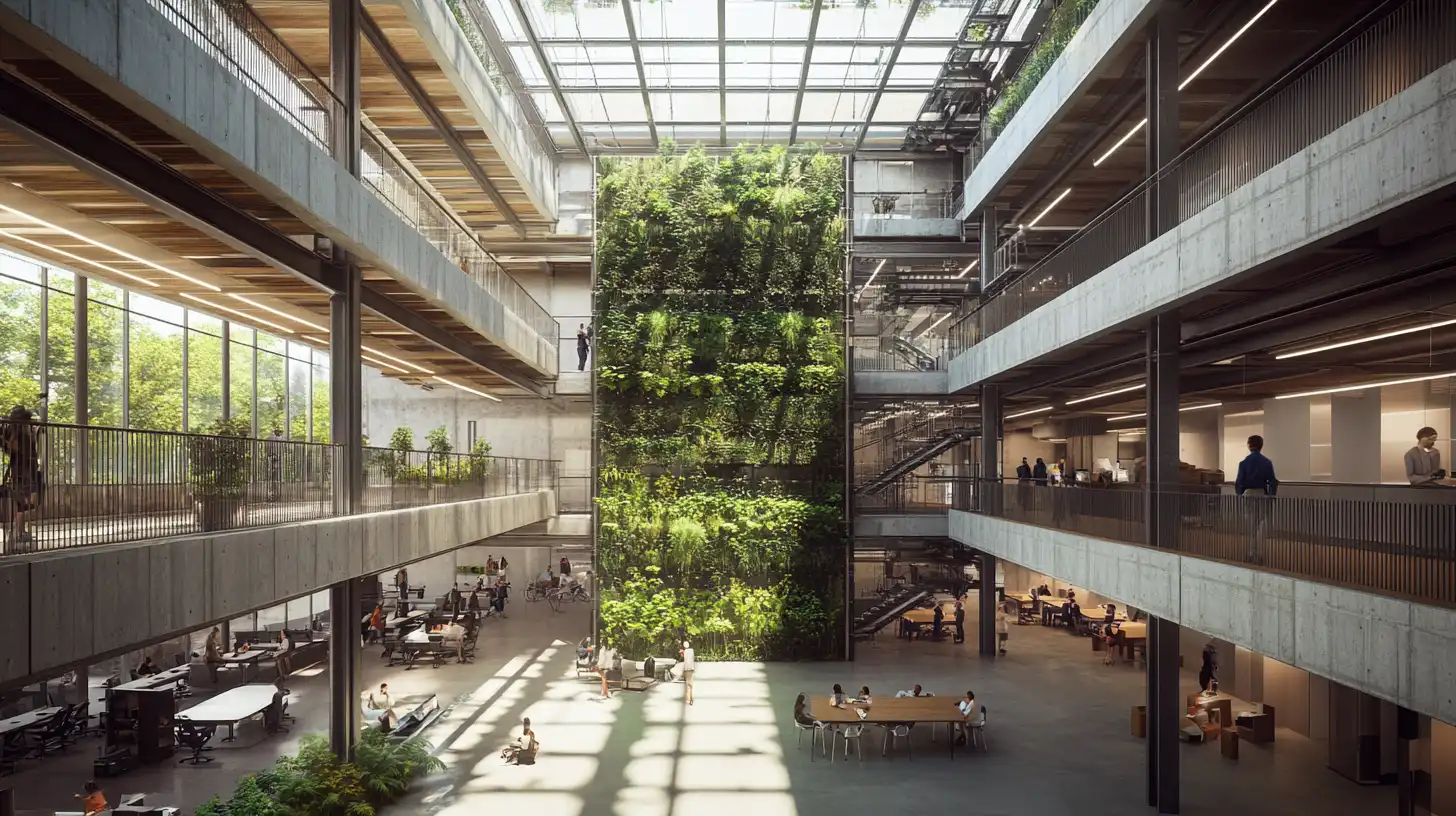
Interior renders for commercial projects — particularly entrance lobbies, atria, and public-facing amenity floors — require different input strategies than exterior work. Interior scenes benefit from reference photographs taken at the correct time of day to capture the natural light quality the design intends. AI models are sensitive to the light direction and intensity visible in the input and will amplify or replicate those conditions in the output.
For hospitality interiors and corporate reception spaces, the render audience includes high-value occupier tenants and brand decision-makers. Output quality expectations are correspondingly high, and iterating quickly using AI tools allows design teams to test multiple material and lighting variations before committing to a final presentation package.
Site Context and Aerial Views
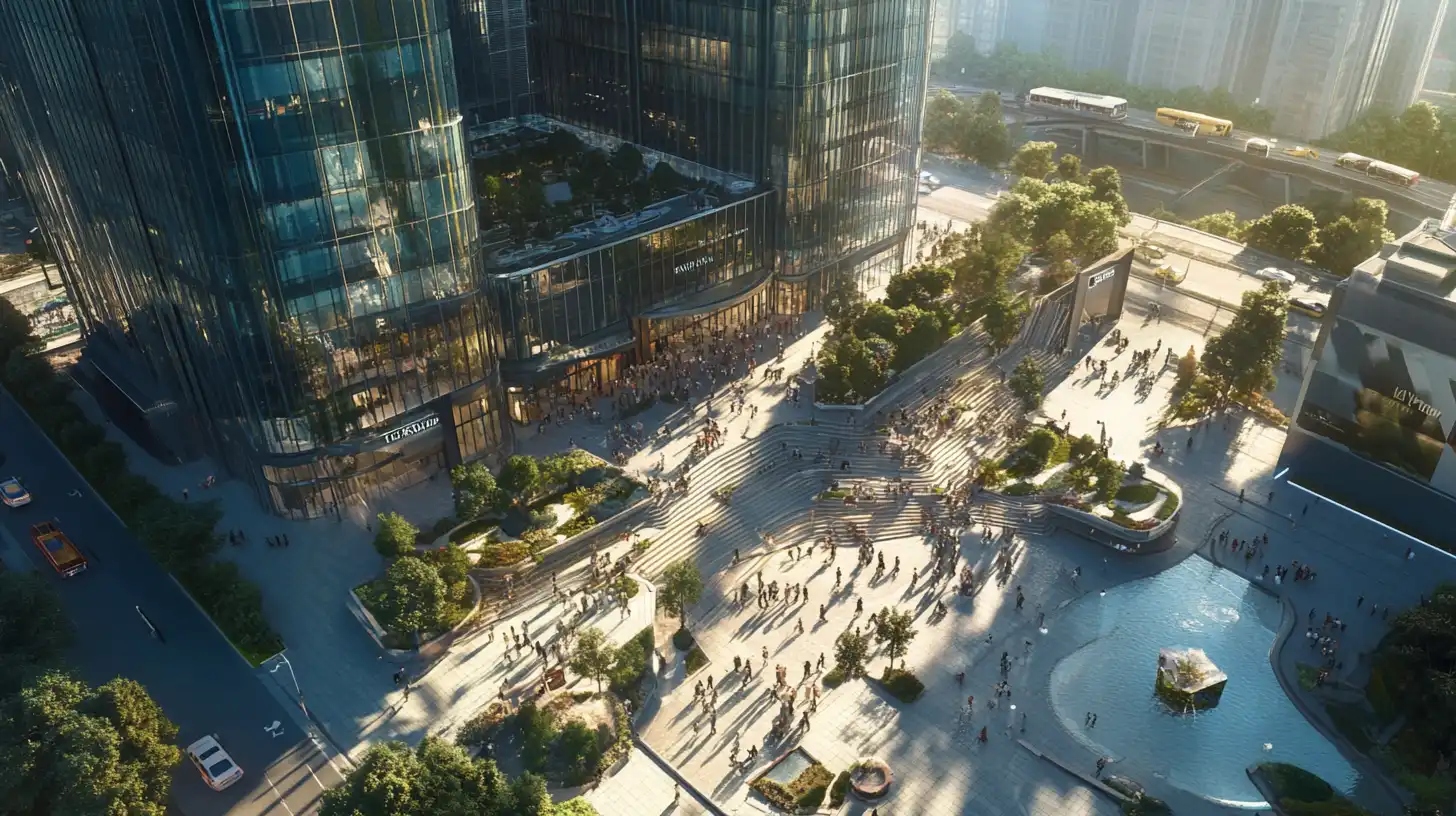
Large commercial developments and masterplan proposals require site-context renders showing the building within its urban or suburban setting. Aerial and elevated perspectives help planning authorities and investors understand relationships between the proposed development and surrounding infrastructure.
AI tools that support aerial-view generation or composite output can incorporate site context by blending the proposed building render into existing aerial photography of the site. This is particularly useful for commercial development visualization at masterplan stage, where the final building design is not yet fixed but stakeholders need to understand scale and location.
How ArchFine Supports Commercial Architecture Visualization
ArchFine is an AI architectural rendering platform designed for architecture firms, developers, and design teams working across residential and commercial project types. For commercial work specifically, the platform offers a chat-based workflow where users upload a reference image and add a natural-language prompt to describe the desired output — facade style, lighting condition, material finish, or contextual elements.
ArchFine commercial rendering is built around a 30-second generation cycle, which makes it practical for real-time design review sessions. Teams can generate multiple render variants during a single meeting, test different facade treatments side by side, and share outputs directly from the platform without export or post-processing steps.
The platform supports the full range of commercial building types covered in this guide — office, retail, hospitality, healthcare, and mixed-use — and is optimized for photorealistic output quality from both high-resolution photographs and early-stage massing references.
💡 Did You Know?
Commercial real estate developers typically spend between $5,000 and $50,000 on architectural renderings per project, according to industry estimates. AI rendering tools reduce entry-level visualization costs to under $100 per image for early-stage presentations — making high-quality visuals accessible at concept and feasibility stage rather than only at planning submission.
What Commercial Clients Expect from AI Renders
The audience for commercial architectural renders is broader and more varied than for residential work. A single project may require images reviewed by planning officers, institutional investors, anchor tenants, brand teams, and the general public — each with different visual literacy and different quality thresholds.
Planning submissions typically require images that communicate massing, scale, and material intent clearly. Photographic realism is less important than legibility — the render needs to accurately represent what the building will look like, not necessarily look like a professional photography shoot.
Investor decks and pre-leasing marketing materials operate at the opposite end of the quality spectrum. These images are competing for attention against other opportunities and need to present the project at its best. For these deliverables, commercial real estate rendering tool outputs should be reviewed for material accuracy, lighting quality, and contextual plausibility before being included in investor-facing documents.
Franchise approval submissions — particularly for hotel brands — often have specific render format requirements set by the brand standards team. AI tools allow operators to generate compliant renders quickly when design changes require updated submissions between approval stages.
AI Commercial Rendering vs. Traditional Studio Rendering
Traditional architectural visualization studios produce high-quality outputs through manual 3D modelling, scene construction, and render engine processing. The results are excellent, but the process is slow and expensive — typically two to four weeks from brief to final image, with per-image costs ranging from hundreds to thousands of dollars depending on complexity.
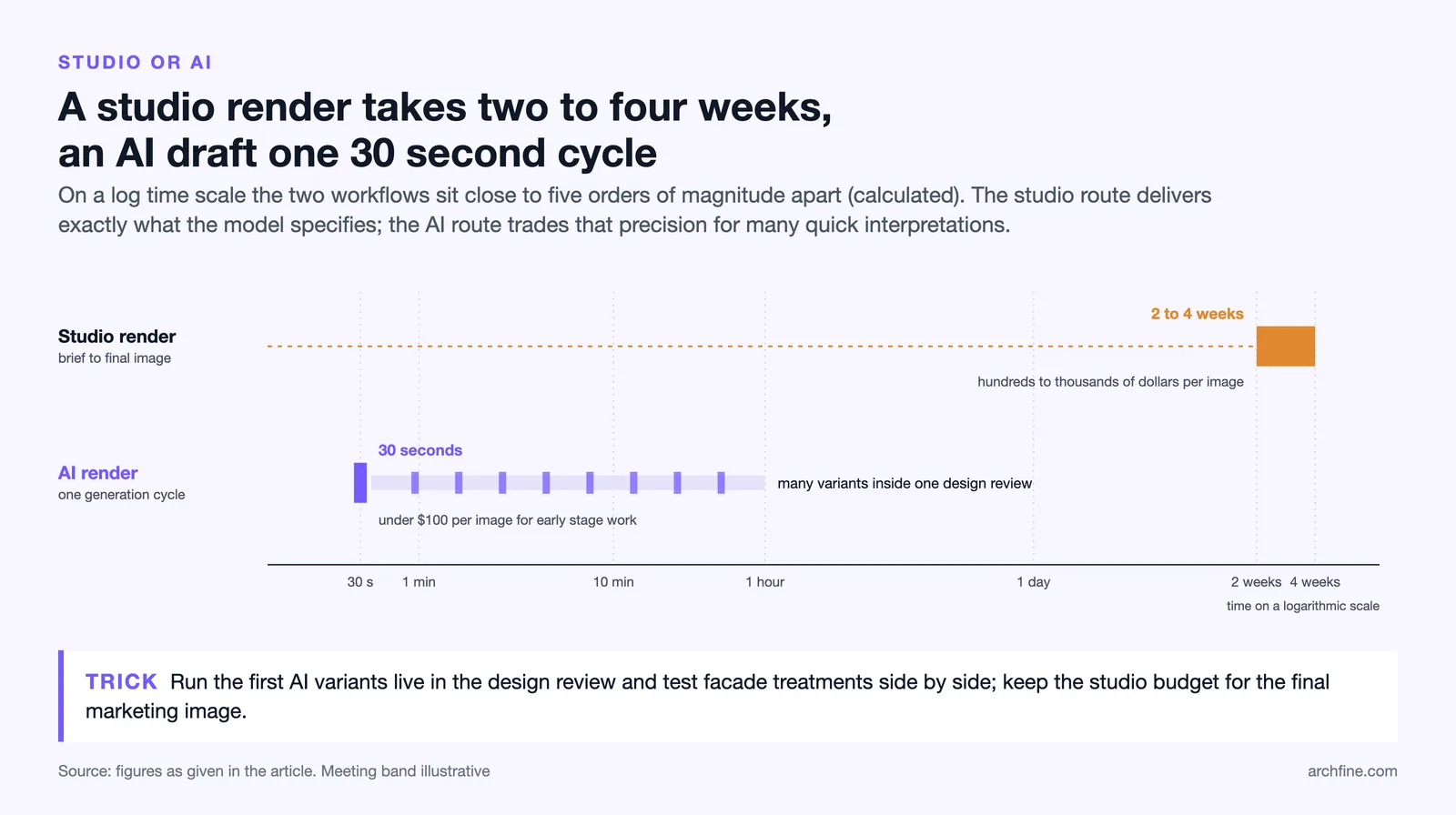
Commercial architecture rendering AI operates differently. Rather than building a 3D scene, it interprets existing visual information and generates a plausible output image. This means the process is faster and cheaper but also more dependent on input quality. The trade-off is predictability: a traditional render produces exactly what the model specifies; an AI render produces a high-quality interpretation that may require several iterations to reach the desired result.
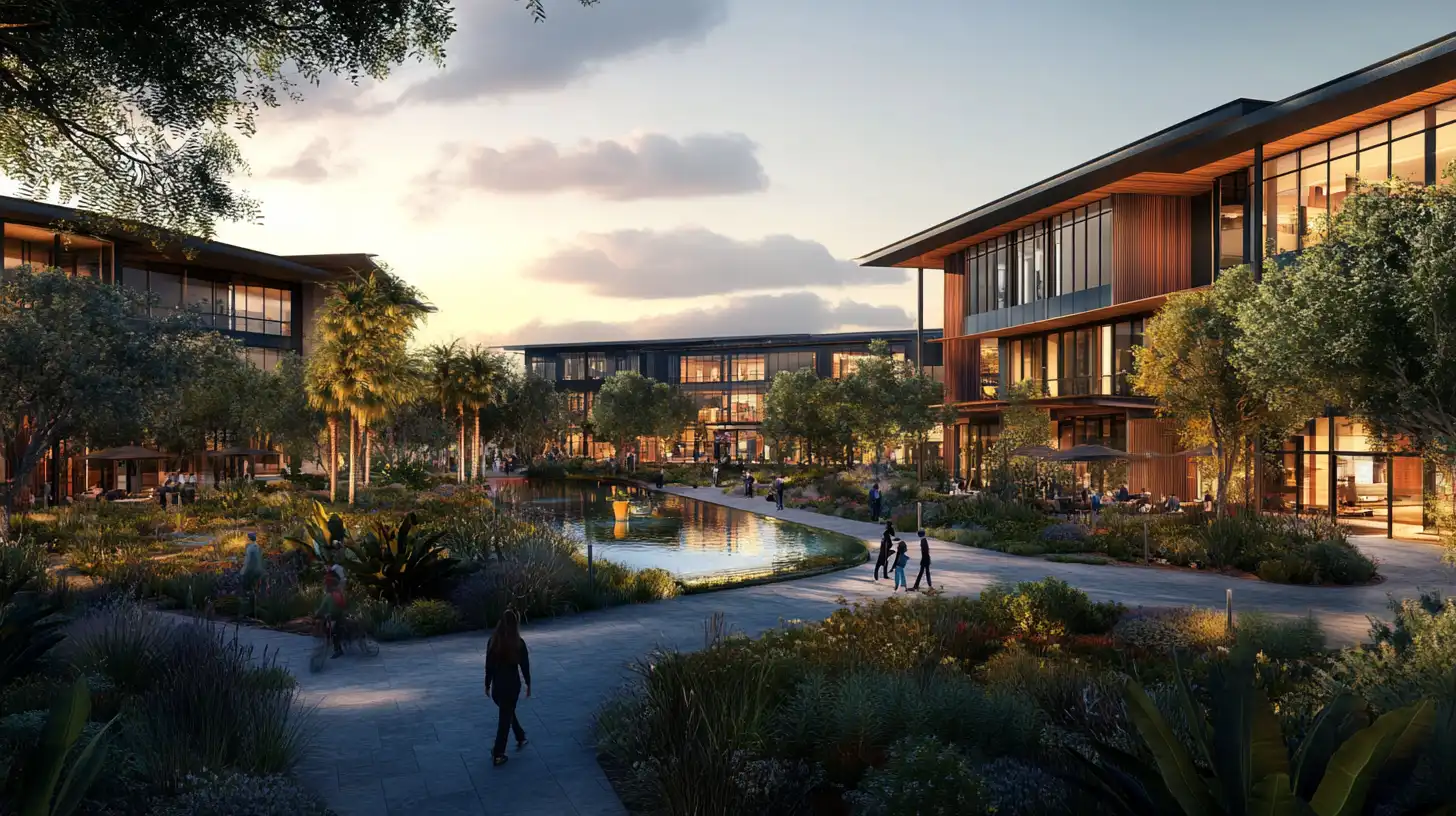
For most commercial project types, the appropriate use of AI is at early-stage visualization — concept presentations, feasibility studies, planning preapplication meetings, and investor briefings. For final marketing imagery at planning consent or pre-sales stage, many firms combine AI-generated drafts with light post-production or traditional studio finishing to achieve the precision required.
For an overview of how the architectural visualization industry has evolved and the role of digital tools within it, Ronen Bekerman’s architectural visualization blog provides detailed industry analysis and quality benchmarking. The American Institute of Architects publishes practice guidance on technology adoption in commercial architecture, and ArchDaily and Dezeen regularly cover AI visualization developments across commercial and institutional building types.
For the broader definition and typology of commercial architecture, Wikipedia provides a useful reference frame for the building categories discussed in this guide.
AI Rendering in Commercial Architecture: Project Type Overview
| Building Type | Render Priority | Typical Deliverables | AI Suitability |
|---|---|---|---|
| Office tower | Facade + lobby | Investor deck, planning | High |
| Shopping center | Exterior + retail fronts | Marketing, pre-leasing | High |
| Hotel | Facade + key interiors | Sales, franchise approval | High |
| Healthcare facility | Exterior massing | Planning submission | Medium |
| Mixed-use development | Multiple views | Master plan approval | High |
| Industrial / logistics | Exterior only | Basic visualization | Medium |
📌 Key Takeaways
- Commercial architecture rendering AI compresses visualization timelines from weeks to hours and reduces per-image costs from thousands of dollars to under $100 for early-stage work.
- Office towers, shopping centers, hotels, and mixed-use developments are the highest-suitability building types for AI rendering due to their facade-driven design communication needs.
- Input quality determines output quality: high-resolution reference images produce significantly better results than compressed or low-resolution photographs.
- Including human figures and vehicles in reference photos enables AI tools to calibrate building scale automatically and avoid proportion errors in the output.
- AI rendering is most effective at concept, feasibility, and pre-planning stages; final marketing imagery may benefit from light post-production or studio finishing for maximum precision.
- ArchFine supports commercial rendering workflows across all major building types with a 30-second generation cycle and a straightforward chat-based interface.