Blender AI rendering applies AI-based visualization tools to models built or exported from Blender, producing photorealistic architectural images faster than Blender’s native Cycles render engine. Architects and visualization artists export a viewport image or a basic render pass from Blender and process it through an AI platform to finish the visual without waiting hours for a full path-traced render to complete.
Blender is one of the most capable free tools available for architectural modeling and visualization. Its Cycles engine produces renders that rival commercial software outputs, and EEVEE offers a real-time viewport that speeds up design review. But render times remain a persistent challenge. A complex interior scene with global illumination, area lights, and detailed materials can take hours to complete at production quality — even on capable hardware.
This is where Blender AI rendering enters the workflow. Rather than replacing Blender’s modeling environment, AI rendering tools slot in downstream, taking lightweight Blender outputs and transforming them into finished photorealistic images in a fraction of the time. For architects and visualization professionals who work under deadline pressure, this combination changes what’s practical within a single working day.
Blender for Architectural Rendering: What Works and What Doesn’t
Blender handles architectural modeling exceptionally well. Its precision tools, parametric modifiers, and robust UV unwrapping pipeline make it viable for both conceptual design and detailed construction visualization. The Cycles render engine, built on physically based rendering principles, produces accurate light behavior, convincing material responses, and high-quality depth of field. For final-quality still renders or animations intended for presentations, portfolio work, or client approval, Cycles remains a serious professional option.
EEVEE, Blender’s real-time render engine, covers a different use case. It renders near-instantly and provides a spatially accurate preview with basic lighting, shadows, and reflections. It’s fast enough for design iteration and internal review, but the output quality typically falls short of what clients expect in final deliverables — particularly for material realism in exterior scenes and for accurate indirect lighting in interiors.
The practical gap between these two engines defines the problem AI rendering solves. Architects often need something better than EEVEE but faster than Cycles. AI tools fill exactly that space.
💡 Pro Tip
For Blender architectural renders destined for AI processing, render a basic EEVEE preview pass rather than waiting for a full Cycles output. EEVEE produces a spatially coherent image with correct perspective and basic lighting in seconds. AI rendering tools can work with this lightweight output to add material realism and final lighting quality far faster than running a complete Cycles job would take.
How AI Rendering Changes the Blender Workflow
Integrating AI into a Blender-based workflow doesn’t require abandoning any part of the modeling process. The transition happens at the render export stage. Once a model is positioned, lit at a basic level, and camera-framed, the visualization artist exports an image from Blender — either a full EEVEE render or a viewport screenshot — and passes it to an AI rendering platform.
Exporting a Viewport or Render Pass from Blender
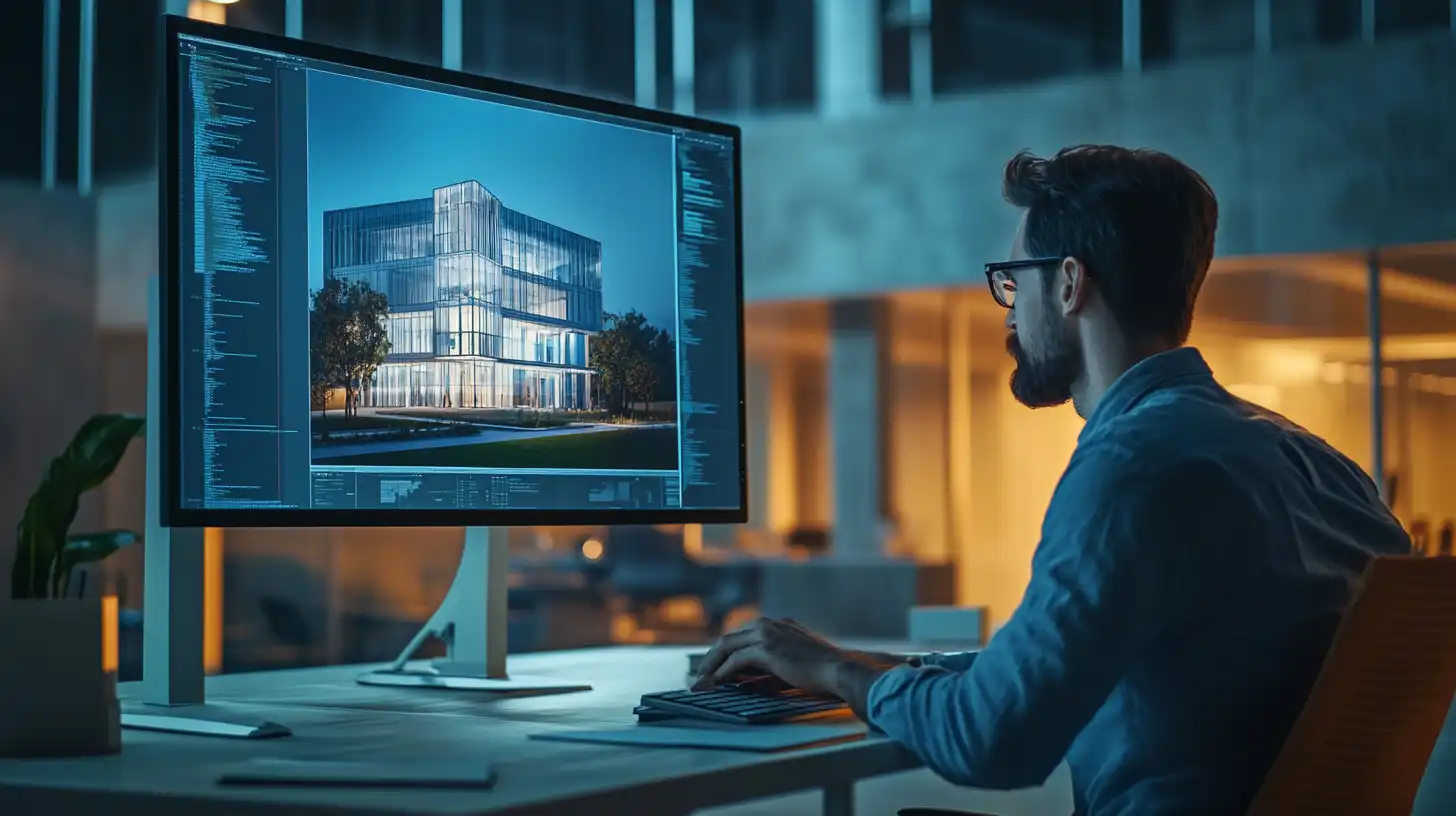
The quality of the AI output depends significantly on the quality of the input image. A clean EEVEE render with correct perspective, readable shadows, and properly applied materials gives the AI system more spatial information to work with. Viewport exports work but tend to produce less consistent results because they lack the ambient occlusion and basic shadow information that a rendered output provides.
Best practice is to export at the final output resolution — typically 1920×1080 or 3840×2160 for architectural work — with ambient occlusion enabled and basic area or sun lights positioned for architectural legibility. The goal is not a polished render; it’s a spatially accurate map that the AI can interpret and enhance.
Using AI to Enhance or Replace the Blender Render
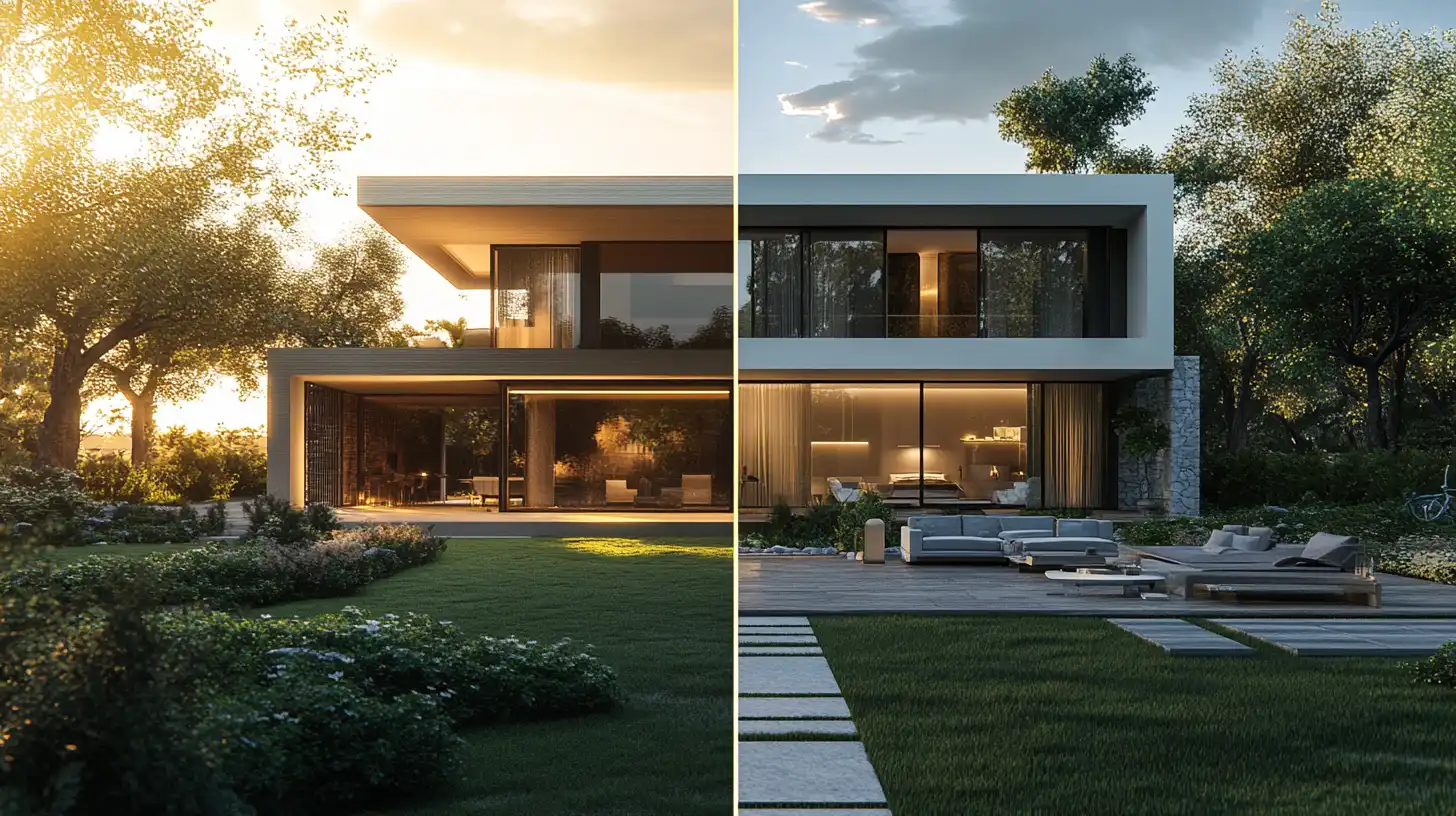
Once the Blender export is in the AI platform, the process shifts from technical to editorial. The visualization artist adds a descriptive prompt — material finishes, lighting conditions, atmospheric style — and the AI generates a photorealistic output that preserves the spatial structure of the original while dramatically improving material quality and lighting realism.
Platforms like ArchFine are designed specifically for this type of architectural image processing. The platform accepts an uploaded image, interprets the structural and spatial information it contains, and applies AI rendering to produce a finished visual. The process takes approximately 30 seconds from upload to output — compared to the hours a comparable Cycles render might require.
When AI Outperforms Cycles or EEVEE for Architecture
AI rendering is not always the right choice, and understanding where it genuinely outperforms native Blender engines helps architects use both tools appropriately.
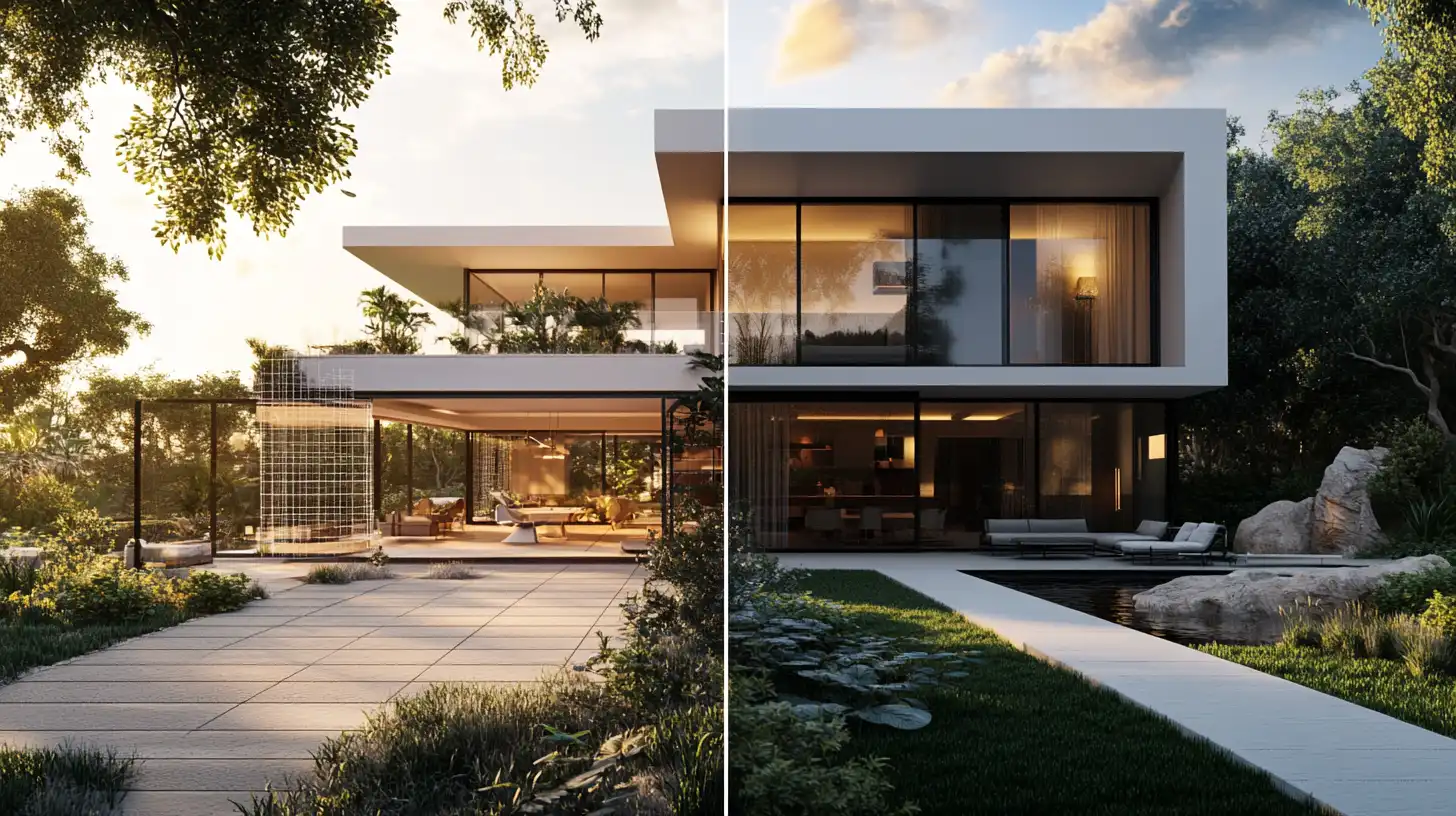
AI rendering excels in early-stage design presentations, where speed matters more than absolute accuracy. It also performs well for marketing visuals where atmospheric quality and photorealism are priorities but exact material reproduction is less critical. Concept presentations, client pitches, social media content, and competition submissions are all scenarios where AI rendering’s speed-to-quality ratio outperforms anything Cycles can offer within a realistic time budget.
Cycles remains the better choice for technically precise work — construction documentation, verified material simulations, or output that needs to be fully reproducible and adjustable at the node level. The control Cycles offers over every aspect of the render is unmatched, but that control comes with a time cost that AI rendering simply does not impose.
📌 Did You Know?
Blender is developed by the Blender Foundation, a non-profit organization based in Amsterdam. As of 2024, Blender has been downloaded over 30 million times from its official site and is consistently ranked among the top free 3D software tools for both architecture and visual effects work.
Blender Architectural Render Workflow: Step by Step
The following workflow combines Blender’s modeling strengths with AI rendering speed for architectural projects operating under normal deadline conditions.
- Model and position in Blender. Complete the architectural model, apply basic materials, and set the camera to the desired composition. Apply Blender’s native materials for spatial reference — high precision is not required at this stage.
- Enable ambient occlusion and basic lighting. Add a sun or area light that establishes the primary light direction. Enable ambient occlusion in EEVEE render settings. This gives the AI system edge and shadow information that improves spatial interpretation.
- Render in EEVEE at output resolution. Run a full EEVEE render at the target output resolution. This typically completes in seconds to minutes depending on scene complexity.
- Export the render as PNG or JPEG. Save the render as a full-resolution image. PNG is preferred for preserving edge detail, particularly in scenes with fine geometry like railings, window frames, or glazing.
- Upload to an AI rendering platform. Upload the exported image to ArchFine or a comparable AI architectural rendering tool. Add a descriptive prompt specifying the intended material finishes, lighting atmosphere, time of day, and visual style.
- Review and iterate. AI rendering is fast enough to make iteration practical within a single session. Adjust the prompt, modify the Blender scene if structural changes are needed, and re-render until the output meets presentation requirements.
⚠️ Common Mistake to Avoid
A common error is exporting a Blender scene with procedural materials that look correct in Cycles but appear flat or incorrect in EEVEE exports. Procedural node-based materials sometimes do not translate consistently across render engines. For AI rendering input, baking the materials to image textures before export ensures the visual output the AI receives actually matches what you see in Blender.
How ArchFine Complements Blender for Architectural Projects
ArchFine is an AI architectural rendering platform built specifically for the type of use case described above. It accepts uploaded images — including EEVEE renders, viewport captures, sketches, and photographs — and produces photorealistic architectural outputs through AI processing. The workflow is prompt-driven: users describe the intended visual outcome and the platform generates a result without requiring manual compositing, material setup, or lighting adjustments.
For Blender users, ArchFine functions as a fast rendering layer that sits between the EEVEE preview and the Cycles final output. It handles projects that need to look finished quickly: client pitches, competition entries, Instagram content, project websites, and internal design reviews where image quality needs to exceed what EEVEE alone provides.
The platform’s speed — approximately 30 seconds per render — makes it practical to produce multiple variations within a single working session. A Blender scene that would require overnight Cycles rendering to produce three camera angles can instead yield a dozen AI-rendered variations within an hour, giving the design team more options to evaluate before committing to a final direction.
ArchFine does not require Blender expertise to operate. Architects who model in other tools can also use it with exported images from SketchUp, Revit, Rhino, or ArchiCAD. However, the Blender-to-ArchFine combination is particularly effective because Blender’s EEVEE output provides strong spatial coherence and lighting structure that AI rendering can build on reliably.
Blender AI Rendering vs. Cycles, EEVEE, and LuxRender
Each rendering option in the Blender ecosystem serves a different position in the quality-versus-speed tradeoff. Understanding where each fits helps architectural visualization professionals choose the right tool for each stage of a project.
| Engine / Tool | Render Quality | Speed | GPU Required | Cost | Best For |
|---|---|---|---|---|---|
| Cycles (Blender) | Very High | Slow | Recommended | Free | Final renders |
| EEVEE (Blender) | Good | Very Fast | Yes | Free | Design review |
| LuxRender (LuxCoreRender) | Very High | Slow | Optional | Free | Photoreal stills |
| ArchFine (AI) | High | Very Fast | No | Low / SaaS | Concept & marketing |
Cycles produces the highest-fidelity output but requires significant time investment — particularly for interior scenes with complex indirect lighting. LuxCoreRender, a physically based engine compatible with Blender through add-on integration, offers comparable quality to Cycles but with a different rendering algorithm that some artists prefer for specific material types.
AI rendering via ArchFine trades the absolute fidelity ceiling of path-traced engines for a dramatic reduction in production time. The output quality is sufficient for client-facing work in most commercial contexts. Where Cycles excels is in technically demanding scenarios: precisely calibrated material sampling, verified photometric output for lighting design, or renders that will be composited with real photography in a controlled production pipeline.
For the majority of architectural visualization work — concept presentations, marketing imagery, design review, and client approvals — AI rendering delivers acceptable quality faster than any native Blender engine can match. The Blender Artists community has increasingly discussed AI-assisted workflows as a practical complement to traditional rendering pipelines, particularly for solo practitioners and small studios working under commercial deadlines.
The decision is not either-or. Many professional visualization workflows now use EEVEE for early-stage design review, AI rendering for client presentations and marketing, and Cycles for final-stage deliverables that require absolute precision. Blender’s flexibility as a modeling environment makes it a compatible foundation for all three approaches.
📋 Key Takeaways
- Blender AI rendering combines Blender’s modeling environment with AI post-processing to produce photorealistic architectural visuals significantly faster than Cycles.
- EEVEE renders make effective AI rendering inputs — they provide spatial coherence and basic lighting structure in seconds without requiring a full path-trace.
- Bake procedural materials to image textures before exporting from Blender to ensure consistent AI rendering output.
- AI rendering platforms like ArchFine are best suited for concept presentations, marketing visuals, client pitches, and competition submissions.
- Cycles remains the appropriate choice for technically precise, fully reproducible architectural renders where material accuracy is critical.
- A layered workflow — EEVEE for review, AI for client-facing work, Cycles for finals — maximizes both speed and quality across different project stages.
Ready to add AI rendering to your Blender workflow? Try ArchFine — upload a Blender EEVEE render and get a photorealistic architectural output in seconds.