Floating Glass Walkway Museum

Floating Glass Walkway Museum

Contemporary Museum 25 seconds ArchFine Pro 27 April 2026

Prompt Used

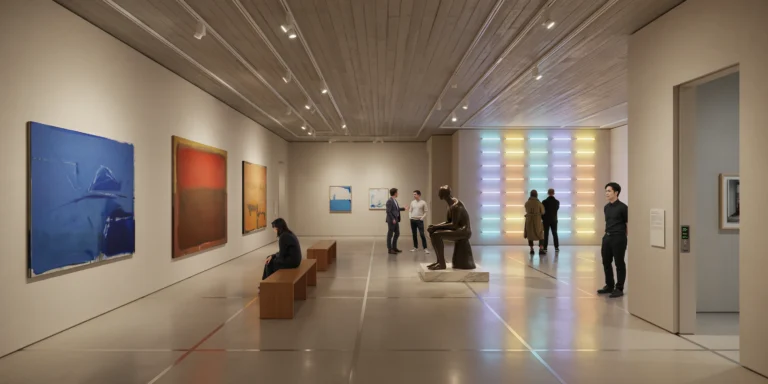
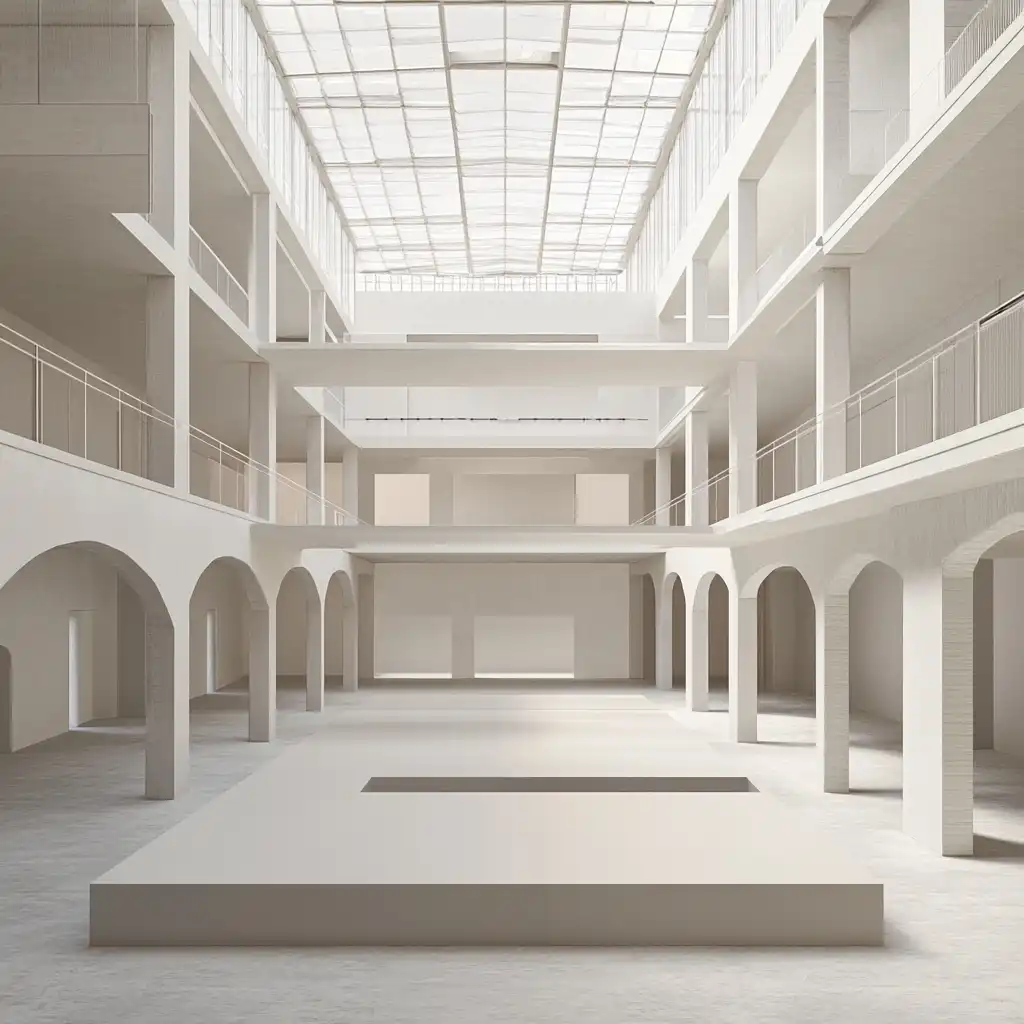
A photorealistic render of the central circulation spine of a new contemporary art museum in a converted 19th-century industrial harbor building in Hamburg, where a new glass and steel internal street has been inserted through the center of the existing brick warehouse structure, connecting all gallery levels with a dramatic floating walkway system. Existing building: The original 1887 Hamburg Speicherstadt warehouse — seven stories of red brick (dark Hamburg clinker brick, the characteristic dark red-brown vitrified surface), the floor structure of Douglas fir timber beams (visible at the floor edges where the new glass walls meet the old brick), the original arched window openings (each 1200mm wide x 2400mm tall, semi-circular arch) on all facades retained and re-glazed. New insertion: Running the full 80m length of the warehouse along its central axis, a new glazed internal street (approximately 8m wide x full building height) has been cut through the historic floor plates, creating a dramatic atrium. The atrium is bridged at each floor level by a series of floating walkways — each a slim steel and glass bridge (600mm thick structural glass floor panels on a welded steel frame, the frame visible as a 150mm deep edge beam in matte black, no visible supports from below — the bridges cantilevered from the brick walls on concealed steel brackets). The handrails are 1200mm tall fully transparent structural glass panels (15mm, silicone-jointed, no visible fixings). The glass floor panels of the walkways allow views directly down through all seven levels to the original cobblestone floor at ground level — the receding layers of walkways below creating a vertiginous perspective. Looking up: the sky is visible through a new glazed roof over the atrium (slim steel rafters at 600mm centers, clear glazing panels between them). Gallery glimpses: Through the original brick arches on either side of the atrium, gallery spaces are visible — white walls, track-lit paintings and sculptures, the gallery floors in polished pale oak parquet. Visitors visible in the galleries and on the walkways, providing scale. Lighting: The primary light source is the glazed roof above, filling the atrium with diffuse Hamburg harbor light (overcast, cool blue-white). Supplementary: recessed LED strip at the underside of each walkway edge beam (3000K warm) illuminating the underside of the glass floor panels and creating warm horizontal light bands through the atrium at each floor level. Camera angle: From one of the middle walkways (level 4) looking along the full length of the atrium, the bridge in the foreground (the glass floor panel underfoot reflecting the levels below), the receding perspectives of walkways above and below, the original brick walls on both sides with the gallery arches. Focal length equivalent 24mm. Aspect ratio 9:16 vertical. Time of day: 11:00 AM, overcast Hamburg day.

Before & After

Before — original sketch
Before
After — AI render
After

Ideal for museum and cultural institution adaptive reuse projects. Upload warehouse section drawings or existing floor plans.
Getting Started with This Prompt

1

Grab the Prompt

Tap the copy button above and the entire prompt will be saved to your clipboard, ready to use.

2

Launch Your Renderer

Head over to ArchFine AI or any compatible visualization tool you prefer working with.

3

Add Your Design

Drop in your floor plan, elevation sketch, or any reference image — then paste the prompt.

4

Render & Refine

Run the generation and review the output. Swap out a few keywords to explore completely different aesthetics.

Want a faster workflow? ArchFine AI lets you skip prompt editing entirely — just upload and render.

How to Get Stronger Renders

1

Describe the Scene

Mention specific materials, time of day, weather, and camera perspective. The more context the AI has, the more realistic the output becomes.

2

Run Multiple Passes

Each generation is unique. Changing even a single adjective can shift the entire mood — so experiment freely and compare outcomes.

3

Blend Prompts Together

Borrow phrases from other entries in our collection and merge them. Hybrid prompts often deliver the most original visuals.

4

Start with a Clean Drawing

Crisp linework and high-contrast sketches give the AI a clear foundation. Blurry or cluttered inputs lead to softer, less defined renders.

Common Questions About This Prompt

Am I allowed to edit or customize this prompt?

Of course. Think of it as a foundation you can build on. Adjust the style, swap materials, change the lighting setup, or rewrite entire sections to fit your specific project needs.

Which rendering platform does this prompt work with?

It has been fine-tuned for ArchFine AI, but the descriptive structure translates well to other popular AI visualization engines. You may need minor adjustments depending on the tool.

Does using this prompt cost anything?

Every prompt in our library is completely free. You can copy, adapt, and use them across personal portfolios, client presentations, or commercial marketing materials without restrictions.

What kind of input image gives the best output?

Clean line drawings with strong contrast tend to perform best. The AI reads edges, proportions, and spatial relationships from your input — so a well-drawn elevation or section will consistently outperform a rough napkin sketch.

Can I use the rendered image commercially?

Yes. Renders generated through ArchFine AI on any paid plan come with full commercial usage rights. Use them in proposals, publications, social media, or anywhere else your work needs to shine.

Try this prompt yourself

Upload your own sketch and use this prompt to generate a stunning render.

Try on ArchFine