Ideal for cliffside gallery and dramatic site-specific cultural projects. Upload site topography and geological surveys.
Cultural
Urban Micro-Library
A photorealistic render of a small public micro-library pavilion in a city park ...
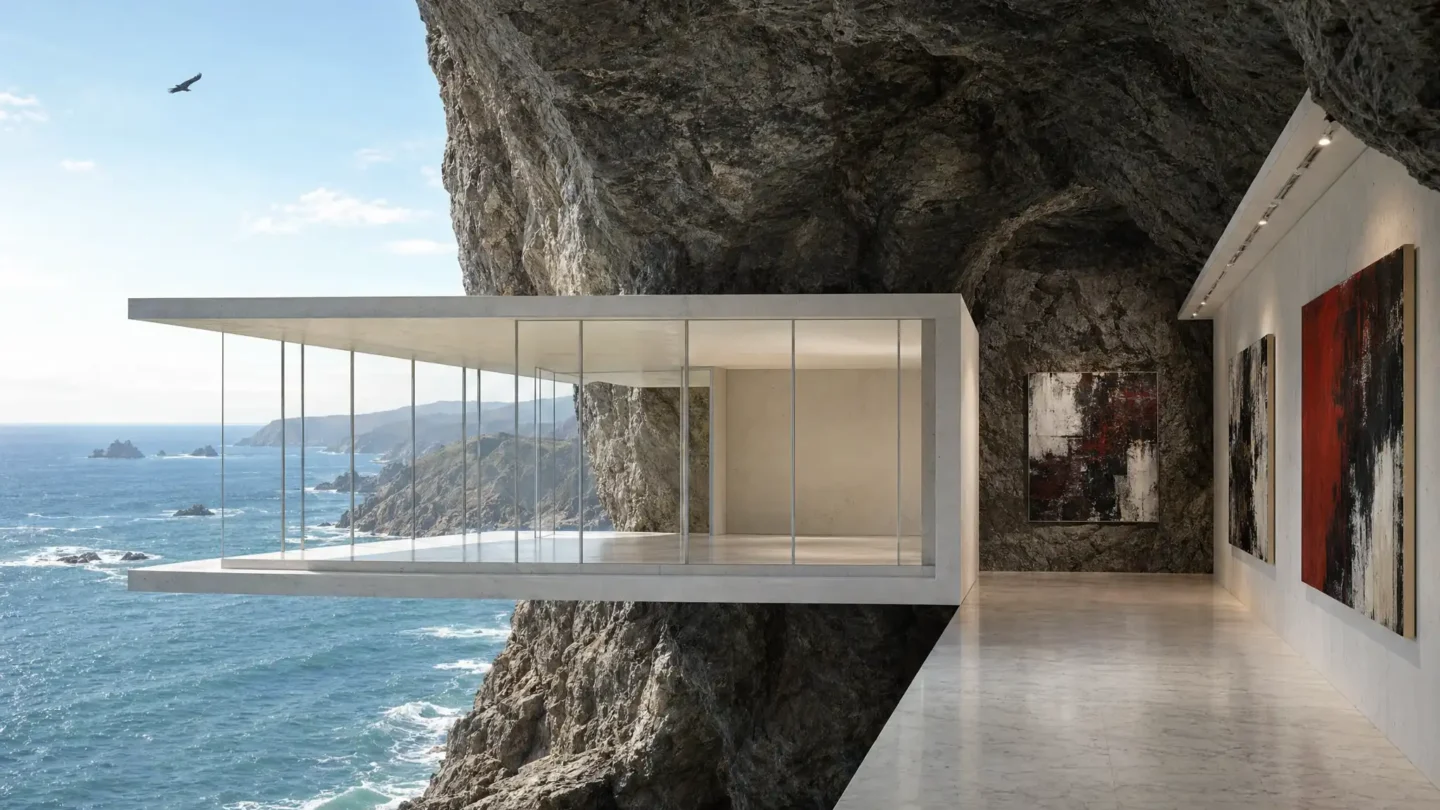
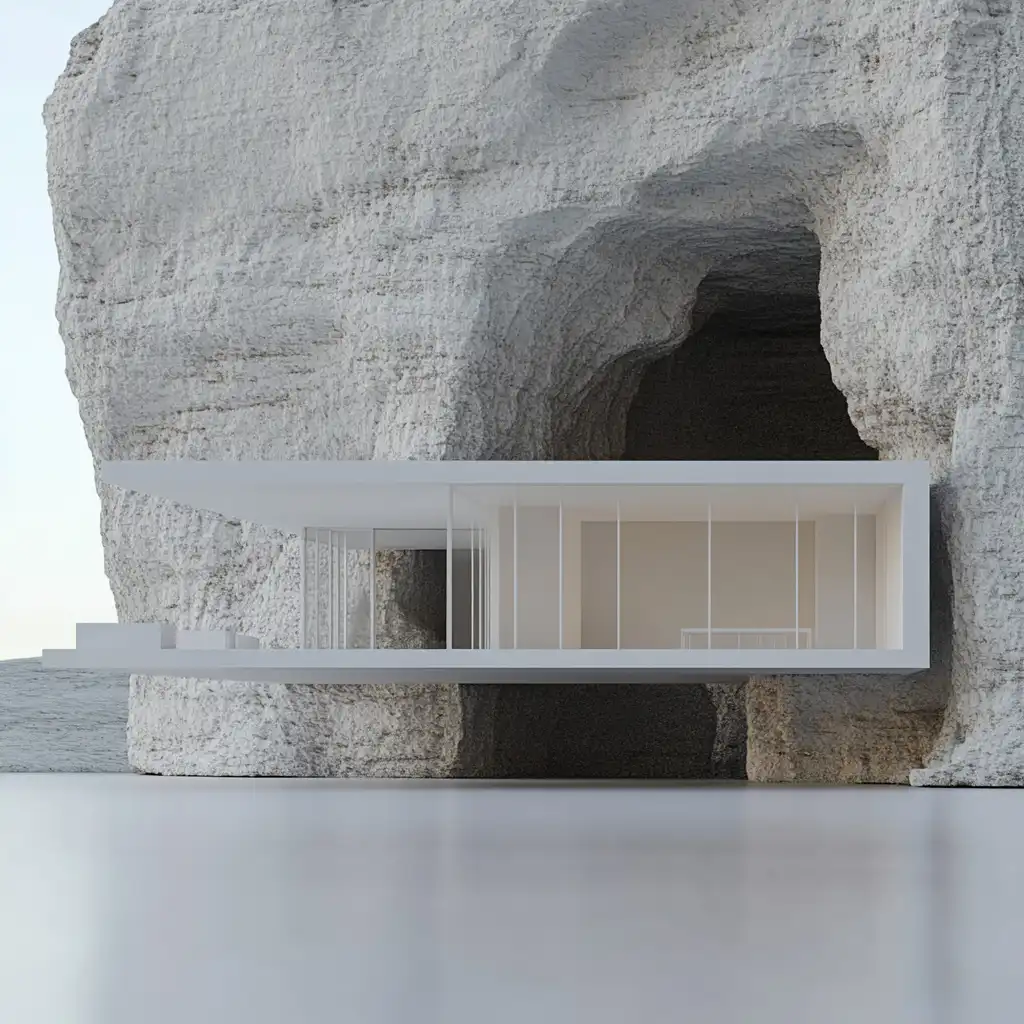
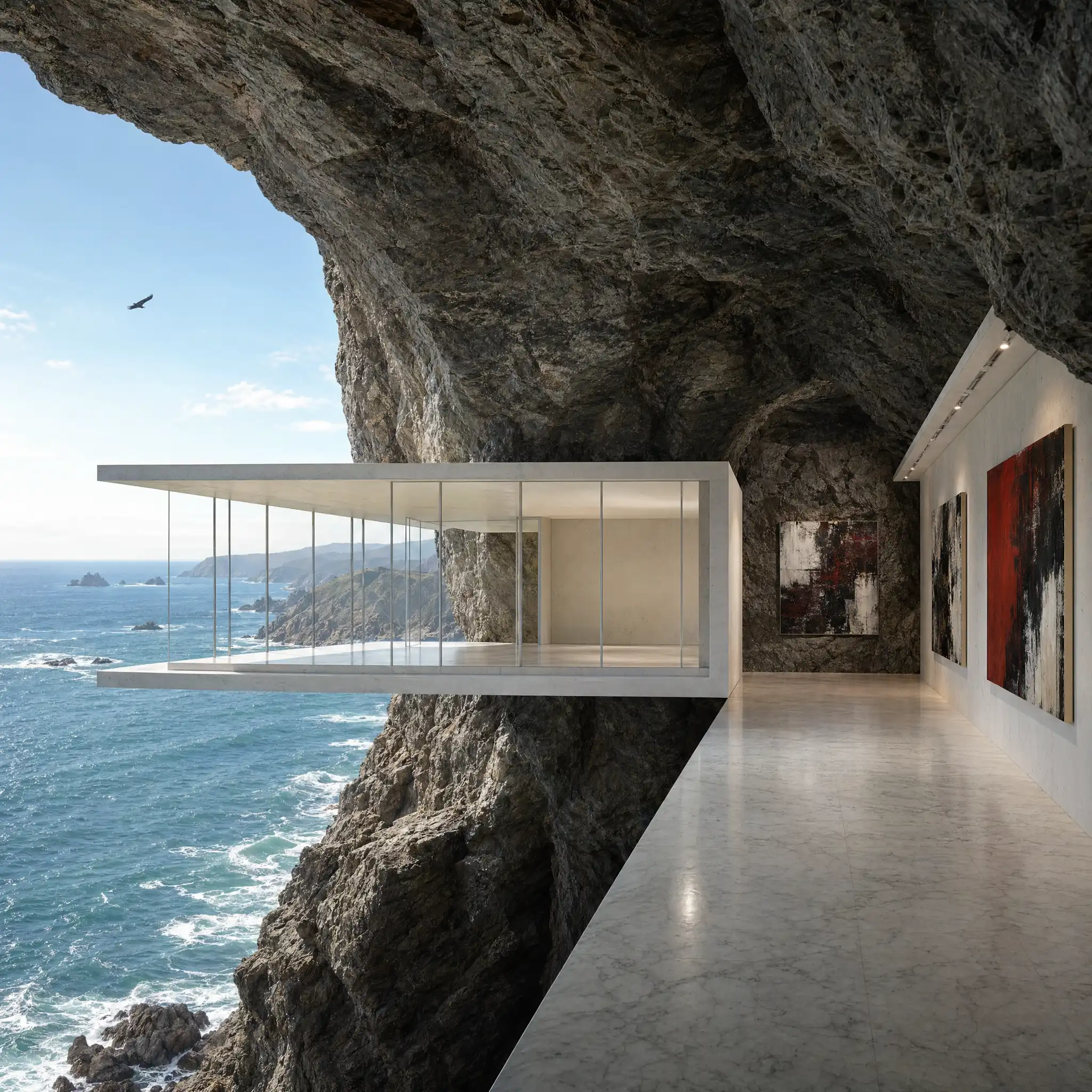
A photorealistic render of a small private art gallery built on the edge of a dramatic coastal cliff in Big Sur, California, a building that is half inside the cliff and half cantilevered over the Pacific Ocean on the cliff face, 60m above the sea. Form: The gallery is a rectangular volume (16m x 9m floor plate) oriented with its long axis perpendicular to the cliff edge. The rear half (8m) is embedded into the cliff, carved into the Franciscan schist, the rock face forming the north and rear walls of the interior. The front half (8m) cantilevers over the cliff edge on a pair of reinforced concrete deep beams (each 1200mm deep x 600mm wide, extending 8m from the cliff face into the rock as moment frames), the underside of the cantilevered floor slab exposed as the gallery ceiling in the interior. The cantilevered section is enclosed on three sides by a full-height glass curtain wall (from the floor slab to the roof slab, approximately 3.5m height) — the west, north, and south faces of the cantilevered section entirely transparent, the Pacific Ocean visible in every direction. Cliff face and structure: The transition point between the rock-embedded section and the cantilevered section is expressed as a dramatic raw stone wall — the actual cliff face, blasted clean and left as exposed natural rock (gray-green Franciscan schist with quartz veins), penetrating the interior. The concrete structural beams emerge from this rock face as thick tongues of white concrete. Interior gallery: The embedded section is cool, cave-like, lit only by indirect light from the cantilevered glazed section. The walls are the raw rock face (north and rear) and smooth white-painted concrete (south partition wall). The gallery floor throughout is honed white Carrara marble. Three large-scale paintings (abstract expressionist, 2m x 3m each) hang on the concrete and rock walls, spot-lit by narrow-beam ceiling-recessed LEDs. The cantilevered section is almost entirely glazed — the paintings here are replaced by the Pacific as the artwork. Pacific view: The Pacific Ocean in full Big Sur drama — deep blue-green swells rolling from the northwest, white water at the base of the cliff 60m below, sea stacks and rock formations in the middle distance, the Big Sur coastline visible curving north and south, and on this clear day the Channel Islands faintly visible on the southern horizon. A California condor visible as a dark silhouette at the same height as the gallery, riding a thermal updraft at the cliff edge. Camera angle: From inside the embedded section looking through the transition from cave to cantilevered glazed section, the raw rock wall of the cliff face dominating the center foreground, and the Pacific Ocean framed by the full-height glass beyond. Focal length equivalent 24mm. Aspect ratio 16:9. Time of day: 3:00 PM, March, strong Pacific afternoon light from the west.
Ideal for cliffside gallery and dramatic site-specific cultural projects. Upload site topography and geological surveys.
Tap the copy button above and the entire prompt will be saved to your clipboard, ready to use.
Head over to Archfine AI or any compatible visualization tool you prefer working with.
Drop in your floor plan, elevation sketch, or any reference image - then paste the prompt.
Run the generation and review the output. Swap out a few keywords to explore completely different aesthetics.
Mention specific materials, time of day, weather, and camera perspective. The more context the AI has, the more realistic the output becomes.
Each generation is unique. Changing even a single adjective can shift the entire mood - so experiment freely and compare outcomes.
Borrow phrases from other entries in our collection and merge them. Hybrid prompts often deliver the most original visuals.
Crisp linework and high-contrast sketches give the AI a clear foundation. Blurry or cluttered inputs lead to softer, less defined renders.
Of course. Think of it as a foundation you can build on. Adjust the style, swap materials, change the lighting setup, or rewrite entire sections to fit your specific project needs.
It has been fine-tuned for Archfine AI, but the descriptive structure translates well to other popular AI visualization engines. You may need minor adjustments depending on the tool.
Every prompt in our library is completely free. You can copy, adapt, and use them across personal portfolios, client presentations, or commercial marketing materials without restrictions.
Clean line drawings with strong contrast tend to perform best. The AI reads edges, proportions, and spatial relationships from your input - so a well-drawn elevation or section will consistently outperform a rough napkin sketch.
Yes. Renders generated through Archfine AI on any paid plan come with full commercial usage rights. Use them in proposals, publications, social media, or anywhere else your work needs to shine.
Upload your own sketch and use this prompt to generate a stunning render.
Try on Archfine
Cultural
A photorealistic render of a small public micro-library pavilion in a city park ...
Cultural
A photorealistic render of the central circulation spine of a new contemporary a...
We use cookies to enhance your browsing experience, serve personalized content, and analyze our traffic. By clicking "Accept All", you consent to our use of cookies. Cookie Policy
Archfine creates studio-quality architectural renders in under 30 seconds. No rendering skills, no expensive software. Sign up free and start with bonus render credits.
No credit card. No rendering skills needed.