Urban Micro-Library

Urban Micro-Library

Nordic Civic 18 seconds ArchFine Pro 23 May 2026

Prompt Used

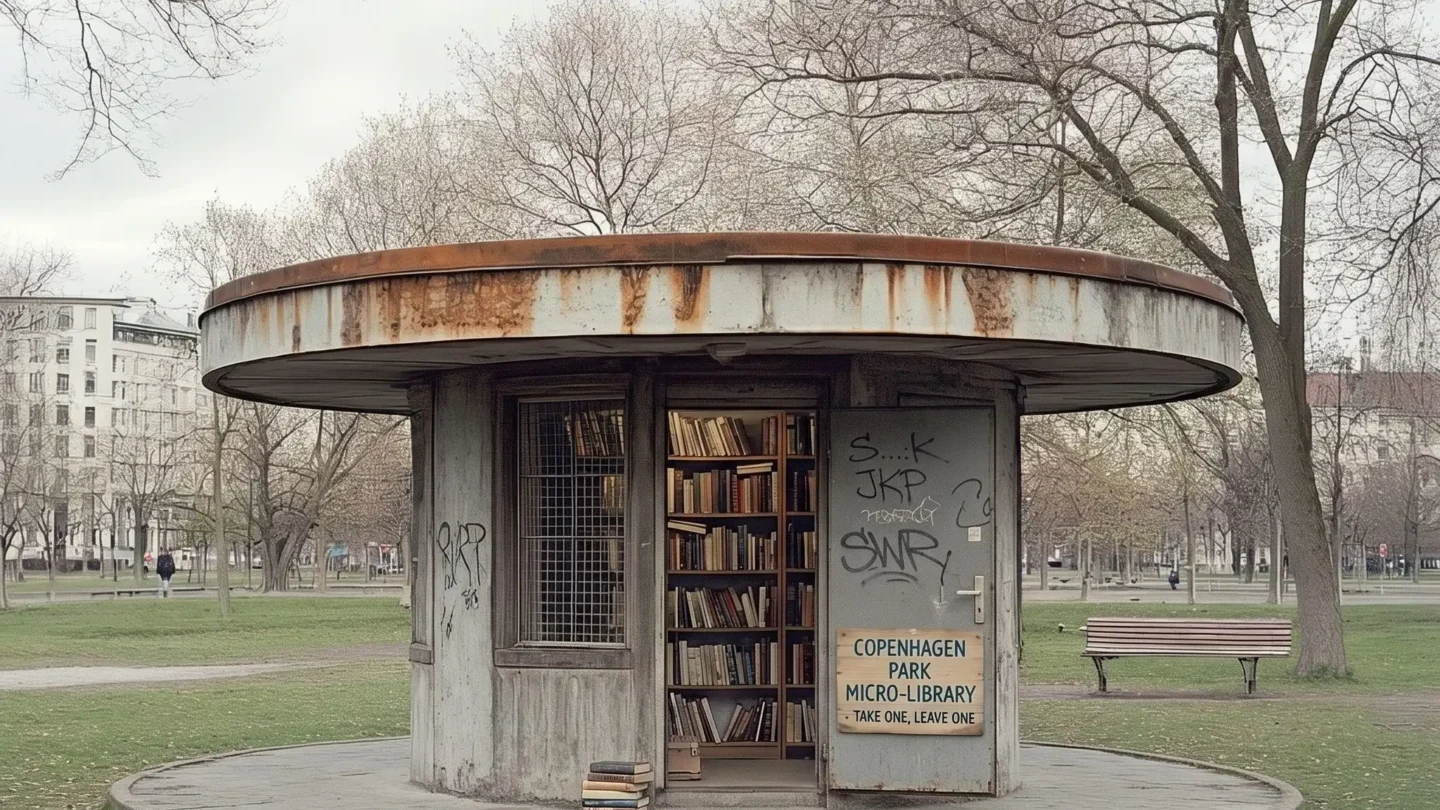
A photorealistic render of a small public micro-library pavilion in a city park in Copenhagen, a free-standing community reading room and book exchange of approximately 35 square meters, designed as a civic landmark within a larger park renovation project. Form: A circular plan (approximately 7m internal diameter) under a shallow concrete dome (approximately 9m span, 3.5m apex height internally, 180mm thick shell concrete). The dome exterior is planted — a seamless continuation of the park lawn covering the dome surface, the grass mown short and level, making the building read as a gentle hill from outside. A single circular oculus (800mm diameter) at the dome apex is glazed with a clear circular glass panel in a stainless steel frame. Entry: Two opposing entrance cuts (each 1800mm wide x 2400mm tall) slice through the dome shell on the north and south axes, frameless and with no doors — open to the elements, the park visible through both cuts as a framed landscape. The entry thresholds are in honed light gray granite. Interior: The entire curved wall of the dome interior is a continuous floor-to-ceiling bookshelf (2.8m height) in white-painted steel, the shelves holding approximately 800 books — a curated mix of spines in every color, the books in multiple languages reflecting the neighborhood's diversity. The shelf structure is modular steel sections with adjustable shelf heights. Between the two entry cuts, four reading nooks are recessed into the shelf wall — each nook 900mm wide x 1000mm deep x 1800mm tall, upholstered in a different bold solid color (warm terracotta, deep teal, dusty rose, olive green), with a small built-in bench cushion and a wall-mounted brass reading light. Floor: Polished light oak herringbone parquet (90mm x 18mm strips), the warmth of the wood contrasting with the cool concrete dome above. A single large circular rug (5m diameter) in deep navy with white constellation pattern centered under the oculus. Oculus light: The column of natural light from the oculus falls vertically through the dome onto the center of the circular rug, creating a moving pool of light across the floor over the course of the day. On this overcast spring morning, the light is diffuse and even. People: Three visitors — one adult reading in a terracotta niche, one child browsing the lower shelves, one person returning a book at the entrance — providing human scale. Camera angle: Interior perspective from just inside the south entry cut looking across the full circular room toward the north entry cut, the park visible beyond. The continuous bookshelf curves around the periphery, the reading niche colors punctuate the wall, and the oculus light falls on the rug at center. Focal length equivalent 24mm. Aspect ratio 3:2. Time of day: 11:00 AM, April overcast.

Before & After

Before - original sketch
Before
After - AI render
After

Ideal for civic pavilion and community cultural landmark projects. Upload park plans or site context drawings.
Getting Started with This Prompt

1

Grab the Prompt

Tap the copy button above and the entire prompt will be saved to your clipboard, ready to use.

2

Launch Your Renderer

Head over to Archfine AI or any compatible visualization tool you prefer working with.

3

Add Your Design

Drop in your floor plan, elevation sketch, or any reference image - then paste the prompt.

4

Render & Refine

Run the generation and review the output. Swap out a few keywords to explore completely different aesthetics.

Want a faster workflow? Archfine AI lets you skip prompt editing entirely - just upload and render.

How to Get Stronger Renders

1

Describe the Scene

Mention specific materials, time of day, weather, and camera perspective. The more context the AI has, the more realistic the output becomes.

2

Run Multiple Passes

Each generation is unique. Changing even a single adjective can shift the entire mood - so experiment freely and compare outcomes.

3

Blend Prompts Together

Borrow phrases from other entries in our collection and merge them. Hybrid prompts often deliver the most original visuals.

4

Start with a Clean Drawing

Crisp linework and high-contrast sketches give the AI a clear foundation. Blurry or cluttered inputs lead to softer, less defined renders.

Common Questions About This Prompt

Am I allowed to edit or customize this prompt?

Of course. Think of it as a foundation you can build on. Adjust the style, swap materials, change the lighting setup, or rewrite entire sections to fit your specific project needs.

Which rendering platform does this prompt work with?

It has been fine-tuned for Archfine AI, but the descriptive structure translates well to other popular AI visualization engines. You may need minor adjustments depending on the tool.

Does using this prompt cost anything?

Every prompt in our library is completely free. You can copy, adapt, and use them across personal portfolios, client presentations, or commercial marketing materials without restrictions.

What kind of input image gives the best output?

Clean line drawings with strong contrast tend to perform best. The AI reads edges, proportions, and spatial relationships from your input - so a well-drawn elevation or section will consistently outperform a rough napkin sketch.

Can I use the rendered image commercially?

Yes. Renders generated through Archfine AI on any paid plan come with full commercial usage rights. Use them in proposals, publications, social media, or anywhere else your work needs to shine.

Try this prompt yourself

Upload your own sketch and use this prompt to generate a stunning render.

Try on Archfine