Stone Farmhouse Kitchen Extension

Stone Farmhouse Kitchen Extension

Contemporary Heritage 21 seconds 29 May 2026

Prompt Used

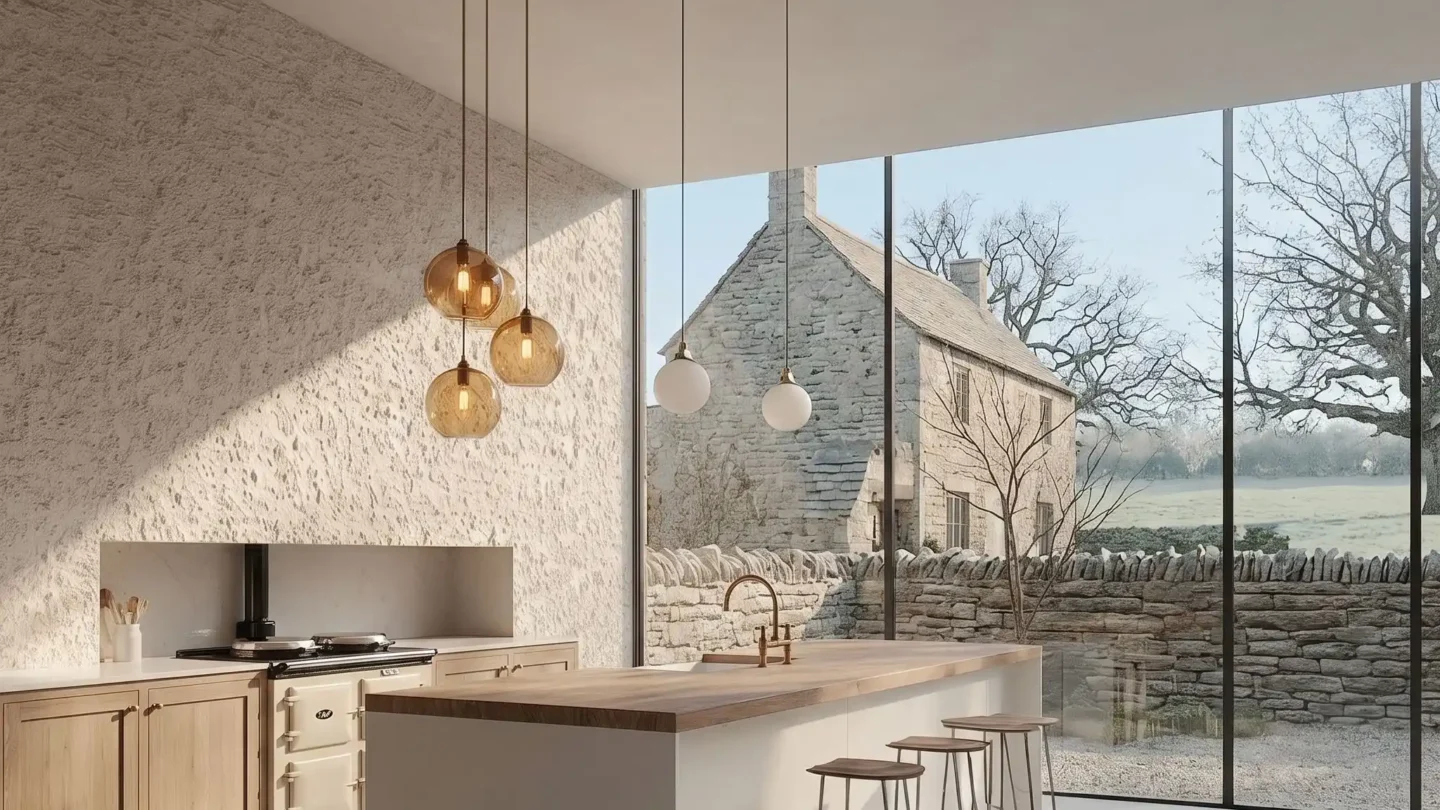
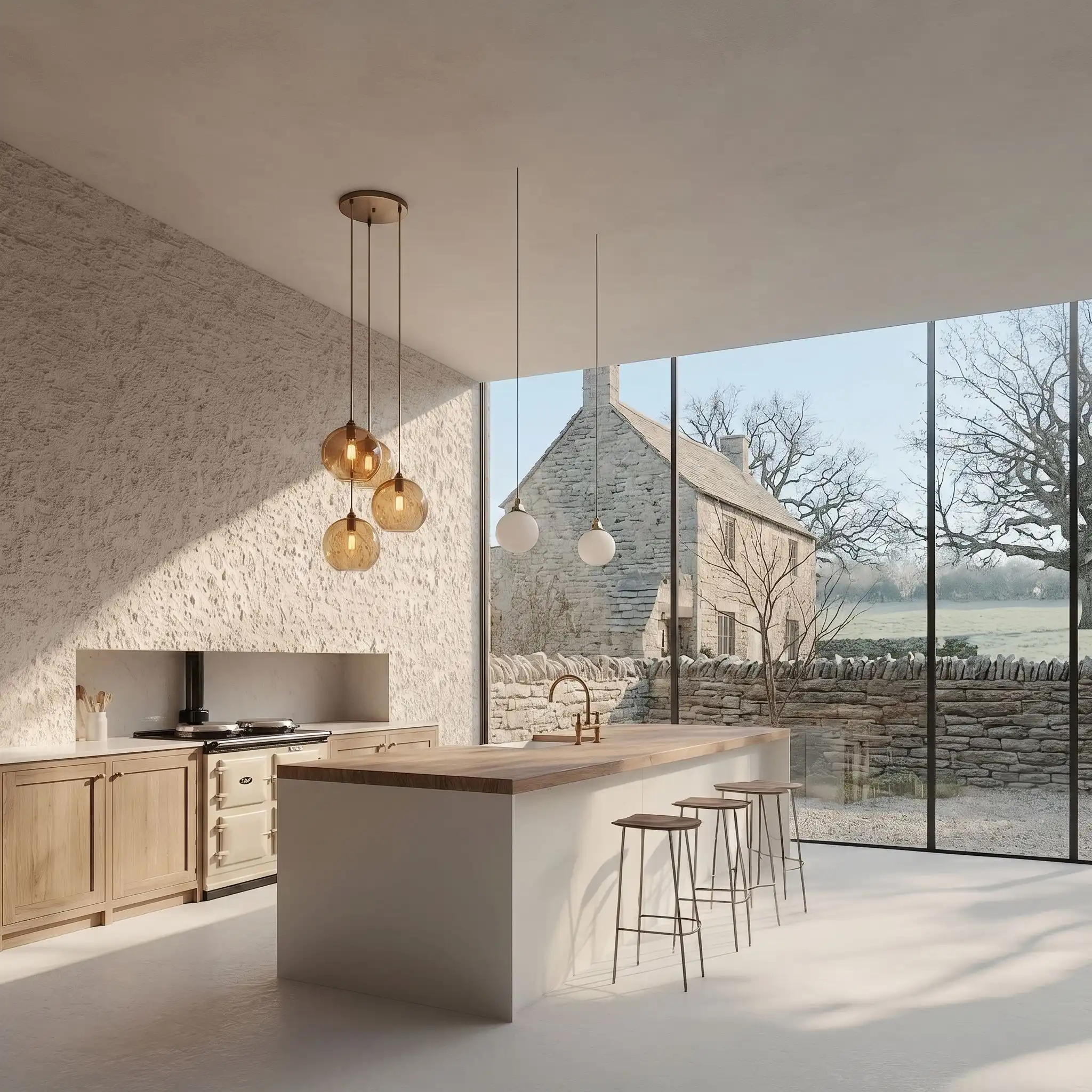
A photorealistic render of a contemporary kitchen extension added to a 17th-century Cotswolds stone farmhouse in Oxfordshire, the extension a single-story glazed structure (9m x 5m) connecting the original farmhouse to a converted barn, sitting between the two historic buildings in a former farmyard. Form: The extension is an almost entirely transparent glass and steel structure — its lightness deliberately contrasting with the heavy masonry of both flanking historic buildings. A flat roof (200mm precast concrete slab, white painted soffit) supported on slim steel columns (80mm square, matte black) with 600mm overhangs on all sides. The south and east walls are fully glazed — large fixed glass panels (each 1500mm x 2700mm, frameless, silicone-jointed) with a single set of bifold aluminum doors (2700mm x 2400mm, matte black frame, three leaf) opening to a stone terrace. Connection: The north wall of the extension butts directly against the original Cotswolds rubble stone wall of the farmhouse, the new steel structure touching the old masonry with a 10mm shadow gap, the historic fabric entirely unaltered. The east wall meets the barn's limestone ashlar wall similarly — touch-not-touch. Interior: The kitchen runs the full 9m length of the extension. A continuous kitchen unit along the original farmhouse wall (north face) — bespoke cabinetry in unpainted solid oak (shaker-style with simple cup handles in oiled bronze), Calacatta marble worktop (3m long slab, honed, bookmatched), a Belfast sink in white ceramic with a wall-mounted bridge mixer in unlacquered brass that will patinate. An Aga range cooker in cream (original enameled cast iron, three ovens) built into the existing fireplace recess in the farmhouse wall, the oak cabinetry wrapping around it. A long kitchen island (2400mm x 900mm, 40mm thick solid oak end-grain butcher block top on slim blackened steel frame legs, bar stools in tan leather on the south side). Overhead: three pendant lights in hand-blown amber glass (280mm globes, E27 warm filament) on adjustable height cables. View: Through the glazed south and east walls, the Cotswolds landscape is the dominant presence — a dry-stone wall (random rubble limestone, approximately 1m tall) bounds the garden, beyond it a sheep-grazed meadow with a scattering of mature oak trees, and in the middle distance the gentle rolling hills of the Oxfordshire countryside. Winter morning: the fields pale green-gray under frost, the oak trees leafless with complex branching silhouettes against a pale overcast sky. Original farmhouse wall (visible north face from interior): Exposed Cotswolds rubble stone (honey-yellow oolitic limestone, irregular coursing, lime mortar joints, the surface uneven and textured from centuries of weathering), the original window opening now converted to a wide internal pass-through connecting kitchen to dining room. Camera angle: Interior perspective from the west end of the kitchen looking east along the island toward the bifold garden doors and the Cotswolds landscape beyond. The Aga and farmhouse stone wall are visible on the left, the island runs the center, the glass walls frame the pastoral view. Eye-level (1.6m). Focal length equivalent 28mm. Aspect ratio 3:2. Time of day: 8:30 AM, February frost morning, pale overcast light.

Before & After

Before - original sketch
Before
After - AI render
After

Ideal for heritage farmhouse extension and rural residential projects. Upload existing building plans and site photographs.
Getting Started with This Prompt

1

Grab the Prompt

Tap the copy button above and the entire prompt will be saved to your clipboard, ready to use.

2

Launch Your Renderer

Head over to Archfine AI or any compatible visualization tool you prefer working with.

3

Add Your Design

Drop in your floor plan, elevation sketch, or any reference image - then paste the prompt.

4

Render & Refine

Run the generation and review the output. Swap out a few keywords to explore completely different aesthetics.

Want a faster workflow? Archfine AI lets you skip prompt editing entirely - just upload and render.

How to Get Stronger Renders

1

Describe the Scene

Mention specific materials, time of day, weather, and camera perspective. The more context the AI has, the more realistic the output becomes.

2

Run Multiple Passes

Each generation is unique. Changing even a single adjective can shift the entire mood - so experiment freely and compare outcomes.

3

Blend Prompts Together

Borrow phrases from other entries in our collection and merge them. Hybrid prompts often deliver the most original visuals.

4

Start with a Clean Drawing

Crisp linework and high-contrast sketches give the AI a clear foundation. Blurry or cluttered inputs lead to softer, less defined renders.

Common Questions About This Prompt

Am I allowed to edit or customize this prompt?

Of course. Think of it as a foundation you can build on. Adjust the style, swap materials, change the lighting setup, or rewrite entire sections to fit your specific project needs.

Which rendering platform does this prompt work with?

It has been fine-tuned for Archfine AI, but the descriptive structure translates well to other popular AI visualization engines. You may need minor adjustments depending on the tool.

Does using this prompt cost anything?

Every prompt in our library is completely free. You can copy, adapt, and use them across personal portfolios, client presentations, or commercial marketing materials without restrictions.

What kind of input image gives the best output?

Clean line drawings with strong contrast tend to perform best. The AI reads edges, proportions, and spatial relationships from your input - so a well-drawn elevation or section will consistently outperform a rough napkin sketch.

Can I use the rendered image commercially?

Yes. Renders generated through Archfine AI on any paid plan come with full commercial usage rights. Use them in proposals, publications, social media, or anywhere else your work needs to shine.

Try this prompt yourself

Upload your own sketch and use this prompt to generate a stunning render.

Try on Archfine