Elevated Rainforest Research Center

Elevated Rainforest Research Center

Tropical Eco 22 seconds ArchFine Pro 11 May 2026

Prompt Used

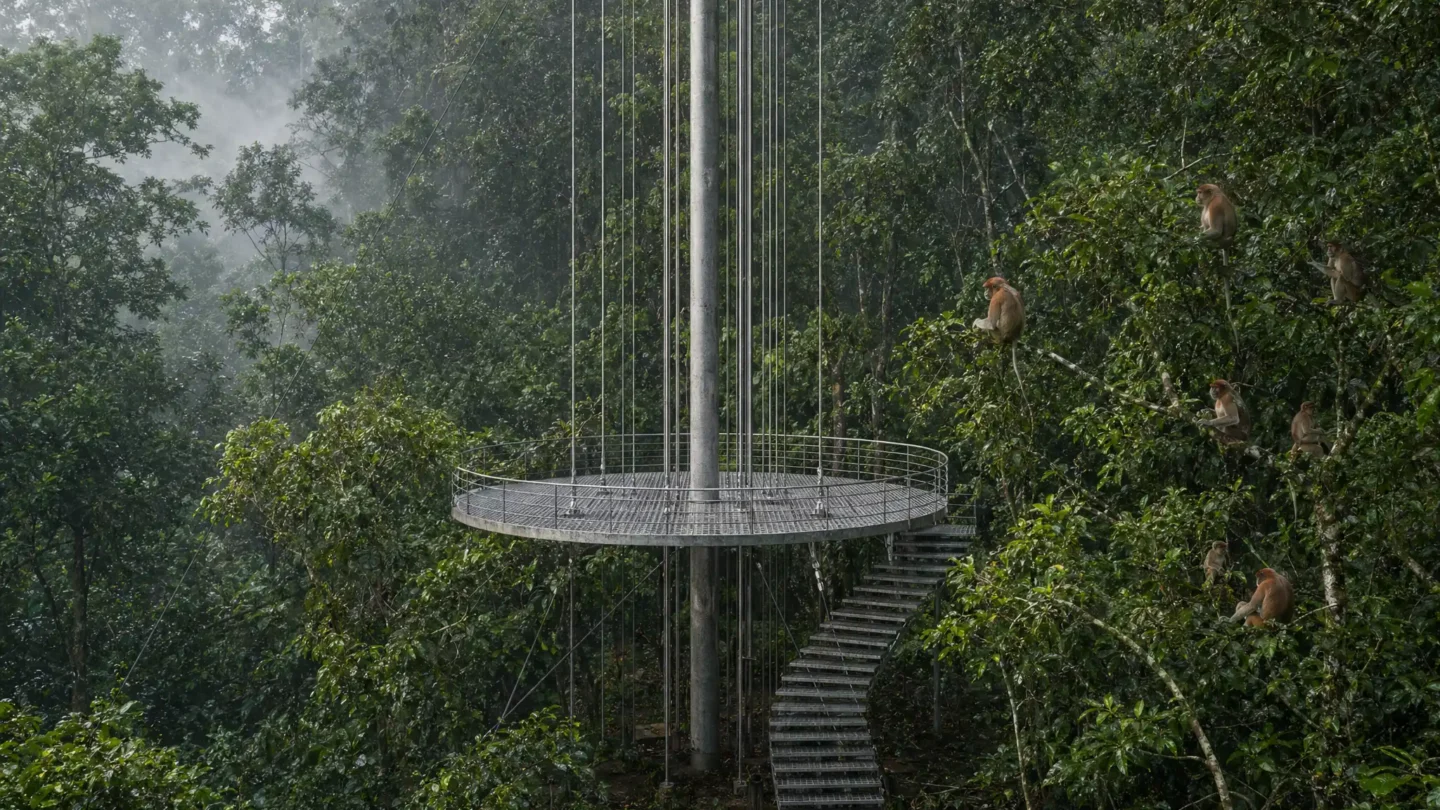
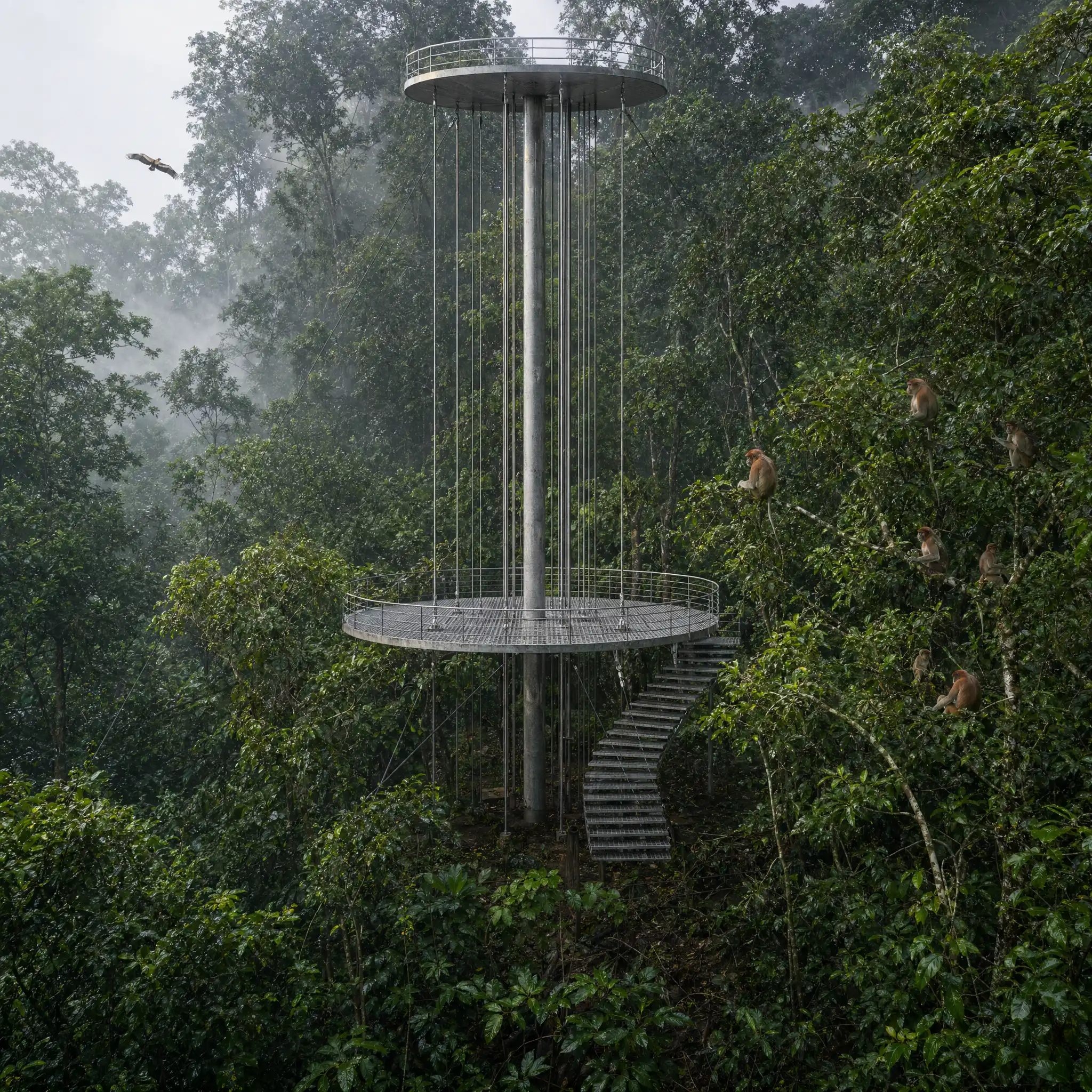
A photorealistic render of a tropical forest research station and canopy walkway in a primary rainforest in Borneo, Malaysia, a lightweight steel and timber structure elevated to 35m height within the rainforest canopy, built without cutting a single tree — the structure threaded between and around the existing tree trunks. Structure: A central steel mast (219mm CHS, hot-dip galvanized, 40m tall) is anchored to a concrete pad at forest floor level and guyed with stainless steel cables at three heights to surrounding trees (the cables attached to the trees via custom-fabricated stainless steel tree collars that distribute load without damaging the bark). At 35m height, the mast supports a circular observation platform (8m diameter, CHS steel frame with open-grid galvanized steel grating floor) with a cable railing system. A single-flight open steel stair (zigzag, 900mm wide, open risers) descends from the platform in sections to the forest floor, the stair landing on existing branches at intermediate levels where practical. Platform at 35m: The canopy level observation platform is at the same height as the upper forest canopy — the researcher is not above the canopy looking down, but within it. The perspective from the platform is extraordinary — a horizontal field of tree crowns extends in every direction, the individual crowns overlapping and interlocking in complex organic patterns, the greens ranging from deep forest green to pale yellow-green in new growth, punctuated by the occasional emergent tree (Dipterocarps reaching to 50m). A family of proboscis monkeys (Nasalis larvatus, 4 adults and two juveniles) are visible in a Ficus tree 12m from the platform, the distinctive bulbous noses of the males clearly identifiable. Forest floor (visible far below): Through the platform grating and looking down the stair descent, the forest floor is visible 35m below — a dark green shadow world of root systems, fallen leaves, and fern understory, the canopy above filtering the light to approximately 2% of its surface intensity at ground level. Atmosphere: Mid-morning in the rainforest — a recent rain has left every leaf surface glistening, water droplets running from tip to tip and falling as a secondary rain from the canopy 10m above the observation platform. Low-hanging mist moves through the mid-canopy level. The air is saturated, the humidity palpable. Bird calls — hornbill (a rhinoceros hornbill visible in flight to the north, its massive yellow-red casque visible even in silhouette) and the territorial call of a gibbon from the west. Camera angle: From the observation platform looking across the canopy level to the northwest, the steel mast and cable guys visible in the composition, the proboscis monkeys in the Ficus tree to the right, the forest floor visible far below through the open grating, the mist-filtered mid-morning light. Focal length equivalent 28mm. Aspect ratio 16:9. Time of day: 9:30 AM, post-rain, misty humid morning.

Before & After

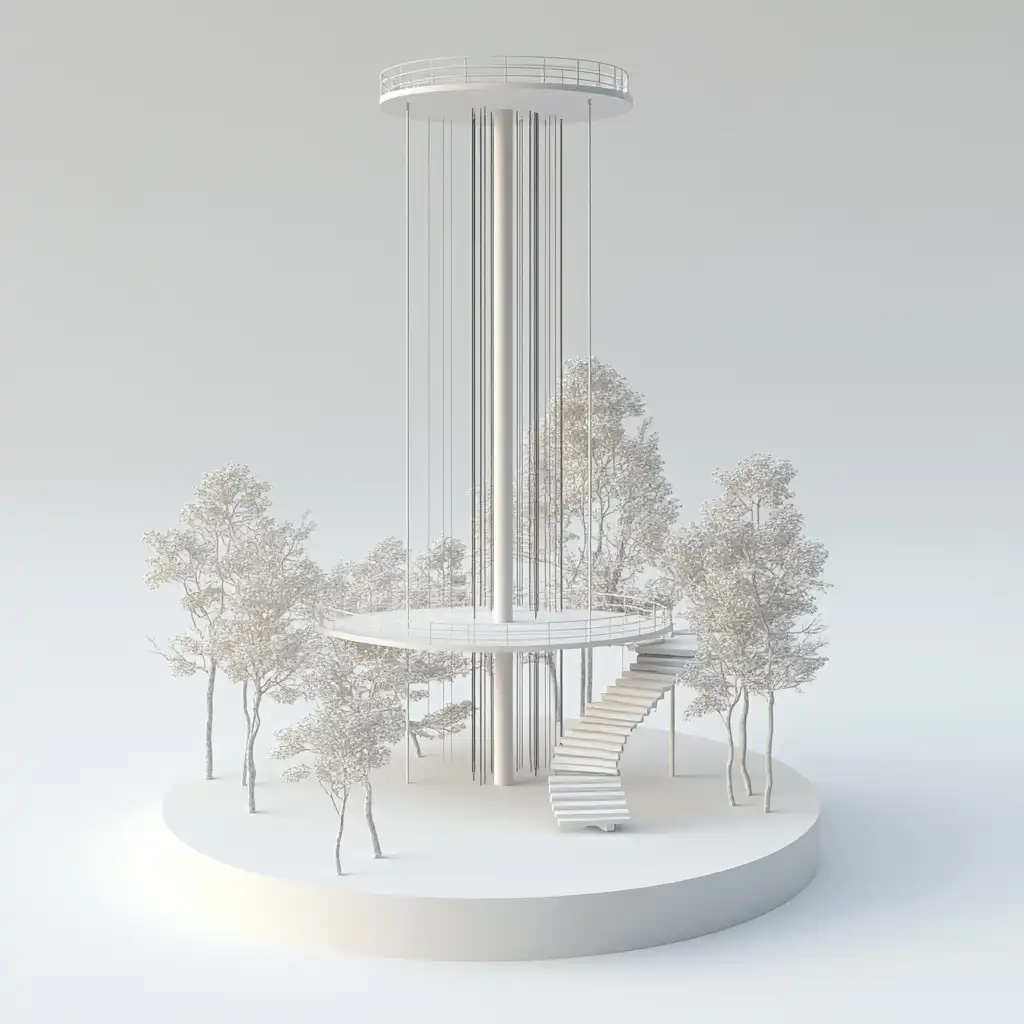
Before - original sketch
Before
After - AI render
After

Ideal for ecological research facility and forest canopy architecture projects. Upload site canopy survey or LiDAR data.
Getting Started with This Prompt

1

Grab the Prompt

Tap the copy button above and the entire prompt will be saved to your clipboard, ready to use.

2

Launch Your Renderer

Head over to Archfine AI or any compatible visualization tool you prefer working with.

3

Add Your Design

Drop in your floor plan, elevation sketch, or any reference image - then paste the prompt.

4

Render & Refine

Run the generation and review the output. Swap out a few keywords to explore completely different aesthetics.

Want a faster workflow? Archfine AI lets you skip prompt editing entirely - just upload and render.

How to Get Stronger Renders

1

Describe the Scene

Mention specific materials, time of day, weather, and camera perspective. The more context the AI has, the more realistic the output becomes.

2

Run Multiple Passes

Each generation is unique. Changing even a single adjective can shift the entire mood - so experiment freely and compare outcomes.

3

Blend Prompts Together

Borrow phrases from other entries in our collection and merge them. Hybrid prompts often deliver the most original visuals.

4

Start with a Clean Drawing

Crisp linework and high-contrast sketches give the AI a clear foundation. Blurry or cluttered inputs lead to softer, less defined renders.

Common Questions About This Prompt

Am I allowed to edit or customize this prompt?

Of course. Think of it as a foundation you can build on. Adjust the style, swap materials, change the lighting setup, or rewrite entire sections to fit your specific project needs.

Which rendering platform does this prompt work with?

It has been fine-tuned for Archfine AI, but the descriptive structure translates well to other popular AI visualization engines. You may need minor adjustments depending on the tool.

Does using this prompt cost anything?

Every prompt in our library is completely free. You can copy, adapt, and use them across personal portfolios, client presentations, or commercial marketing materials without restrictions.

What kind of input image gives the best output?

Clean line drawings with strong contrast tend to perform best. The AI reads edges, proportions, and spatial relationships from your input - so a well-drawn elevation or section will consistently outperform a rough napkin sketch.

Can I use the rendered image commercially?

Yes. Renders generated through Archfine AI on any paid plan come with full commercial usage rights. Use them in proposals, publications, social media, or anywhere else your work needs to shine.

Try this prompt yourself

Upload your own sketch and use this prompt to generate a stunning render.

Try on Archfine